

GoTo Connect
by LogMeIn Inc.
What is GoTo Connect?
Get Best Quote for GoTo Connect
Connect with SaaSrat experts to get the best quote for your business.
You're all set!
A specialist for GoTo Connect will reach out within 1 business day.
GoTo Connect Features
Cloud phone
Unlimited extensions
US/CA calling
International calling to 50+ countries on Standard
GoTo Meeting video
Team messaging
View All 25 Features
GoTo Connect Pricing Plans
Basic
- Cloud phone
- Unlimited extensions
- US/CA calling
- Voicemail
- Basic IVR
- Mobile and desktop apps
- Annual billing
Standard
- Everything in Basic
- International calling to 50+ countries
- Unlimited call recording
- GoTo Meeting video for up to 150 participants
- Team messaging
- Advanced IVR
- Ring groups
- Most popular tier
- Annual billing
Premium
- Everything in Standard
- Contact center features
- Real-time analytics
- AI Messaging
- GoTo Meeting for 250 participants
- Supervisor tools
- Dedicated success manager
- Custom quote
GoTo Connect Resources
GoTo Connect Screenshots
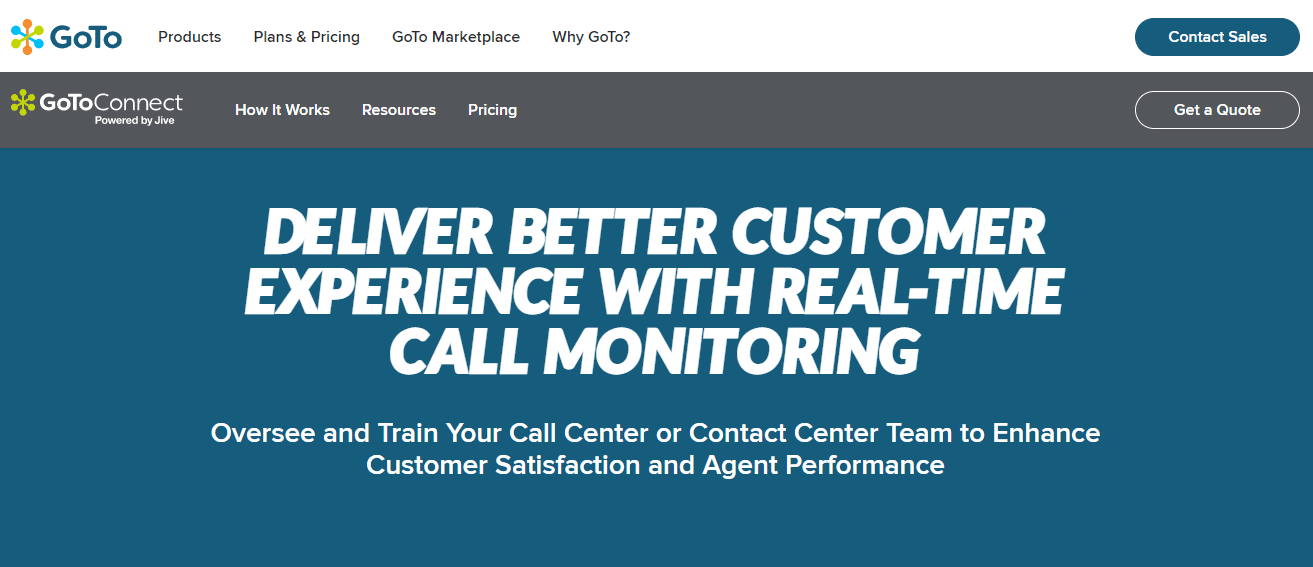
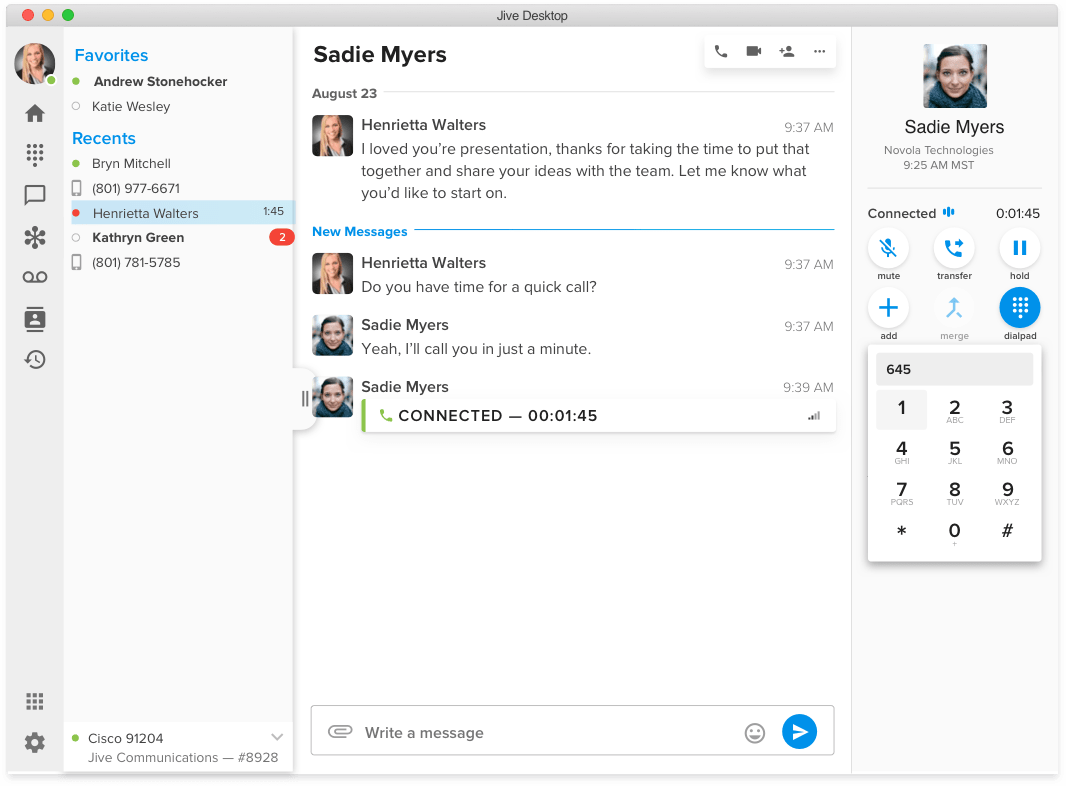
Description
GoTo Connect at a Glance
| Best fit for | Mid-market teams of 25 to 500 users that want all-in-one UCaaS (phone, video, messaging) with strong international calling and a single admin pane |
|---|---|
| Annual entry price | $26 per user per month on Basic, billed annually, includes unlimited extensions and US/CA calling |
| Most popular tier | Standard at $33 per user per month annual, adds international calling to 50 plus countries and unlimited recording |
| Top tier | Premium custom-quoted with advanced contact center features, real-time analytics, and AI Messaging |
| Free trial | 14 days, no credit card required |
| Country coverage | Calling included to 50 plus countries on Standard; numbers available in 70 plus countries |
| Bundled video | GoTo Meeting included for video conferencing on Standard and Premium |
| Mobile and desktop | iOS, Android, macOS, Windows, browser softphone |
| CRM integrations | Salesforce, HubSpot, Microsoft Dynamics, Zoho, Zendesk, Freshdesk, plus open API |
| Compliance | HIPAA-eligible at higher tiers, SOC 2 Type II, GDPR-compliant |
Pros and Cons of GoTo Connect
Where GoTo Connect wins:
- True all-in-one UCaaS bundle. Phone, video, messaging, and meetings sit under one license without per-product upsells. Useful for mid-market teams replacing 3 to 4 legacy point tools.
- International calling is included to 50 plus countries on the Standard tier. Teams with global hiring stop paying per-minute international overage.
- Drag-and-drop dial plan editor is unusually friendly. Non-technical admins can build custom call flows without IT involvement.
- Single admin pane for phone, video, and messaging cuts IT overhead versus running separate vendors.
- Strong reliability record. Carrier-grade voice infrastructure inherited from the Jive Communications acquisition.
Where GoTo Connect falls short:
- Native CRM integrations are competent but lighter than Aircall or Dialpad. Salesforce and HubSpot work but feel less polished.
- AI features lag the AI-first voice category. AI Messaging is available on Premium but post-call AI is thinner than Dialpad or Zoom Phone.
- Pricing on Premium is custom-quoted, which slows mid-market sales cycles.
- Power Dialer is not native. Sales-led teams often add a third-party dialer or pair with Outreach or Salesloft.
- Brand awareness is lower than RingCentral or 8x8 in mid-market RFP processes.
Who Should Use GoTo Connect
GoTo Connect is built for mid-market teams that want UCaaS depth without the per-product upsell layer. Companies running 50 to 500 users with mixed phone, video, and messaging needs find the all-in-one bundle simpler to budget and administer than RingCentral plus separate Zoom plus Slack.
Skip GoTo Connect if you are an SMB under 25 users (Grasshopper, OpenPhone, or CallHippo are simpler), if you need AI-first voice features for sales (Dialpad or Aircall fit better), or if you run a contact center above 50 agents (Talkdesk or Five9 outperform).
GoTo Connect Product Suite
GoTo Connect is one product line within the broader GoTo portfolio (which also includes GoTo Resolve, GoTo Webinar, and LogMeIn Pro). Core capabilities buyers care about:
- Cloud phone with unlimited extensions, voicemail, voicemail-to-email, virtual fax, and call routing on every plan.
- GoTo Meeting included on Standard and Premium for video conferencing with up to 250 participants.
- Team messaging for one-on-one and channel-based chat with file sharing.
- Drag-and-drop dial plan editor for visual auto-attendant and IVR builds.
- International calling included to 50 plus countries on Standard, expanded to 80 plus on Premium.
- Call recording unlimited on Standard and Premium tiers.
- Real-time analytics for call volume, queue performance, and agent activity (Premium).
- Contact center features on Premium with skills-based routing, queue callbacks, and supervisor dashboards.
- AI Messaging for SMS-based customer engagement on Premium.
- Open API and Zapier integration for custom workflows beyond native CRM connectors.
- Hardware support for Yealink, Cisco, and Polycom desk phones with Vonage-style provisioning.
How Much Does GoTo Connect Cost
GoTo Connect publishes per-user pricing for two tiers and a custom plan. Annual billing is the default; monthly is roughly 15 to 20 percent higher.
- Basic: $26 per user per month annual. Cloud phone, unlimited extensions, US/CA calling, voicemail, basic IVR, mobile and desktop apps.
- Standard: $33 per user per month annual. Adds international calling to 50 plus countries, unlimited call recording, GoTo Meeting video for up to 150 participants, team messaging, advanced IVR, and ring groups. The most popular tier for mid-market.
- Premium: Custom quote. Adds contact center features, real-time analytics, AI Messaging, GoTo Meeting for up to 250 participants, supervisor tools, and dedicated success manager.
The 14 day free trial does not require a credit card. Annual contracts are typical; multi-year contracts often unlock additional discounts.
Hidden Costs and Contract Gotchas
The headline price covers the base subscription. Buyers should budget for:
- Phone number monthly fees for additional toll-free, local, or international DIDs at $5 to $20 per number per month.
- Hardware costs for desk phones at $75 to $400 each. GoTo Connect does not include hardware in the per-user fee.
- Premium tier custom pricing requires a sales call and typically lands in the $40 to $55 per user range based on disclosed buyer reports.
- International calling outside included countries is billed per-minute. Standard covers 50 plus countries; outside that pool charges apply.
- Carrier fees and regulatory surcharges add roughly 10 to 20 percent to the headline price on the first invoice.
- Annual contract auto-renewal is the default. Calendar a 30 day reminder before renewal.
- Power Dialer add-on required for sales teams. Either via third-party integration or by adding a sales engagement tool like Salesloft.
GoTo Connect Alternatives
GoTo Connect competes in the all-in-one UCaaS segment. Common alternatives buyers shortlist:
- RingCentral for the largest market share UCaaS with deeper contact center features and stronger CRM integrations.
- Nextiva for service businesses that want strong customer support and competitive UCaaS pricing.
- 8x8 for global enterprises with strict compliance requirements and large contact centers.
- Zoom Phone for Zoom-committed teams that want phone bundled with their dominant meeting platform at lower per-user cost.
- Dialpad for sales-led teams that want AI-first voice and stronger native CRM dialing.
- Vonage for teams that prioritize international calling depth and developer APIs.
- Grasshopper for solo professionals and SMBs that just want a basic business phone number.
Compare prices, features, and reviews across the full business phone systems category to see how GoTo Connect lines up.
What Real Buyers Report
Mid-market communication leaders evaluating GoTo Connect in 2026 most commonly highlight three patterns in customer reviews and forum threads:
- All-in-one bundle saves real money. Companies that consolidate from RingCentral plus Zoom plus separate messaging report 25 to 35 percent savings on annual UCaaS spend after switching to Standard.
- Dial plan editor is genuinely usable. Non-technical admins can build complex call flows without IT involvement, cutting deployment time from weeks to days.
- International calling delivers. Teams hiring across 5 plus countries report being able to provision local numbers within days and that calling rates are predictable with no surprise overage.
Common complaints in 2025 to 2026 reviews: dated UI in some areas, AI features lag competitors, and Premium tier custom pricing slows procurement.
Bottom Line
GoTo Connect is the right pick for mid-market teams that want true all-in-one UCaaS with international calling included and a single admin pane for phone, video, and messaging. The Standard tier at $33 per user with international calling included is the strongest value in the category for global teams. Skip GoTo Connect if you need AI-first voice for sales, deep Salesforce CTI, or large contact center routing. Run the 14 day trial on Standard with your actual mix of US, international, and video calls and measure consolidation savings before committing.
Frequently Asked Questions
How much does GoTo Connect cost in 2026?
Does GoTo Connect include video meetings?
Does GoTo Connect support international calling?
How does GoTo Connect compare to RingCentral?
Is GoTo Connect HIPAA-compliant?
What CRM integrations does GoTo Connect support?
Does GoTo Connect have a Power Dialer?
Does GoTo Connect have a free plan?
Does GoTo Connect have mobile apps?
What is the GoTo Connect Premium tier?
Find Your Perfect Software
See how it can transform your workflow
- Personalized for your needs Tailored recommendations based on your unique requirements.
- Save time & resources Streamline your workflow and boost team productivity.
- Trusted by thousands Join 10,000+ businesses already growing with SaaSrat.
You're all set! 🎉
A specialist for will reach out within 1 business day with tailored recommendations for your needs.