

osTicket
by Enhancesoft LLC
What is osTicket?
Get Best Quote for osTicket
Connect with SaaSrat experts to get the best quote for your business.
You're all set!
A specialist for osTicket will reach out within 1 business day.
osTicket Features
Ticket management
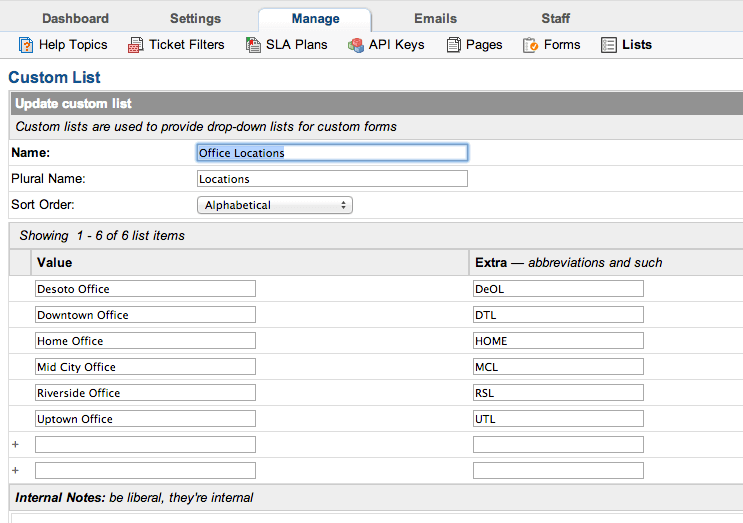
Custom fields
Agent collision avoidance
Auto responder
Email integration
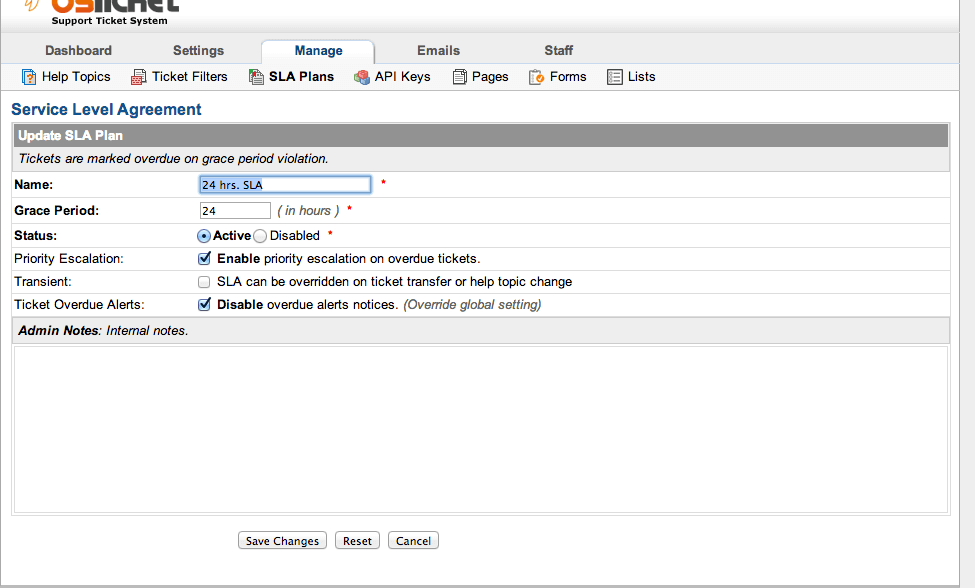
Service level agreements (slas)
View All 29 Features
osTicket Resources
osTicket Screenshots
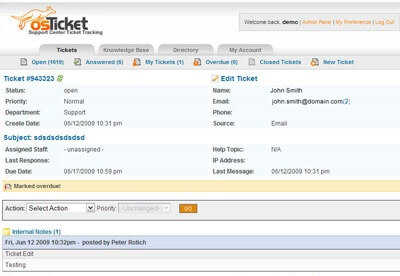
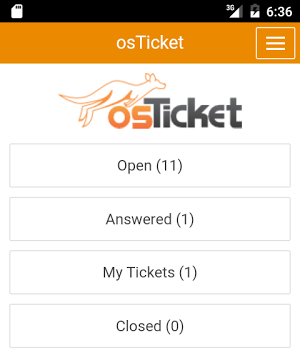
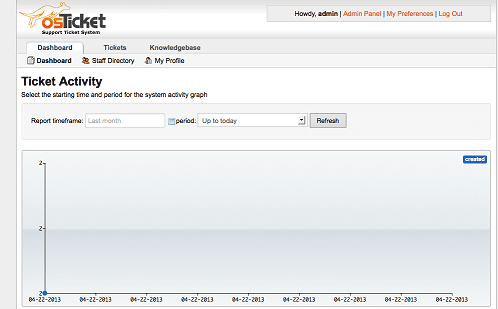
Description
osTicket at a Glance
| Best for | Small IT and support teams (1-50 agents), MSPs, universities, and Fortune 500 IT operations that want free open-source ticketing with the option to self-host on their own infrastructure |
|---|---|
| Deployment | Self-hosted (PHP, MySQL, Apache/Nginx on Linux or Windows) or osTicket Cloud (Enhancesoft-hosted) |
| Starting price | Free for the self-hosted open-source download; osTicket Cloud has hosted plans (Contact Vendor for current per-agent rates) |
| Key strengths | Genuinely free open-source ticketing, self-host or cloud option, custom fields, canned responses, knowledge base, ticket filters, role-based agent access, agent auto-assignment |
| Not ideal for | Teams that need modern generative-AI ticket workflows, native voice or social channels, or a polished commercial-grade UI out of the box |
osTicket Overview
osTicket is an open-source support ticket system that has been in continuous development since the mid-2000s, delivered as a free self-hosted download or as osTicket Cloud for teams that do not want to self-host.
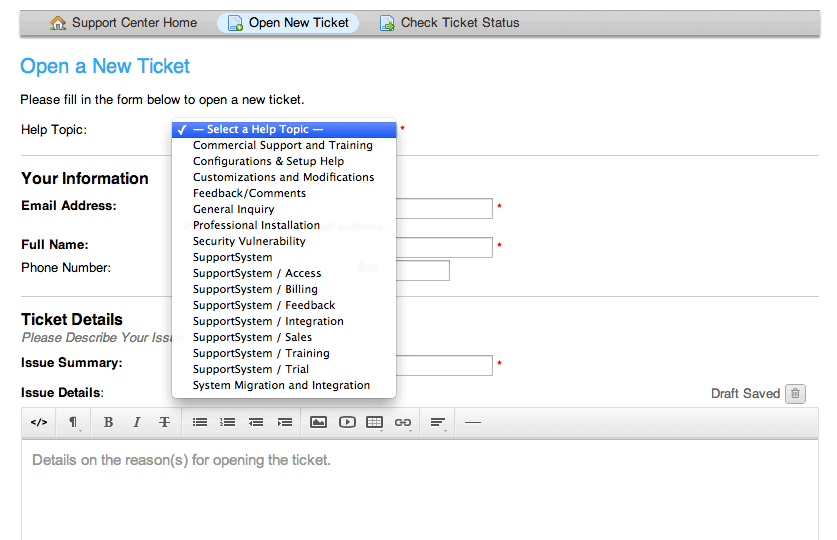
It routes customer requests coming in from email, phone, and web-based forms into a shared ticketing queue with role-based agent access, category assignments, priorities, and canned responses.
Widely used across trusted institutions, small businesses, and Fortune 500 companies, osTicket is one of the most-deployed open-source help desk products because it is functional, extensible, and free at the self-hosted tier.
Enhancesoft LLC maintains the project and offers commercial support, hosted cloud plans, and paid add-ons for teams that want vendor-backed operations on top of the open-source core.
Capabilities and Named Features
The osTicket thesis is that open-source ticketing should be genuinely free and self-hostable rather than a limited trial funnel toward a paid product.
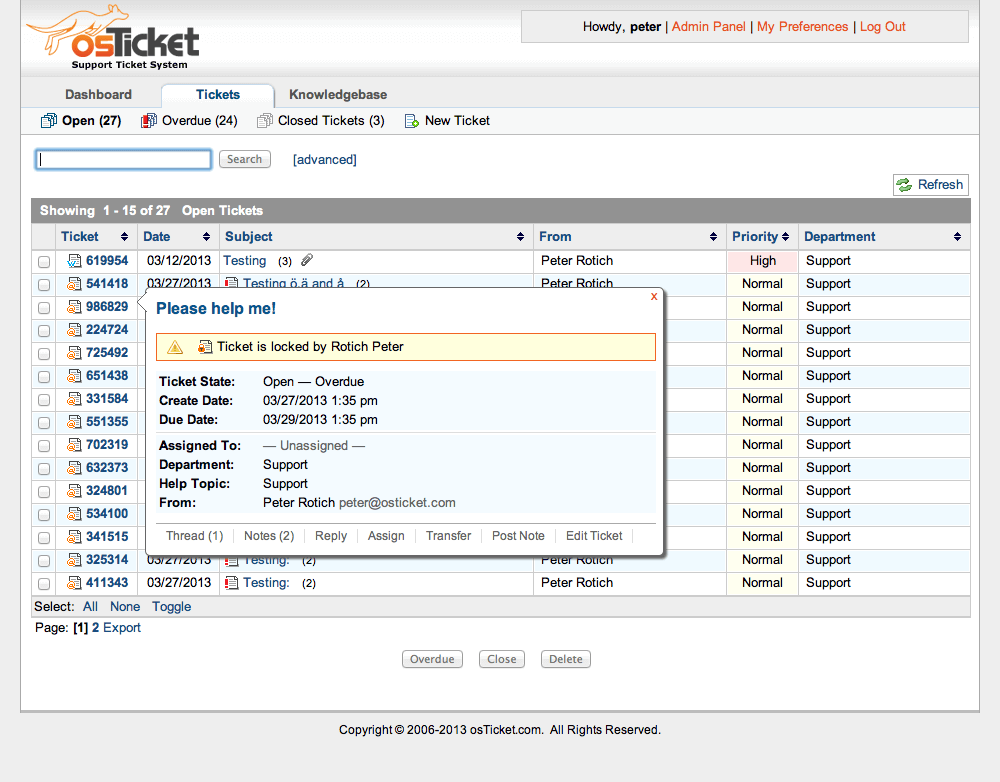
The core queue is what it says on the tin: customer emails, web-form submissions, and phone-logged tickets flow into a shared inbox with categories, priorities, and assignment rules.
Role-based agent access gives IT teams control over who sees which department queues, which is important for shared-service organizations running multi-department support out of one ticketing system.
The knowledge base plus canned responses reduce repetitive work; agents insert help-article links into replies to accelerate resolution while the KB also serves as end-user self-service.
For teams that outgrow the self-hosted setup or do not want to run a PHP/MySQL stack, osTicket Cloud provides Enhancesoft-hosted deployment with the same feature set.
Because the codebase is open, larger deployments often layer custom fields, forms, and workflows through community modules or in-house development to fit specific business processes.
Named feature list
- Multi-channel ticket intake from email, phone, and web forms
- Shared ticketing queue with category assignment and priorities
- Role-based agent access with departments and teams
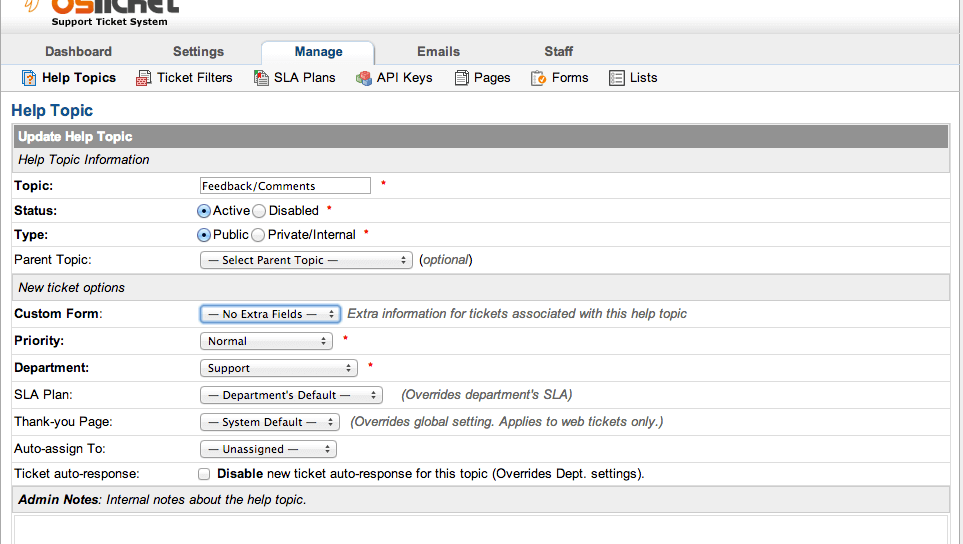
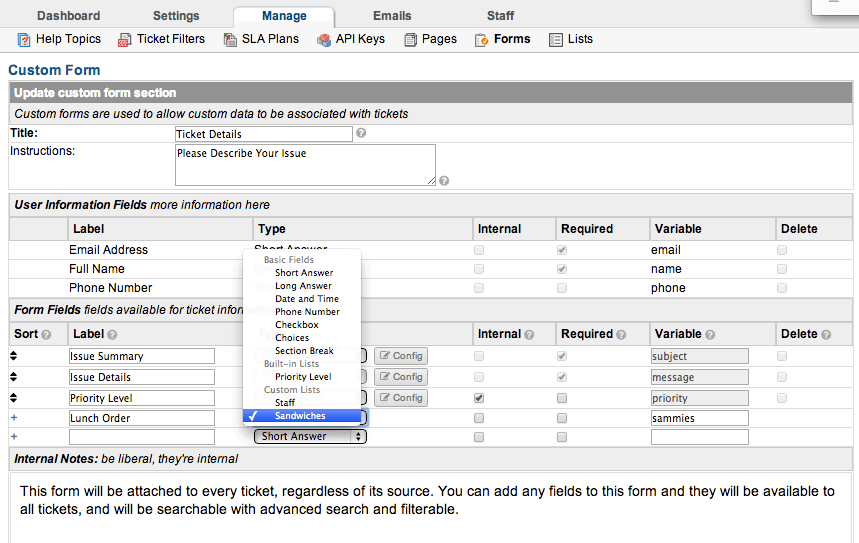
- Custom fields on tickets, users, organizations, and topics
- Custom forms for departments or ticket types
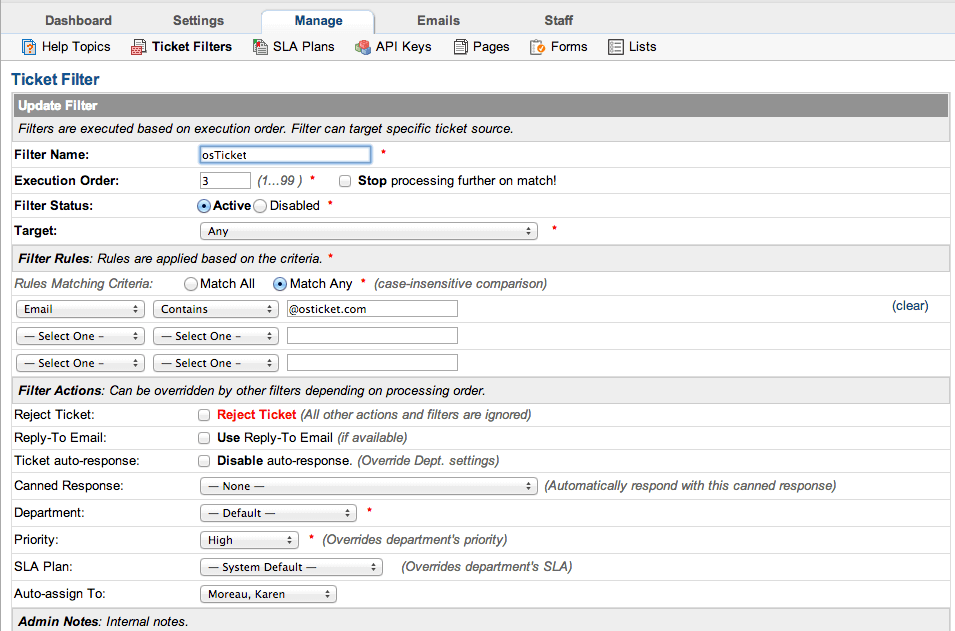
- Ticket filters for automated routing and assignment rules
- Canned responses for reusable replies
- Knowledge base with public FAQs and internal notes
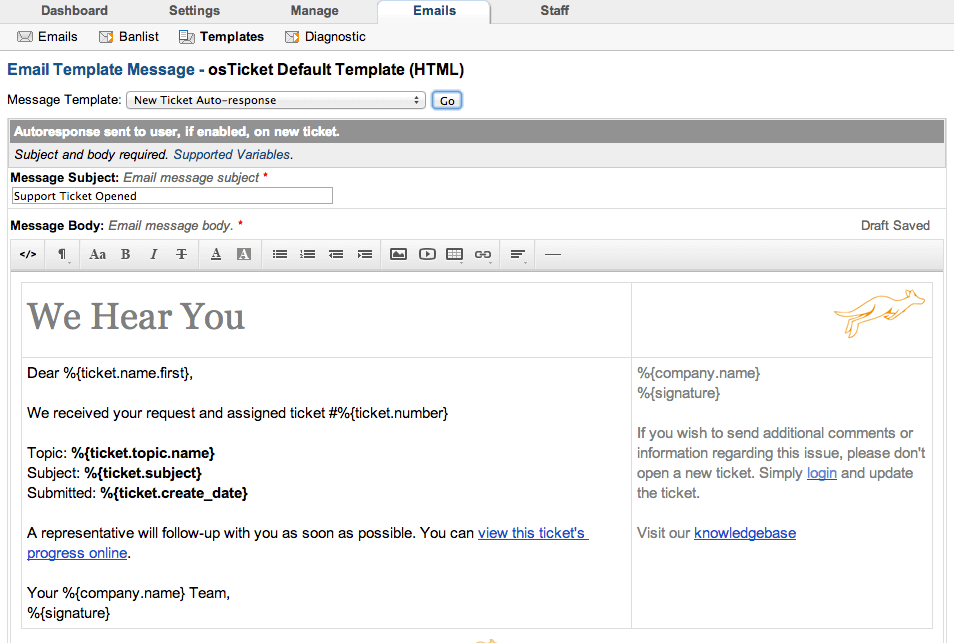
- Ticket auto-response with configurable templates
- Service Level Agreement (SLA) plans with escalation
- Agent collision detection to prevent duplicate responses
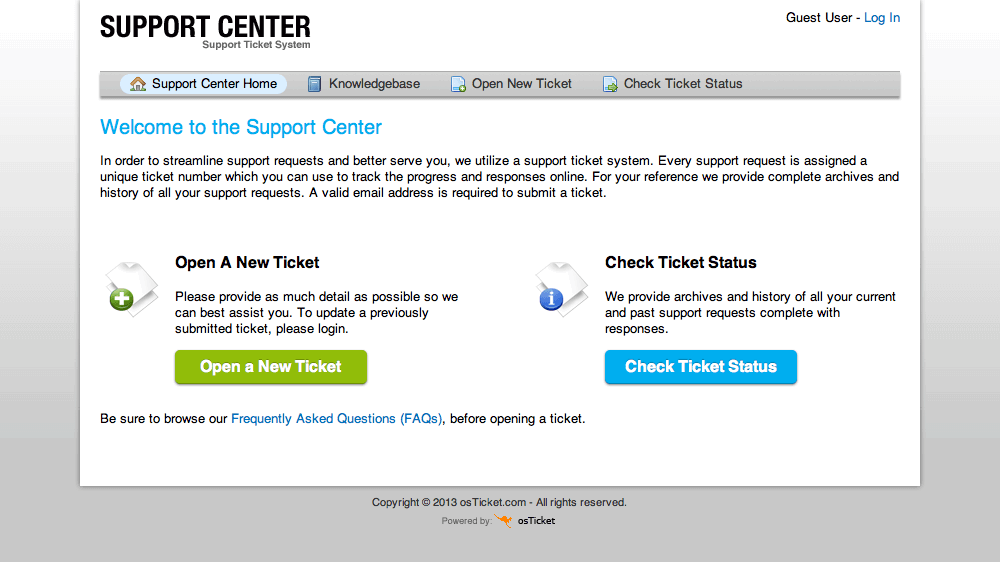
- Customer portal for ticket history and self-service
- Rich text tickets with attachments
- Language pack support for internationalization
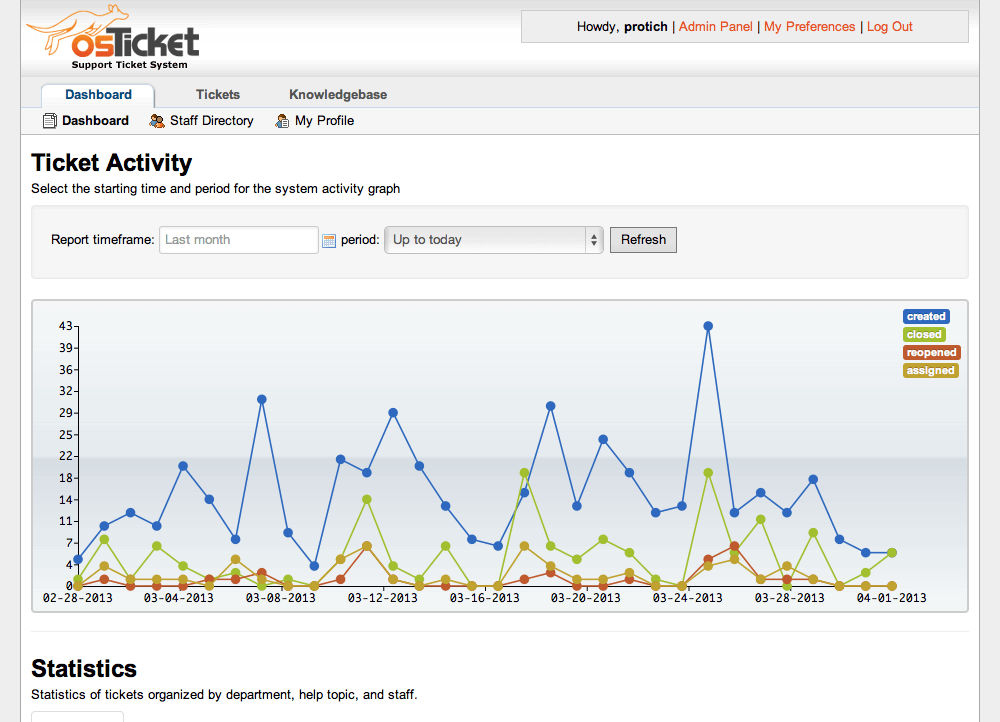
- Reporting dashboard with configurable widgets
- Self-hosted PHP/MySQL deployment on Linux or Windows servers
- osTicket Cloud with Enhancesoft-hosted deployment
- REST API for third-party integrations
- LDAP and Active Directory support via community modules
- Widely used by trusted institutions, small businesses, and Fortune 500 companies
Pricing and Plans
osTicket uses a two-track model: the self-hosted open-source download is free forever; osTicket Cloud offers hosted plans on Enhancesoft infrastructure with commercial support.
Contact Enhancesoft for osTicket Cloud per-agent pricing and enterprise support agreements.
The self-hosted version is functionally complete; there are no limits or feature gates on the free download, which is why the community has kept it in wide use for two decades.
| Tier | Price | What is included |
|---|---|---|
| Self-Hosted (Open-Source) | Free | Full-feature open-source download. Deploy on your own PHP, MySQL, Apache or Nginx stack. Full functionality including tickets, canned responses, knowledge base, custom fields, custom forms, SLA plans, and REST API. Community support |
| osTicket Cloud (Basic) | Contact Vendor | Enhancesoft-hosted deployment for teams that do not want to self-host. Includes standard feature set plus commercial support |
| osTicket Cloud (Business or Advanced) | Contact Vendor | Higher-tier hosted plans with more agents, advanced features, and priority support scoped by seat and volume |
| Enterprise Support | Contact Vendor | Vendor-backed support agreements for organizations running osTicket in production with SLA-driven response times and dedicated CSM |
Pros
- Genuinely free self-hosted open-source deployment with full feature parity to the paid cloud tier is unusual in the help desk category.
- Two decades of continuous development plus a large community ecosystem mean the product is mature, stable, and battle-tested.
- Self-host or cloud option covers a wide range of buying scenarios, from regulated verticals needing on-premise data residency to teams that just want vendor-hosted operations.
Cons and Trade-offs
- The UI feels dated versus modern commercial ticketing products like Freshdesk or Zendesk; some teams find the interface functional but not polished.
- Modern AI-first features (generative AI ticket drafting, autonomous agents) are lighter than paid category leaders unless implemented through custom development.
- Self-hosted deployments require in-house PHP/MySQL operational capability; teams without those skills should use osTicket Cloud or a different vendor.
osTicket vs Alternatives
| Capability | osTicket | Spiceworks Cloud Help Desk | Jitbit Helpdesk |
|---|---|---|---|
| Free tier | Yes, full open-source self-hosted download | Yes, Core Plan free forever with support | No free tier ($29/mo starter) |
| Self-hosted option | Yes, PHP/MySQL open-source | No self-hosted option | Yes, Windows self-hosted license |
| Source code access | Yes, open-source | No | No |
| Cloud hosted option | osTicket Cloud | Yes, Spiceworks cloud | Yes, SaaS |
| Best fit | Open-source-first IT teams, universities, MSPs | SMB IT teams on tight budgets | SMB email-native helpdesk |
Who Should Choose osTicket
Small IT and support teams (1-50 agents), MSPs, universities, and Fortune 500 IT operations that want free open-source ticketing with the option to self-host on their own infrastructure.
Regulated verticals or teams with strict data-residency requirements that need on-premise deployment on customer infrastructure benefit directly from the open-source self-hosted download.
Not appropriate for teams needing modern generative-AI ticket workflows, native voice or social channels, or teams without in-house PHP/MySQL operational capability (unless using osTicket Cloud).
Named Alternatives to osTicket
- Spiceworks Cloud Help Desk. Free cloud-hosted IT help desk with a Premium upgrade path. Chosen when the buyer wants zero setup and a free tier without self-hosting.
- Jitbit Helpdesk. Email-native ticketing with SaaS and self-hosted options. A better fit when the buyer wants email-first ticketing with published $29-$249 per month pricing.
- Freshdesk. Multi-channel helpdesk with AI. Preferred when the buyer wants voice plus chat plus social alongside email in one platform.
- Zammad. Modern open-source ticketing built on Ruby. Chosen when the buyer wants open-source with a more modern UI than osTicket.
- SupportBee. Email-native ticketing at $17-$21 per seat per month. A better fit when the buyer wants low-cost paid ticketing without self-hosting.
Implementation and Deployment
Self-hosted osTicket deployments run 1-3 days for install on a Linux or Windows server with PHP and MySQL. Standard sequence covers database setup, admin account creation, department and topic configuration, agent provisioning, and email piping.
osTicket Cloud onboarding is essentially instant; sign up, invite agents, configure departments and topics, and start receiving tickets.
Larger deployments typically add custom fields, custom forms, and workflow rules through the admin panel or community modules; enterprise deployments often include custom development for specific business processes.
What Real Buyers Say About osTicket
Operator discussions on Reddit r/sysadmin helpdesk discussions and Reddit r/opensource software discussions surface the following themes.
IT sysadmins on Reddit r/sysadmin discuss osTicket as the default open-source help desk for teams that need real ticketing at zero cost, especially in universities and public-sector IT.
Enhancesoft commercial cloud plans are cited as the right upgrade path when self-hosting becomes operational overhead.
Common critique in r/sysadmin: the UI is functional but not modern; teams valuing polished commercial UX often move to Freshdesk, Zendesk, or Jitbit as they scale.
Vendor references: osTicket product overview, osTicket open-source download, osTicket Cloud hosted plans.
Related osTicket Comparisons and Categories on SaaSRat
Explore related products and categories on SaaSRat to compare osTicket against alternatives and see which vertical or feature comparison matches your buying criteria.
- Help Desk Software on SaaSRat
- Customer Service Software on SaaSRat
- IT Service Management on SaaSRat
- Spiceworks Cloud Help Desk: free IT ticketing
- Jitbit Helpdesk: email-first ticketing
- SupportBee: email-native ticketing
- Freshdesk: multi-channel helpdesk with AI
- Vision Helpdesk: multi-company support suite
The Bottom Line on osTicket
osTicket is a strong fit for small IT and support teams, MSPs, universities, and Fortune 500 IT operations that want free open-source ticketing with the option to self-host on their own infrastructure.
The free self-hosted open-source download is genuinely full-featured, which is unusual in the help desk category and the primary reason osTicket has stayed in wide use for two decades.
Teams without in-house PHP/MySQL operational capability should use osTicket Cloud or a different vendor.
Teams valuing modern polished UI or generative-AI ticket workflows should compare against Freshdesk, Zendesk, or SysAid.
Regulated verticals needing on-premise deployment with source-code control benefit directly from osTicket over cloud-only commercial alternatives.
Verified on 2026-08-04 against vendor website.
Frequently Asked Questions
What is osTicket?
Is osTicket really free?
Who is osTicket best for?
How does osTicket Cloud pricing work?
Can I self-host osTicket on my own server?
Does osTicket support SLA management?
What integrations does osTicket support?
Does osTicket include a knowledge base?
Where is osTicket maintained?
Does osTicket support multi-language?
Find Your Perfect Software
See how it can transform your workflow
- Personalized for your needs Tailored recommendations based on your unique requirements.
- Save time & resources Streamline your workflow and boost team productivity.
- Trusted by thousands Join 10,000+ businesses already growing with SaaSrat.
You're all set! 🎉
A specialist for will reach out within 1 business day with tailored recommendations for your needs.