

MangoApps
by MangoApps Inc
What is MangoApps?
Get Best Quote for MangoApps
Connect with SaaSrat experts to get the best quote for your business.
You're all set!
A specialist for MangoApps will reach out within 1 business day.
MangoApps Features
Branded intranet with news and recognition
Targeted internal communications
HR self-service and onboarding workflows
Learning courses and compliance training
Field service dispatching and mobile work orders
Safety check-ins and incident reporting
View All 12 Features
MangoApps Pricing Plans
Platform Lite
- Included free with any paid app
- Core intranet and communications
- Mobile apps for iOS and Android
- Email and community support
- Standard integrations
- Verified at mangoapps.com on 2026-06-30
Platform Standard
- Everything in Lite plus SSO
- AI agents and governance features
- Advanced workflows and automation
- Solution Packs (HR, Learning, Field Service)
- Priority business-hours support
- Verified at mangoapps.com on 2026-06-30
Platform Enterprise
- Everything in Standard plus advanced security
- HITRUST CSF and HIPAA support
- Compliance auditing and reporting
- Dedicated Customer Success Manager
- Deployment options including on-premise
- Verified at mangoapps.com on 2026-06-30
MangoApps Resources
MangoApps Screenshots
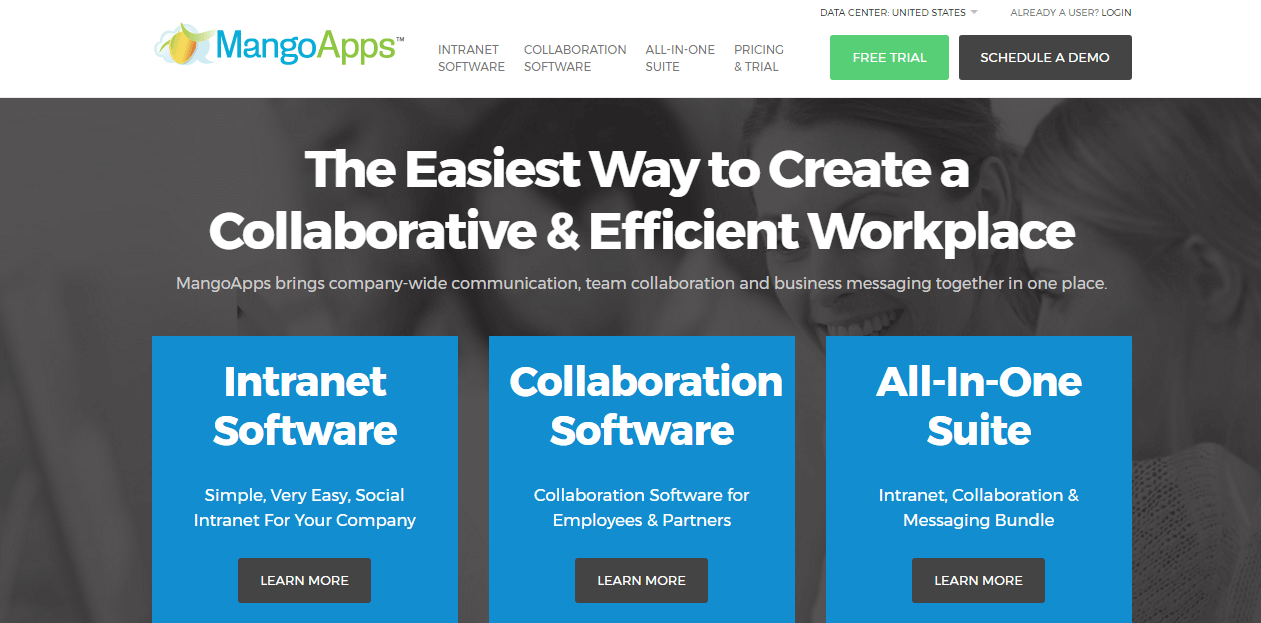
Description
MangoApps at a Glance
| Best fit for | Mid-market and enterprise companies (200 to 50,000 employees), frontline-heavy operators, multi-location workforces |
|---|---|
| Industries | Healthcare, manufacturing, retail, hospitality, education, professional services, financial services |
| Core platform | Intranet, Communications, Workflows, HR, Learning, Field Service, Safety, AI Agents, Procurement, IT Helpdesk |
| Pricing model | Quote-based by app mix, seat population, usage, term, and services |
| Mobile apps | iOS and Android (full feature parity with web) |
| Compliance | HITRUST CSF, SOC 2 Type II, ISO 27001, GDPR, HIPAA |
| Named customers | NEC Corporation, ANI Pharmaceuticals, Pizza Inn, USPC, Sutherland (shown on mangoapps.com) |
| Parent company | MangoSpring, Inc. (privately held) |
| Headquarters | Issaquah, Washington |
MangoApps Pros and Cons in 2026
Where MangoApps Stands Out
One platform replacing 5+ workplace apps. Intranet, communications, HR, learning, field service, safety, procurement, and IT helpdesk all run on the same data model and identity, which removes integration overhead and improves frontline adoption.
Deployment flexibility from SaaS to on-premise. Regulated industries can choose SaaS, Private Cloud, VPC, or full on-premise deployment, which few competitors match.
Frontline-worker design fits non-desk workforces. Healthcare, manufacturing, retail, and hospitality use cases shaped the product. Mobile-first surfaces and offline support address real frontline workflows.
HITRUST CSF certification differentiates in healthcare. HITRUST adds a healthcare-specific compliance layer beyond standard SOC 2 and HIPAA, which large health systems require.
Where MangoApps Falls Short
Pricing opacity until quote. No public per-seat pricing; buyers engage sales for every quote, which slows comparison shopping.
UI breadth can overwhelm new admins. The Platform Standard tier spans dozens of modules; first-time admins benefit from professional services to scope rollout.
App store ecosystem is narrower than larger horizontal platforms. Native integrations cover core enterprise systems; long-tail third-party tools may need custom integration.
Brand recognition lighter than horizontal alternatives. SharePoint, Workplace, and Workvivo carry more name recognition in procurement processes.
Who Should Use MangoApps?
MangoApps is the right pick for mid-market and enterprise operators with frontline-heavy workforces, healthcare systems needing HITRUST compliance, multi-location operators (retail, hospitality, manufacturing) consolidating workplace apps, and regulated industries needing deployment flexibility (Private Cloud, VPC, on-prem). In the intranet and employee engagement categories, MangoApps lands as the best fit for one-platform workplace consolidation.
It is the wrong fit for small teams under 200 employees, knowledge-worker-only orgs already happy with Slack plus a wiki, and buyers needing rapid self-serve setup. Those buyers should compare Notion, monday.com, or SharePoint.
MangoApps Product Suite in 2026
Intranet and Communications
Branded intranet pages, news, announcements, employee directory, recognition, and pulse surveys. Targeted communications by department, role, location, or custom audience.
HR and Onboarding
Onboarding workflows, policy acknowledgments, employee self-service, time off requests, and performance check-ins. Integration with major HRIS systems.
Learning and Training
Course delivery, certifications, compliance training, and learning paths. Mobile-first for frontline workforce learning.
Field Service and Safety
Job dispatching, mobile work orders, safety check-ins, incident reporting, and asset tracking for non-desk workforces.
Workflows and Automation
Forms, approval workflows, and automation rules across HR, IT, procurement, and operations. No-code builder for citizen developers.
AI Agents
Embedded AI agents for HR answers, IT helpdesk triage, learning recommendations, and content drafting. AI surfaces respect platform permissions.
How Much Does MangoApps Cost in 2026?
Quote-based pricing driven by app mix, seat population, usage, term length, integrations, and services. MangoApps states publicly that pricing depends on which apps are selected (single app, Solution Pack, or Custom Pack), platform tier (Lite, Standard, Enterprise), and contract term. Industry-typical mid-market deals run $7 to $15 per employee per month for Standard with deeper apps; Lite tiers can be lower.
What Drives the Cost
- App selection: Single app vs Solution Pack vs Custom Pack. More apps raise the per-seat rate.
- Platform tier: Lite (included with paid apps), Standard (adds SSO, AI, governance), Enterprise (advanced security, compliance, support).
- Deployment model: SaaS vs Private Cloud vs VPC vs on-premise. On-prem adds significant setup and license cost.
- Implementation services: Multi-module rollouts benefit from professional services for change management.
How to Get a Useful Quote
Inventory which workplace apps you want to consolidate (intranet, HR, learning, field service, etc.) and total headcount to size the Solution Pack. Benchmark MangoApps' quote against Workvivo, Simpplr, and SharePoint before signing. Multi-year Enterprise commitments unlock 15-25% discount on per-seat rates.
Hidden Costs and Contract Gotchas to Watch For
- Solution Pack vs Custom Pack pricing differs significantly. Adding modules a la carte costs more than the matching Solution Pack.
- On-premise adds license and setup cost. Self-hosted deployment shifts costs to infrastructure and DevOps.
- HITRUST certification requires Enterprise tier. Healthcare workloads needing HITRUST cannot ship on Lite or Standard.
- Implementation services for multi-module rollouts. Budget 60 to 120 days of professional services for full Solution Pack rollouts.
- Annual contract minimum. Most paid tiers commit 1 year minimum; multi-year carries discounts.
MangoApps Alternatives Worth Comparing
Workvivo wins on Meta-owned brand recognition and modern UX. Lighter HR/learning/field-service modules than MangoApps.
Simpplr wins on AI-first intranet experience for knowledge workers. Lighter frontline coverage than MangoApps.
SharePoint wins for Microsoft 365 shops with bundled licensing. Steeper implementation; less frontline mobile.
Notion wins for knowledge-worker docs-plus-wiki. Lighter intranet and HR scope.
Staffbase wins on internal-communications-first design for large enterprises. Lighter workflow and HR scope.
Firstup wins on multi-channel employee communications for distributed workforces. Lighter HR and learning depth.
What Real Buyers Report About MangoApps
Reviewers on independent platforms (SoftwareAdvice, SelectHub) and HR communities (Reddit r/humanresources, internal-comms forums) consistently call out three patterns. One-platform consolidation is the lock-in factor for mid-market operators replacing 5+ workplace apps. Frontline-mobile design fits healthcare, manufacturing, and retail workforces better than knowledge-worker-first alternatives. HITRUST CSF certification is the deciding factor for large healthcare systems.
The common critiques cluster around three points. Pricing opacity until quote slows comparison shopping. UI breadth can overwhelm new admins without services. App store ecosystem narrower than horizontal SaaS leaders. For mid-market and enterprise operators wanting one platform across workplace apps, MangoApps consistently rates as the architectural default.
Bottom Line: Is MangoApps Right for You?
MangoApps is the right call for mid-market and enterprise operators with frontline-heavy workforces and multi-app consolidation goals. The HITRUST certification and deployment flexibility (SaaS to on-premise) are durable moats versus horizontal alternatives.
For small teams under 200 employees, evaluate Notion or SharePoint. For knowledge-worker-only orgs, Workvivo or Simpplr fit better. For Microsoft 365 shops with bundled licensing, SharePoint is the lower-friction option.
Verified on 2026-06-30 by the SaaSRat Editorial Team. Vendor facts cross-checked against mangoapps.com (pricing, products, security pages), independent review aggregators, employee experience community threads, and current 2025-2026 press cycles. About our methodology.
Frequently Asked Questions
What is MangoApps used for?
How much does MangoApps cost?
Is MangoApps an intranet?
Is MangoApps HIPAA compliant?
Can MangoApps be deployed on-premise?
Is MangoApps better than SharePoint?
What is included in Platform Lite vs Standard vs Enterprise?
Does MangoApps have AI features?
How long does MangoApps implementation take?
What support does MangoApps offer?
Find Your Perfect Software
See how it can transform your workflow
- Personalized for your needs Tailored recommendations based on your unique requirements.
- Save time & resources Streamline your workflow and boost team productivity.
- Trusted by thousands Join 10,000+ businesses already growing with SaaSrat.
You're all set! 🎉
A specialist for will reach out within 1 business day with tailored recommendations for your needs.