

monday.com
by Monday.com • Founded 2014
What is monday.com?
Get Best Quote for monday.com
Connect with SaaSrat experts to get the best quote for your business.
You're all set!
A specialist for monday.com will reach out within 1 business day.
monday.com Features
Visual boards with table kanban timeline calendar and Gantt views
Monday Work Management for cross-functional teams
Monday CRM with pipeline and activity tracking
Monday Dev for sprint and roadmap planning
Monday Service for IT ticketing with AI triage
Automation builder with 25
View All 13 Features
monday.com Pricing Plans
Free
- Up to 2 seats and 3 boards
- 3 docs and 200+ templates
- Unlimited free viewers
- Mobile apps for iOS and Android
- No credit card required
- Verified at monday.com/pricing on 2026-06-30
Basic
- Unlimited items and unlimited free viewers
- 1,000 monthly AI credits
- Prioritized customer support
- 5GB file storage
- Annual billing, 18% discount vs monthly
- Verified at monday.com/pricing on 2026-06-30
Standard
- 2,000 monthly AI credits
- 250 automation and integration actions per month
- Timeline, calendar, and Gantt views
- Guests at 25% of seat cost
- Form customization with conditional logic
- Verified at monday.com/pricing on 2026-06-30
Pro
- 3,000 monthly AI credits
- 25,000 monthly automation and integration actions
- Advanced views, chart widgets, and formula columns
- Private boards and docs
- Time tracking and dependency columns
- Verified at monday.com/pricing on 2026-06-30
Enterprise
- Custom monthly AI credits
- 250,000 monthly automation and integration actions
- Portfolio management with multi-board rollups
- SAML SSO, SCIM, audit logs
- HIPAA support and dedicated CSM
- Verified at monday.com/enterprise on 2026-06-30
monday.com Resources
monday.com Screenshots
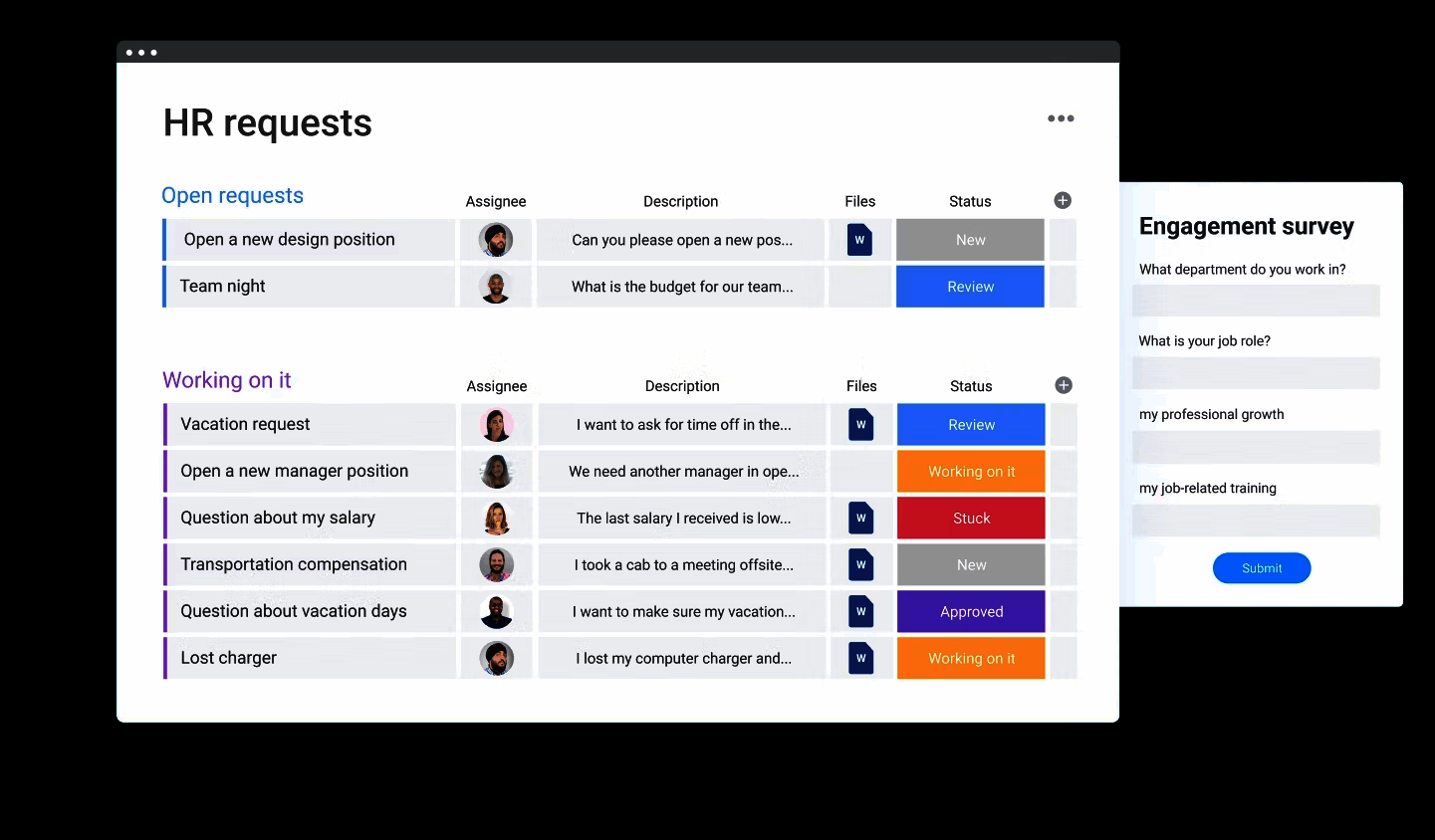
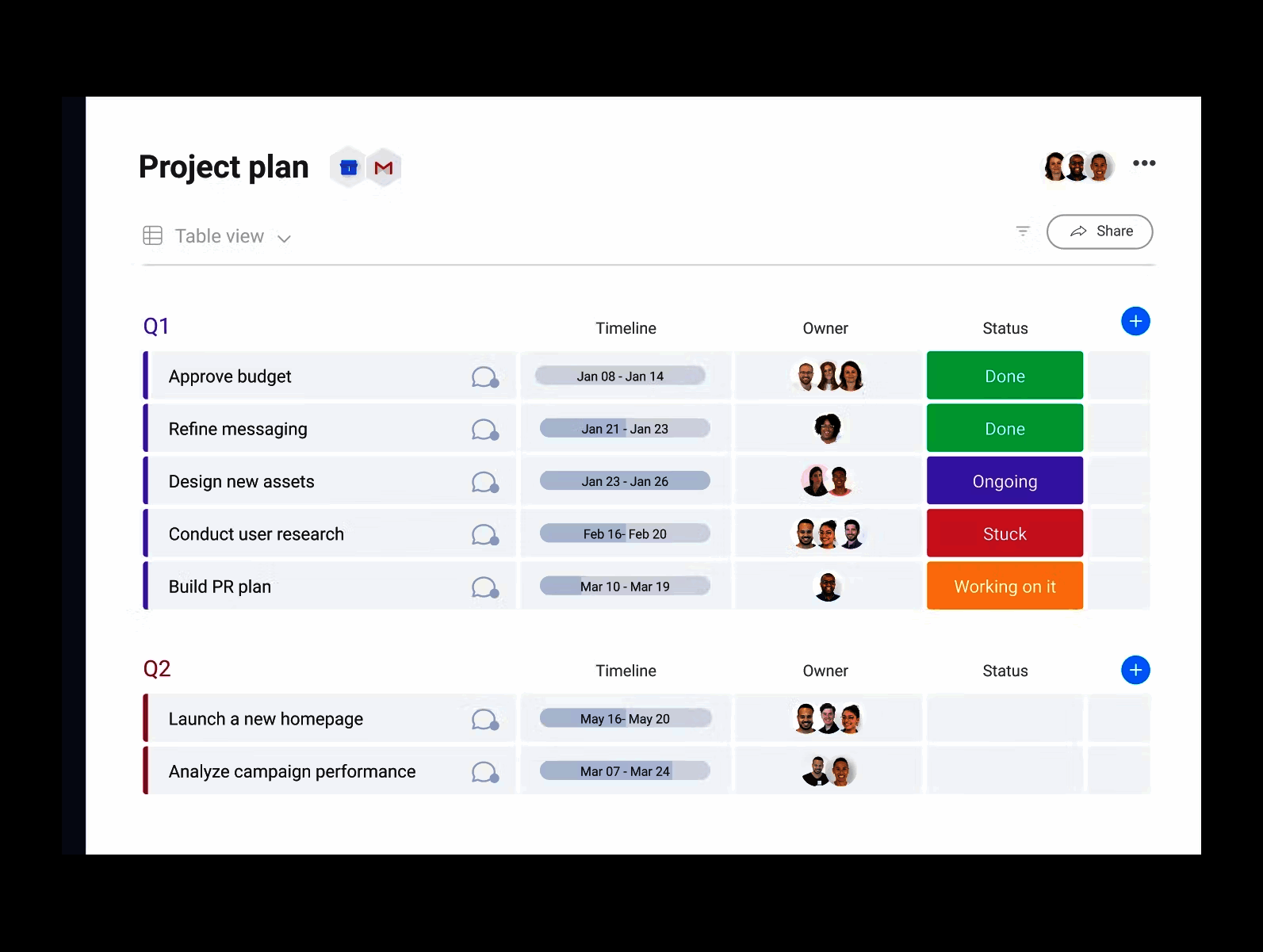
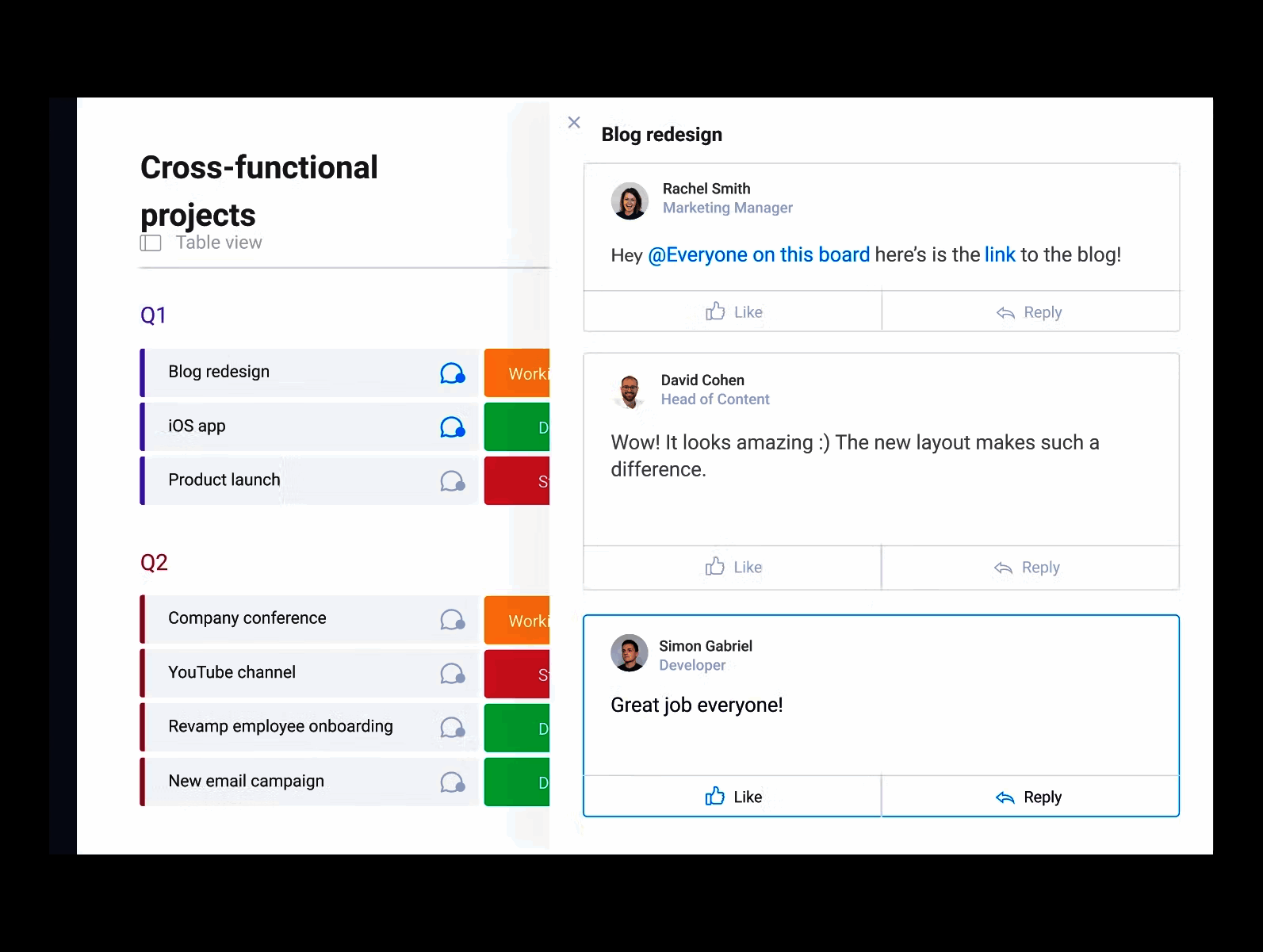
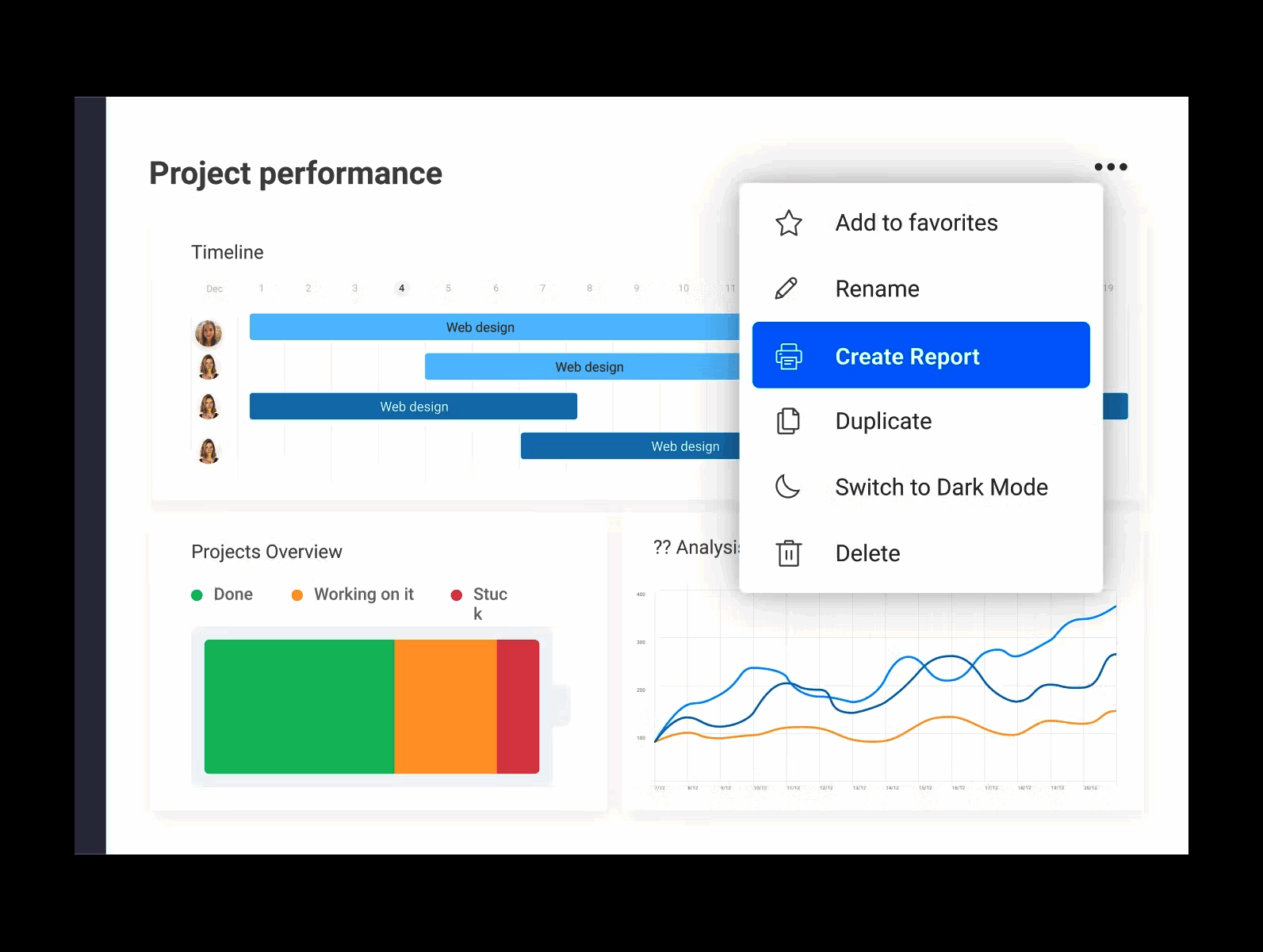
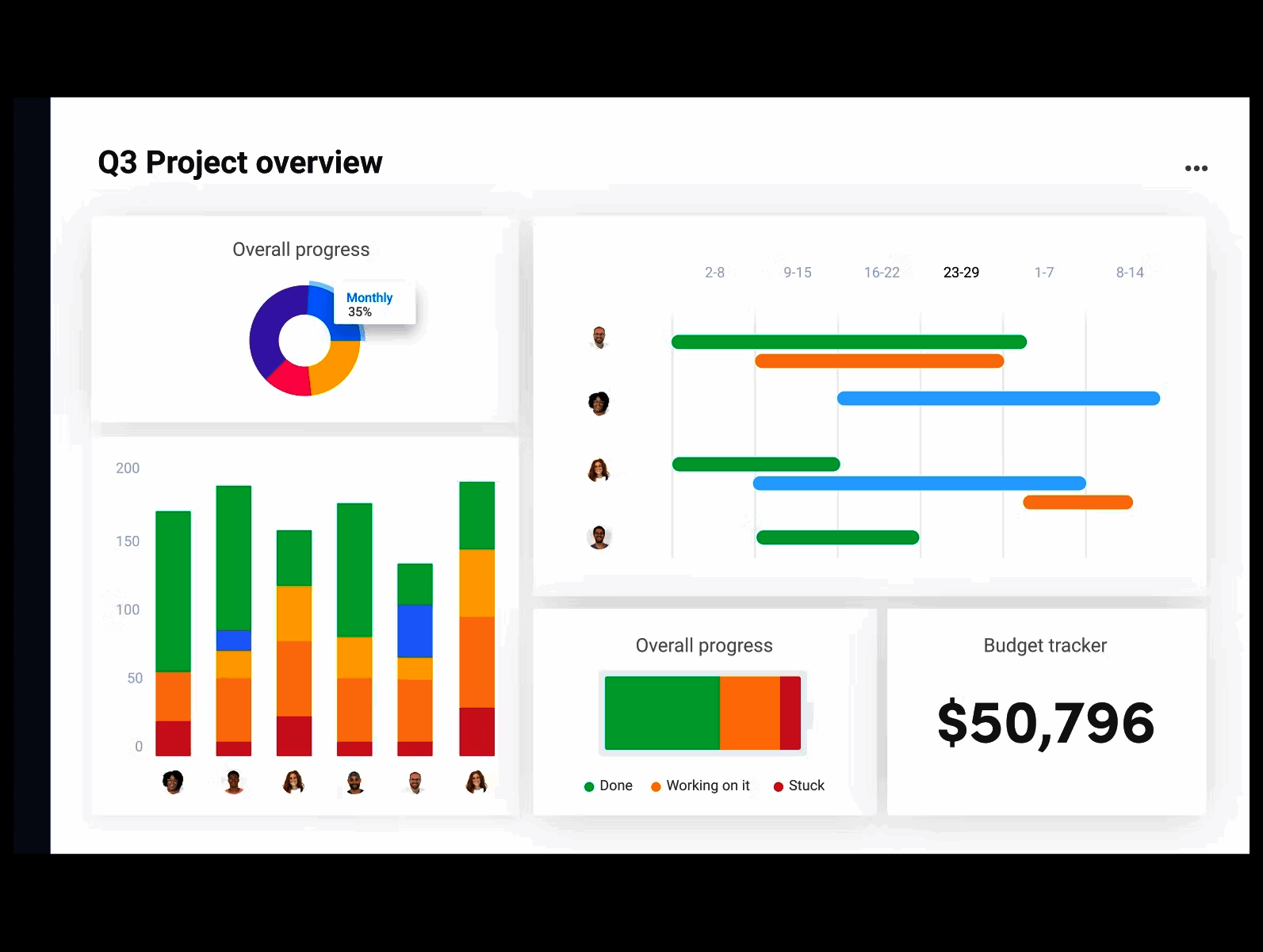
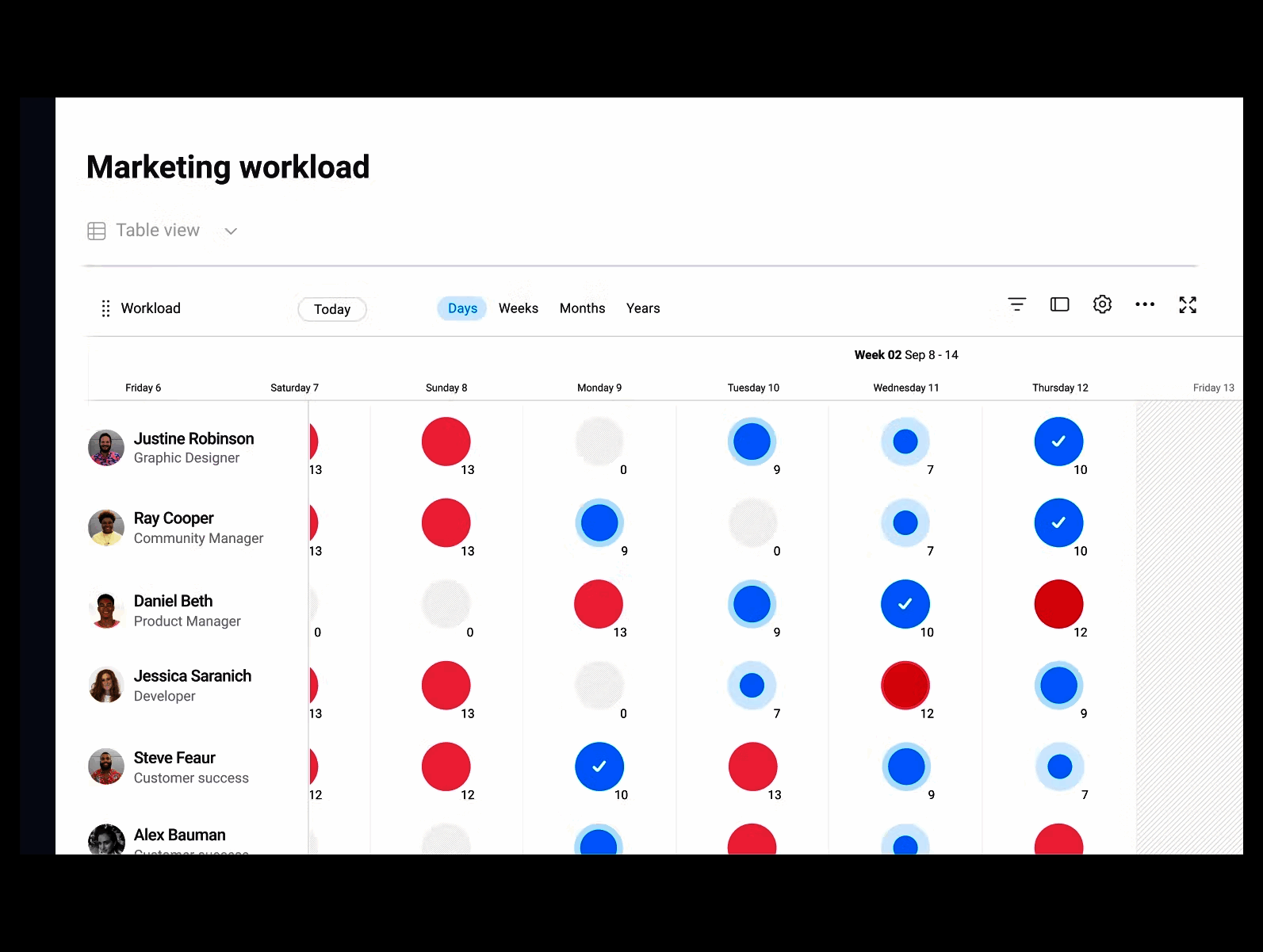
Description
monday.com at a Glance
| Best fit for | Marketing/creative ops, sales teams (monday CRM), engineering (monday Dev), IT (monday Service), agencies, mid-market cross-functional teams |
|---|---|
| Industries | Marketing agencies, software companies, professional services, ecommerce, media, education, nonprofit |
| Core platform | Work Management, monday CRM, monday Dev, monday Service, Automation, Dashboards, AI credits |
| Pricing model | Per-seat monthly (Free up to 2, Basic $9 to Pro $19), Enterprise quote across all products |
| Mobile apps | iOS and Android (offline sync, strongest mobile in category) |
| Compliance | SOC 2 Type II, ISO 27001, ISO 27018, GDPR, CCPA, HIPAA on Enterprise |
| Named customers | Coca-Cola, Lionsgate, Hubspot, Canva, Glossier (shown on monday.com) |
| Parent company | monday.com Ltd. (publicly listed) |
| Headquarters | Tel Aviv, Israel and New York City, New York |
monday.com Pros and Cons in 2026
Where monday.com Stands Out
Visual customization sets the category benchmark. Boards adapt to nearly any process through column types (status, person, date, formula, tags, mirror, dependency) without scripting, which fits cross-functional adoption better than engineer-first tools.
Cross-product unity on one automation engine. Work Management, CRM, Dev, and Service share the same automation builder, so a marketing campaign board can trigger sales pipeline updates without integration glue.
Mobile app is the strongest in the category. Full board navigation, automation triggering, and dashboard viewing work on iOS and Android with native performance and offline sync.
AI credits power content drafting and automation suggestions. Pre-allocated AI credits scale with tier (1,000 on Basic to 3,000 on Pro), with a Sidekick-style assistant that drafts updates and summarizes long boards.
Where monday.com Falls Short
Per-seat pricing across multiple products stacks up. Organizations wanting Work Management + CRM + Dev pay three separate per-seat lines, which adds up quickly for mid-market teams.
Automation execution limits bind early. 250 actions on Standard, 25,000 on Pro. Heavy-automation workflows blow through Standard quickly.
Reporting depth lags Smartsheet for true portfolio governance. No Control Center-style template provisioning across hundreds of project sheets.
Service portal user caps limit external-facing use cases. Standard caps at 10 portal users; Pro at 100. External customer-facing service desks at scale need higher caps via Enterprise.
Who Should Use monday.com?
monday.com is the right pick for marketing and creative ops teams needing visual project boards with attached assets, sales teams wanting a lightweight CRM in the same UI as their project work, engineering teams that want sprint and roadmap planning with GitHub integration, and IT teams running ticketing with AI triage. In the project management and CRM categories, monday.com is the best fit for cross-functional mid-market teams.
It is the wrong fit for engineering-heavy teams rooted in Atlassian (Jira fits), enterprise PMO needing portfolio governance (Smartsheet wins), and customer-facing service desks at scale beyond 100 portal users. Those buyers should compare Jira, Smartsheet, or Trello.
monday.com Product Suite in 2026
Work Management
Original product. Visual boards with table, kanban, timeline, calendar, Gantt, chart, and workload views. Column types adapt to nearly any process without scripting.
monday CRM
Contact management, deal pipelines, activity logging, and Gmail/Outlook integration from $12 per seat per month. Same automation engine as Work Management.
monday Dev
Sprint planning, GitHub integration, roadmap views, and bug tracking from $9 per seat per month. Wiki, hierarchy, and private boards on Pro and Enterprise.
monday Service
IT ticketing with AI triage, customer portal, and SLA reporting from $31 per seat per month. AI triage on Standard covers one board; Pro extends to three boards.
Automation Builder
200+ pre-built automation templates. Triggers on status changes, item creation, date arrival, inbound webhooks. Actions include notifications, status updates, item creation, outbound webhooks.
Dashboards and AI
Dashboards combine widgets across boards. AI credits power content drafting in item updates, formula generation, automation suggestions, and board summarization through the Sidekick assistant.
How Much Does monday.com Cost in 2026?
Work Management ships in five tiers. Free at $0 covers up to 2 seats with 3 boards. Basic at $9 per seat per month adds unlimited items and 1,000 AI credits. Standard at $12 adds 250 monthly automations and integrations. Pro at $19 adds 3,000 AI credits and 25,000 monthly automation actions. Enterprise is quote-based with custom AI credits, 250,000 actions, and portfolio management. monday CRM, Dev, and Service each have their own tier ladders with prices from $9 to $45 per seat per month plus Enterprise quotes. Annual billing carries an 18% discount over monthly.
What Drives the Cost
- Product stack: Work Management + CRM + Dev + Service stacks three or four separate per-seat lines.
- Automation execution volume: Standard 250/month vs Pro 25,000/month is the biggest tier jump.
- AI credit consumption: Pro 3,000/month vs Enterprise custom.
- Service portal user count: Standard 10, Pro 100, Enterprise unlimited.
How to Get a Useful Quote
Inventory active seats by department and product to avoid over-licensing. Benchmark monday's quote against Jira (engineering), Smartsheet (PMO), and ClickUp (broad alternative) before signing. Enterprise commitments typically unlock 15-25% discount on per-seat rates plus pooled AI credits.
Hidden Costs and Contract Gotchas to Watch For
- Multiple-product stacking compounds per-seat cost. Buying Work Management + CRM + Dev triples the per-seat line.
- Standard automation limits bind early. 250 monthly actions vanish with active workflows; budget Pro from the start if automation is core.
- Service portal users are capped. External-facing service desks at scale require Enterprise.
- HIPAA requires Enterprise. Healthcare workloads cannot ship on Pro.
- Audit logs and SSO require Enterprise. Compliance-heavy teams cannot ship on Pro.
monday.com Alternatives Worth Comparing
Asana wins on lightweight task management and cross-team adoption simplicity. Lighter visual customization than monday.
Smartsheet wins on enterprise PMO portfolio governance. Lighter visual customization; heavier learning curve.
ClickUp wins on price-per-seat and feature breadth. Slower performance at enterprise scale.
Trello wins for simple kanban without engineering metadata. Lighter feature set; lower price at small team sizes.
Jira wins for engineering teams in the Atlassian stack. Lighter visual customization than monday Dev.
Notion wins for docs-plus-projects unified workspace. Lighter dedicated PM tooling.
What Real Buyers Report About monday.com
Reviewers on independent platforms (SoftwareAdvice, SelectHub) and community discussions (Reddit r/projectmanagement, marketing ops forums) consistently call out three patterns. Visual customization is the lock-in factor across cross-functional teams. Cross-product unity (Work Management + CRM + Dev + Service on one automation engine) is the durable moat against single-product alternatives. The mobile app is repeatedly named as the strongest in the category.
The common critiques cluster around three points. Per-seat cost when multiple products are stacked is the loudest. Automation execution limits on Standard push teams to Pro quickly. Service portal user caps limit external-facing use cases. For cross-functional mid-market teams that resist tool sprawl, monday consistently rates as the shortest path to a unified Work OS without integration glue.
Bottom Line: Is monday.com Right for You?
monday.com is the right call for cross-functional teams that want visual work management plus CRM, Dev, or Service on the same engine. The shared automation builder is the durable moat against single-product alternatives, and the mobile app keeps the platform usable for field operations.
For engineering-heavy teams rooted in Atlassian, Jira plus Confluence fits better. For enterprise PMO with portfolio governance, Smartsheet plus Control Center is the safer pick. For mid-market teams that resist tool sprawl and want one platform across marketing, sales, dev, and IT, monday is the shortest path to a unified Work OS.
Verified on 2026-06-30 by the SaaSRat Editorial Team. Vendor facts cross-checked against monday.com (pricing, products, enterprise pages), independent review aggregators, work-management community threads, and current 2025-2026 press cycles. About our methodology.
Frequently Asked Questions
What is monday.com used for?
How much does monday.com cost?
Is monday.com better than Asana?
What is monday Work Management?
Does monday.com have a CRM?
Can monday.com replace Jira?
Is monday.com HIPAA compliant?
Does monday.com offer offline mode?
How long does monday.com take to set up?
Does monday.com have an API?
Find Your Perfect Software
See how it can transform your workflow
- Personalized for your needs Tailored recommendations based on your unique requirements.
- Save time & resources Streamline your workflow and boost team productivity.
- Trusted by thousands Join 10,000+ businesses already growing with SaaSrat.
You're all set! 🎉
A specialist for will reach out within 1 business day with tailored recommendations for your needs.