

Todoist
by Todoist
What is Todoist?
Get Best Quote for Todoist
Connect with SaaSrat experts to get the best quote for your business.
You're all set!
A specialist for Todoist will reach out within 1 business day.
Todoist Features
Natural-language Quick Add parsing
Cross-device sync (web desktop iOS Android watchOS)
Hierarchical projects with sections
Personal and team projects
Custom filters with query syntax
Labels for cross-project context
View All 14 Features
Todoist Pricing Plans
Beginner
- Up to 5 active projects
- 5 collaborators per project
- 3 filter views
- 1 week activity history
- iOS and Android apps
- Verified at todoist.com/pricing on 2026-06-30
Pro
- 300 active personal projects
- Calendar layout and custom reminders
- 150 filter views and full reporting history
- Task Assist AI for subtask generation
- Unlimited Ramble (voice-to-task)
- Verified at todoist.com/pricing on 2026-06-30
Business
- Everything in Pro for every member
- Shared team workspace
- Up to 500 team projects
- Team activity logs and shared templates
- Up to 1,000 team members and guests
- Verified at todoist.com/pricing on 2026-06-30
Todoist Resources
Todoist Screenshots
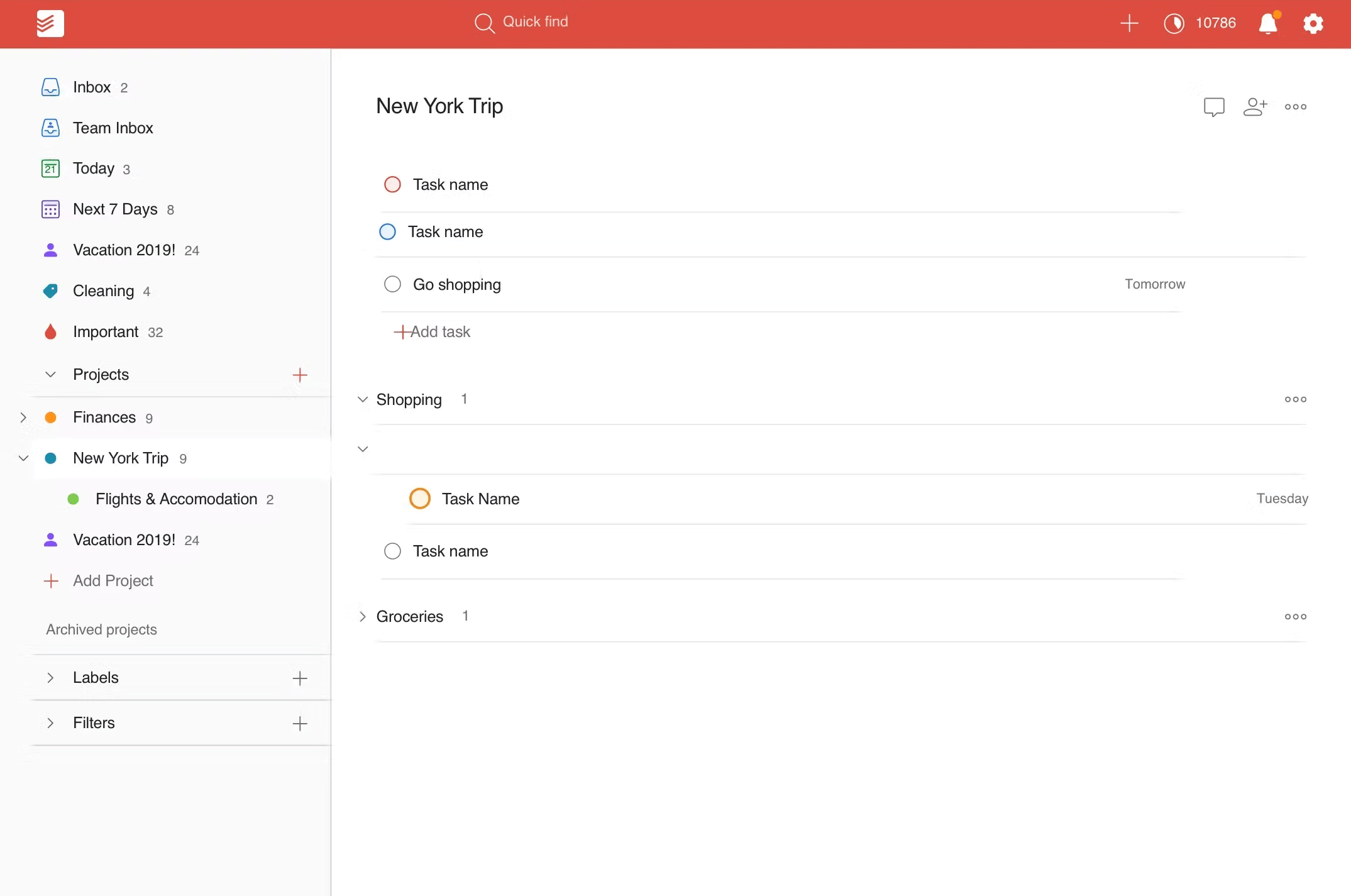
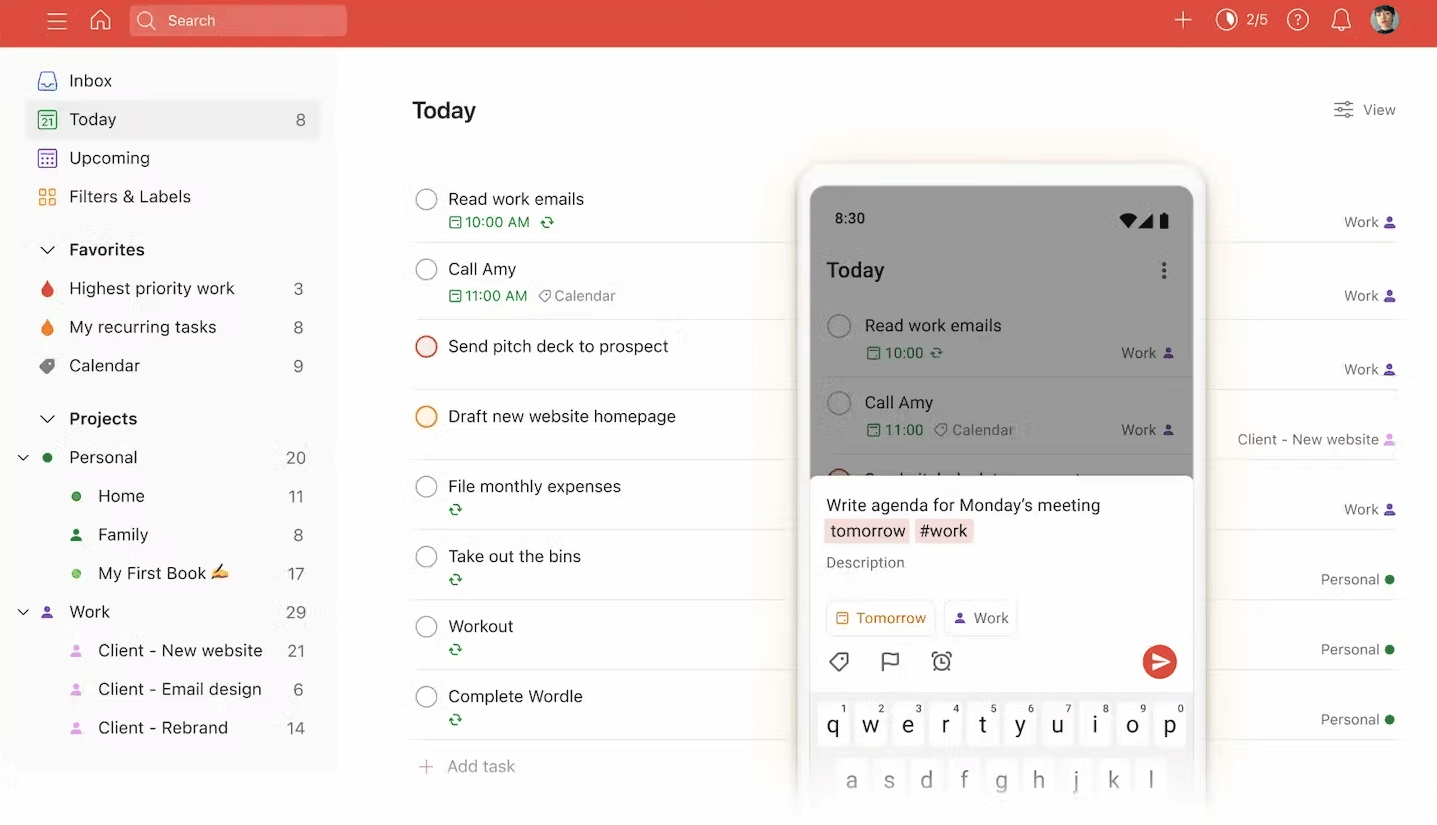
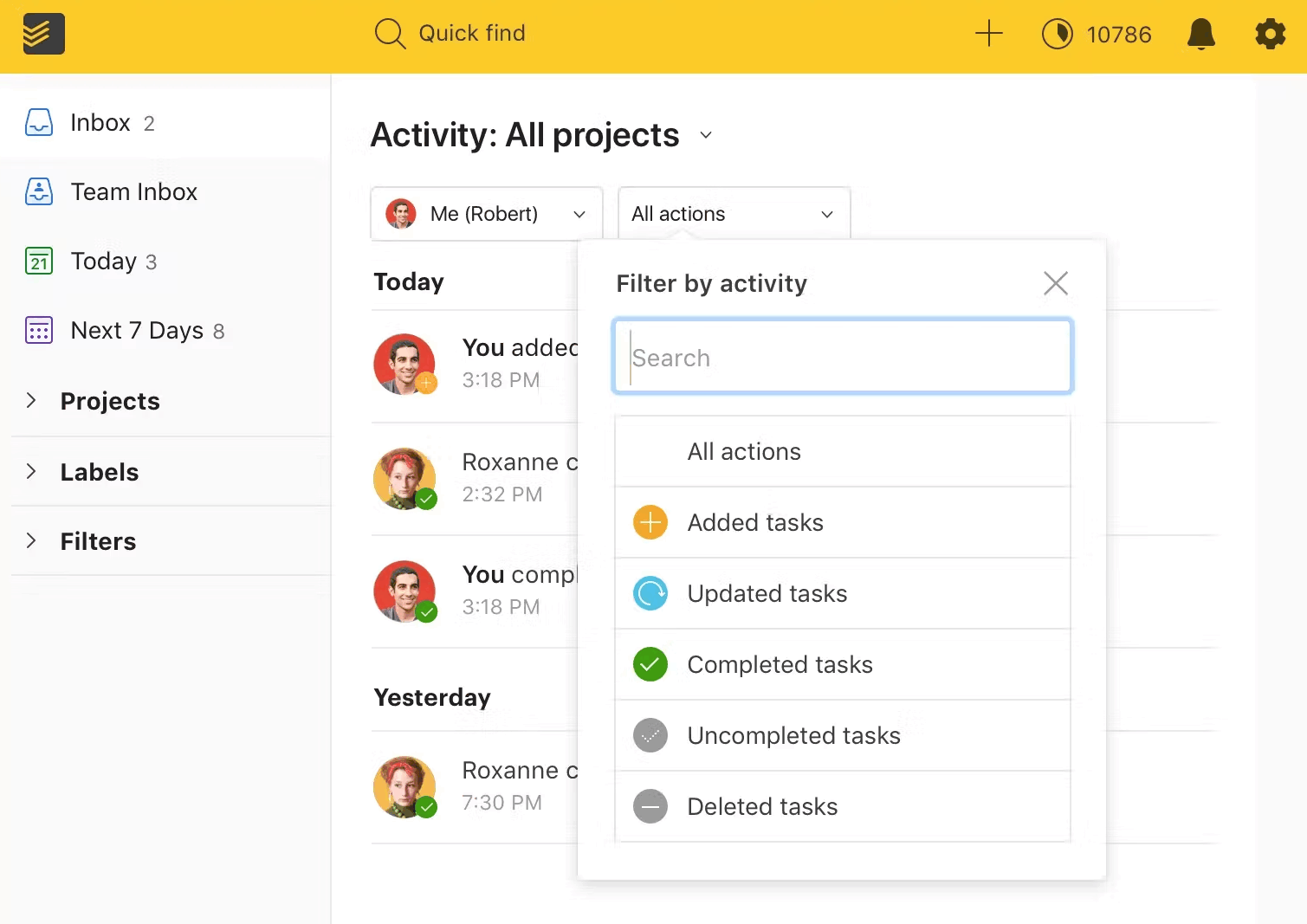
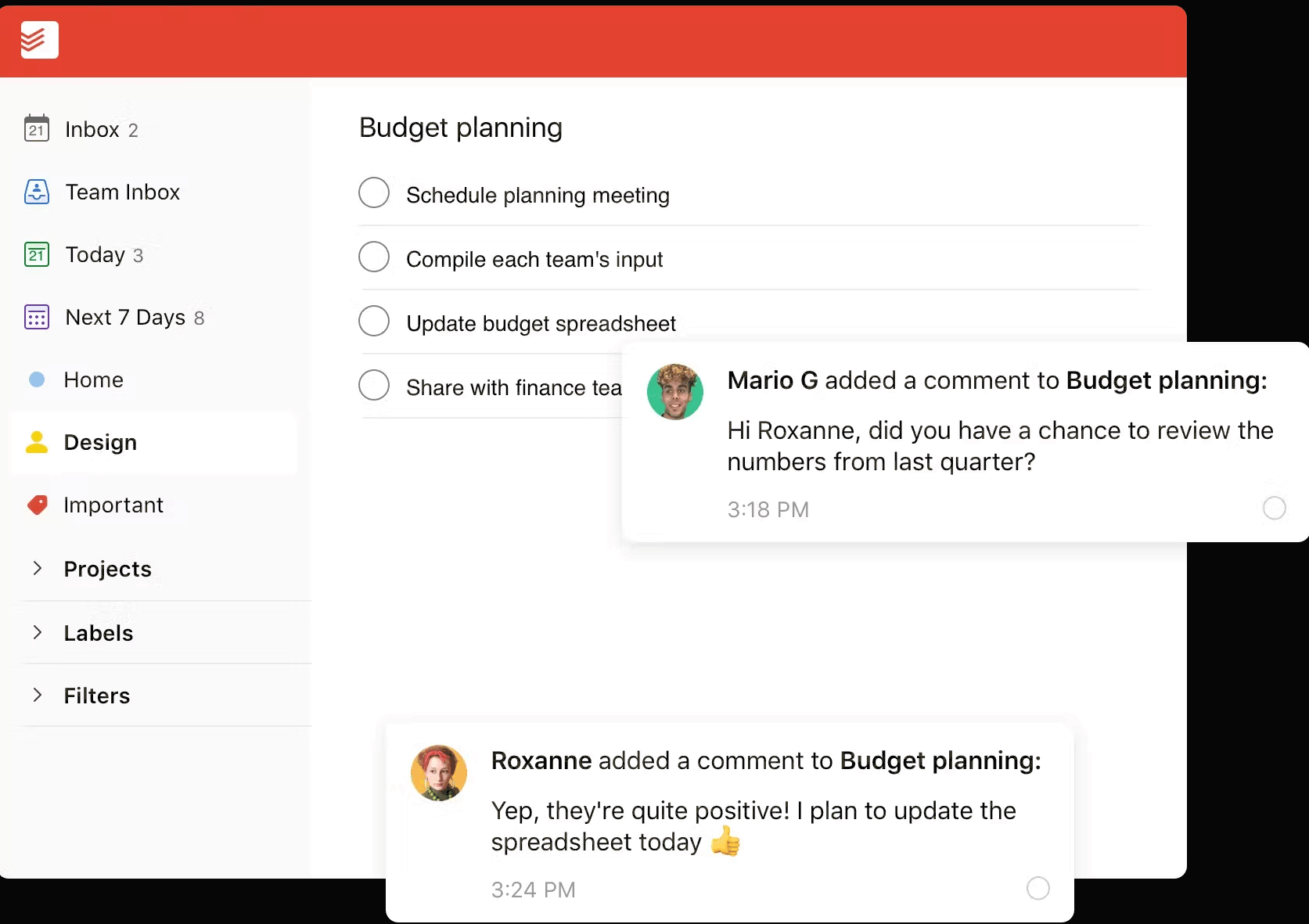
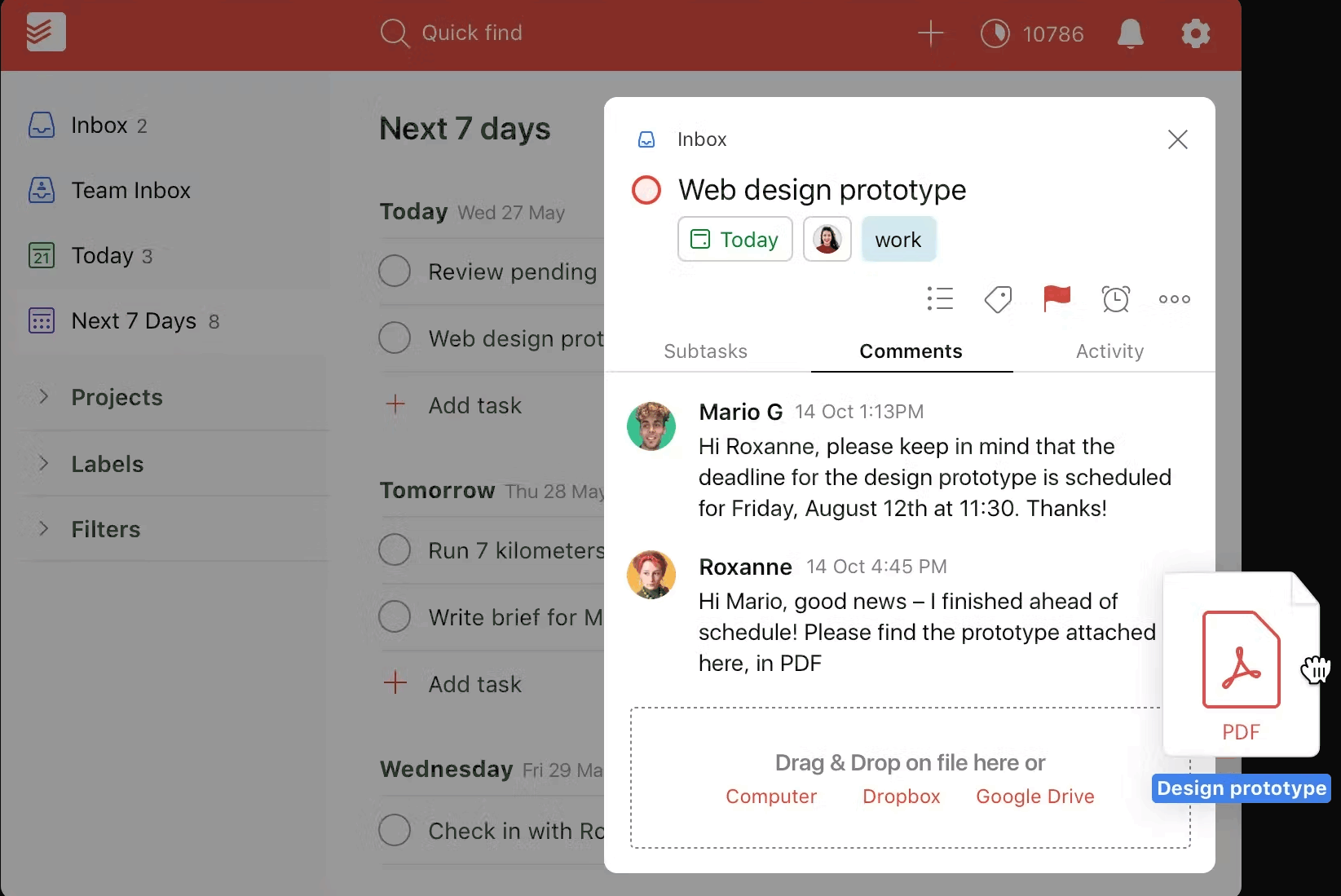
Description
Todoist at a Glance
| Best fit for | Individuals, knowledge workers, freelancers, small business teams under 50 people |
|---|---|
| Industries | Consulting, design, marketing, education, professional services, solo operators, small SaaS |
| Core platform | Tasks, Projects (personal/team), Filters, Labels, Calendar layout, Task Assist AI, Templates |
| Pricing model | Free for individuals, Pro per user, Business per user (annual or monthly) |
| Mobile apps | iOS and Android (native, offline-capable) |
| Compliance | SOC 2 Type II, ISO 27001, GDPR, CCPA |
| Named customers | Amazon, Disney, Salesforce, Adobe, Microsoft (shown on todoist.com) |
| Parent company | Doist Inc. (independently held) |
| Headquarters | Distributed (registered in Spain and Portugal) |
Todoist Pros and Cons in 2026
Where Todoist Stands Out
Natural-language Quick Add is the fastest capture in the category. Type "Submit report tomorrow at 3pm @work p1" and Todoist parses date, time, project, label, and priority in one stroke. No alternative matches this speed for solo workers.
Cross-device sync is reliable and offline-capable. Web, desktop (Windows, macOS, Linux), iOS, Android, and watchOS apps share the same state with conflict-free offline edits. Outage-free sync is the longest-running differentiator versus competitors.
Filter syntax replaces saved views with a query language. Operators like @work & p1 & today combine label, priority, and date into reusable views, which is closer to JQL than to a typical task app.
Task Assist AI drafts subtasks and reschedules suggestions. The 2026 AI surface generates task breakdowns from a parent task description and suggests revised due dates when patterns shift, keeping the lightweight feel rather than adding a heavy assistant layer.
Where Todoist Falls Short
Team features lag dedicated PM platforms. Shared projects work, but Gantt, workload, and resource-management views are absent. Teams over 50 people typically outgrow Todoist for project coordination.
Native reporting is thin. Karma graph tracks personal trends; team activity logs exist on Business but advanced burn-down or velocity reports do not.
No native time-tracking or invoicing. Solo consultants needing billable-hour capture add Toggl or Harvest alongside.
Integration ecosystem is narrower than Asana or ClickUp. Native integrations cover the big ones (Slack, Gmail, Google Calendar, Outlook); long-tail tools live behind Zapier.
Who Should Use Todoist?
Todoist is the right pick for individual knowledge workers managing personal and work tasks in one inbox, freelancers and consultants tracking client deliverables across projects, small business teams (under 50) needing shared projects without PM platform overhead, and ADHD-friendly workflows that benefit from natural-language capture. In the task management and productivity categories, Todoist lands as the best fit for personal-first task capture with team collaboration as a secondary use case.
It is the wrong fit for engineering teams needing sprints and dependencies, PMO portfolios requiring Gantt and resource management, and orgs over 100 people needing role-based access at depth. Those buyers should compare Trello, monday.com, or Notion.
Todoist Product Suite in 2026
Tasks and Quick Add
Core task list with priorities (P1-P4), labels, due dates, reminders, and natural-language parsing. Quick Add accepts dates, times, recurrence, labels, projects, and priority inline.
Projects and Sections
Hierarchical projects with sections for organizing tasks. Personal projects on every plan; team projects shared with members on Business.
Filters and Labels
Custom filters combine criteria into reusable views (today, overdue, @work, p1). Labels cross-cut projects for context-based queries. 150 filter views on Pro.
Views and Layouts
List, board (kanban), and calendar layouts per project. Calendar layout on Pro and above pulls tasks onto a week or month grid.
Task Assist AI
Generates subtask breakdowns from a parent task description. Suggests rescheduling when patterns shift. Available on Pro and Business with monthly limits.
Team Workspace
Business plan adds a shared workspace with up to 500 team projects, activity logs, shared templates, project folders, team roles, and centralized billing for up to 1,000 members and guests.
How Much Does Todoist Cost in 2026?
Three tiers. Free covers personal use with up to 5 active projects, 5 collaborators per project, and limited features. Pro at $5 per month (annual) or $6 monthly adds 300 personal projects, calendar layout, custom reminders, 150 filter views, and Task Assist AI. Business at $8 per user per month (annual) adds shared team workspace with up to 500 team projects, activity logs, shared templates, project folders, team roles, and centralized billing.
What Drives the Cost
- User count: Free for solo; Pro per user; Business per user with team workspace.
- Annual vs monthly billing: Annual carries a 17-20% discount over monthly.
- AI usage: Task Assist limits scale with tier; heavy AI-task-breakdown workflows benefit from Business.
- Team workspace need: Free and Pro do not include team workspace; Business is the trigger.
How to Get a Useful Quote
For teams over 100 members, contact Todoist for volume pricing. Benchmark Todoist's quote against Trello, Notion, and TickTick before signing Business. Most personal-use cases never need to upgrade beyond Free or Pro.
Hidden Costs and Contract Gotchas to Watch For
- Free tier caps at 5 active projects. Power users hit the limit quickly and need Pro within a quarter.
- Calendar layout requires Pro. Visual planners frustrated by list-only views upgrade for this alone.
- Task Assist AI has monthly limits. Heavy users hit caps that vary by plan.
- Team workspace requires Business. Pro is single-user; multi-user collaboration jumps to Business.
- No native time tracking or invoicing. Solo consultants add Toggl, Harvest, or FreshBooks alongside.
Todoist Alternatives Worth Comparing
TickTick wins on built-in Pomodoro timer, habit tracker, and calendar at lower price points. Smaller ecosystem.
Things 3 wins for Apple-ecosystem-only users with a one-time purchase model. No sync across non-Apple platforms.
Trello wins for kanban-first visual work. Lighter list and natural-language capture.
Notion wins for docs-plus-tasks unified workspace. Lighter dedicated task UI.
Microsoft To Do wins for Microsoft 365 shops with bundled licensing. Lighter natural-language capture and filters.
monday.com wins for teams over 50 needing visual project management. Heavier and pricier than Todoist.
What Real Buyers Report About Todoist
Reviewers on independent platforms (SoftwareAdvice, SelectHub) and productivity communities (Reddit r/todoist, Lifehacker, Hacker News) consistently call out three patterns. Natural-language Quick Add is the lock-in feature; most users name it as the reason they stay through trial. Cross-device sync reliability is repeatedly cited as best-in-category, with Doist's distributed-team operating culture credited for the uptime track record. Task Assist AI's task-breakdown suggestions remove the friction of decomposing big work items.
The common critiques cluster around three points. Team collaboration depth lags dedicated PM platforms. Native time-tracking and invoicing absent for consultants. Long-tail integration ecosystem narrower than Asana or ClickUp. For individuals and small teams that prioritize speed and reliability over depth, Todoist consistently rates as the cleanest personal task manager.
Bottom Line: Is Todoist Right for You?
Todoist is the right call for individuals and small teams that want fast natural-language task capture with reliable cross-device sync. The Pro tier covers most solo workflows, and Business adds the team workspace for under-50 organizations that resist heavy PM tools.
For engineering teams needing sprints, PMOs needing portfolios, or organizations over 100 people, evaluate monday.com, Trello, or Notion first. For Apple-only one-time purchase preferences, Things 3 fits better.
Verified on 2026-06-30 by the SaaSRat Editorial Team. Vendor facts cross-checked against todoist.com (pricing, features, AI pages), independent review aggregators, productivity community threads, and current 2025-2026 press cycles. About our methodology.
Frequently Asked Questions
What is Todoist used for?
How much does Todoist cost?
Is Todoist free?
What is Task Assist AI in Todoist?
Is Todoist better than Microsoft To Do?
Does Todoist work offline?
Can Todoist integrate with Google Calendar?
How does Todoist Karma work?
Is Todoist HIPAA compliant?
What support does Todoist offer?
Find Your Perfect Software
See how it can transform your workflow
- Personalized for your needs Tailored recommendations based on your unique requirements.
- Save time & resources Streamline your workflow and boost team productivity.
- Trusted by thousands Join 10,000+ businesses already growing with SaaSrat.
You're all set! 🎉
A specialist for will reach out within 1 business day with tailored recommendations for your needs.