

Open Time Clock
by Busycode Inc
What is Open Time Clock?
Get Best Quote for Open Time Clock
Connect with SaaSrat experts to get the best quote for your business.
You're all set!
A specialist for Open Time Clock will reach out within 1 business day.
Open Time Clock Features
Web-based employee time clock browser or app clock-in
Timesheets and manager approvals
Overtime and total-hour calculations
Editing and correction workflow
GPS tracking mobile clock-in geofencing
Employee scheduling shift assignments
View All 12 Features
Open Time Clock Pricing Plans
Free
- Basic web-based time clock
- Timesheets and manager approvals
- Small business core features
- Community support
- Verified at opentimeclock.com on 2026-07-03
Basic
- Advanced features GPS scheduling job costing
- Biometric options support
- Payroll export
- Email support
- Verified at opentimeclock.com on 2026-07-03
Premium Annual
- Everything in Basic on annual billing
- Cost savings vs monthly
- Full feature access
- Priority email support
- Verified at opentimeclock.com on 2026-07-03
Enterprise Perpetual
- Self-hosted or committed enterprise use
- Industry-typical $800 to $2000 one-time
- Ongoing maintenance for updates
- Volume pricing available
- Verified at opentimeclock.com on 2026-07-03
Open Time Clock Resources
Open Time Clock Screenshots
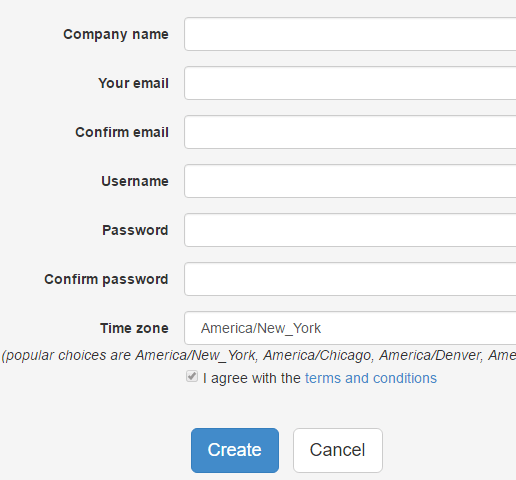
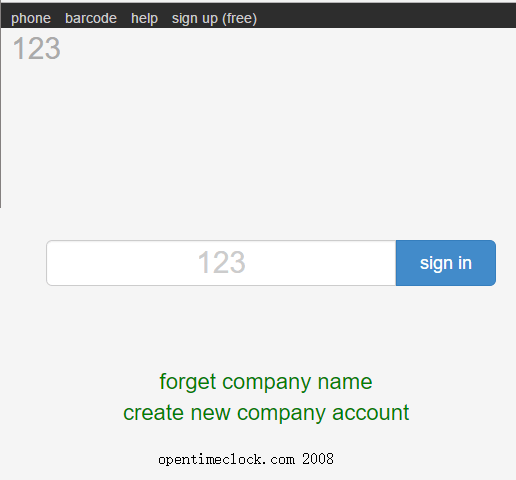
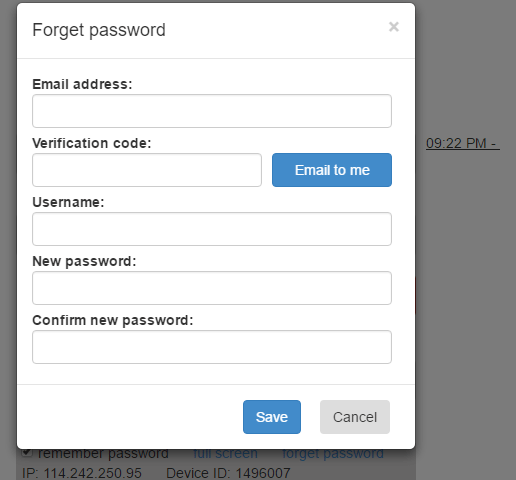
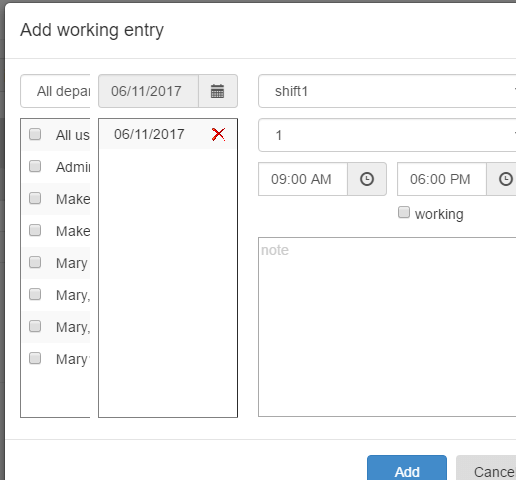
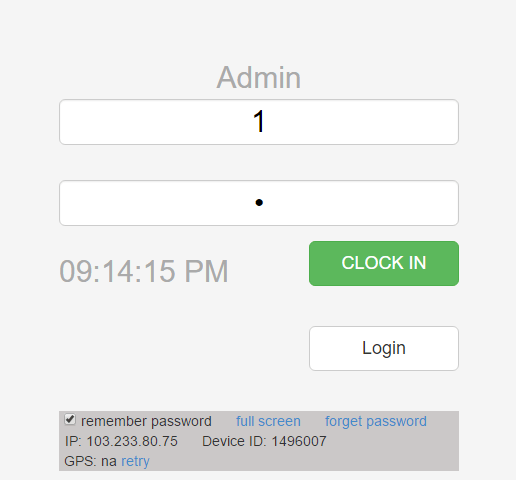
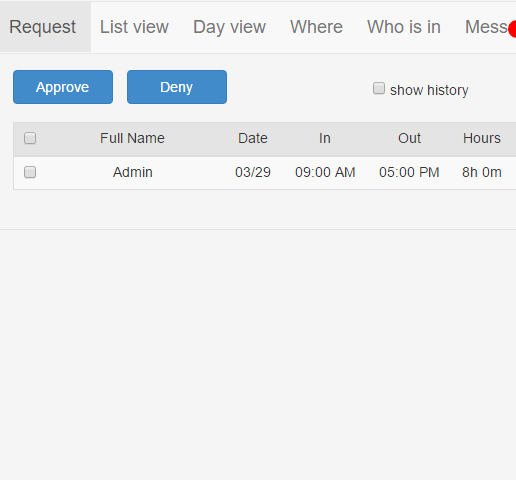
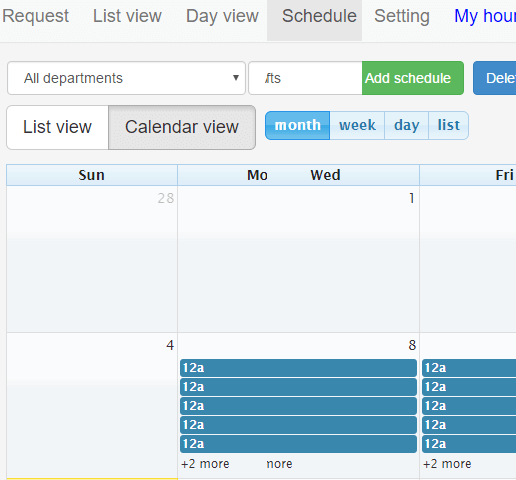
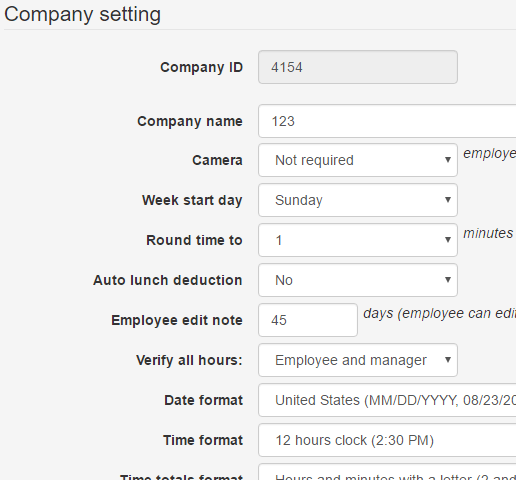
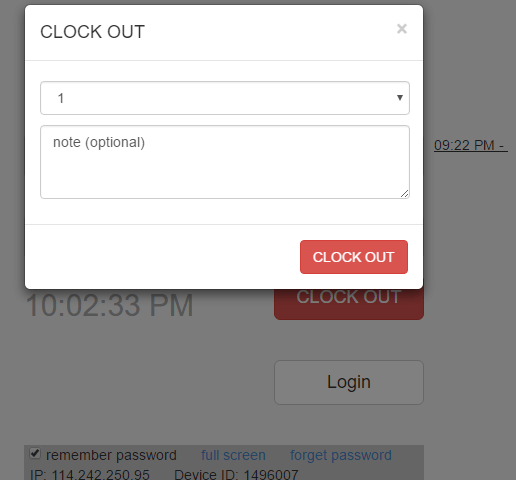
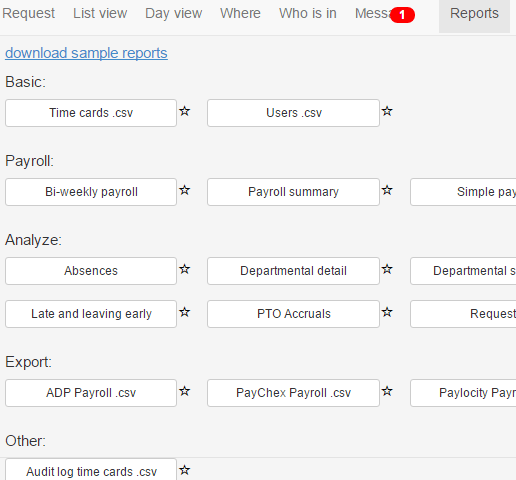
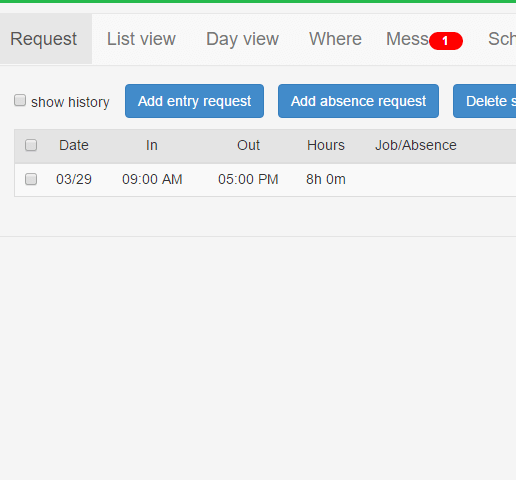
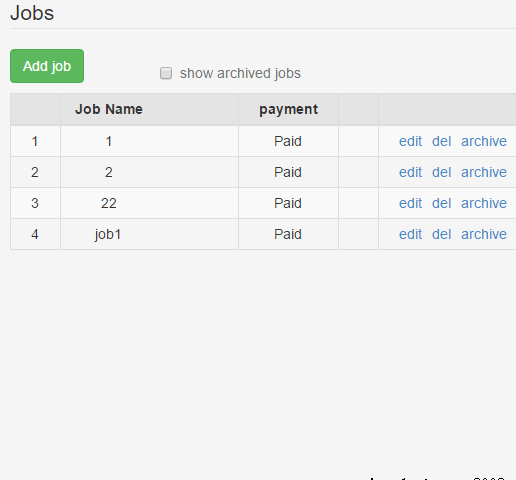
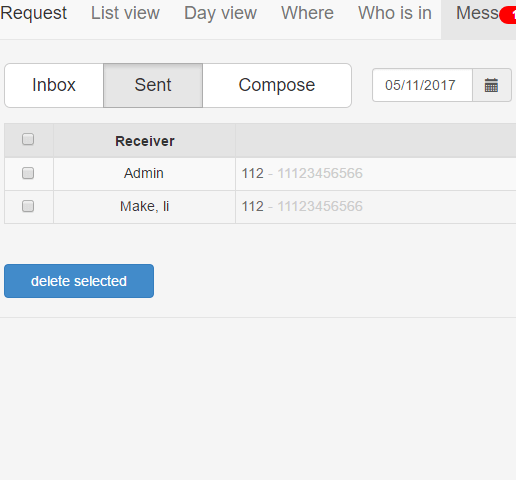
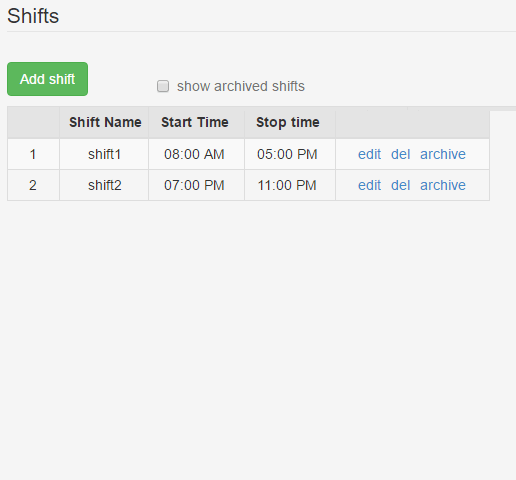
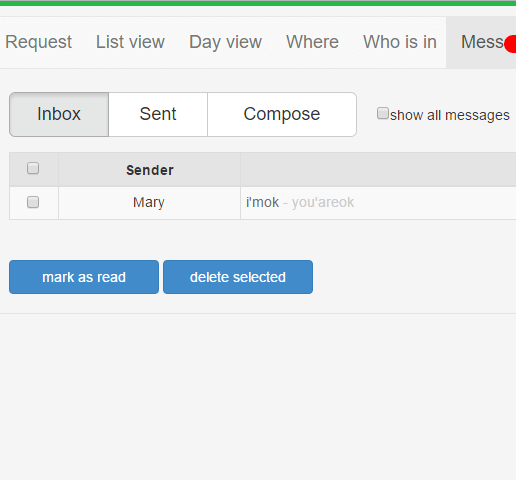
Description
Open Time Clock at a Glance
| Best fit for | Small business owners, contractors, nonprofits, multi-location employers, field service teams, hourly workforce managers wanting free time tracking |
|---|---|
| Industries | Construction, professional services, retail, hospitality, healthcare, nonprofits, field service, small manufacturing |
| Core platform | Web-based employee time clock, Timesheets and approvals, GPS tracking for mobile workforce, Employee scheduling, Job and project costing, Biometric options, Payroll export |
| Pricing model | Free plan for basic use; paid tiers at $39/month, $399/year, and enterprise perpetual options |
| Mobile apps | iOS and Android apps for employee clock-in and manager review |
| Compliance | FLSA overtime tracking, standard SaaS security controls, biometric options for buddy-punching prevention |
| Named customers | Small businesses, contractors, and nonprofits across the US and internationally |
| Parent company | Open Time Clock LLC |
| Headquarters | United States |
Open Time Clock Pros and Cons in 2026
Where Open Time Clock Stands Out
Genuinely free plan. Small teams get a working time clock without a credit card. Paid tiers unlock advanced features but the free plan is not a crippled trial.
Multiple biometric and hardware options. Fingerprint, PIN, badge, face scan supported for buddy-punching prevention.
GPS tracking for mobile workforces. Field service and contractor employees clock in from job sites with GPS verification.
Payroll export. Timesheet export to QuickBooks, ADP, Paychex, and Excel reduces double entry with existing payroll.
Where Open Time Clock Falls Short
Interface is functional, not modern. UX trails newer cloud-first time clock apps for design polish.
Feature depth below full workforce management. Teams needing scheduling plus attendance plus payroll in one platform still need Deputy, Connecteam, or When I Work.
Reporting depth limited on Free tier. Advanced job costing and analytics gated to paid tiers.
Brand recognition below tier-1 time clock apps. Buyers migrating from paper timesheets often need vendor education on the free tier value.
Who Should Use Open Time Clock?
Open Time Clock is the right pick for small business owners on tight budgets, contractors managing hourly crews, nonprofits, multi-location employers, and field service teams. In the attendance management category, Open Time Clock is the free-first small business option.
It is the wrong fit for enterprise workforce management (Kronos, UKG, ADP Workforce Now fit better), teams needing full scheduling plus attendance plus payroll (Deputy, Connecteam fit), and productivity monitoring for remote work (Hubstaff is the alternative). Buyers should also compare Clockify, When I Work, and Buddy Punch.
Open Time Clock Product Suite in 2026
Web-Based Time Clock
Browser-based clock-in from any device. Employees log in from computer, tablet, or smartphone. No app install required for basic clock-in.
Timesheets and Approvals
Manager review and approval of timesheets. Overtime and total-hour calculations. Editing and correction workflow.
GPS Tracking
GPS verification on mobile clock-in for field service and contractor employees. Geofencing to restrict valid clock-in locations.
Employee Scheduling
Basic schedule creation and shift assignments. Employees see upcoming schedules in the mobile app.
Job and Project Costing
Time allocated to jobs, projects, or cost codes. Contractor and project-based billing calculations.
Biometric Options
Fingerprint, PIN, badge, and face scan hardware supported to prevent buddy-punching. Hardware priced separately.
How Much Does Open Time Clock Cost in 2026?
Open Time Clock offers a Free plan for basic time tracking. Paid Basic plan at $39/month adds advanced features. Premium at $399/year (roughly $33/month) unlocks more features on annual billing. Enterprise perpetual license at approximately $800 to $2,000 one-time available for organizations wanting self-hosted or committed use. Pricing verified at opentimeclock.com on 2026-07-03.
What Drives the Cost
- Tier selection: Free, Basic monthly, Premium annual, or Enterprise perpetual.
- Employee count: Higher tiers accommodate more employees.
- Feature access: GPS, scheduling, and job costing on paid tiers.
- Biometric hardware: Fingerprint and badge readers priced separately.
How to Get a Useful Quote
Self-serve signup at opentimeclock.com with Free plan. Larger deployments and Enterprise perpetual license quotes handled by the sales team. Benchmark Open Time Clock against Clockify, Buddy Punch, When I Work, and Time Clock Wizard before signing.
Hidden Costs and Contract Gotchas to Watch For
- Biometric hardware separate. Fingerprint readers, badge scanners, and touchscreen kiosks are their own line item.
- Advanced features paid tier only. GPS tracking, advanced scheduling, and job costing gated to Basic and Premium tiers.
- Payroll integration depth varies. Confirm your specific payroll platform integration works at your tier.
- Enterprise perpetual maintenance. One-time license may need ongoing maintenance for updates and support.
- Data hosting for on-premise. Self-hosted deployments shift backup responsibility to the customer.
Open Time Clock Alternatives Worth Comparing
Clockify wins on generous free plan for larger teams with modern UX. Direct competitor.
Buddy Punch wins on simple time clock with strong payroll integration and geofencing. Direct competitor.
When I Work wins on scheduling plus attendance combined. Different positioning.
Deputy wins on shift scheduling plus attendance for hospitality and retail. Different positioning.
Connecteam wins on frontline workforce apps combining attendance, communication, and scheduling. Broader scope.
Time Clock Wizard wins on affordable time clock for very small teams. Direct competitor.
What Real Buyers Report About Open Time Clock
Small business owners and contractors on Reddit r/smallbusiness and contractor LinkedIn groups consistently call out three patterns. Genuinely free plan is not a crippled trial and works for small teams starting out. Biometric options meaningfully prevent buddy-punching for on-site hourly work. GPS tracking on mobile clock-in supports contractor and field service employees.
The common critiques cluster around three points. Interface is functional but not modern versus newer cloud-first time clock apps. Feature depth below full workforce management for teams needing scheduling plus attendance plus payroll. Advanced features paid tier only means Free is limited to basic tracking. For small business owners, contractors, and nonprofits wanting free time tracking, Open Time Clock consistently ranks as a solid budget-friendly option.
Bottom Line: Is Open Time Clock Right for You?
Open Time Clock is the right call for small business owners on tight budgets, contractors managing hourly crews, nonprofits, multi-location employers, and field service teams. Genuinely free plan plus biometric options plus GPS tracking is a durable moat over paper timesheets and spreadsheets.
For generous free plan with modern UX, Clockify fits. For simple time clock with strong payroll integration, Buddy Punch is the alternative. For scheduling plus attendance combined, When I Work is competitive.
Verified on 2026-07-03 by the SaaSRat Editorial Team. Vendor facts and pricing cross-checked against opentimeclock.com (product pages, pricing, features), small business and contractor community threads on Reddit and LinkedIn, and current 2025-2026 press cycles. About our methodology.
Frequently Asked Questions
What is Open Time Clock used for?
How much does Open Time Clock cost?
Is Open Time Clock actually free?
Is Open Time Clock better than Clockify?
Does Open Time Clock support GPS tracking?
Does Open Time Clock have biometric options?
Does Open Time Clock have a mobile app?
Does Open Time Clock export to payroll?
Can Open Time Clock be self-hosted?
What support does Open Time Clock offer?
Find Your Perfect Software
See how it can transform your workflow
- Personalized for your needs Tailored recommendations based on your unique requirements.
- Save time & resources Streamline your workflow and boost team productivity.
- Trusted by thousands Join 10,000+ businesses already growing with SaaSrat.
You're all set! 🎉
A specialist for will reach out within 1 business day with tailored recommendations for your needs.