

OneUp
by OneUp
What is OneUp?
Get Best Quote for OneUp
Connect with SaaSrat experts to get the best quote for your business.
You're all set!
A specialist for OneUp will reach out within 1 business day.
OneUp Features
Invoicing
Expense tracking
Bank reconciliation
Inventory management
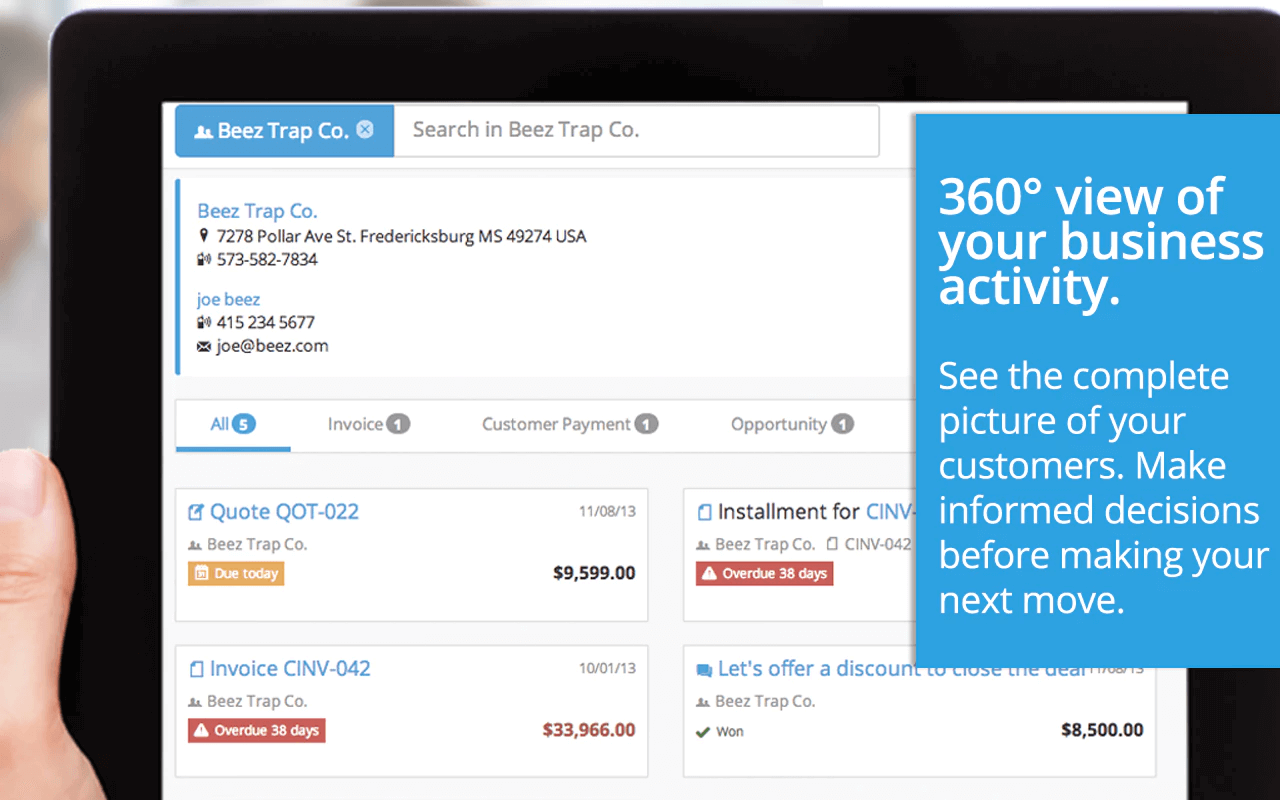
Crm integration
Project management
View All 45 Features
OneUp Resources
OneUp Screenshots
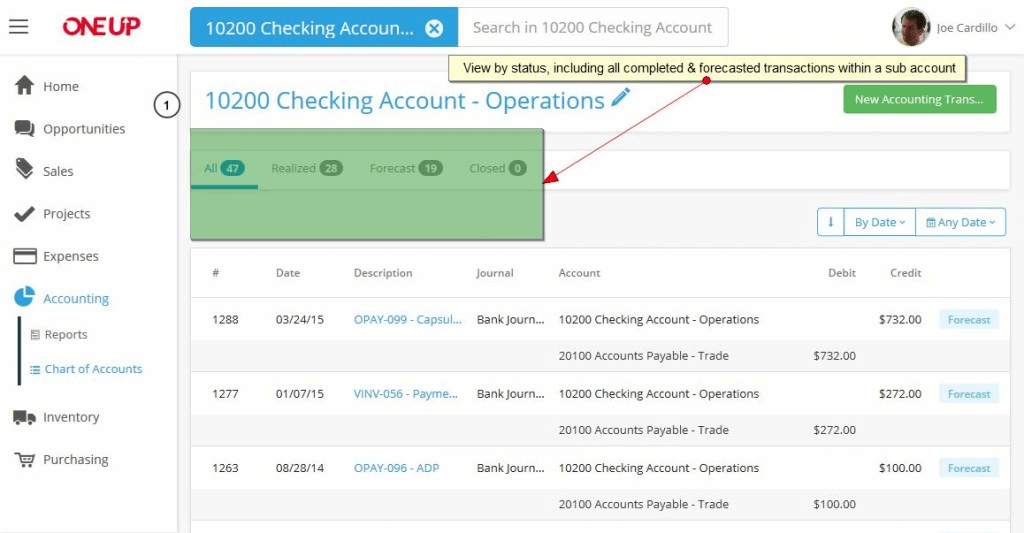
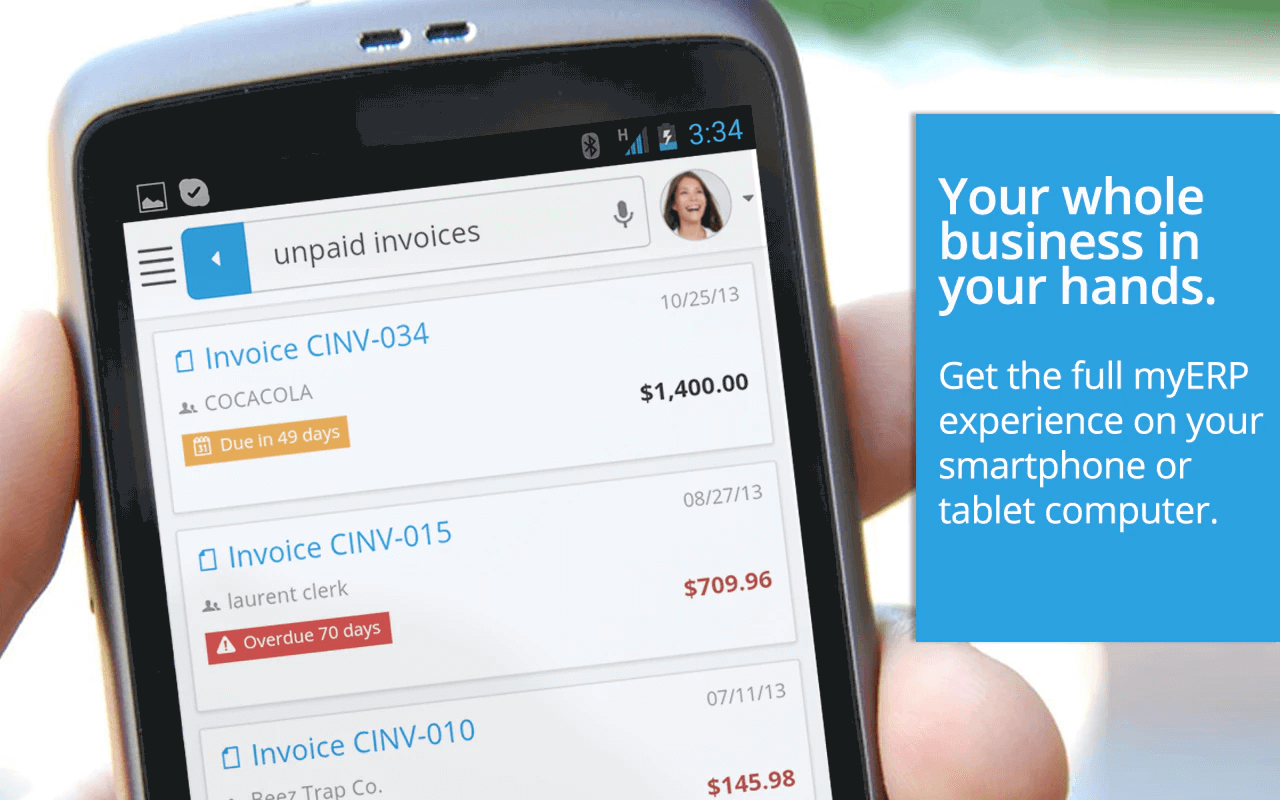
Description
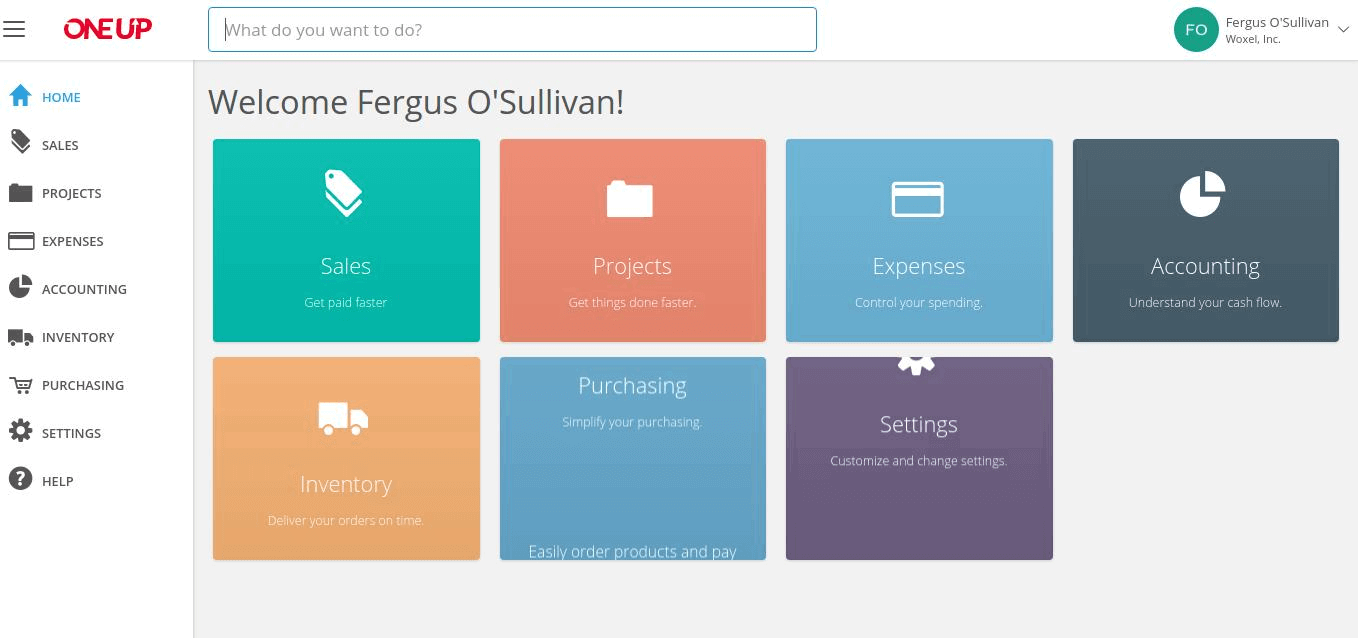
OneUp is a cloud-based accounting and business management platform launched in 2017 by a team focused on reducing software complexity for small business owners. The solution runs entirely in web browsers with companion mobile apps for iOS and Android, eliminating installation hassles and enabling access from any device.
The platform serves thousands of businesses across more than 50 countries, with particularly strong adoption among product-based companies, e-commerce sellers, professional services firms, and accounting practices managing multiple clients. OneUp targets markets in North America, Europe, Asia, and Australia with multi-currency and tax compliance features.
Core Features of OneUp Accounting Software
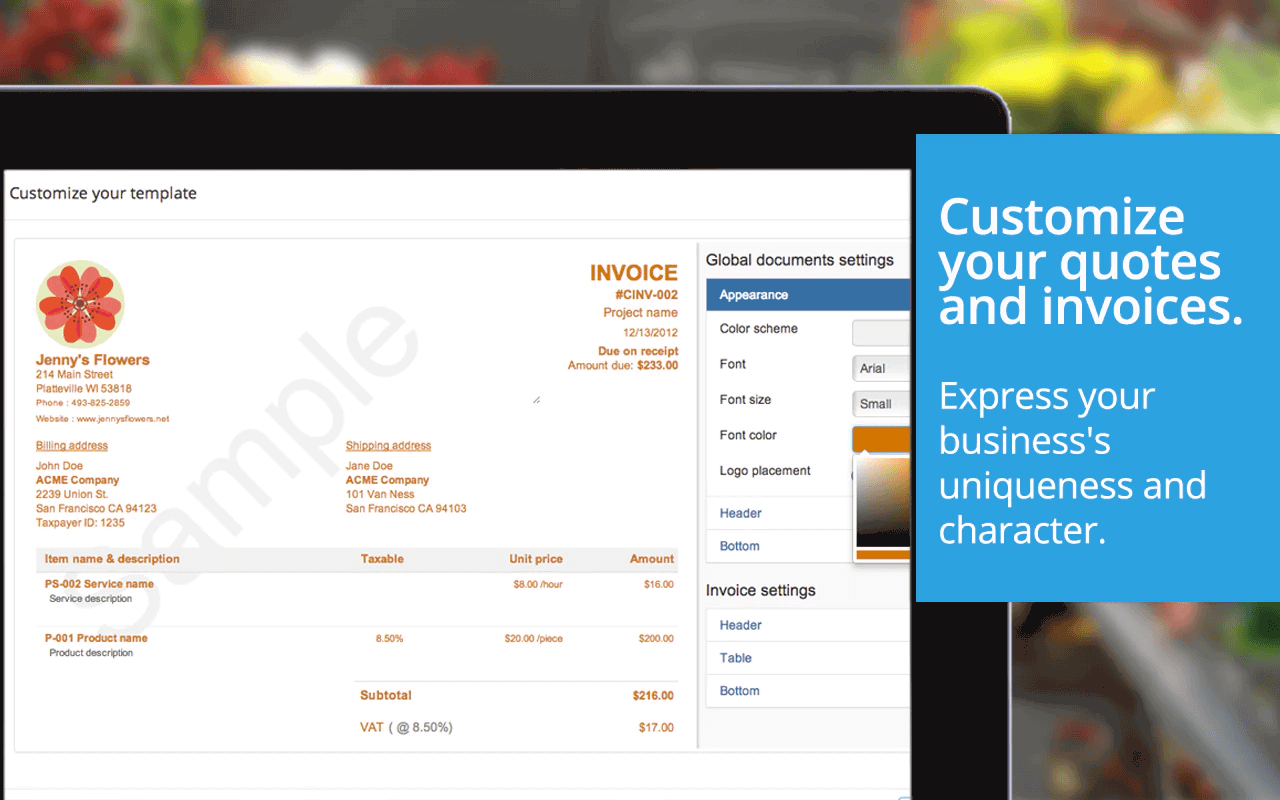
OneUp's invoicing engine supports recurring billing automation, payment reminders, and direct online payment collection through Stripe and PayPal integrations. The system generates professional invoices with customizable templates, handles quotes and estimates, and tracks payment status in real-time without requiring manual data entry.
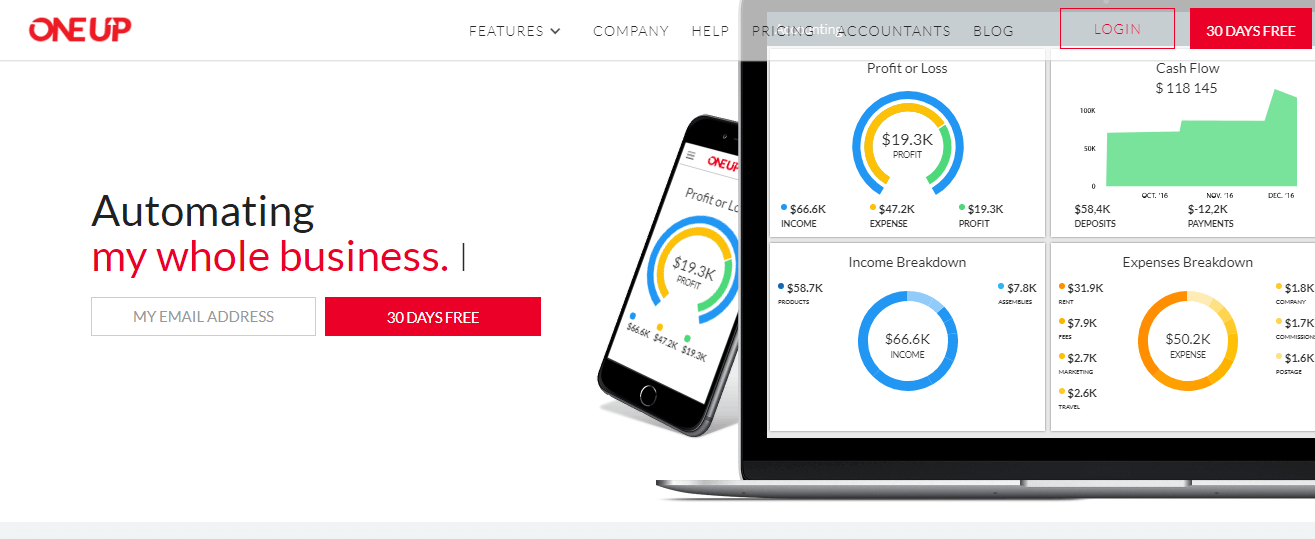
The accounting module delivers full double-entry bookkeeping with automatic bank reconciliation and real-time financial dashboards showing profit and loss, balance sheets, and cash flow statements. Unlike simplified tools, OneUp maintains complete general ledger control, handles journal entries, and supports multi-currency transactions with automatic exchange rate updates.
Built-in inventory management tracks stock levels across multiple warehouses, monitors low-stock alerts, and calculates landed costs including shipping and customs for accurate profitability. The system supports batch tracking, serial numbers, product variants, and automatic inventory adjustments when sales or purchases occur?features typically requiring separate specialized software.
Key Highlights
- Market Position: Serves thousands of businesses in 50+ countries with a unified accounting and business management solution since 2017.
- Target Users: Small businesses with 1-50 employees, freelancers, accounting firms, e-commerce sellers, and product-based companies needing integrated inventory control.
- Deployment: Cloud-hosted software accessible via web browser with native iOS and Android mobile apps for on-the-go access.
- Standout Feature: Integrated CRM and inventory management included in base subscription at no additional cost, eliminating need for separate tools.
- Integrations: 20+ integrations including Stripe, PayPal, Shopify, WooCommerce, Amazon, eBay, bank feeds, and Zapier for custom workflows.
- Pricing Model: Self Service plan at $9/month, Pro plan at $19/month, Plus plan at $29/month; all plans include 30-day free trial with no credit card required.
- Support: Email support, comprehensive help center documentation, video tutorials, webinar training sessions, and onboarding assistance for new users.
- Compliance & Security: SSL encryption, automatic encrypted backups, GDPR compliance, supports GST/VAT tax calculations for multiple countries, audit trail logging.
Who Should Use OneUp Accounting
OneUp works best for small businesses with 1-50 employees in retail, wholesale, manufacturing, and e-commerce sectors where inventory and customer relationship tracking matter as much as financial reporting. Controllers, bookkeepers, and business owners who currently juggle separate subscriptions for accounting, CRM, and stock management gain the most value from consolidation.
A practical example: a 15-person wholesale distributor importing goods from Asia uses OneUp to track landed costs including freight and duties, monitor warehouse stock across three locations, manage customer accounts with purchase history, and generate profit reports by product line?all within one login instead of reconciling data across QuickBooks, a separate CRM, and spreadsheet inventory tracking.
Integrations & Ecosystem
OneUp connects with over 20 third-party platforms including payment gateways (Stripe, PayPal, Square), e-commerce systems (Shopify, WooCommerce, BigCommerce), marketplaces (Amazon, eBay), and bank feeds from 14,000+ financial institutions. API access enables custom integrations, while Zapier connectivity links to 3,000+ additional apps. Notably, OneUp's native Amazon Seller Central integration automatically imports orders and reconciles fees?a capability absent from most small business accounting tools.
Pricing & Plans
OneUp offers three tiers: Self Service ($9/month) includes one user, invoicing, expenses, and banking; Pro ($19/month) adds unlimited users, CRM, inventory, purchase orders, and multi-currency; Plus ($29/month) includes all Pro features plus advanced inventory with batch tracking and project accounting. Annual billing provides two months free. All plans include the 30-day trial and core accounting features; upgrade to Pro is necessary for inventory and CRM functionality most businesses need.
Pros & Cons
Pros
- Unified Platform Economy: Including CRM, inventory, and accounting in one subscription eliminates the $50-150/month expense of connecting separate specialized tools. Businesses save money while avoiding data synchronization errors between disconnected systems.
- True Double-Entry Accounting: Unlike simplified invoicing apps, OneUp maintains complete general ledger integrity with journal entries, account mapping, and audit trails that accountants can trust. This prevents the expensive migration later when businesses outgrow basic tools.
- Inventory Landed Cost Tracking: Automatically calculates true product profitability by adding shipping, customs, and freight charges to purchase costs. Importers and wholesalers gain accurate margin visibility that spreadsheet tracking cannot provide reliably.
Cons
- Limited Advanced Reporting: Custom report builder lacks the depth and flexibility found in enterprise tools like QuickBooks Advanced or Xero. Businesses needing complex financial analysis or custom dimensions may hit reporting limitations requiring manual Excel work.
- Smaller App Ecosystem: With 20+ integrations versus competitors offering 500-1,000+ connections, businesses using specialized vertical software or niche tools may need workarounds through Zapier or manual data entry to connect their full tech stack.
Our Expert Take
OneUp delivers exceptional value for product-based businesses under $5 million revenue who need accounting, CRM, and inventory in one affordable package without compromising on core functionality. E-commerce sellers, wholesalers, and manufacturers gain immediate ROI by eliminating multiple subscriptions while maintaining proper accounting standards. The Pro plan at $19/month represents the market's best integration of these three critical functions.
Service businesses without inventory needs should skip OneUp in favor of FreshBooks or Wave, which offer superior time tracking and project profitability tools more relevant to consultants and agencies. Similarly, rapidly scaling companies approaching 100 employees will eventually need NetSuite or Sage Intacct for advanced consolidation, revenue recognition, and departmental accounting that OneUp's small business focus doesn't address.
Frequently Asked Questions
Is there a free plan or free trial for OneUp?
How much does OneUp cost?
What does OneUp integrate with?
Who is OneUp best for?
What are the best alternatives to OneUp?
Is OneUp GDPR / SOC 2 compliant?
Does OneUp have a mobile app?
What do real users say about OneUp?
How does OneUp compare to its top competitor?
Does OneUp offer customer support?
Find Your Perfect Software
See how it can transform your workflow
- Personalized for your needs Tailored recommendations based on your unique requirements.
- Save time & resources Streamline your workflow and boost team productivity.
- Trusted by thousands Join 10,000+ businesses already growing with SaaSrat.
You're all set! 🎉
A specialist for will reach out within 1 business day with tailored recommendations for your needs.