

HyperOffice
by HyperOffice • Founded 1998
What is HyperOffice?
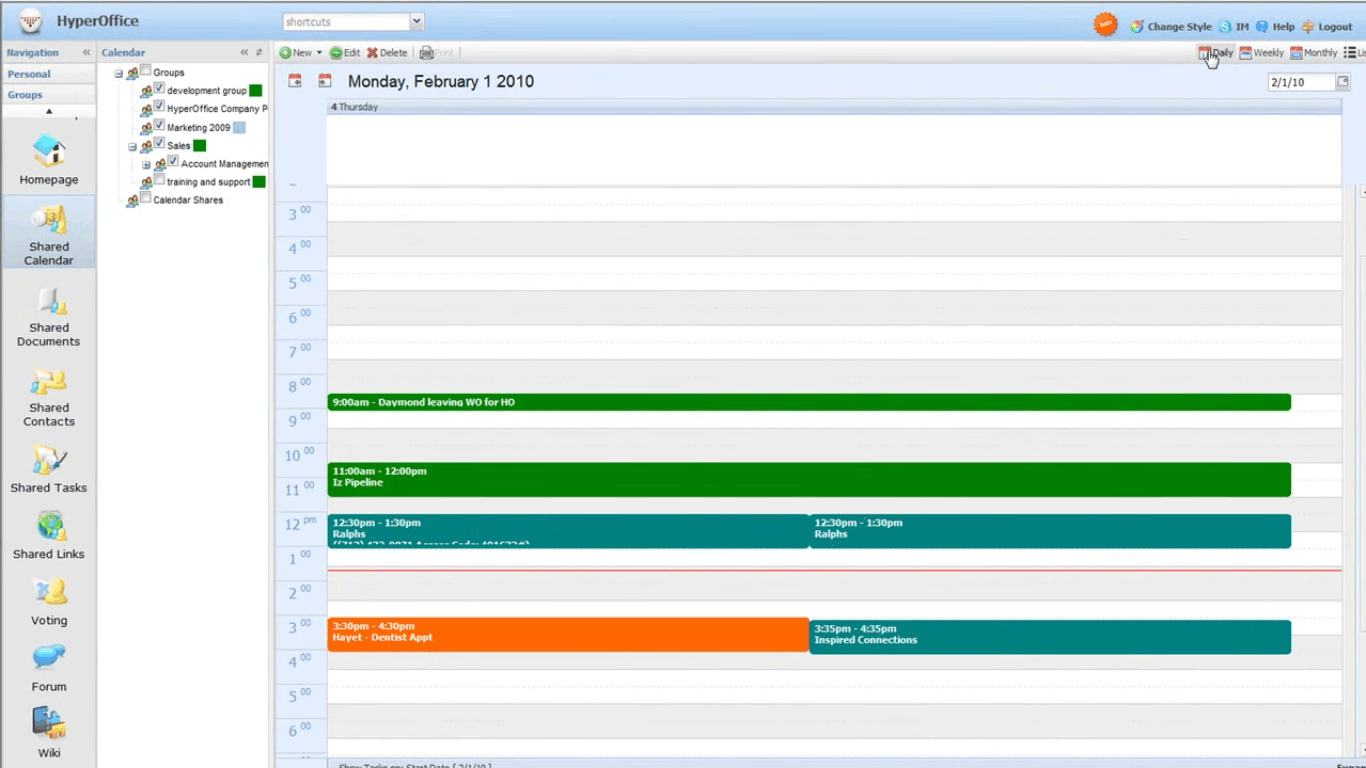
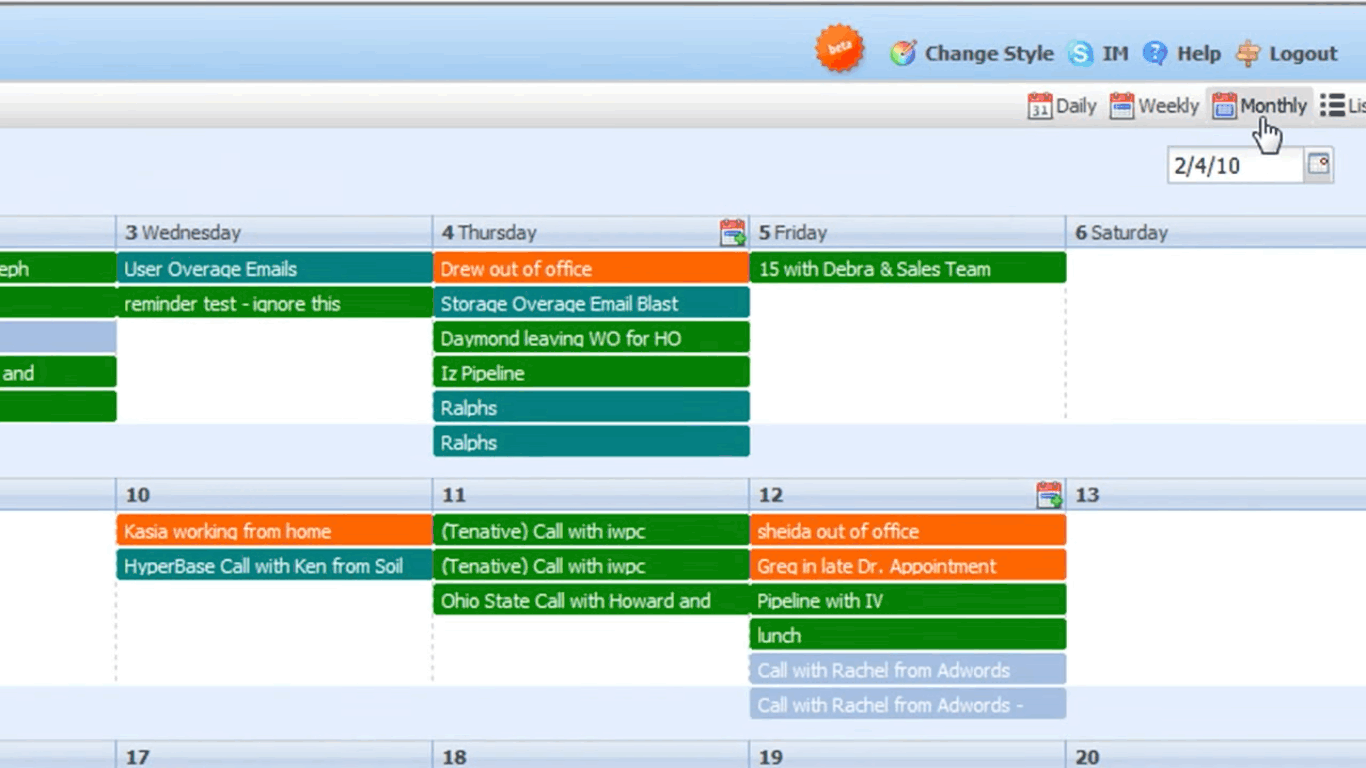
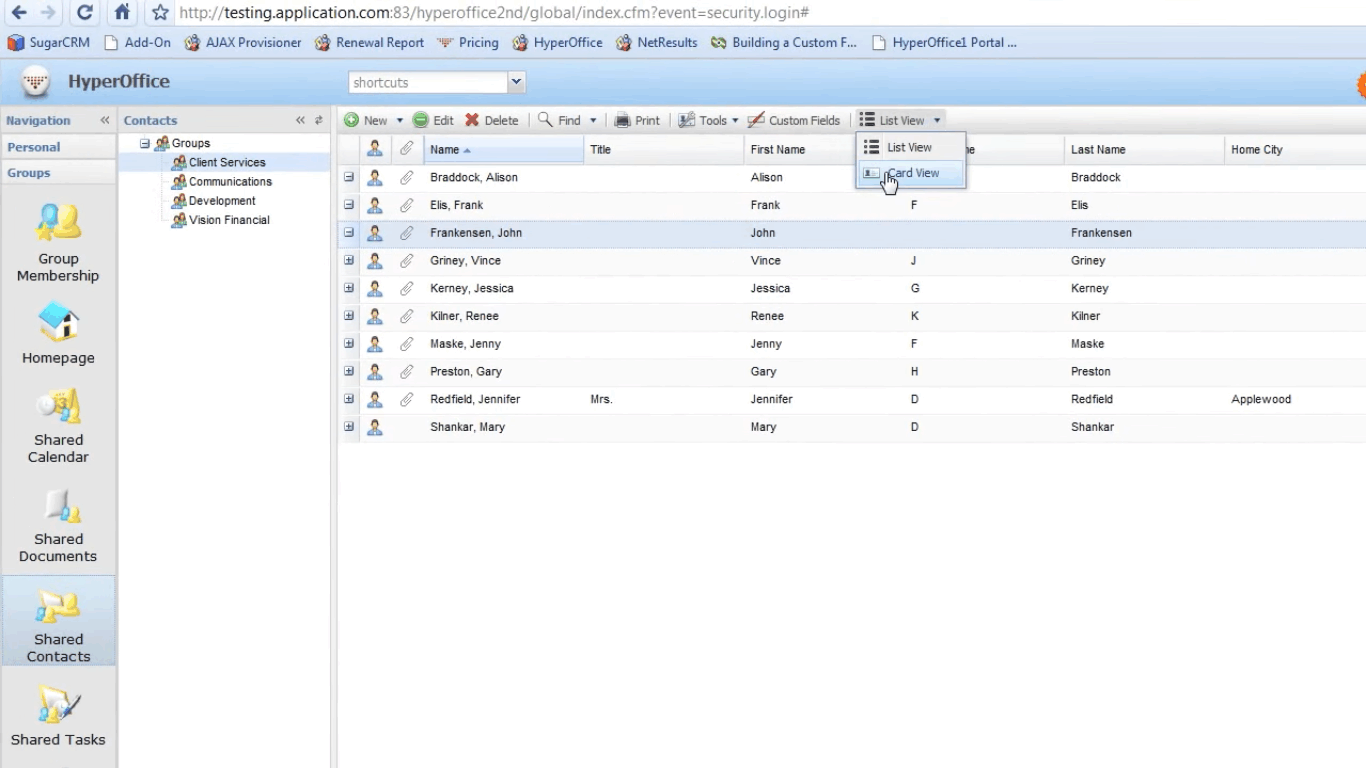
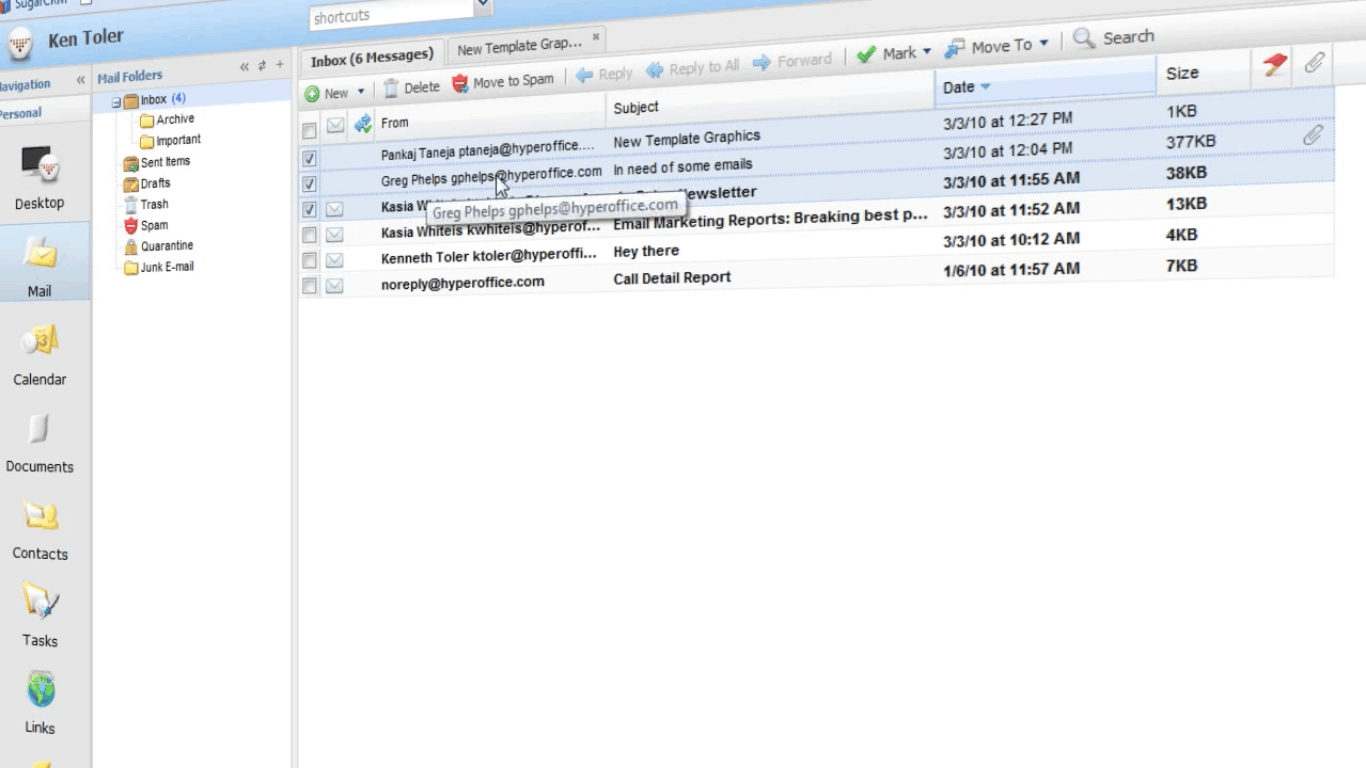
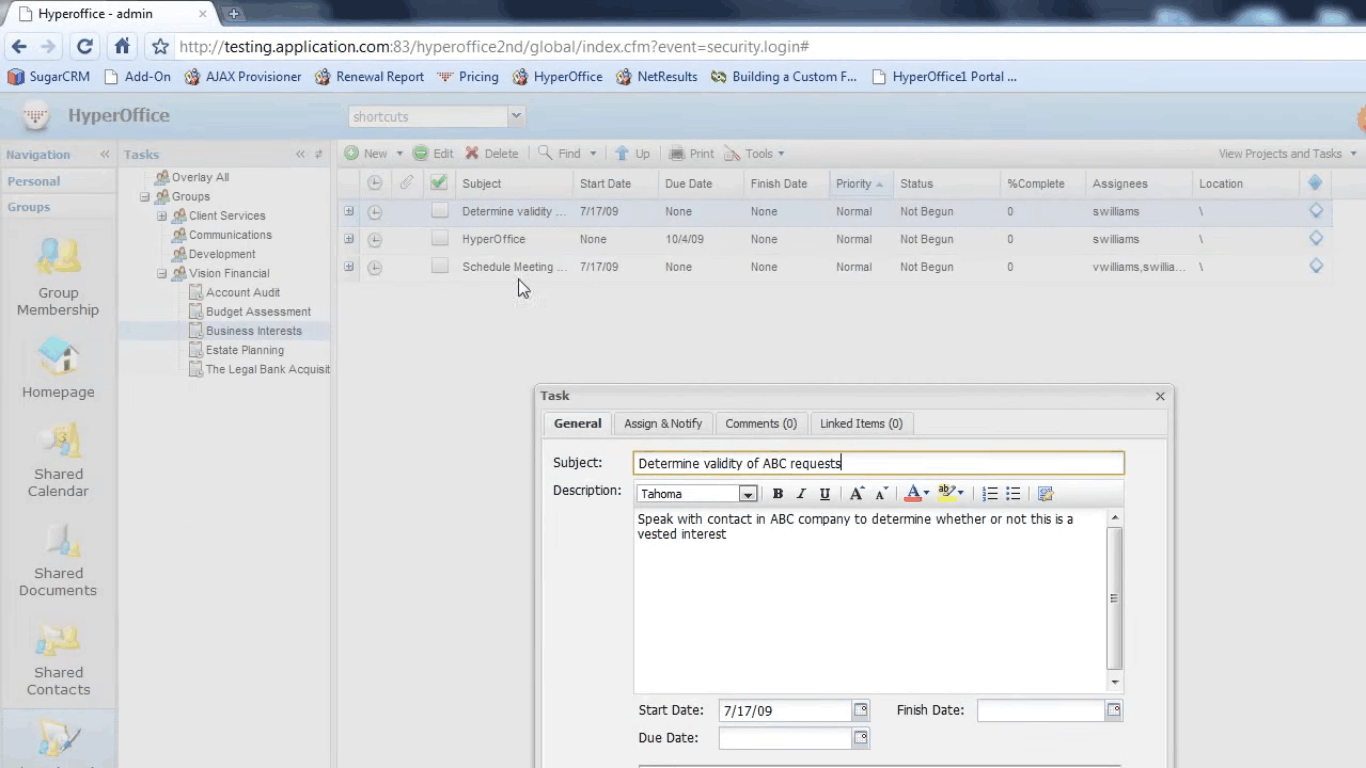
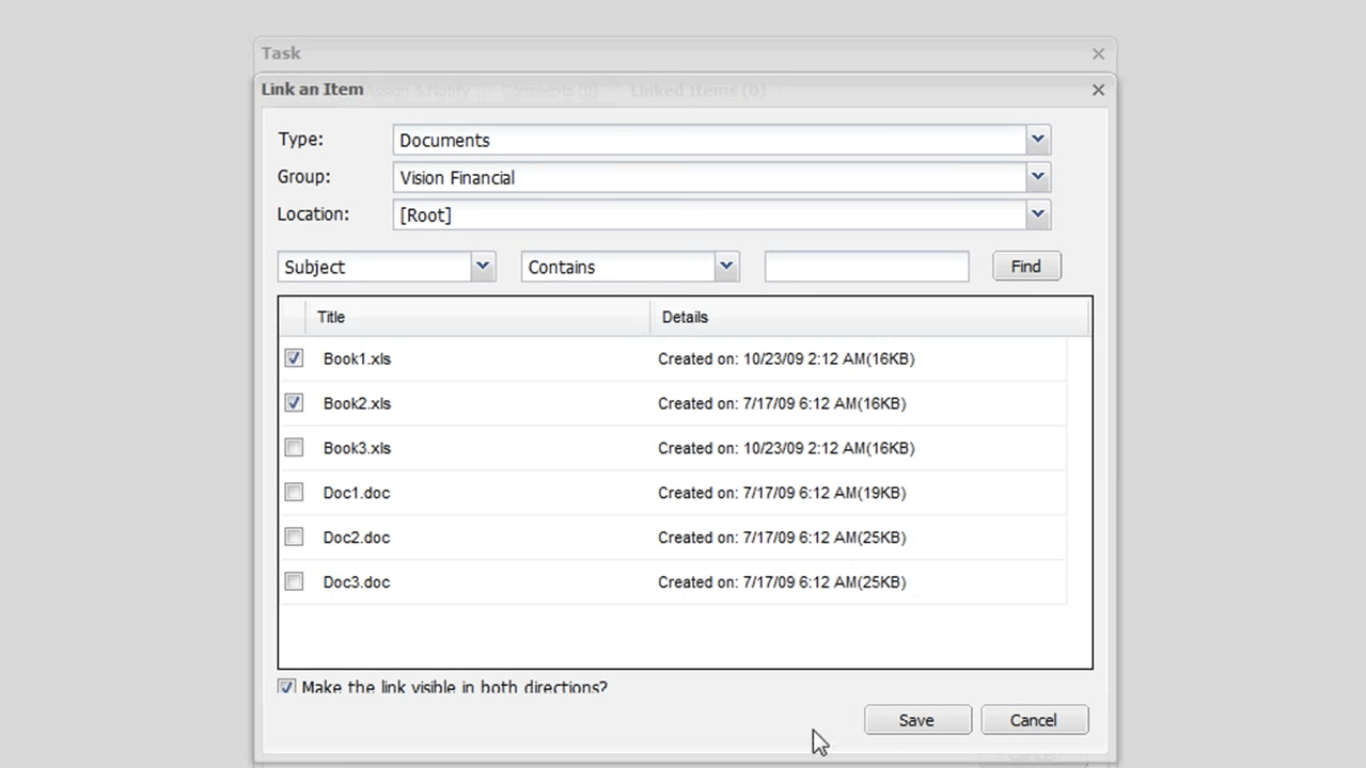
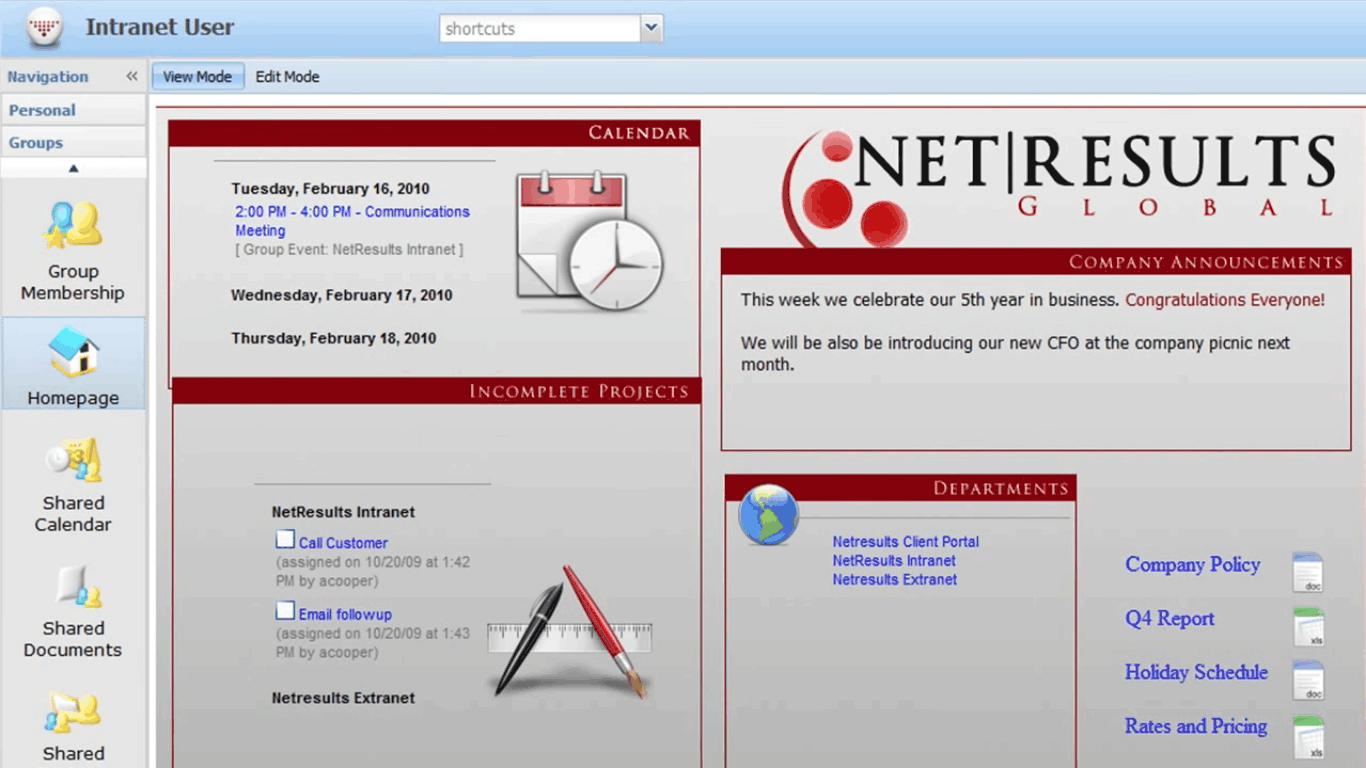
HyperOffice is an online collaboration and project management suite for SMBs. It combines project workspaces, document management, shared calendars, team portals, and task tracking in a hosted platform without per-module pricing.
Get Best Quote for HyperOffice
Connect with SaaSrat experts to get the best quote for your business.
What's driving this search?
Help us understand your situation
Purchasing New
No current solution
Replacing Existing
Looking to switch
Step 1 of 5
Organization Size?
Select the range that applies
Step 2 of 5
Implementation Timeframe
When do you expect to implement?
Step 3 of 5
What's your role?
Select your title
Step 4 of 5
You're all set!
A specialist for HyperOffice will reach out within 1 business day.
HyperOffice Features
Task management
Project tracking
Collaboration tools
Document management
Time tracking
Resource management
View All 22 Features
Gantt charts
Milestone tracking
Budget management
Reporting and analytics
Calendar integration
Email integration
Mobile access
Customizable dashboards
Workflow automation
File sharing
Role based permissions
Notifications and alerts
Discussion boards
Client portal
Collaboration
Project planning
HyperOffice Pricing Plans
Core
$50
/Month
- Document Management
- Calendars
- Contacts
- Customer Support Via Email
POPULAR
Enterprise
$109
/Month
- Core+
- Project & Task Management
- Business Email
- Intranet/Extranet Publisher
- Mobile Support
HyperOffice Resources
HyperOffice Screenshots
Frequently Asked Questions
Is there a free plan or free trial for HyperOffice?
HyperOffice does not have a free plan, but a free trial may be available for new users to test the platform.
How much does HyperOffice cost?
HyperOffice offers paid plans starting at USD 50 per month for the Core plan, with the Enterprise plan at USD 109 per month.
What does HyperOffice integrate with?
HyperOffice integrates with popular tools like Slack, Microsoft Teams, Google Workspace, Zapier, Salesforce, Dropbox, and email services for seamless collaboration.
Who is HyperOffice best for?
HyperOffice is best for small and medium-sized businesses (SMBs) that need an all-in-one solution for project management and intranet features. It's ideal for teams handling task management, resource planning, and collaboration across departments.
What are the best alternatives to HyperOffice?
Top alternatives include Asana for advanced workflow automation, Monday. com for customizable boards and dashboards, Trello for simple Kanban-style task tracking, ClickUp for hierarchical project structures, and Basecamp for straightforward team communication.
Is HyperOffice GDPR / SOC 2 compliant?
For specific compliance certifications, it's recommended to contact HyperOffice directly or check their security documentation.
Does HyperOffice have a mobile app?
Yes, HyperOffice has a mobile app available for iOS and Android devices.
What do real users say about HyperOffice?
Users praise HyperOffice for its intuitive interface, strong collaboration tools, and Gantt charts that simplify project planning. Common feedback highlights reliable file sharing and task management, though some mention a learning curve for advanced resource features and occasional needs for more customization.
How does HyperOffice compare to its top competitor?
Compared to Asana, HyperOffice stands out by combining project management with intranet capabilities, offering built-in email integration and file sharing tailored for SMBs, while Asana focuses more on pure task workflows and automation.
Does HyperOffice offer customer support?
Yes, HyperOffice provides customer support through email, live chat, phone assistance during business hours, and a comprehensive knowledge base with tutorials and guides.
Free Demo
Find Your Perfect Software
See how it can transform your workflow
- Personalized for your needs Tailored recommendations based on your unique requirements.
- Save time & resources Streamline your workflow and boost team productivity.
- Trusted by thousands Join 10,000+ businesses already growing with SaaSrat.
What's driving this search?
Help us understand your current situation
Purchasing New Software
No current solution in place
Replacing Existing Software
Looking to switch providers
Step 1 of 5
No spam. Just the best matches for you.
What is the size of your organization?
Select the range that best applies
Step 2 of 5
Implementation Timeframe
When do you expect to implement?
Step 3 of 5
What's your role?
Select the title that best describes you
Step 4 of 5
Almost there — let's connect you
Your details are kept private and never shared without consent
By signing up, you agree to our Terms & Privacy Policy
You're all set! 🎉
A specialist for will reach out within 1 business day with tailored recommendations for your needs.