

Hubdoc
by Hubdoc Inc
What is Hubdoc?
Get Best Quote for Hubdoc
Connect with SaaSrat experts to get the best quote for your business.
You're all set!
A specialist for Hubdoc will reach out within 1 business day.
Hubdoc Features
Automated data entry
Receipt capture
Bank statement fetching
Bill and invoice management
Document storage
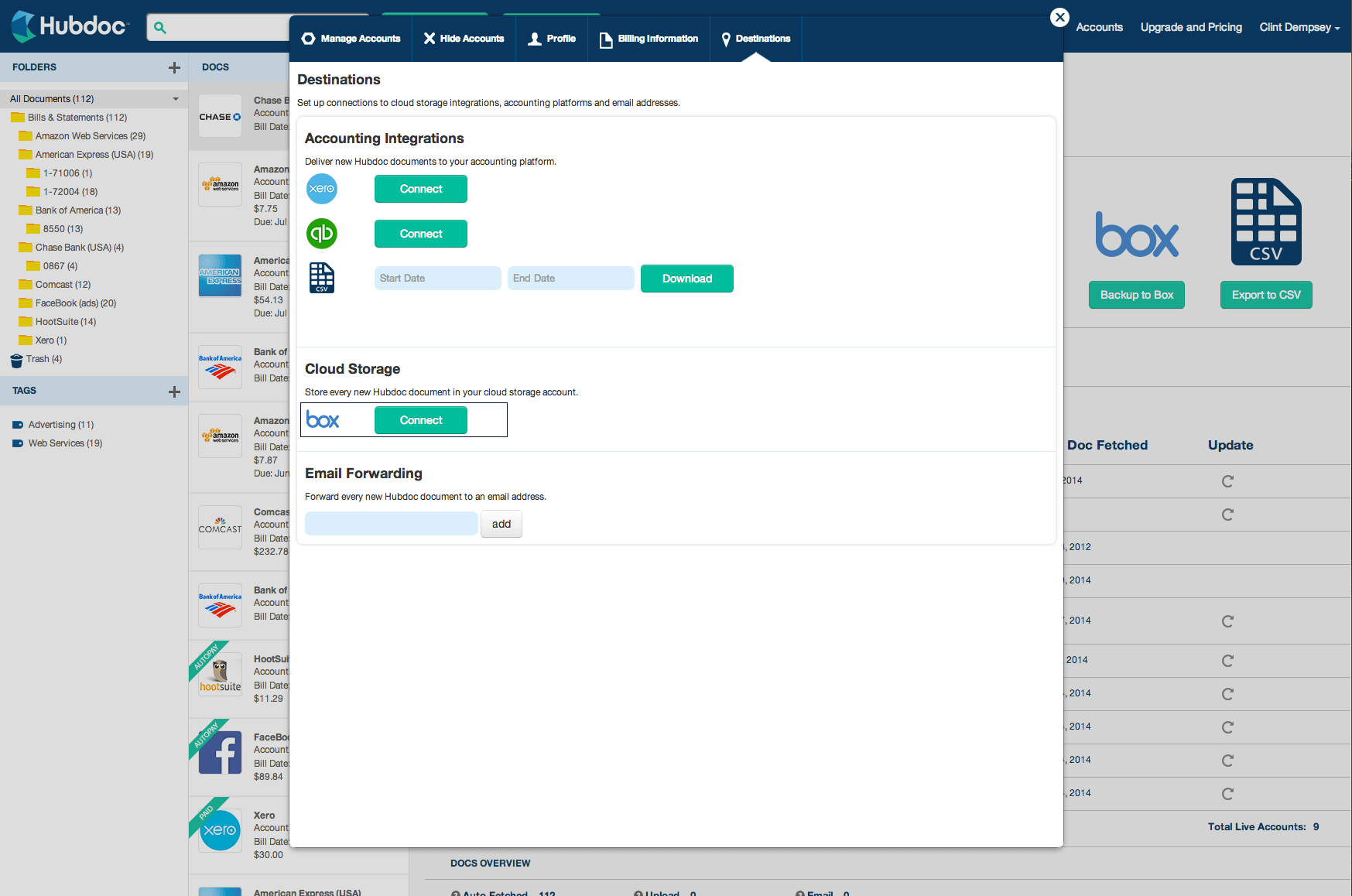
Integration with accounting software
View All 42 Features
Hubdoc Pricing Plans
Basic
- Automatically extracts key data from bills, statements, invoices & receipts
- Automatic retrieval of Bank statements & Recurring bills
- Seamless syncing
- Available for smartphones & tablets
- Bank-level security
- Unlimited usage
- Easy backup
Hubdoc Resources
Hubdoc Screenshots
Description
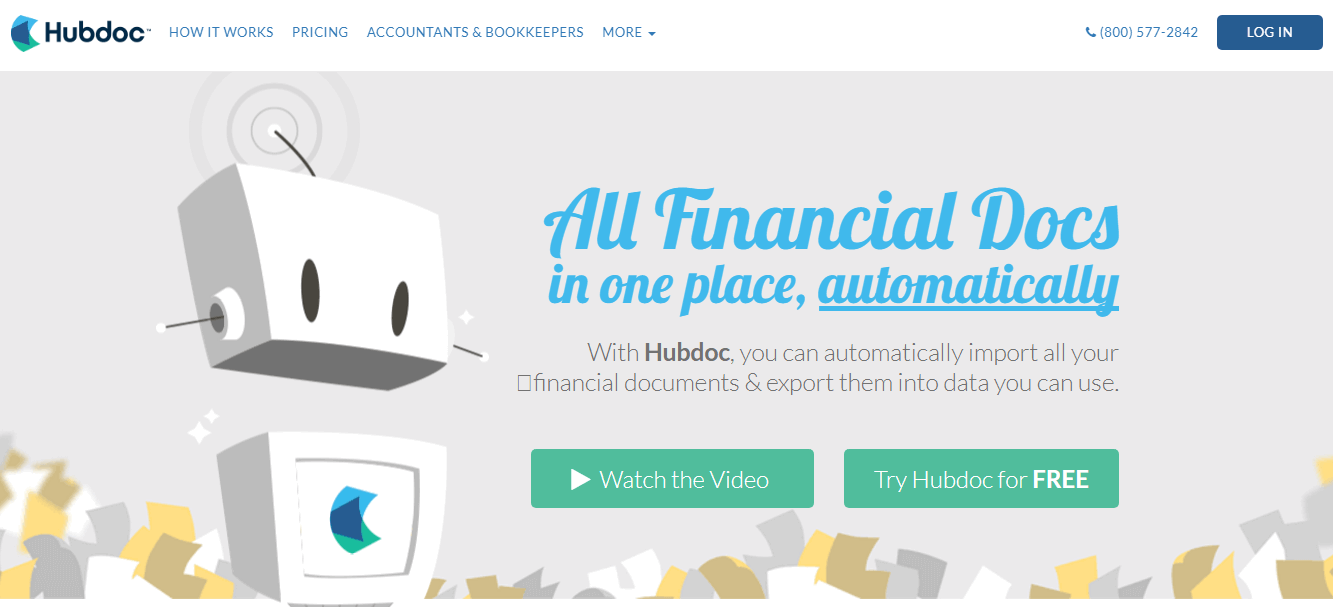
Hubdoc is a cloud-based document collection and data extraction platform designed for accounting professionals, bookkeepers, and their small business clients. Founded in 2011 and headquartered in Toronto, Canada, the software was acquired by Xero in 2018 and now operates as a standalone product within the Xero ecosystem while maintaining integrations with competing platforms like QuickBooks Online.
The platform serves over 100,000 businesses globally, with particularly strong adoption among accounting firms in North America, the UK, Australia, and New Zealand. Hubdoc is built specifically for the accounting practice workflow, where bookkeepers manage document collection across dozens of client accounts simultaneously.
Core Features of Hubdoc
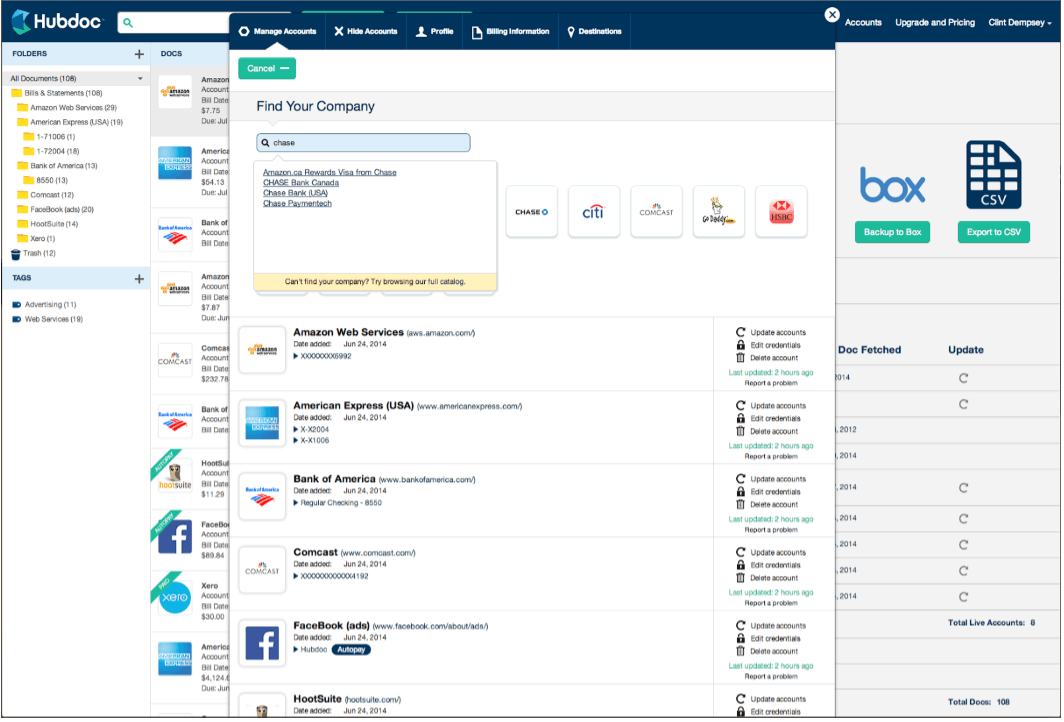
Hubdoc's signature capability is automatic document fetching from over 700 connected suppliers including utility companies, telecom providers, banks, and SaaS vendors. Instead of waiting for clients to forward bills, the platform logs into supplier portals directly and downloads invoices as soon as they're issued, often before the client receives an email notification.
The OCR engine extracts vendor names, dates, amounts, tax details, and line-item data from PDFs, images, and scanned receipts with high accuracy. Extracted data is automatically matched to existing vendor records in QuickBooks Online or Xero, and documents are published as draft bills or expenses ready for approval, eliminating manual typing entirely.
Hubdoc includes a mobile app for iOS and Android that allows users to photograph receipts on-the-go, with automatic cropping, enhancement, and upload. The app syncs instantly to the cloud dashboard, making it popular with field service businesses and consultants who need to capture expenses while traveling or on job sites.
Key Highlights
- Market Position: Acquired by Xero in 2018 for $70 million USD and serves over 100,000 businesses globally as of 2024.
- Target Users: Accounting firms, bookkeeping practices, and small business owners managing 1-50 entities who use QuickBooks Online or Xero.
- Deployment: Cloud-based web application with native iOS and Android mobile apps for receipt capture and document review.
- Standout Feature: Direct supplier portal connections that auto-fetch bills from 700+ vendors without requiring client involvement or email forwarding.
- Integrations: Native two-way sync with Xero and QuickBooks Online, plus connections to QuickBooks Desktop, Sage Business Cloud, and over 700 financial institutions via bank feeds.
- Pricing Model: Free for Xero subscribers (up to 5 users), standalone plans start at $20 USD per month for solo users, with Practice Plans for accounting firms starting at $50/month for 10 client accounts.
- Support: Email and live chat support during business hours, extensive help center with video tutorials, onboarding webinars for accounting practices.
- Compliance & Security: SOC 2 Type II certified, AES-256 encryption for data at rest, TLS 1.2 for data in transit, GDPR compliant with data centers in North America and Australia.
Who Should Use Hubdoc
Hubdoc is purpose-built for accounting firms and bookkeeping practices managing 10-100 small business clients, particularly those in retail, professional services, construction, and e-commerce. It's ideal for practice owners and bookkeepers who spend 5+ hours weekly chasing clients for missing invoices or manually entering bill data from PDFs.
A typical use case is a bookkeeping firm managing monthly financials for 30 restaurant clients. Instead of emailing each client to request utility bills, credit card statements, and vendor invoices, Hubdoc automatically fetches these documents from suppliers like Verizon, ComEd, and Sysco, then publishes them as coded bills in QuickBooks Online, reducing monthly processing time from 40 hours to under 10.
Integrations & Ecosystem
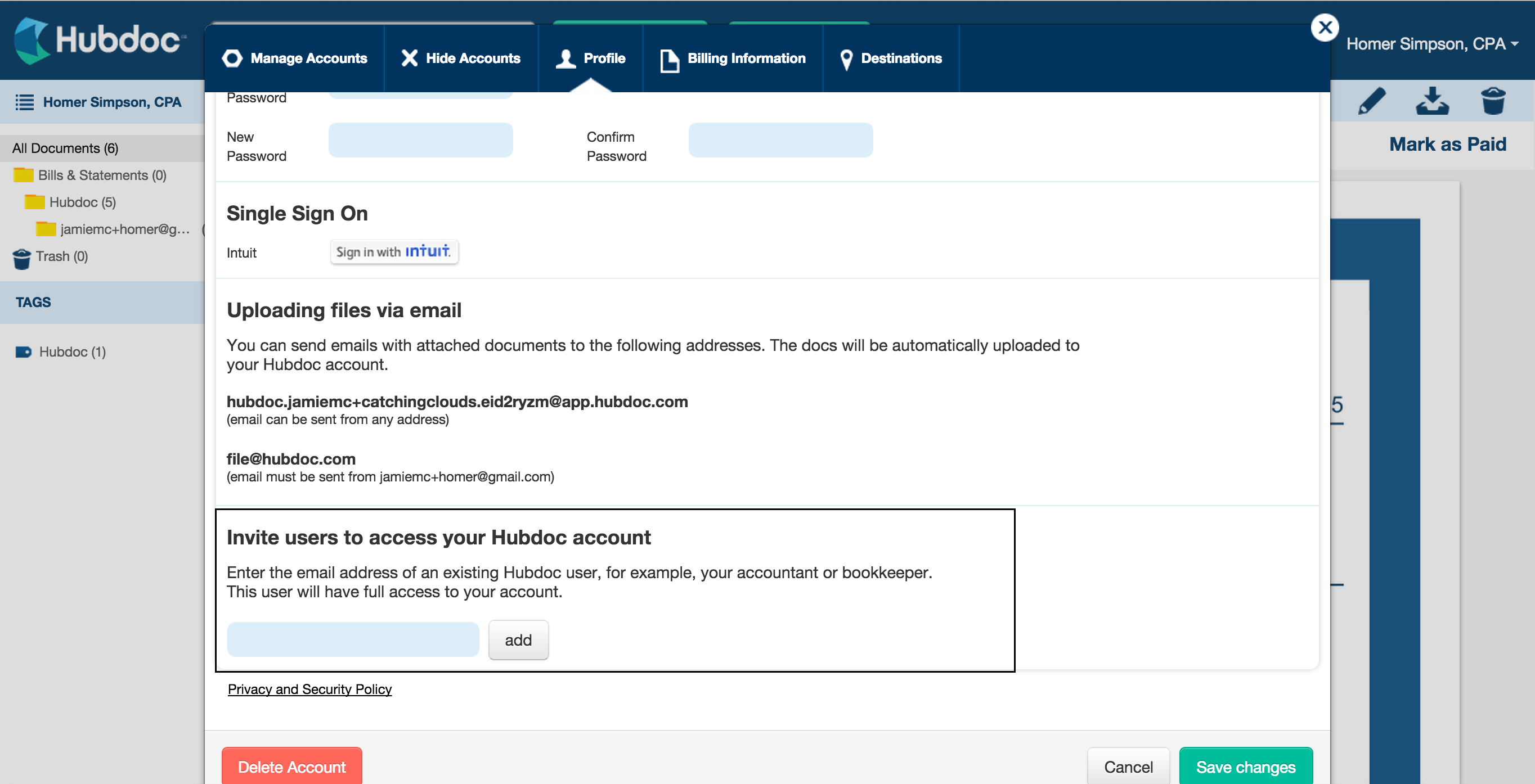
Hubdoc integrates natively with Xero and QuickBooks Online via two-way API connections that sync vendor records, chart of accounts, and transaction data. The platform connects to over 700 supplier portals including major banks (Chase, Bank of America, Wells Fargo), utilities (PG&E, ConEd), telecoms (AT&T, Verizon), and cloud services (Microsoft 365, AWS), plus supports manual uploads via email forwarding to a unique Hubdoc inbox address.
Pricing & Plans
Hubdoc offers a free plan for Xero subscribers that includes unlimited documents for up to 5 users per organization. Standalone Solo plans start at $20 USD per month for individuals using QuickBooks Online with a single entity. Practice Plans for accounting firms begin at $50/month for 10 client accounts with volume discounts scaling up to 100+ clients, billed annually with a 14-day free trial available.
Pros & Cons
Pros
- Automated Supplier Fetching: Eliminates 90% of client follow-up by pulling bills directly from 700+ vendor portals before clients even see them, a capability no other document platform matches at this scale.
- QuickBooks & Xero Integration: Two-way sync publishes extracted data as draft bills with vendor matching and account coding, reducing bill entry time from 3 minutes to 15 seconds per document.
- Mobile Receipt Capture: iOS and Android apps with auto-crop, image enhancement, and instant cloud sync make expense tracking seamless for field teams and consultants who need real-time documentation.
Cons
- Limited ERP Support: Only integrates with QuickBooks Online, Xero, QuickBooks Desktop, and Sage Business Cloud?no native connections to NetSuite, SAP, or other enterprise accounting systems.
- Supplier Coverage Gaps: While 700+ suppliers is extensive, many regional vendors and niche SaaS providers aren't supported, requiring manual uploads via email or mobile app for 20-30% of documents.
Our Expert Take
Hubdoc is the best document automation choice for accounting practices managing 10-50 small business clients on QuickBooks Online or Xero, especially those tired of chasing receipts. The supplier portal fetching capability is genuinely unique and saves 8-12 hours per client monthly, making it indispensable for high-volume bookkeeping workflows where document collection is the bottleneck.
Avoid Hubdoc if you're a mid-market company using NetSuite, Sage Intacct, or Microsoft Dynamics?it simply won't connect. Freelancers and solo consultants processing under 20 documents monthly should consider Expensify or Dext Prepare instead, which offer simpler interfaces and mobile-first workflows without the accounting practice features you won't use.
Frequently Asked Questions
Is there a free plan or free trial for Hubdoc?
How much does Hubdoc cost?
What does Hubdoc integrate with?
Who is Hubdoc best for?
What are the best alternatives to Hubdoc?
Is Hubdoc GDPR / SOC 2 compliant?
Does Hubdoc have a mobile app?
What do real users say about Hubdoc?
How does Hubdoc compare to its top competitor?
Does Hubdoc offer customer support?
Find Your Perfect Software
See how it can transform your workflow
- Personalized for your needs Tailored recommendations based on your unique requirements.
- Save time & resources Streamline your workflow and boost team productivity.
- Trusted by thousands Join 10,000+ businesses already growing with SaaSrat.
You're all set! 🎉
A specialist for will reach out within 1 business day with tailored recommendations for your needs.