

HeySpace
by HeySpace
What is HeySpace?
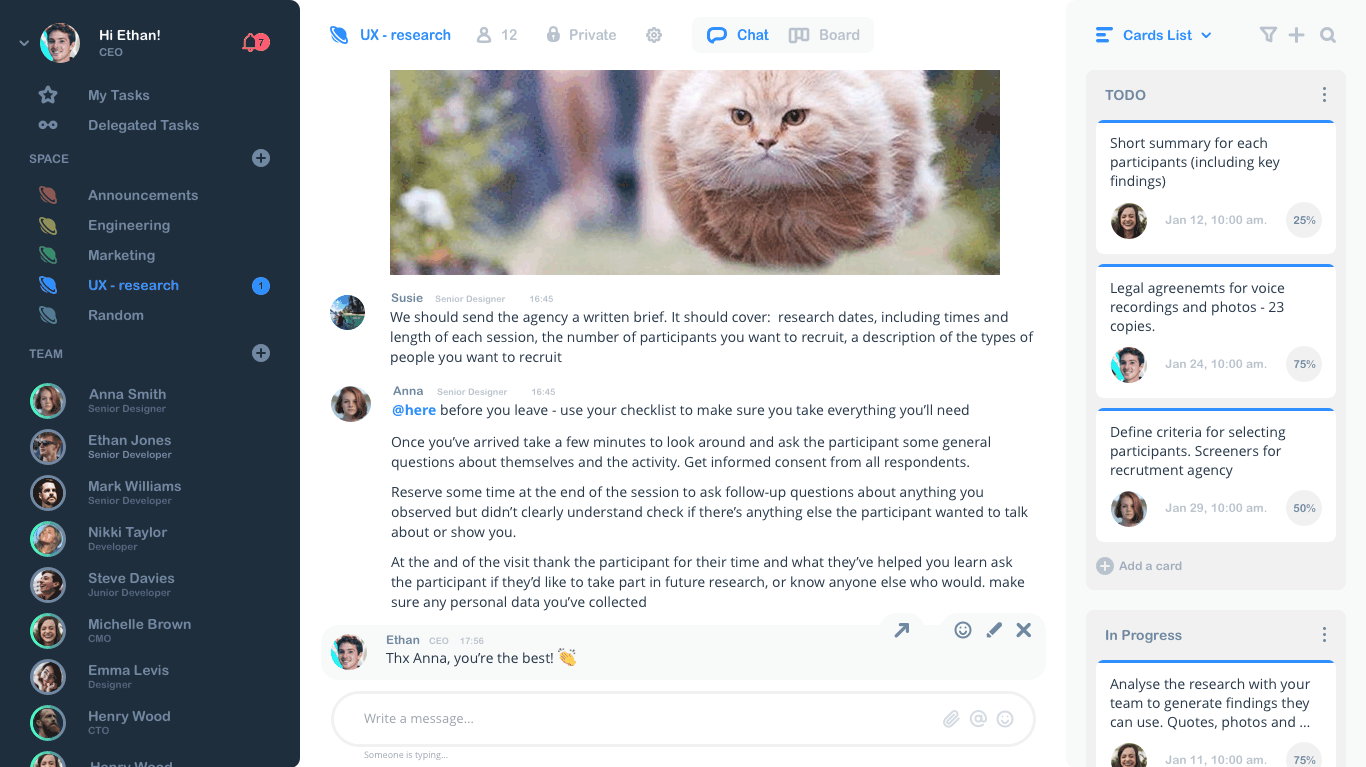
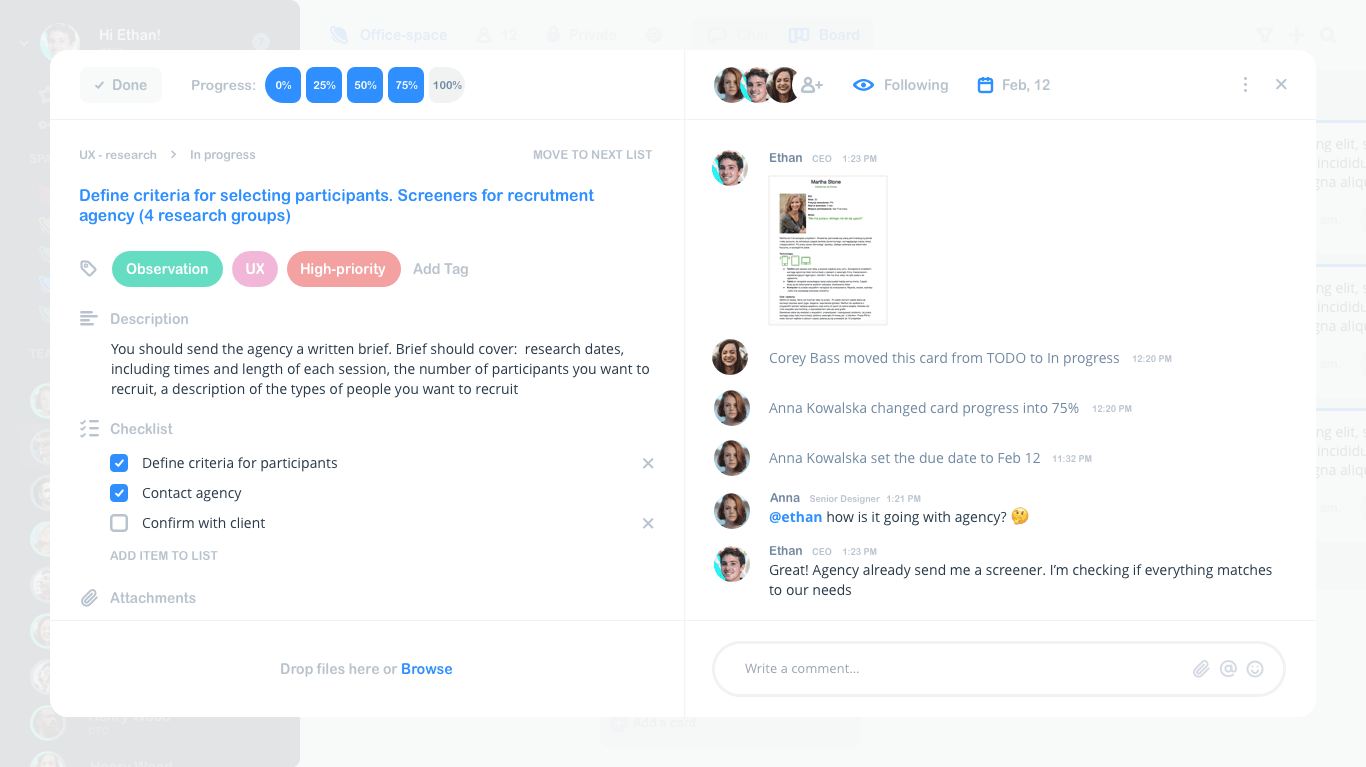
HeySpace is a team collaboration tool that combines Kanban task management with team messaging. Users create tasks directly from chat conversations and manage them on project boards without switching between communication and task apps.
Get Best Quote for HeySpace
Connect with SaaSrat experts to get the best quote for your business.
What's driving this search?
Help us understand your situation
Purchasing New
No current solution
Replacing Existing
Looking to switch
Step 1 of 5
Organization Size?
Select the range that applies
Step 2 of 5
Implementation Timeframe
When do you expect to implement?
Step 3 of 5
What's your role?
Select your title
Step 4 of 5
You're all set!
A specialist for HeySpace will reach out within 1 business day.
HeySpace Features
Task management
Chat integration
File sharing
Calendar view
Time tracking
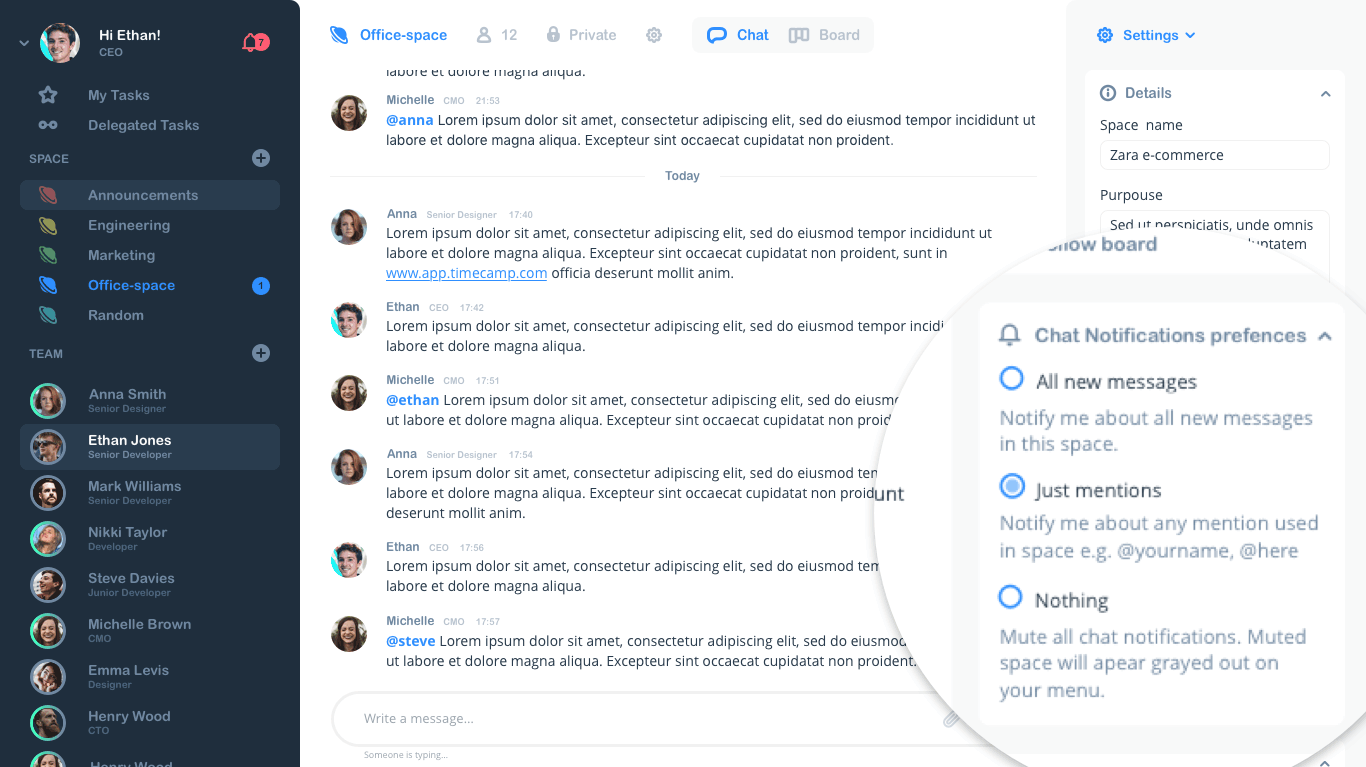
Notifications
View All 32 Features
Mentions
Project templates
Customizable workspaces
Gantt charts
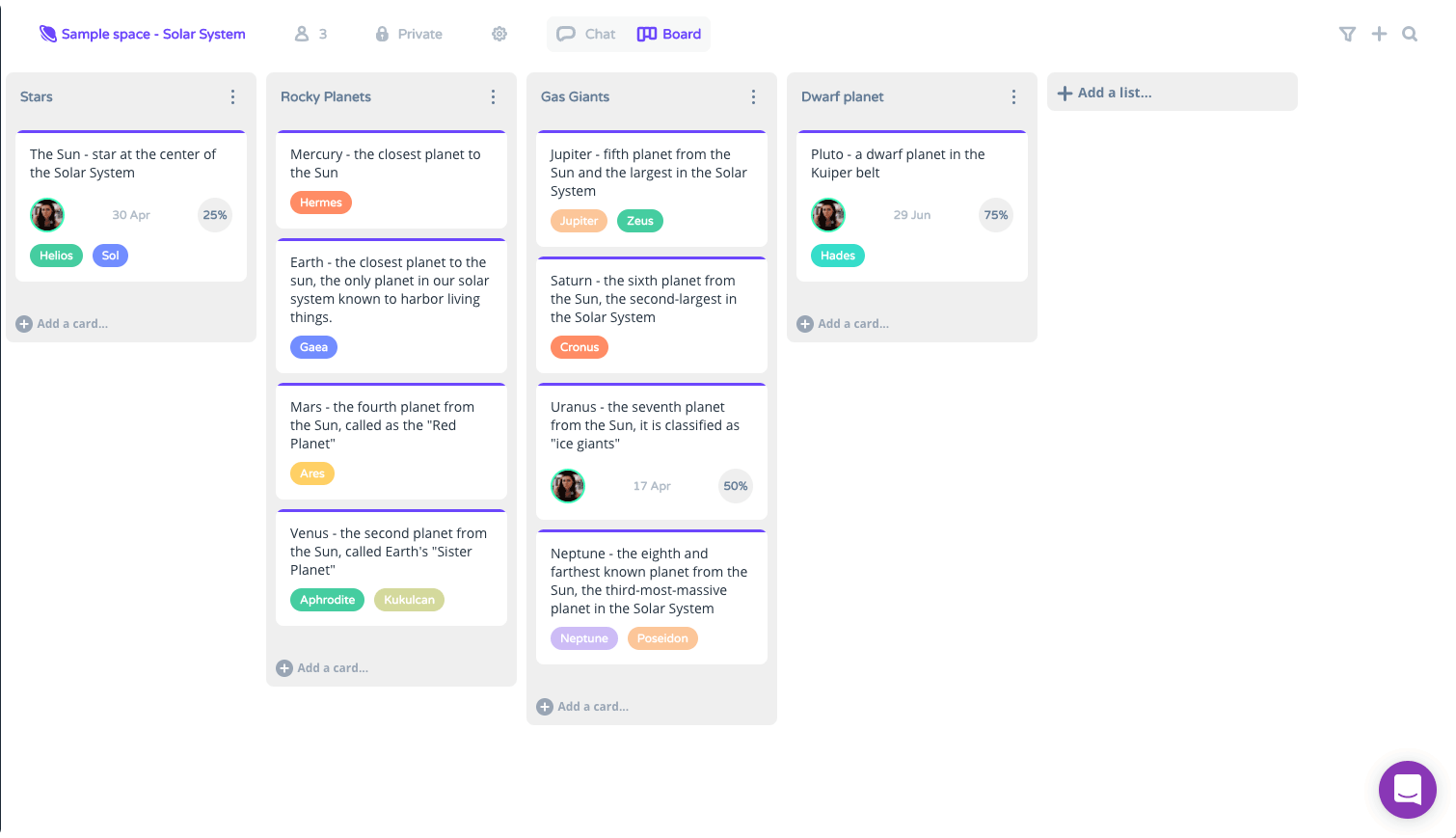
Kanban boards
Subtasks
Recurring tasks
Task prioritization
Activity logs
User permissions
Third party integrations
Mobile app
Search functionality
Reporting and analytics
Data imports/exports
Workflow management
Collaboration
Idea management
Milestone tracking
Percent complete tracking
Project planning
Resource management
Status tracking
Dashboard
Reporting
Cross platform
HeySpace Pricing Plans
Free
Free
- Task management
- Chat
- Taskifying messages
HeySpace Resources
HeySpace Screenshots
Frequently Asked Questions
Is there a free plan or free trial for HeySpace?
Yes, HeySpace offers a free plan that lets you get started without any cost. It's perfect for individuals or small teams looking to test out the team chat and Kanban task features.
How much does HeySpace cost?
HeySpace offers a free plan to start with. Paid plans are flexible and scale with your team's needs, typically starting around USD 5 to USD 10 per user per month for premium features like advanced reporting and integrations. Check their site for the latest details.
What does HeySpace integrate with?
HeySpace integrates seamlessly with popular tools like Slack, Zapier, Google Drive, Dropbox, Microsoft Teams, GitHub, Jira, and Google Workspace, making it easy to connect your workflows across apps.
Who is HeySpace best for?
HeySpace is ideal for small to medium-sized teams, startups, and remote workers in industries like marketing, software development, and creative agencies. It's great for project managers, collaborators, and anyone needing simple Kanban boards combined with team chat.
What are the best alternatives to HeySpace?
Top alternatives include Trello for pure Kanban simplicity, Asana for robust project tracking, Monday. com for customizable workflows, ClickUp for all-in-one productivity, and Basecamp for straightforward team communication without the complexity.
Is HeySpace GDPR / SOC 2 compliant?
For specific compliance certifications, it's recommended to contact HeySpace directly or check their security documentation.
Does HeySpace have a mobile app?
Yes, HeySpace has a mobile app available for both iOS and Android, so you can manage tasks and chat on the go.
What do real users say about HeySpace?
Users love HeySpace for its intuitive mix of chat and Kanban boards, praising the ease of collaboration and quick setup. Common feedback highlights strong real-time communication, though some note it lacks advanced reporting in the free plan compared to enterprise tools.
How does HeySpace compare to its top competitor?
Compared to Trello, HeySpace stands out by combining Kanban tasks with built-in team chat in one workspace, offering more fluid communication without switching apps, while Trello focuses purely on visual boards with less emphasis on messaging.
Does HeySpace offer customer support?
Yes, HeySpace provides customer support through email, live chat during business hours, a comprehensive knowledge base, and community forums to help resolve issues quickly.
Software
Find Your Perfect Software
Answer a few quick questions to get matched
What's driving this search?
Help us understand your current situation
Purchasing New Software
No current solution in place
Replacing Existing Software
Looking to switch providers
Step 1 of 5
What is the size of your organization?
Select the range that best applies
Step 2 of 5
Implementation Timeframe
When do you expect to implement?
Step 3 of 5
What's your role?
Select the title that best describes you
Step 4 of 5
Almost there — let's connect you
Your details are kept private and never shared without consent
By signing up, you agree to our Terms & Privacy Policy
You're all set!
A specialist for will reach out within 1 business day with tailored recommendations for your needs.