

accnu
by emphorasoft • Founded 2016
What is accnu?
Get Best Quote for accnu
Connect with SaaSrat experts to get the best quote for your business.
You're all set!
A specialist for accnu will reach out within 1 business day.
accnu Features
Invoicing
Expense tracking
Financial reporting
Bank reconciliation
Multi currency support
Tax management
View All 63 Features
accnu Pricing Plans
Startup
- GST Ready with Returns filling
- Accounting, Invoicing, billing
- sales order, purchase orders
- Sales and purchase quotations
- Reciepts, credit memos and debit memos
- Payments
- Delivery Challans
- Inventory
- Bar code Printing/Scanning
- Warehouse management
- Batch Control
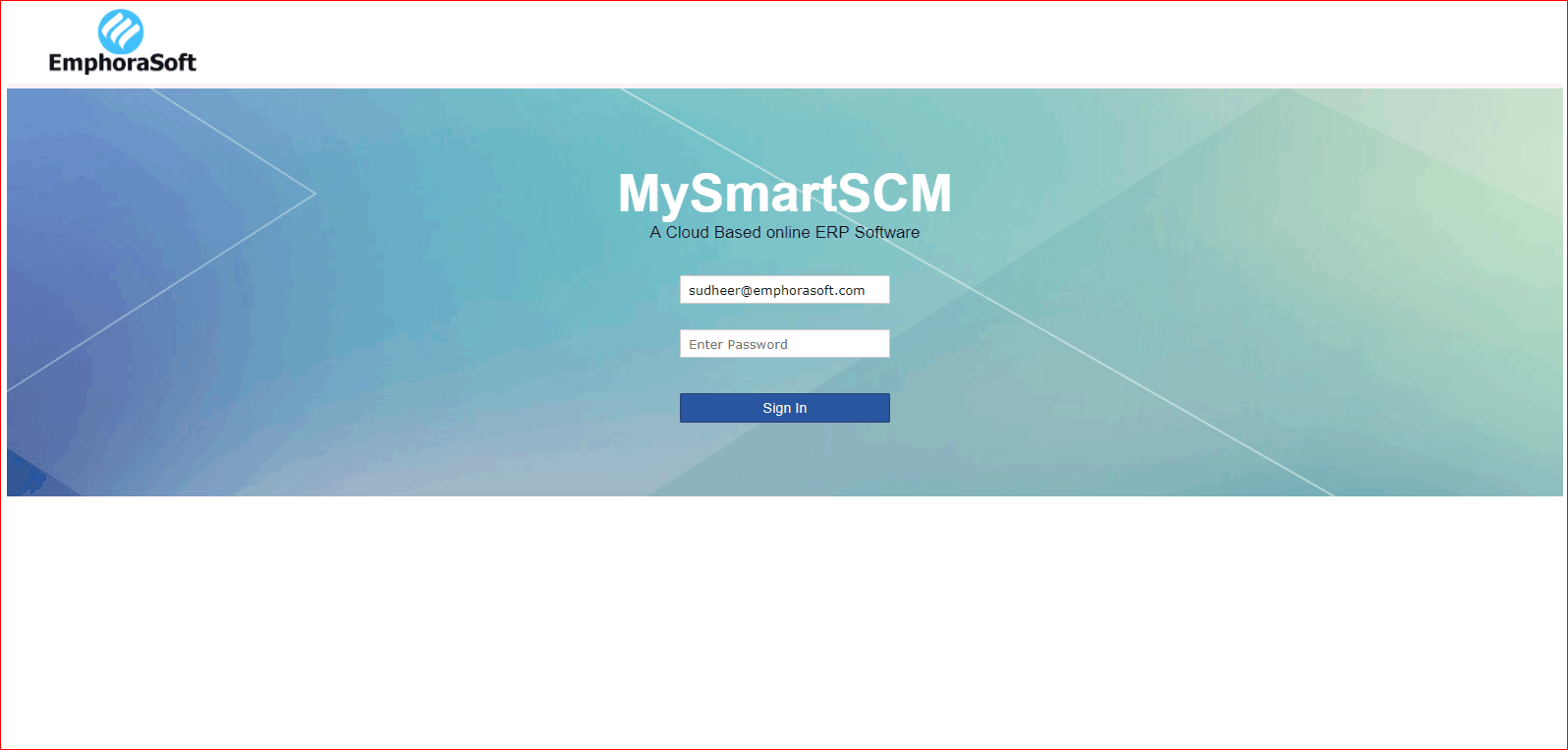
accnu Screenshots
Description
Accnu is a cloud-based accounting software developed by Accnu Limited, launched in 2018 to serve small businesses and independent professionals. The platform operates entirely online with mobile companion apps, eliminating the need for desktop installations or server maintenance. Users access real-time financial data from any device with internet connectivity.
The software serves thousands of small business owners across North America, Europe, and Asia-Pacific regions. Primary users include freelance consultants, creative agencies, e-commerce sellers, and service-based businesses with 1-25 employees. The platform supports multiple currencies and tax frameworks for international operations.
Core Features of Accnu
Accnu's invoicing engine allows users to create branded invoices in under 60 seconds, with automated payment reminders that reduce late payments by following up with clients on customizable schedules. The system tracks invoice status in real-time and accepts online payments through integrated gateways. Recurring invoices automate billing for subscription-based businesses.
The accounting dashboard displays profit and loss statements, cash flow forecasts, and balance sheets updated automatically as transactions flow through connected bank accounts. Unlike generic tools, Accnu's visual reporting highlights trends with color-coded graphs and allows users to drill down into specific categories without navigating multiple screens. Custom report building adapts to unique business metrics.
Expense management includes receipt scanning via mobile camera, which automatically extracts vendor names, dates, and amounts using optical character recognition. Users categorize expenses with a single tap, and the system learns preferences over time to suggest categories for future transactions. Mileage tracking integrates GPS data for automatic business travel logs.
Key Highlights
- Market Position: Serves over 5,000 active businesses across 15 countries with a 4.3-star average rating on software review platforms.
- Target Users: Freelancers, solopreneurs, micro-businesses (1-10 employees), and small service companies seeking simplified accounting without enterprise complexity.
- Deployment: Cloud-based platform accessible via web browsers, with native iOS and Android apps for mobile expense capture and invoice creation.
- Standout Feature: Machine learning transaction categorization that improves accuracy over time and reduces manual tagging by up to 80% after three months of use.
- Integrations: 25+ integrations including Stripe, PayPal, Square, Shopify, WooCommerce, and direct bank feeds from 2,000+ financial institutions worldwide.
- Pricing Model: Three tiers?Starter ($12/month), Professional ($24/month), Business ($45/month)?with 14-day free trial and annual billing discount of 20%.
- Support: Email support for all tiers, live chat for Professional and above, comprehensive help center with video tutorials, and one-on-one onboarding calls for Business plan subscribers.
- Compliance & Security: 256-bit SSL encryption, automatic daily backups, GDPR compliant, supports VAT/GST reporting for UK, EU, Canada, Australia, and India tax frameworks.
Who Should Use Accnu
Accnu works best for service-based businesses with straightforward accounting needs?think marketing consultants, graphic designers, photographers, coaches, and small IT firms. The platform suits users who prioritize simplicity over advanced inventory management or complex project costing. Ideal users are business owners who handle their own books but lack formal accounting training.
A typical use case involves a freelance web developer managing 5-10 ongoing client projects, who needs to send professional invoices, track billable hours, categorize software subscriptions and coworking expenses, and generate tax reports quarterly. Accnu consolidates these workflows into one interface instead of juggling spreadsheets, separate invoicing tools, and manual expense logs.
Integrations & Ecosystem
Accnu offers 25+ native integrations with payment processors (Stripe, PayPal, Square, Braintree), e-commerce platforms (Shopify, WooCommerce, BigCommerce), and productivity tools (Slack, Zapier, Google Workspace). Direct bank feeds connect to over 2,000 banks globally for automatic transaction imports. The platform's REST API allows developers to build custom integrations, though no public app marketplace currently exists. A notable integration links with time-tracking tool Toggl to automatically convert tracked hours into invoiced line items.
Pricing & Plans
The Starter plan at $12/month includes unlimited invoicing, expense tracking, and basic reports for one user. Professional at $24/month adds recurring invoices, multi-currency support, and custom branding for up to three users. Business at $45/month unlocks advanced reporting, project tracking, accountant access, and priority support for unlimited users. Annual subscriptions receive a 20% discount, and all plans include a 14-day free trial with no credit card required.
Pros & Cons
Pros
- Intuitive Interface: Clean dashboard design requires no accounting background to navigate core functions. New users typically create their first invoice within five minutes of signing up.
- Smart Automation: Machine learning categorization and bank feed reconciliation save 3-5 hours per month on manual data entry. The system learns from user corrections to improve accuracy continuously.
- Mobile Functionality: Full-featured mobile apps allow users to scan receipts, send invoices, and check cash flow while traveling. Offline mode syncs data when connectivity returns.
Cons
- Limited Inventory Features: Product-based businesses with complex inventory needs will find tracking capabilities basic compared to specialized retail accounting software. No support for serial number tracking or multi-location warehousing.
- No Payroll Processing: The platform lacks built-in payroll functionality, requiring users to export data to third-party payroll services. This adds friction for businesses with employees versus contractors.
Our Expert Take
Accnu excels for solo professionals and micro-businesses prioritizing ease of use over feature depth. If you're a service provider billing clients monthly, managing under $500K in annual revenue, and want accounting software that doesn't require hiring a bookkeeper, Accnu delivers exceptional value. The mobile-first design particularly benefits consultants and creatives who work remotely.
However, product-based retailers, manufacturers, or businesses with employees should look elsewhere. The lack of inventory management and payroll makes Accnu unsuitable for these operations. Companies needing robust job costing or construction-specific features should evaluate Xero or QuickBooks Online instead, which offer deeper functionality despite steeper learning curves.
Frequently Asked Questions
Is there a free plan or free trial for accnu?
How much does accnu cost?
What does accnu integrate with?
Who is accnu best for?
What are the best alternatives to accnu?
Is accnu GDPR / SOC 2 compliant?
Does accnu have a mobile app?
What do real users say about accnu?
How does accnu compare to its top competitor?
Does accnu offer customer support?
Find Your Perfect Software
See how it can transform your workflow
- Personalized for your needs Tailored recommendations based on your unique requirements.
- Save time & resources Streamline your workflow and boost team productivity.
- Trusted by thousands Join 10,000+ businesses already growing with SaaSrat.
You're all set! 🎉
A specialist for will reach out within 1 business day with tailored recommendations for your needs.