

Copilot
VERIFIEDby Copilot
CRM
What is Copilot?
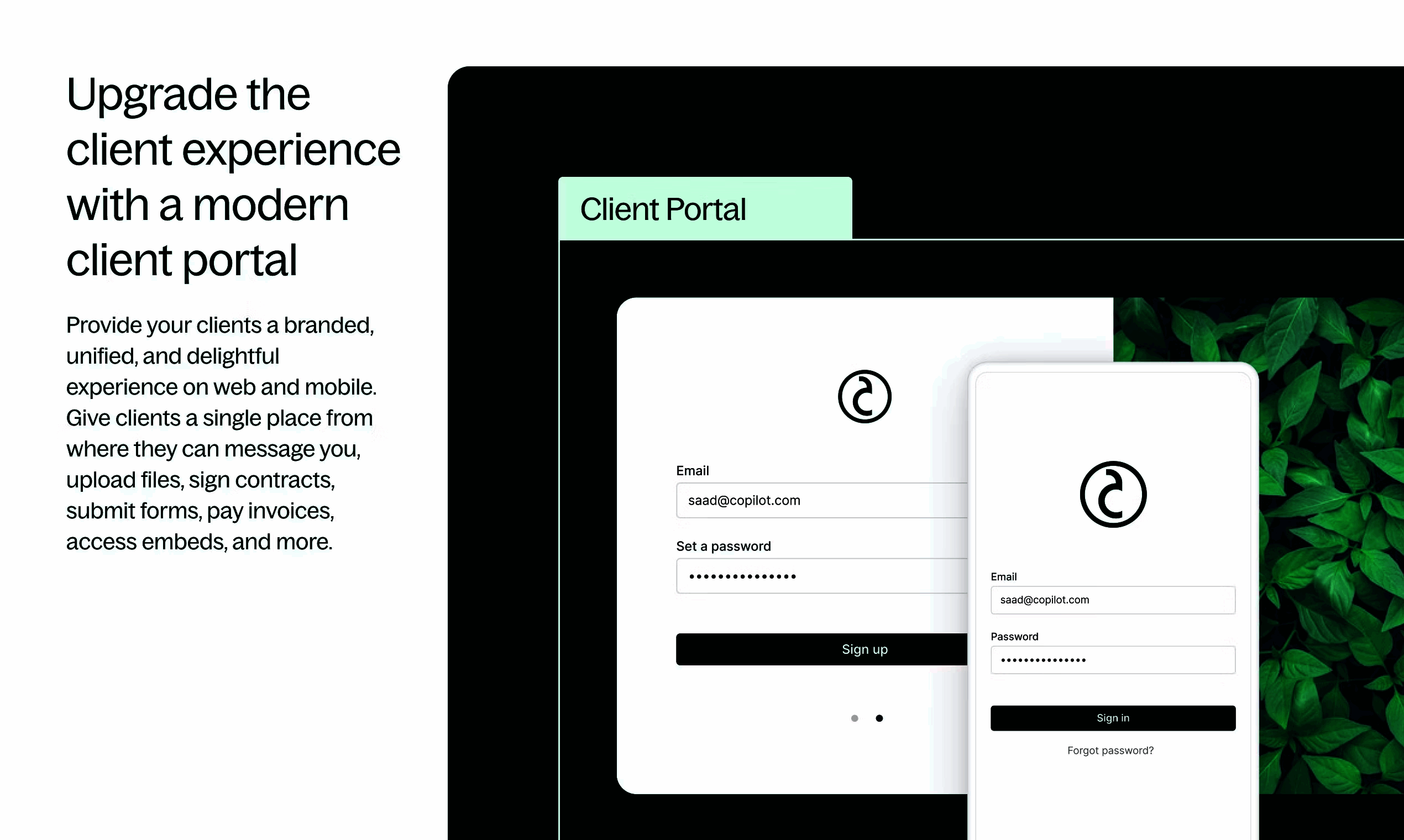
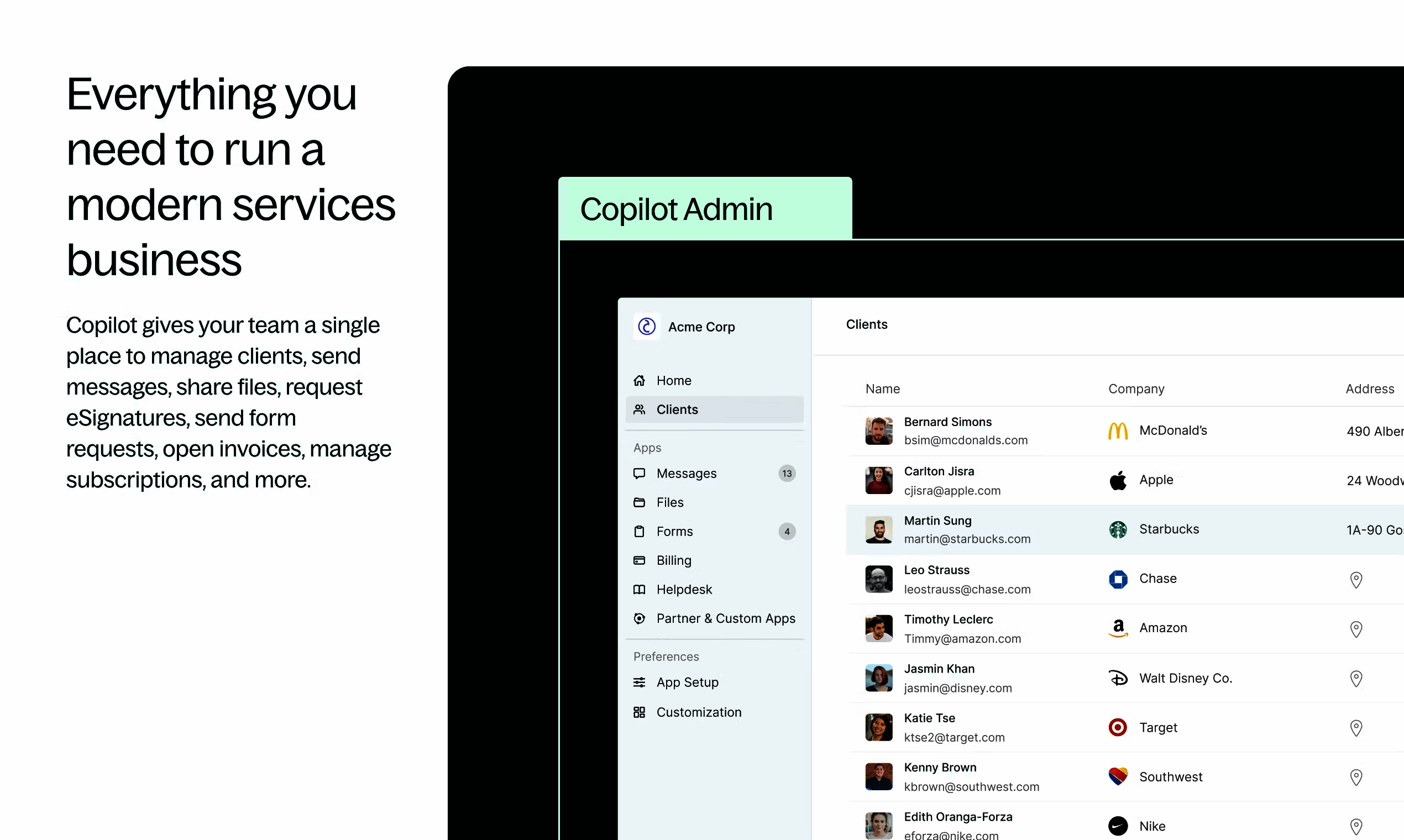
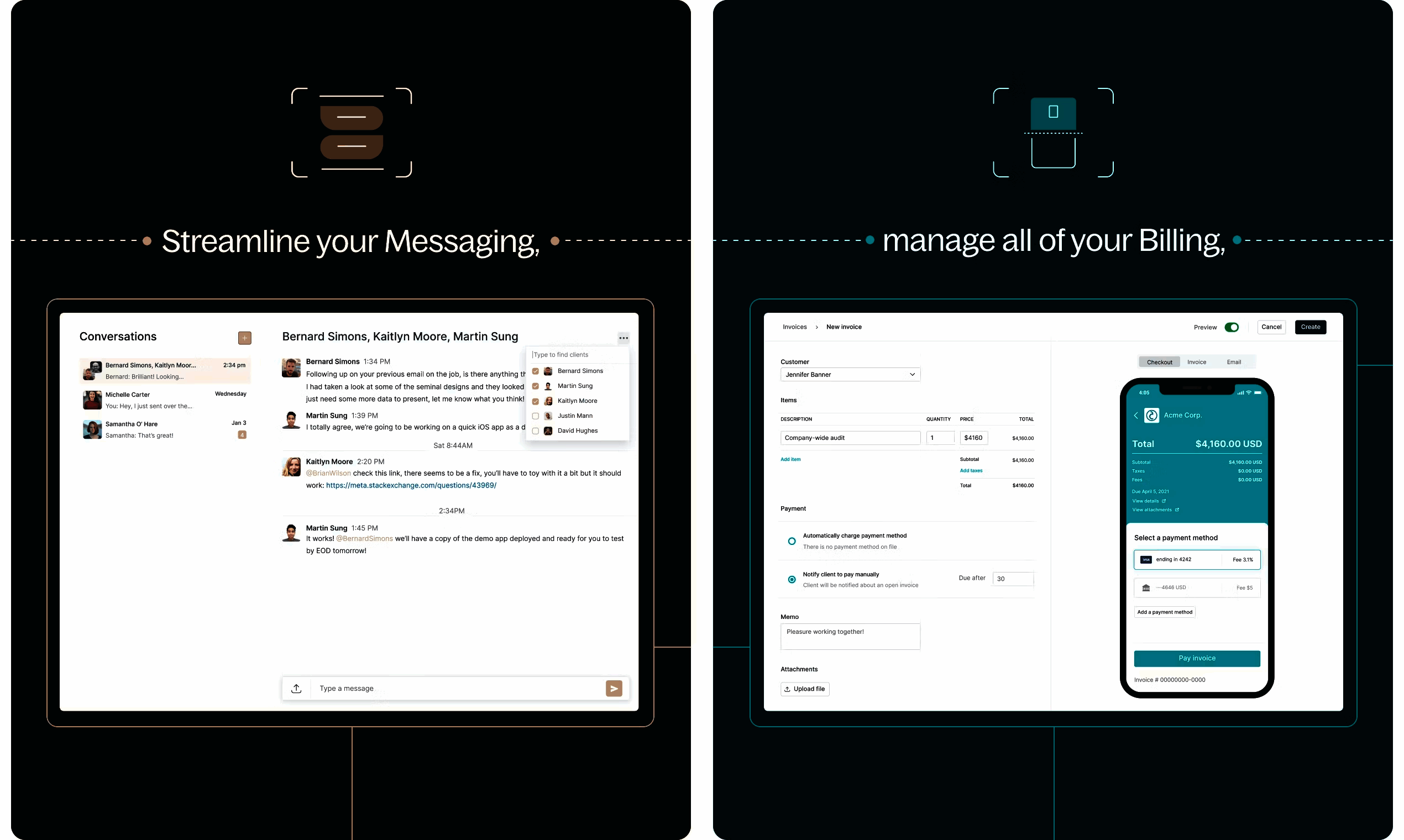
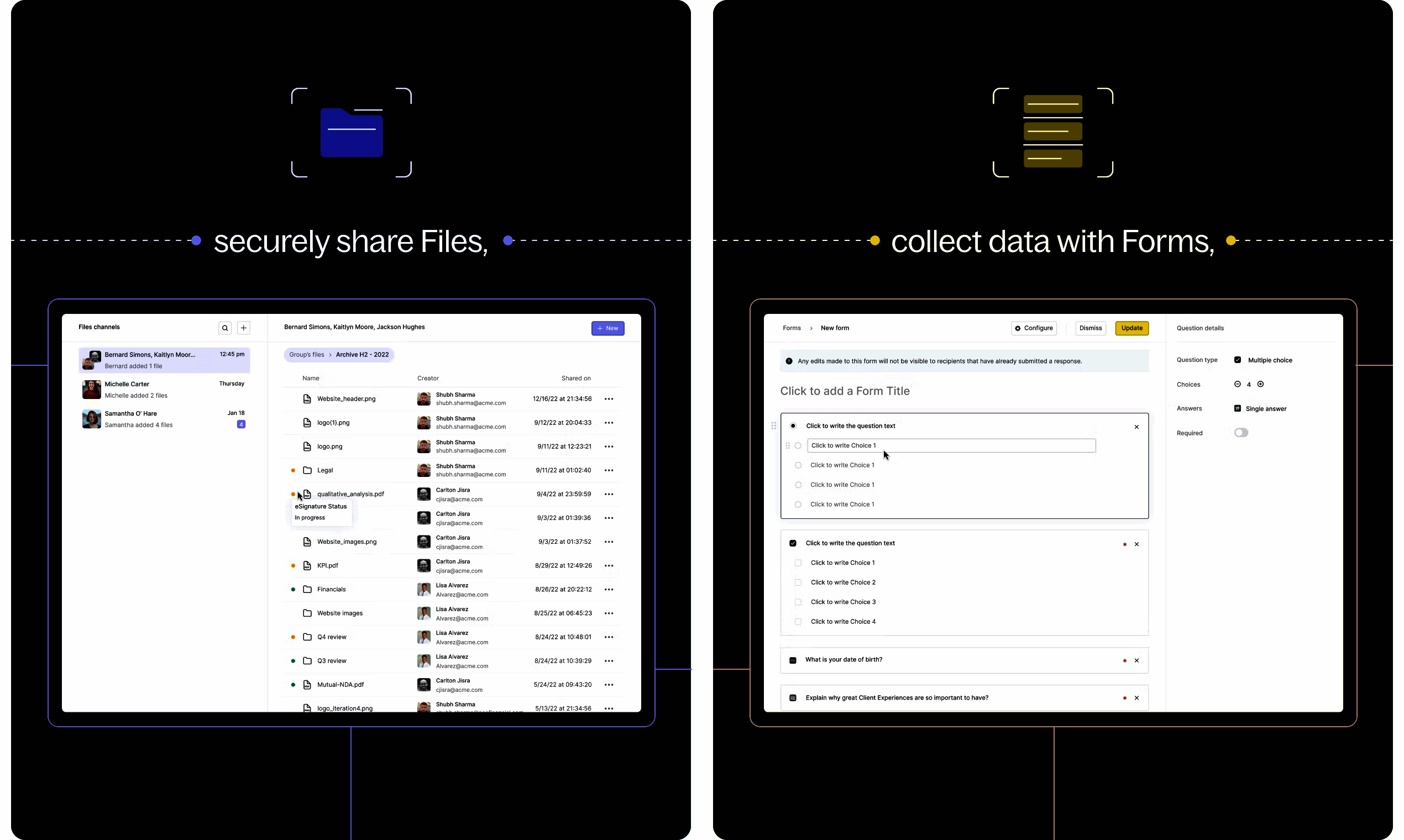
Copilot is a client portal and CRM platform for agencies and professional services firms. It provides branded client portals, manages client communications, handles contracts and billing, tracks project delivery, and provides a professional client experience.
Get Best Quote for Copilot
Connect with SaaSrat experts to get the best quote for your business.
What's driving this search?
Help us understand your situation
Purchasing New
No current solution
Replacing Existing
Looking to switch
Step 1 of 5
Organization Size?
Select the range that applies
Step 2 of 5
Implementation Timeframe
When do you expect to implement?
Step 3 of 5
What's your role?
Select your title
Step 4 of 5
Almost there!
Your details are kept private
SSL Encrypted · No spam
You're all set!
A specialist for Copilot will reach out within 1 business day.
Copilot Features
Contact management
Lead management
Sales pipeline
Email integration
Task management
Calendar integration
View All 41 Features
Reporting and analytics
Mobile access
Customizable dashboards
Workflow automation
Document management
Social media integration
Customer segmentation
Sales forecasting
Third party integrations
Role based access control
Customer support ticketing
Marketing automation
Data import/export
Api access
Crm & sales dashboards
Expense management
Performance management
Field sales management
Workflow management
Call logging
Calendar management
Client portal
Forms management
Client management
Communication management
Data analysis
Progress tracking
Access control
Billing portal
Data modeling
Account management
Experience management
Application management
Action item tracking
Queue management
Copilot Resources
Copilot Screenshots
Frequently Asked Questions
Is there a free plan or free trial for Copilot?
Copilot may offer a free plan or trial for new users. You can sign up to explore available options.
How much does Copilot cost?
Copilot offers flexible pricing plans depending on your business needs. Check their official website for the most current pricing details.
What does Copilot integrate with?
Copilot integrates with popular tools like Slack, Zapier, Google Workspace, QuickBooks, Mailchimp, HubSpot, Microsoft Teams, and Salesforce, making it easy to connect with your existing workflow.
Who is Copilot best for?
Copilot is ideal for agencies, marketing firms, consulting businesses, and service providers who need a robust client portal and CRM. It suits small to medium-sized teams handling client management, billing, and communications.
What are the best alternatives to Copilot?
Great alternatives include HubSpot for comprehensive inbound marketing, Salesforce for enterprise-scale CRM, Pipedrive for sales-focused pipelines, Zoho CRM for affordable all-in-one solutions, and ActiveCampaign for email automation and CRM combo.
Is Copilot GDPR / SOC 2 compliant?
For specific compliance certifications, it's recommended to contact Copilot directly or check their security documentation.
Does Copilot have a mobile app?
Yes, Copilot offers mobile apps for both iOS and Android, allowing you to manage clients and tasks on the go.
What do real users say about Copilot?
Users praise Copilot for its intuitive client portal, seamless communication tools, and strong agency-focused features. Many appreciate the ease of tracking projects and billing, though some mention a learning curve for advanced customizations and occasional requests for more reporting options.
How does Copilot compare to its top competitor?
Compared to HubSpot, Copilot stands out with its agency-specific client portal and CRM tailored for service providers, while HubSpot excels in broader marketing automation and inbound strategies for larger teams.
Does Copilot offer customer support?
Yes, Copilot provides customer support through email, live chat, a knowledge base, and community forums, with priority options for higher-tier plans.
Software
Find Your Perfect Software
Answer a few quick questions to get matched
What's driving this search?
Help us understand your current situation
Purchasing New Software
No current solution in place
Replacing Existing Software
Looking to switch providers
Step 1 of 5
What is the size of your organization?
Select the range that best applies
Step 2 of 5
Implementation Timeframe
When do you expect to implement?
Step 3 of 5
What's your role?
Select the title that best describes you
Step 4 of 5
Almost there — let's connect you
Your details are kept private and never shared without consent
SSL Encrypted · No spam · Unsubscribe anytime
You're all set!
A specialist for will reach out within 1 business day with tailored recommendations for your needs.