

XenCALL
by XenCALL • Founded 2012
What is XenCALL?
XenCALL is an integrated CRM and auto-dialler platform for inside sales teams and outbound call centres. It combines lead management, predictive dialling, scripting, call recording, and reporting in one system to eliminate separate CRM and dialler tools.
Get Best Quote for XenCALL
Connect with SaaSrat experts to get the best quote for your business.
What's driving this search?
Help us understand your situation
Purchasing New
No current solution
Replacing Existing
Looking to switch
Step 1 of 5
Organization Size?
Select the range that applies
Step 2 of 5
Implementation Timeframe
When do you expect to implement?
Step 3 of 5
What's your role?
Select your title
Step 4 of 5
You're all set!
A specialist for XenCALL will reach out within 1 business day.
XenCALL Features
Predictive dialer
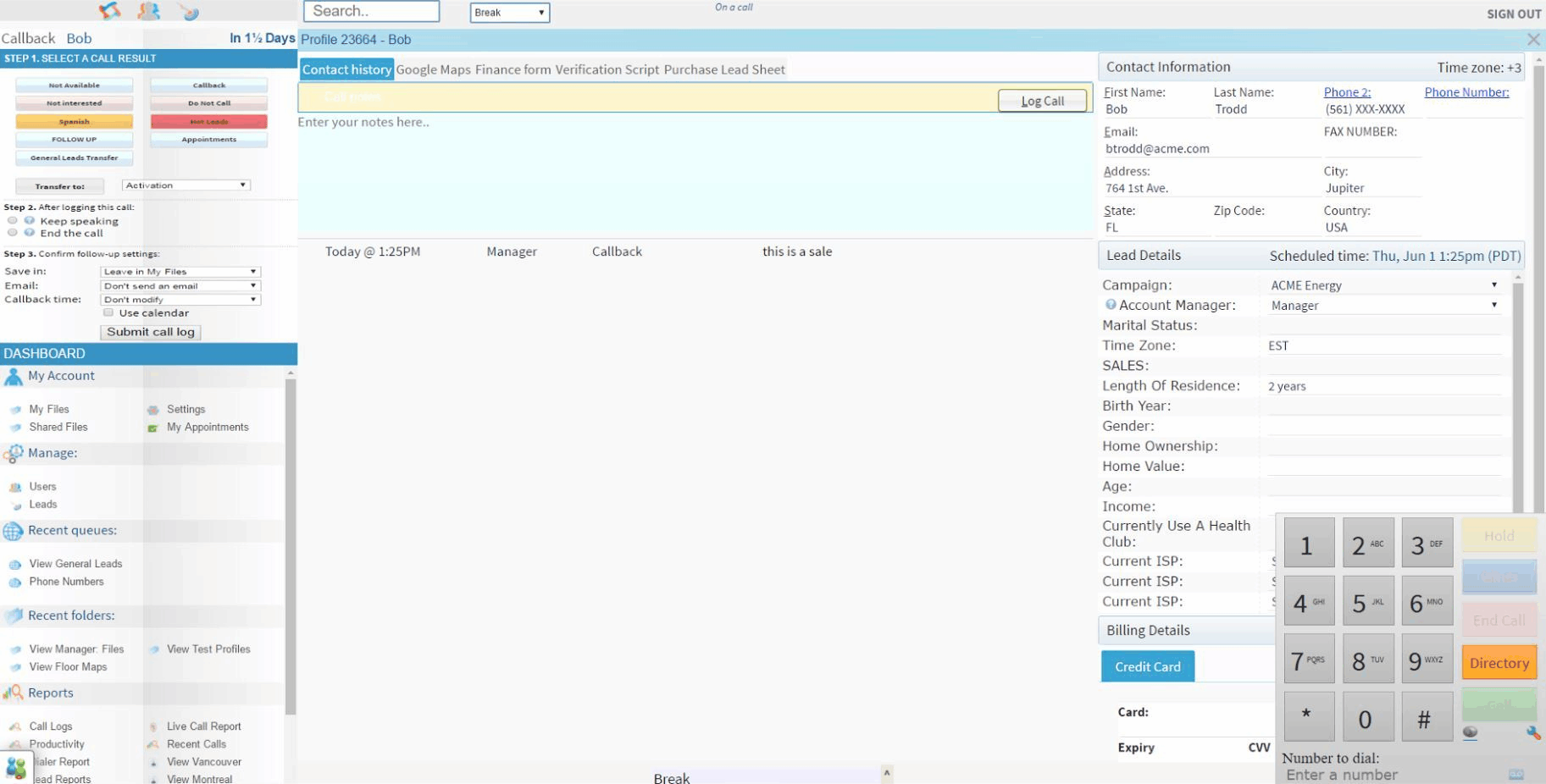
Crm integration
Call recording
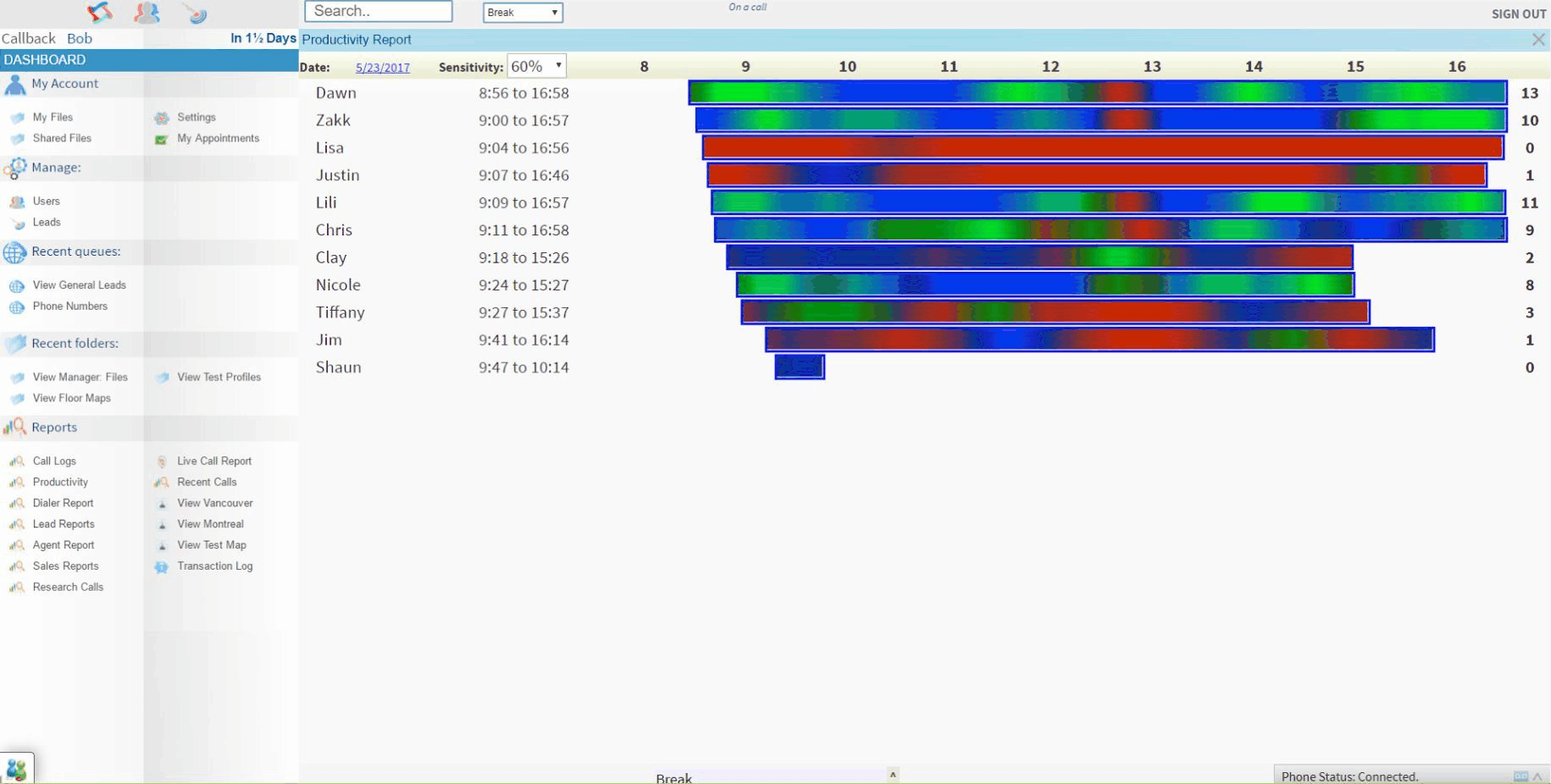
Real time analytics
Lead management
Ivr system
View All 43 Features
Call scripting
Voicemail drop
Call monitoring
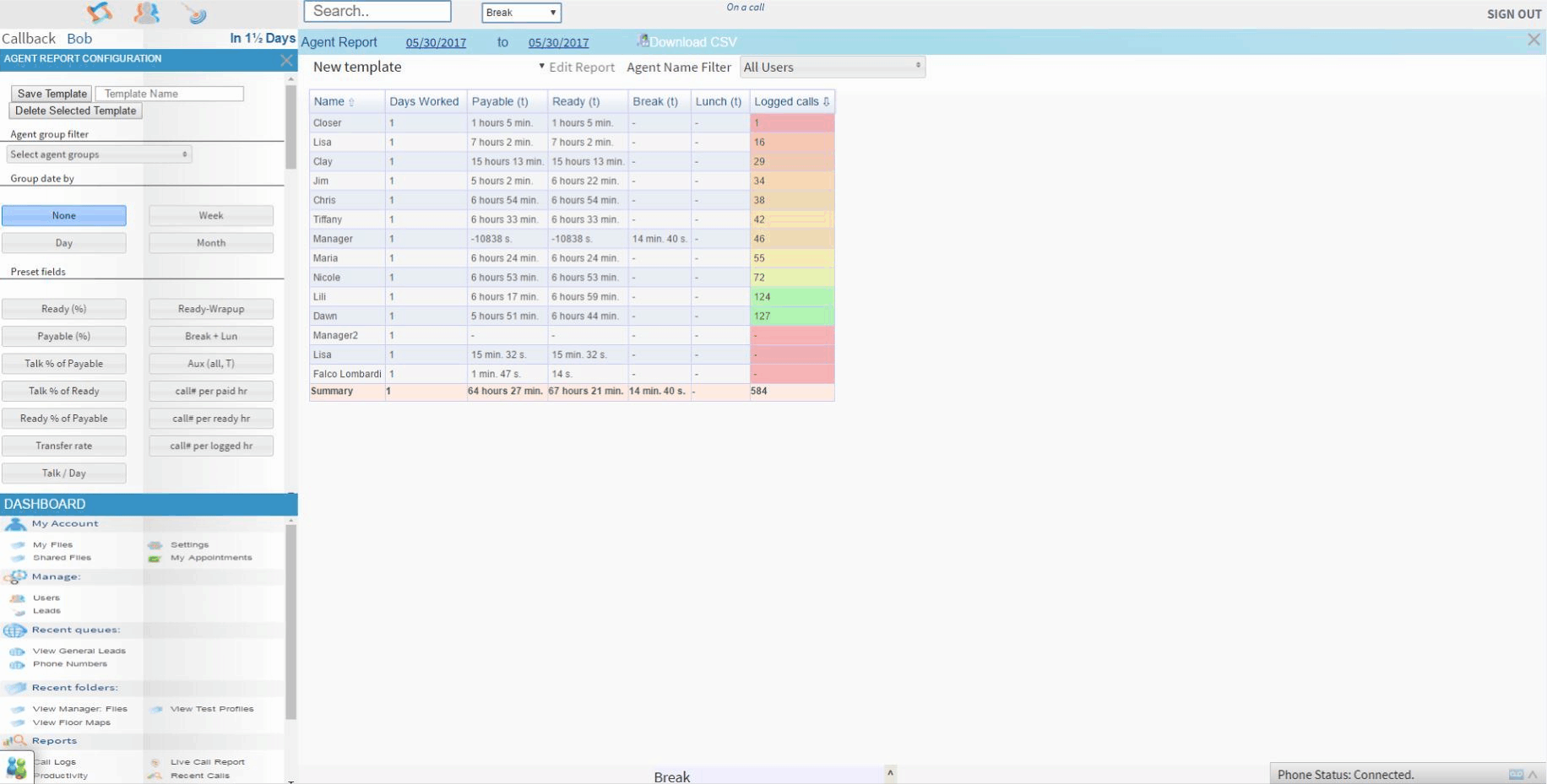
Agent performance reports
Customizable dashboards
Call disposition
Automated workflows
Sms integration
Email integration
Call transfer
Call queuing
Local presence dialing
Api access
Dnc compliance
Quality management
Call routing
Application integration
Applications management
Real time monitoring
Live chat system
Compliance management
Real time reporting
Conferencing
Ivr / voice recognition
Campaign management
Automatic call distribution
Computer telephony
Blended call center
Call logging
Escalation management
Inbound call center
Manual dialer
Outbound call center
Progressive dialer
Queue manager
Virtual call center
Workforce management
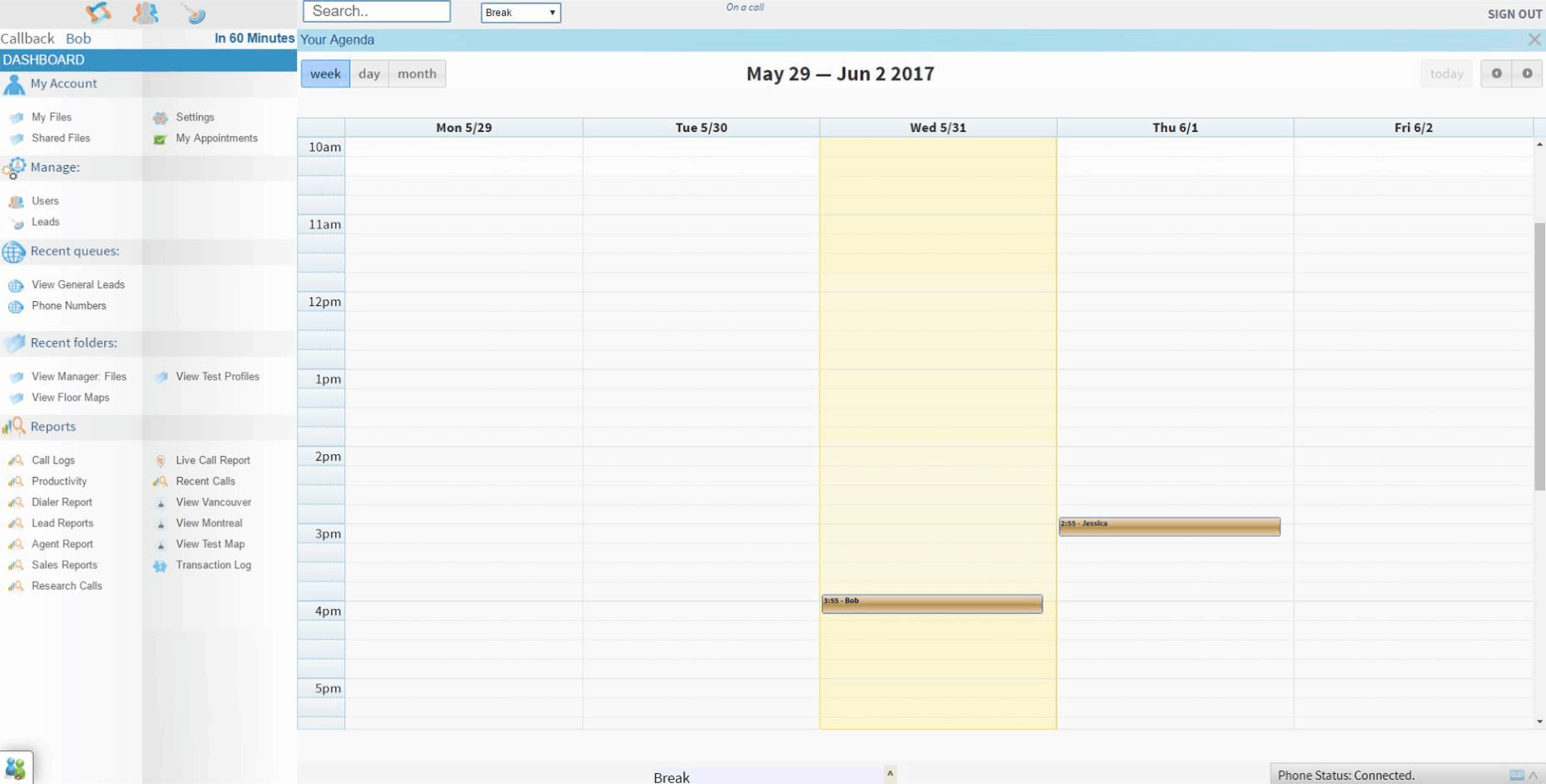
XenCALL Screenshots
Frequently Asked Questions
Is there a free plan or free trial for XenCALL?
XenCALL may offer a free plan or trial for new users. You can sign up to explore available options.
How much does XenCALL cost?
XenCALL offers flexible pricing plans depending on your business needs. Check their official website for the most current pricing details.
What does XenCALL integrate with?
XenCALL integrates seamlessly with popular tools like Salesforce, HubSpot, Zapier, Slack, Pipedrive, Zendesk, Microsoft Teams, and Google Workspace, making it easy to connect with your existing CRM and productivity apps.
Who is XenCALL best for?
XenCALL is ideal for inside sales teams, small to medium-sized businesses, and call centers focused on outbound calling. It's particularly suited for sales reps, telemarketing operations, and companies needing CRM-integrated auto-dialing for efficient lead management.
What are the best alternatives to XenCALL?
Top alternatives include RingCentral for comprehensive business communications, Dialpad for AI-powered calling, Nextiva for reliable VoIP with strong support, Vonage for flexible integrations, and 8x8 for global call center features.
Is XenCALL GDPR / SOC 2 compliant?
For specific compliance certifications, it's recommended to contact XenCALL directly or check their security documentation.
Does XenCALL have a mobile app?
Yes, XenCALL has a mobile app available for both iOS and Android, allowing you to manage calls and campaigns on the go.
What do real users say about XenCALL?
Users praise XenCALL for its powerful auto-dialer, smooth CRM integrations, and reliable call quality that boosts sales productivity. Some mention a learning curve for advanced features and occasional glitches during peak usage, but overall satisfaction is high for sales-focused teams.
How does XenCALL compare to its top competitor?
Compared to RingCentral, XenCALL stands out with its specialized focus on inside sales auto-dialing and CRM integration, while RingCentral offers broader unified communications including video conferencing and team messaging for general business use.
Does XenCALL offer customer support?
Yes, XenCALL provides customer support through email, live chat, phone assistance, and a comprehensive knowledge base to help users get the most out of the platform.
Software
Find Your Perfect Software
Answer a few quick questions to get matched
What's driving this search?
Help us understand your current situation
Purchasing New Software
No current solution in place
Replacing Existing Software
Looking to switch providers
Step 1 of 5
What is the size of your organization?
Select the range that best applies
Step 2 of 5
Implementation Timeframe
When do you expect to implement?
Step 3 of 5
What's your role?
Select the title that best describes you
Step 4 of 5
Almost there — let's connect you
Your details are kept private and never shared without consent
By signing up, you agree to our Terms & Privacy Policy
You're all set!
A specialist for will reach out within 1 business day with tailored recommendations for your needs.