

ExpenseIn
by ExpenseIn
What is ExpenseIn?
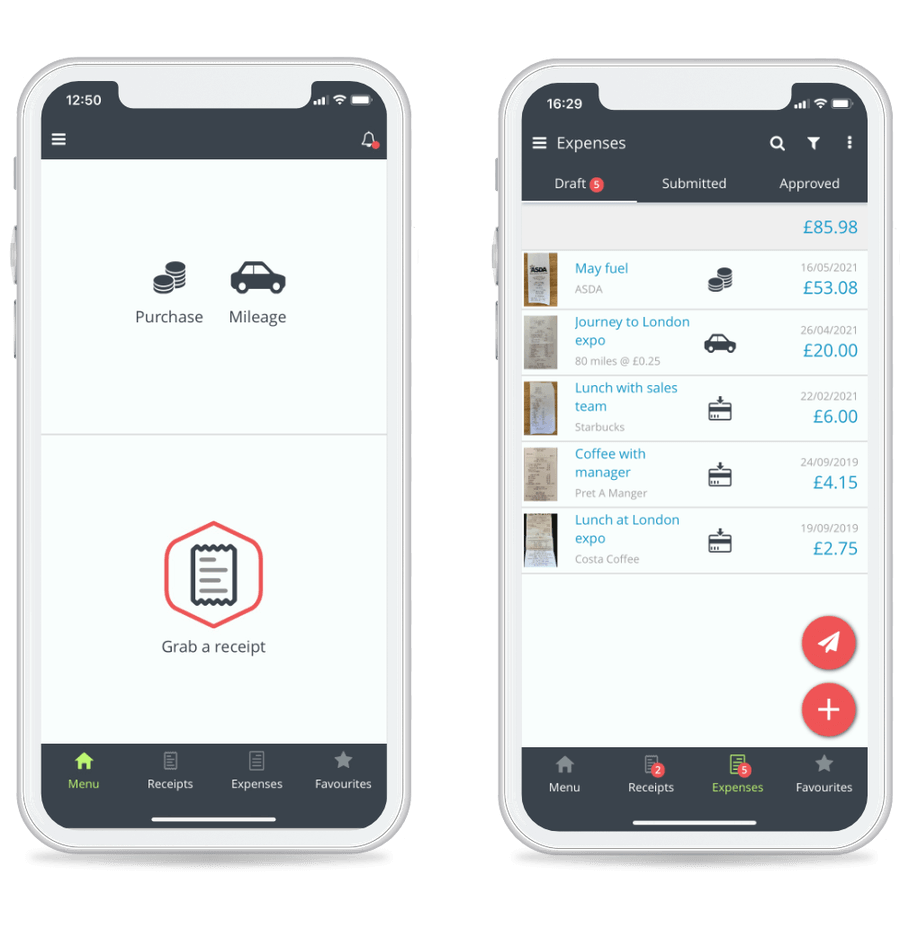
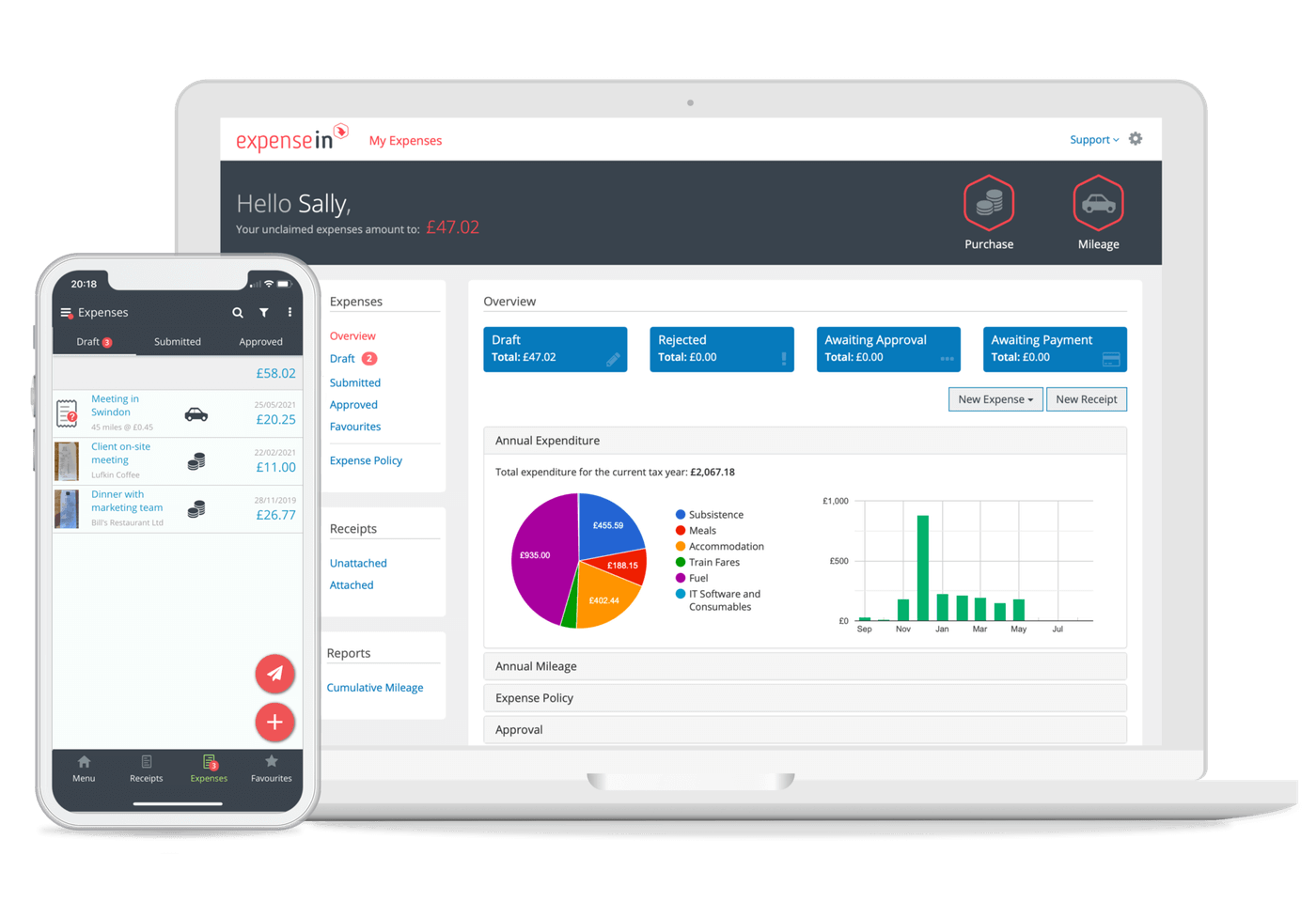
ExpenseIn is a UK expense management platform for businesses managing employee expenses with HMRC compliance. It handles receipt capture, VAT reclaim, mileage tracking at HMRC rates, multi-currency expenses, and integrations with Xero, Sage, and QuickBooks.
Get Best Quote for ExpenseIn
Connect with SaaSrat experts to get the best quote for your business.
What's driving this search?
Help us understand your situation
Purchasing New
No current solution
Replacing Existing
Looking to switch
Step 1 of 5
Organization Size?
Select the range that applies
Step 2 of 5
Implementation Timeframe
When do you expect to implement?
Step 3 of 5
What's your role?
Select your title
Step 4 of 5
You're all set!
A specialist for ExpenseIn will reach out within 1 business day.
ExpenseIn Features
Receipt scanning
Mileage tracking
Multi currency support
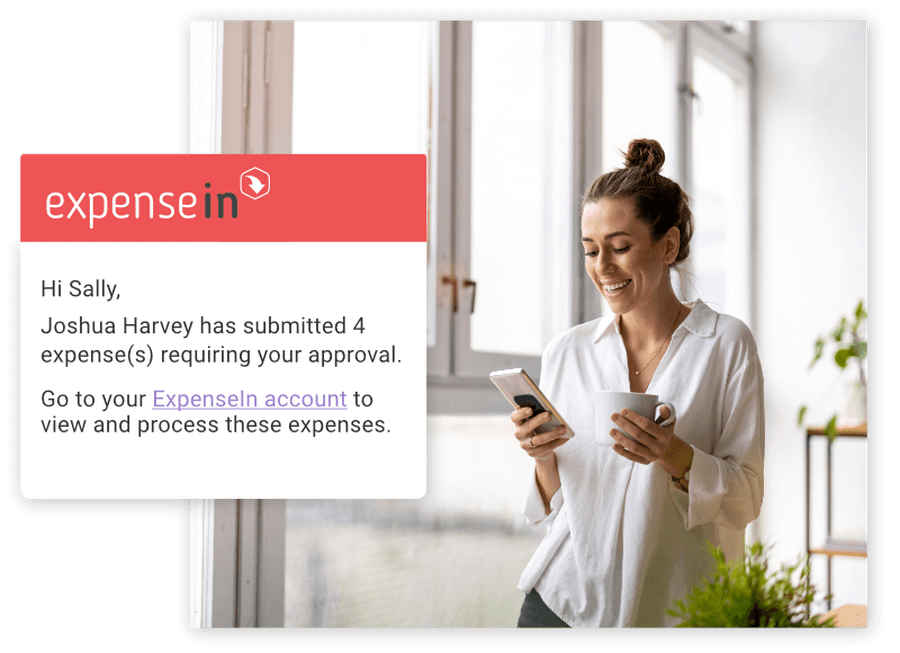
Approval workflow
Policy compliance
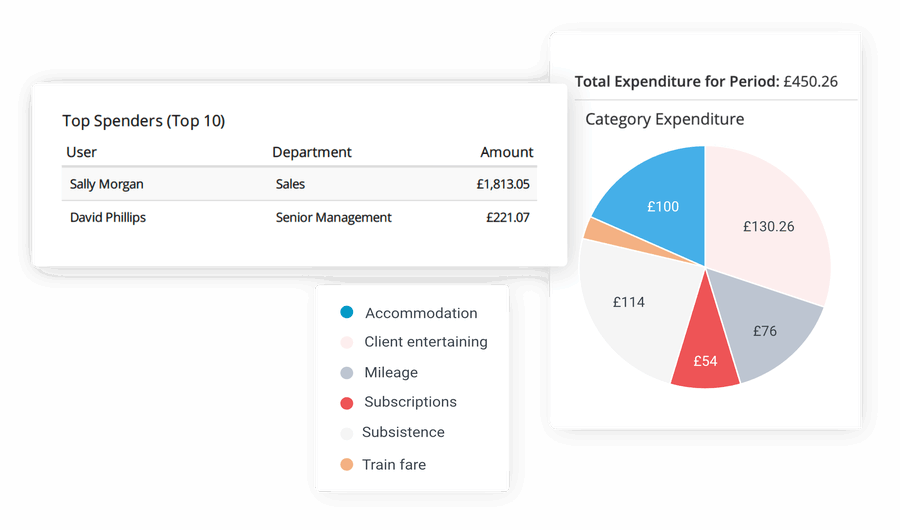
Real time reporting
View All 40 Features
Integration with accounting software
Mobile app
Credit card reconciliation
Customizable expense categories
Per diem management
Expense analytics
User roles and permissions
Automated reminders
Tax calculation
Ocr technology
Cloud storage
Audit trail
Budget tracking
Multi language support
Expense tracking
Time tracking
Data imports/exports
Workflow management
Multi currency
Approval process control
Time & expense tracking
Ereceipt import
Invoice management
Profile management
Policy management
Expense reporting
Mobile access
Email reminders and snooze
Unlimited receipt scanning
Credit card import
Multi level approval workflows
Custom report exports
Delegated access
Receipt upload
ExpenseIn Resources
ExpenseIn Screenshots
Frequently Asked Questions
Is there a free plan or free trial for ExpenseIn?
ExpenseIn may offer a free plan or trial for new users. You can sign up to explore available options.
How much does ExpenseIn cost?
ExpenseIn offers flexible pricing plans depending on your business needs. Check their official website for the most current pricing details.
What does ExpenseIn integrate with?
ExpenseIn integrates with popular tools like QuickBooks, Xero, Sage, Slack, Zapier, Google Workspace, and Microsoft Teams to streamline your expense workflows.
Who is ExpenseIn best for?
ExpenseIn is ideal for UK-based small and medium-sized businesses, especially those in finance, accounting, and operations roles needing VAT and HMRC-compliant expense tracking.
What are the best alternatives to ExpenseIn?
Top alternatives include Expensify for global teams with smart scanning, Zoho Expense for affordable multi-currency support, Dext for receipt automation, and Concur for enterprise-scale approvals.
Is ExpenseIn GDPR / SOC 2 compliant?
For specific compliance certifications, it's recommended to contact ExpenseIn directly or check their security documentation.
Does ExpenseIn have a mobile app?
Yes, ExpenseIn has a mobile app available for iOS and Android, making it easy to track expenses on the go.
What do real users say about ExpenseIn?
Users praise ExpenseIn for its seamless receipt scanning, strong UK compliance features, and intuitive approval workflows. Some mention occasional delays in support responses, but overall satisfaction is high for simplifying expense reporting.
How does ExpenseIn compare to its top competitor?
Compared to Expensify, ExpenseIn stands out with specialized UK VAT and HMRC compliance, while Expensify offers broader global features and faster AI-powered categorization for international teams.
Does ExpenseIn offer customer support?
ExpenseIn provides customer support via email, live chat during business hours, a comprehensive knowledge base, and phone assistance for premium users.
Free Demo
Find Your Perfect Software
See how it can transform your workflow
- Personalized for your needs Tailored recommendations based on your unique requirements.
- Save time & resources Streamline your workflow and boost team productivity.
- Trusted by thousands Join 10,000+ businesses already growing with SaaSrat.
What's driving this search?
Help us understand your current situation
Purchasing New Software
No current solution in place
Replacing Existing Software
Looking to switch providers
Step 1 of 5
No spam. Just the best matches for you.
What is the size of your organization?
Select the range that best applies
Step 2 of 5
Implementation Timeframe
When do you expect to implement?
Step 3 of 5
What's your role?
Select the title that best describes you
Step 4 of 5
Almost there — let's connect you
Your details are kept private and never shared without consent
By signing up, you agree to our Terms & Privacy Policy
You're all set! 🎉
A specialist for will reach out within 1 business day with tailored recommendations for your needs.