

Tabbles
by Tag Forge
What is Tabbles?
Tabbles is a file tagging and organization tool for Windows users. It lets users apply multiple tags to any file or folder, enabling flexible retrieval beyond traditional folder-based filing for documents and projects.
Get Best Quote for Tabbles
Connect with SaaSrat experts to get the best quote for your business.
What's driving this search?
Help us understand your situation
Purchasing New
No current solution
Replacing Existing
Looking to switch
Step 1 of 5
Organization Size?
Select the range that applies
Step 2 of 5
Implementation Timeframe
When do you expect to implement?
Step 3 of 5
What's your role?
Select your title
Step 4 of 5
You're all set!
A specialist for Tabbles will reach out within 1 business day.
Tabbles Features
Tagging
Auto tagging
File search
File organization
Collaboration
File versioning
View All 25 Features
File sharing
Integration with cloud storage
Integration with local storage
Access control
Audit trail
User management
Customizable tags
Tag hierarchy
Tag suggestions
File preview
File comments
Notifications
Multi platform support
Api access
Document management
Collaboration tools
Document assembly
Document indexing
Document archiving
Tabbles Pricing Plans
Free
Free
- Tag files of any type and folders : up to 5.000
- Comments on files: for up to 500 files
- Auto-tagging : up to 15 rules
- Tag emails in Outlook: Up to 100 emails
- Tag bookmarks
- Visual browsing
- Track file movement
- Explorer integration
- Overlay icons
- Tag files on Cloud-storage and synchronization
- Admin window
- Tag-sharing: 90 days trial
POPULAR
Basic
$2
/Per Month
- All Features in Free Plus
- Tag files of any type and folders: up to 20.000
- Comments on files: for up to 2000 files
- Auto-tagging: Up to 25 rules
- Tag emails in Outlook: Up to 100 emails
- Support: email, phone and Skype
- Tag-sharing: share with group of up to 4 users
Pro
$3
/Per Month
- All Features in Basic Plus
- Synchronize single user's tagging across 3 PCs
- No Tag-sharing
Corporate
$7
/Per Month
- All Features in Pro Plus
- Support with setup (local MSSQL, hosted MSSQL or Azure) and configuration
- Tag-sharing
Tabbles Resources
Tabbles Screenshots
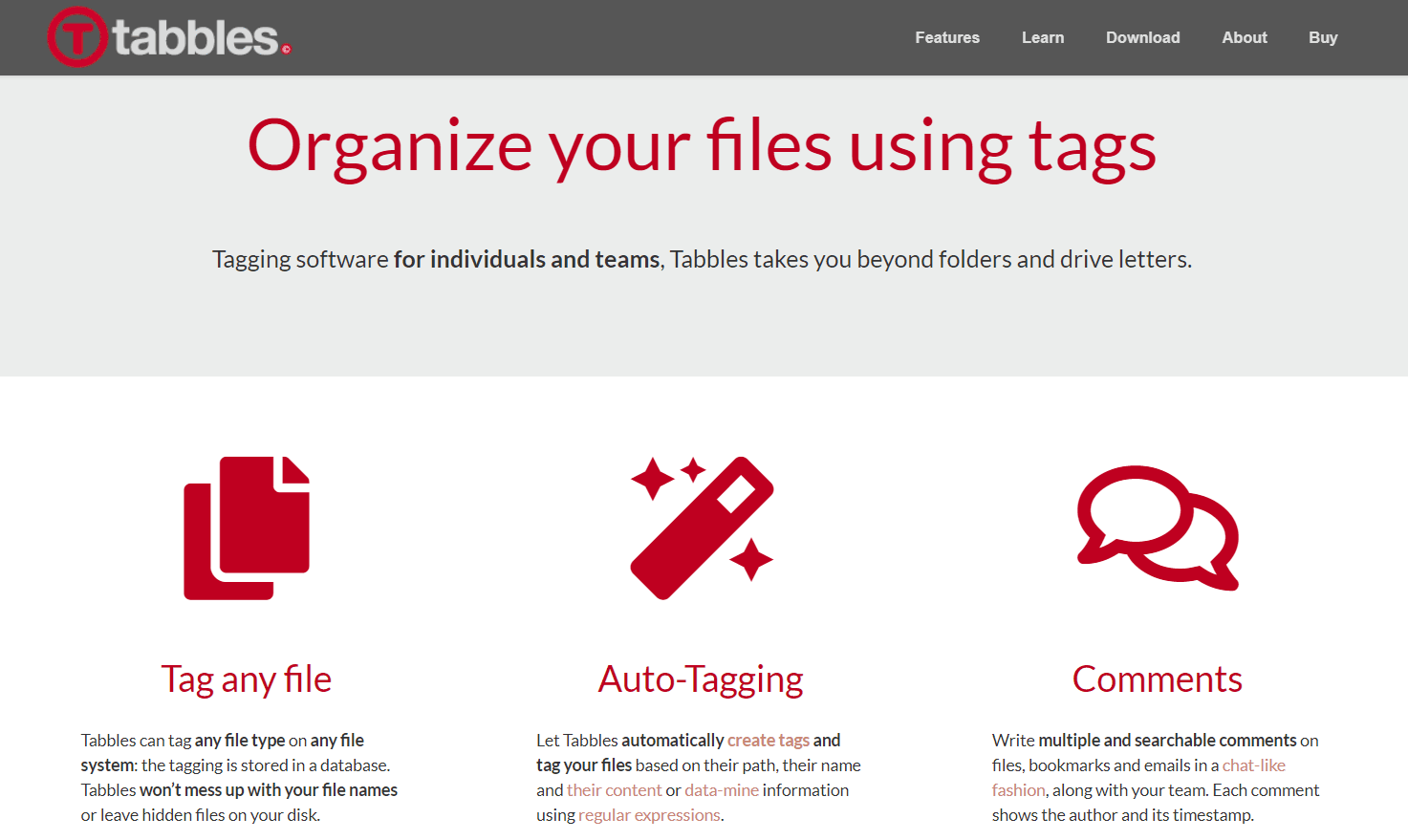
Frequently Asked Questions
Is there a free plan or free trial for Tabbles?
Yes, Tabbles offers a free plan that provides core tagging and organization features for individual users.
How much does Tabbles cost?
Tabbles offers flexible pricing plans including a Free plan at no cost, Basic plan for USD 1.69 per month, Pro plan for USD 3.37 per month, and Corporate plan for USD 6.75 per month.
What does Tabbles integrate with?
Tabbles integrates with popular tools like Google Drive, Dropbox, OneDrive, Microsoft Office, Slack, Zapier, Box, and Salesforce, making it easy to connect your file organization with everyday workflows.
Who is Tabbles best for?
Tabbles is ideal for small to medium-sized businesses, creative teams, legal professionals, and project managers who need powerful file tagging on Windows to organize documents beyond traditional folders.
What are the best alternatives to Tabbles?
Great alternatives include TagSpaces for cross-platform tagging, Evernote for cloud-based note and file organization, Eagle for creative asset management, OneNote for Microsoft ecosystem integration, and Dropbox for simple cloud storage with basic tagging.
Is Tabbles GDPR / SOC 2 compliant?
For specific compliance certifications, it's recommended to contact Tabbles directly or check their security documentation.
Does Tabbles have a mobile app?
Tabbles may offer mobile access through a responsive web app or dedicated mobile applications. Check their website for the latest mobile options.
What do real users say about Tabbles?
Users praise Tabbles for its intuitive multiple tagging system that revolutionizes file retrieval, especially on Windows, and its collaboration features for teams. Some mention a short learning curve for advanced tagging and note it's Windows-focused.
How does Tabbles compare to its top competitor?
Compared to Evernote, Tabbles excels in local Windows file tagging with unlimited tags per file for precise organization, while Evernote emphasizes cloud syncing and note-taking with more cross-device access but less focus on native folder integration.
Does Tabbles offer customer support?
Tabbles provides customer support through email, a knowledge base with guides and tutorials, live chat for Pro and Corporate users, and community forums for quick help.
Free Demo
Find Your Perfect Software
See how it can transform your workflow
- Personalized for your needs Tailored recommendations based on your unique requirements.
- Save time & resources Streamline your workflow and boost team productivity.
- Trusted by thousands Join 10,000+ businesses already growing with SaaSrat.
What's driving this search?
Help us understand your current situation
Purchasing New Software
No current solution in place
Replacing Existing Software
Looking to switch providers
Step 1 of 5
No spam. Just the best matches for you.
What is the size of your organization?
Select the range that best applies
Step 2 of 5
Implementation Timeframe
When do you expect to implement?
Step 3 of 5
What's your role?
Select the title that best describes you
Step 4 of 5
Almost there — let's connect you
Your details are kept private and never shared without consent
By signing up, you agree to our Terms & Privacy Policy
You're all set! 🎉
A specialist for will reach out within 1 business day with tailored recommendations for your needs.