

NEON
by Code Desk
What is NEON?
With NEON, businesses and freelancers can send invoices, collect payments, and track billing history from one platform.
Get Best Quote for NEON
Connect with SaaSrat experts to get the best quote for your business.
What's driving this search?
Help us understand your situation
Purchasing New
No current solution
Replacing Existing
Looking to switch
Step 1 of 5
Organization Size?
Select the range that applies
Step 2 of 5
Implementation Timeframe
When do you expect to implement?
Step 3 of 5
What's your role?
Select your title
Step 4 of 5
Almost there!
Your details are kept private
SSL Encrypted · No spam
You're all set!
A specialist for NEON will reach out within 1 business day.
NEON Features
Invoice management
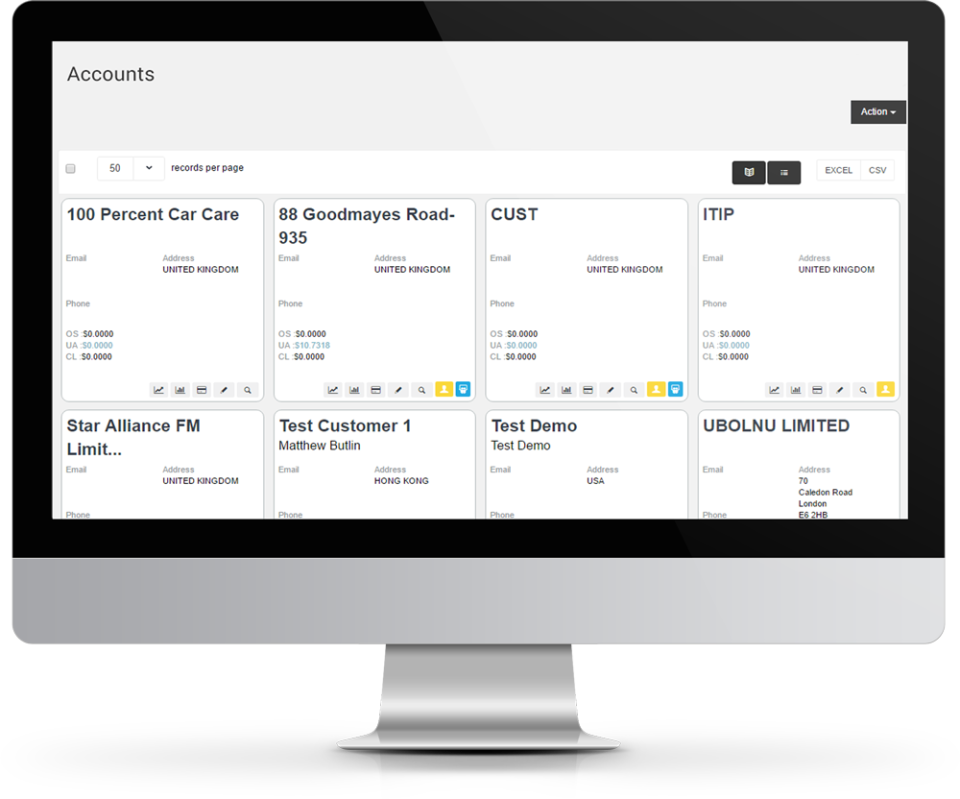
Customer management
Payment processing
Recurring billing
Expense tracking
Tax management
View All 38 Features
Multi currency support
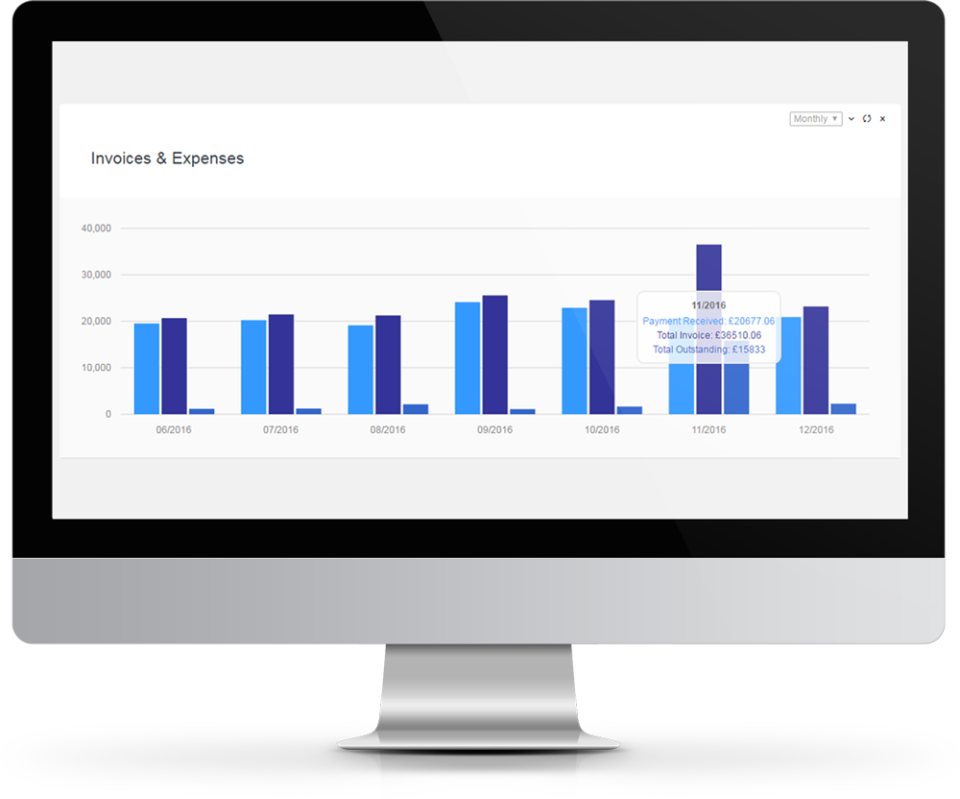
Financial reporting
Customizable templates
Automated reminders
Time tracking
Project management
Inventory management
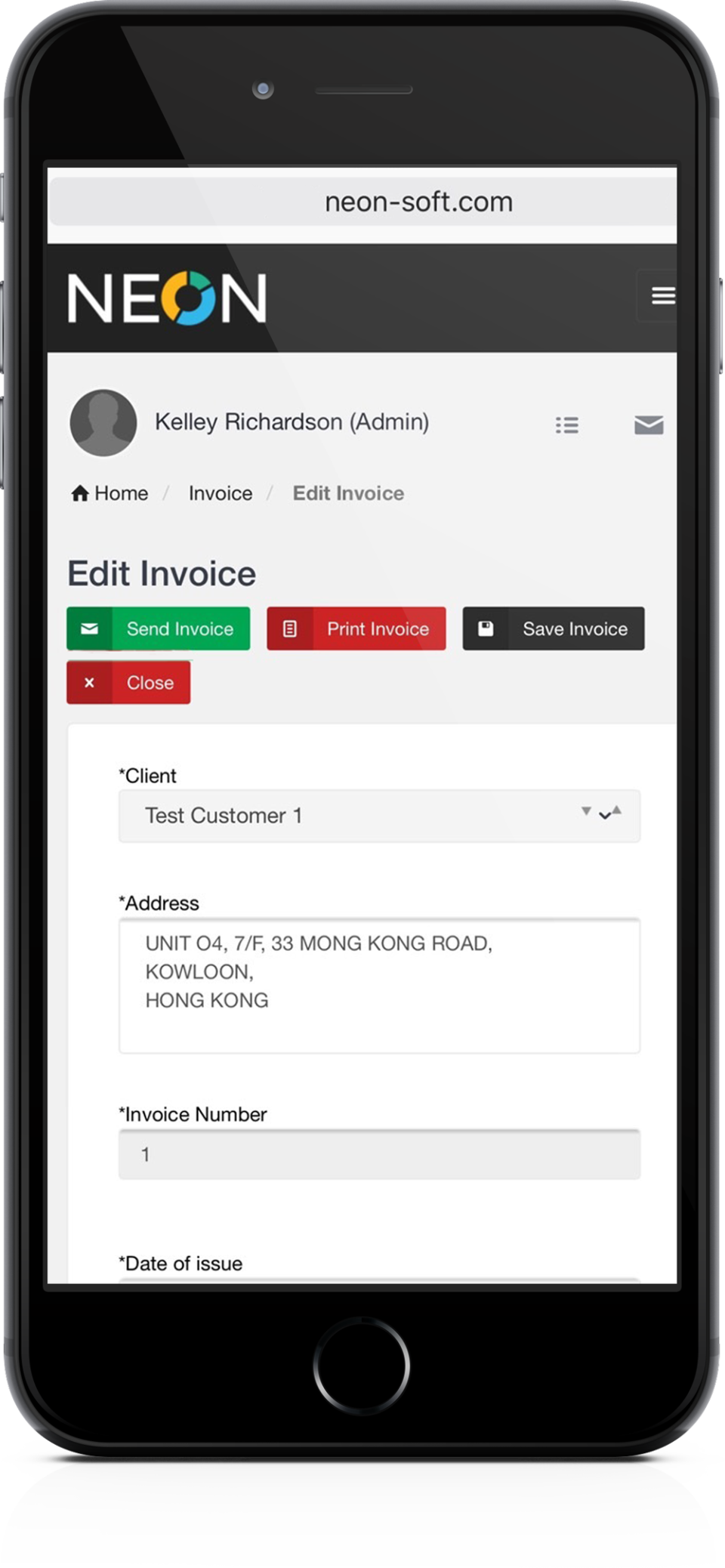
Mobile access
User permissions
Integration with accounting software
Client portal
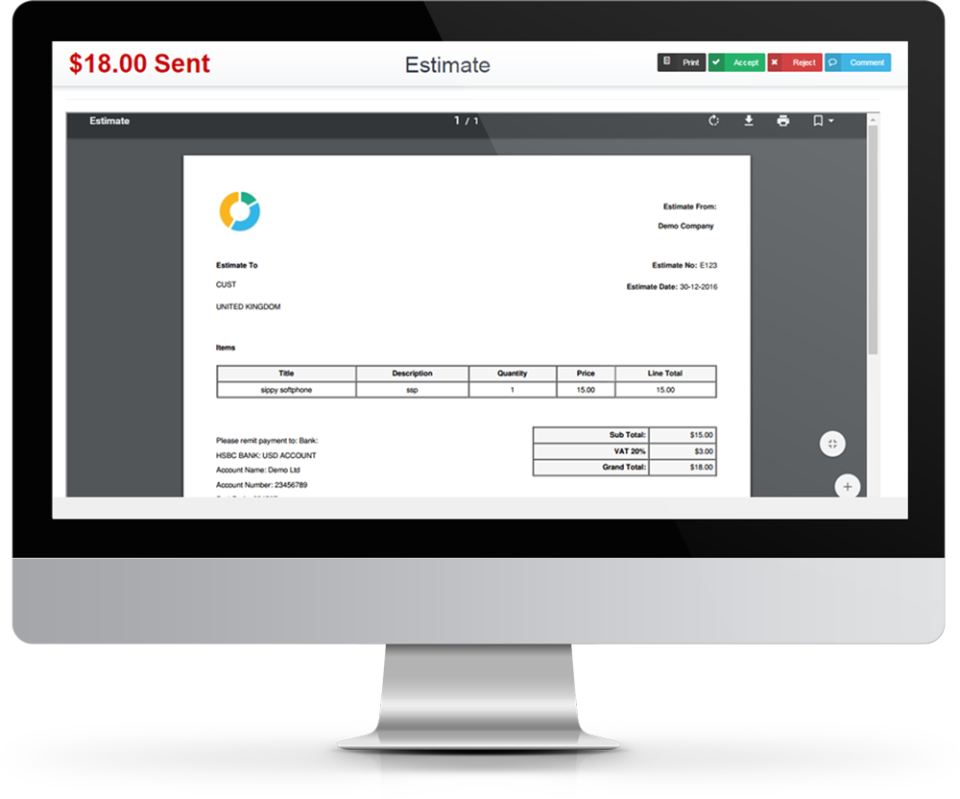
Estimates and quotes
Late fee calculation
Data backup and security
Multi currency
Billing & invoicing
Voip
Contact database
Customizable invoices
Online payments
Project billing
Online invoicing
Hourly billing
Dunning management
Billing portal
Mobile payments
Contingency billing
Recurring/subscription billing
Post paid systems
Pre paid systems
Customizable billing
Rating
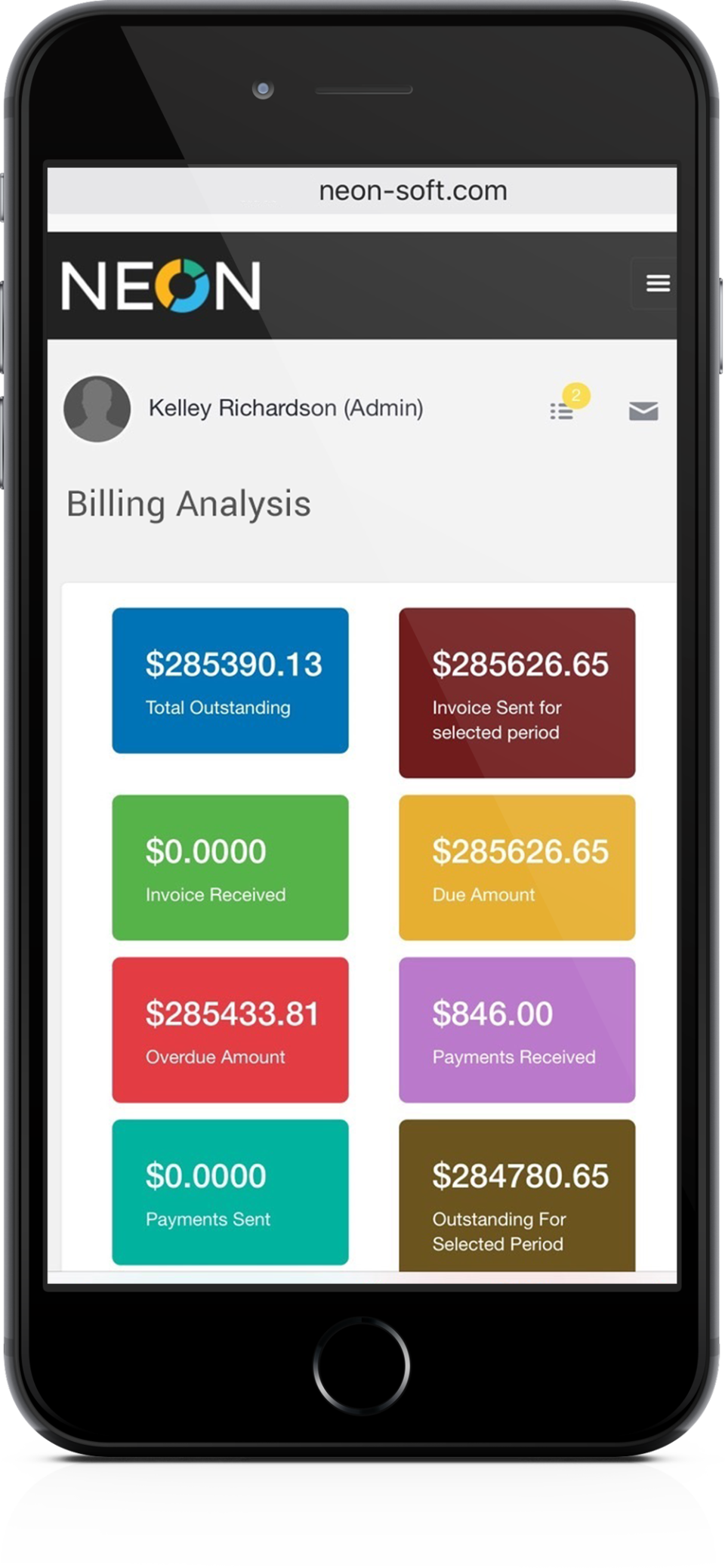
NEON Screenshots
Frequently Asked Questions
Is there a free plan or free trial for NEON?
NEON may offer a free plan or trial for new users. You can sign up to explore available options.
How much does NEON cost?
NEON offers flexible pricing plans depending on your business needs. Check their official website for the most current pricing details.
What does NEON integrate with?
NEON integrates with popular tools like Stripe, PayPal, QuickBooks, Xero, Zapier, Slack, Salesforce, and Google Workspace, making it easy to connect with your existing workflow.
Who is NEON best for?
NEON is ideal for small to medium-sized businesses, freelancers, agencies, and service-based companies that need efficient invoicing, payment tracking, and recurring billing. It's particularly great for teams handling project-based or hourly work across various industries like consulting, legal, and creative services.
What are the best alternatives to NEON?
Top alternatives include FreshBooks, which excels in time tracking and expense management, QuickBooks for robust accounting features, Zoho Invoice for multi-user collaboration, Invoice Ninja for open-source customization, and Chargebee for advanced subscription billing.
Is NEON GDPR / SOC 2 compliant?
For specific compliance certifications, it's recommended to contact NEON directly or check their security documentation.
Does NEON have a mobile app?
NEON may offer mobile access through a responsive web app or dedicated mobile applications. Check their website for the latest mobile options.
What do real users say about NEON?
Users praise NEON for its speedy invoicing, customizable templates, and reliable payment collection, noting how it simplifies tracking and dunning. Some mention occasional learning curves with advanced features like contingency billing, but overall satisfaction is high for its value in streamlining billing workflows.
How does NEON compare to its top competitor?
Compared to FreshBooks, NEON stands out with stronger support for multi-currency, VoIP rating, and contingency billing, while FreshBooks offers superior expense tracking and project management. Both handle online payments well, but NEON is often more affordable for subscription-heavy businesses.
Does NEON offer customer support?
NEON provides customer support through email, live chat, a comprehensive knowledge base, and community forums, ensuring help is available for setup, troubleshooting, and feature questions.
Software
Find Your Perfect Software
Answer a few quick questions to get matched
What's driving this search?
Help us understand your current situation
Purchasing New Software
No current solution in place
Replacing Existing Software
Looking to switch providers
Step 1 of 5
What is the size of your organization?
Select the range that best applies
Step 2 of 5
Implementation Timeframe
When do you expect to implement?
Step 3 of 5
What's your role?
Select the title that best describes you
Step 4 of 5
Almost there — let's connect you
Your details are kept private and never shared without consent
SSL Encrypted · No spam · Unsubscribe anytime
You're all set!
A specialist for will reach out within 1 business day with tailored recommendations for your needs.