

Invoice Ninja
by Invoice Ninja
What is Invoice Ninja?
Get Best Quote for Invoice Ninja
Connect with SaaSrat experts to get the best quote for your business.
You're all set!
A specialist for Invoice Ninja will reach out within 1 business day.
Invoice Ninja Features
Permanent free plan with 5 clients and unlimited invoices
Ninja Pro plan starting from $10/month
Enterprise tier scaling from 2 users to 100 users
Self-hosted open-source deployment option
Time tracking and expense tracking
Recurring invoices and subscription billing
View All 15 Features
Invoice Ninja Pricing Plans
Free Plan
- Permanent free plan with 5 clients
- Unlimited invoices
- Self-hosting option via open source
- Verified on 2026-06-19
Ninja Pro
- Starts at $10/month for Pro features
- Unlimited clients and invoices
- Custom branding and templates
- Verified on 2026-06-19
Enterprise 2 Users
- $18/month for 2 users (or $180/year annual
- January 2026 pricing structure
- Verified on 2026-06-19
Enterprise 5-10 Users
- $32/month for 5 users ($320/year)
- $54/month for 10 users ($540/year)
- Verified on 2026-06-19
Enterprise 20-100 Users
- $84/month for 20 users $96/month for 30 users $160/month for 50 users $300/month for 100 users
- Annual savings: $840/$960/$1,600/$3,000 respectively
- Verified on 2026-06-19
Invoice Ninja Resources
Invoice Ninja Screenshots
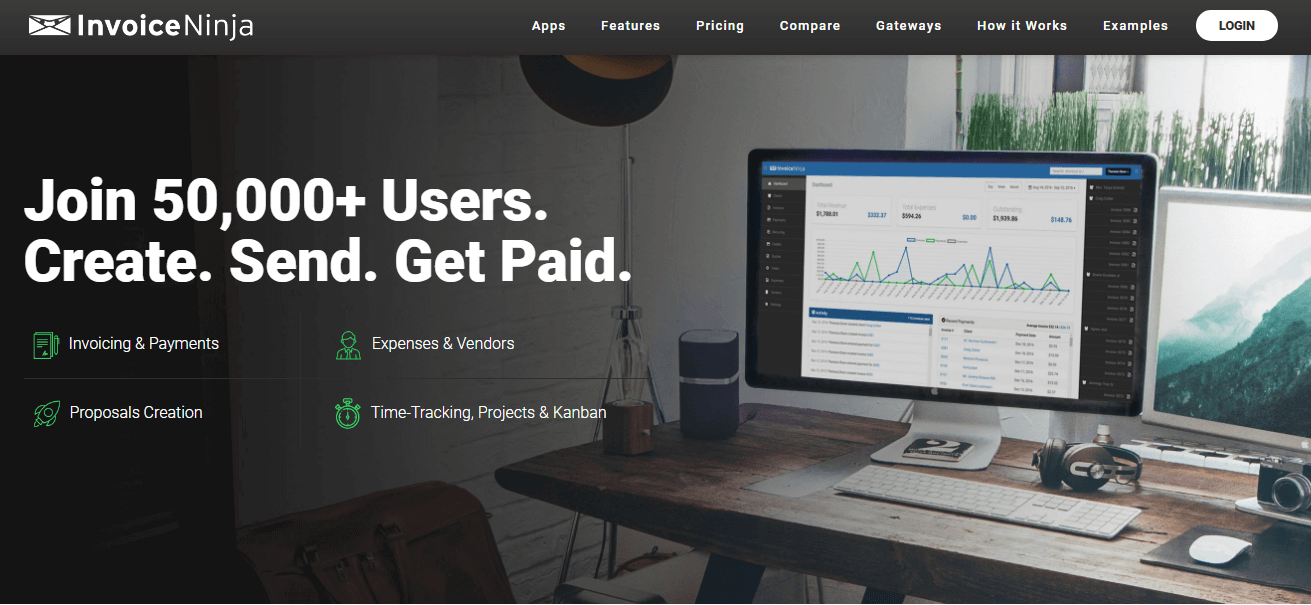
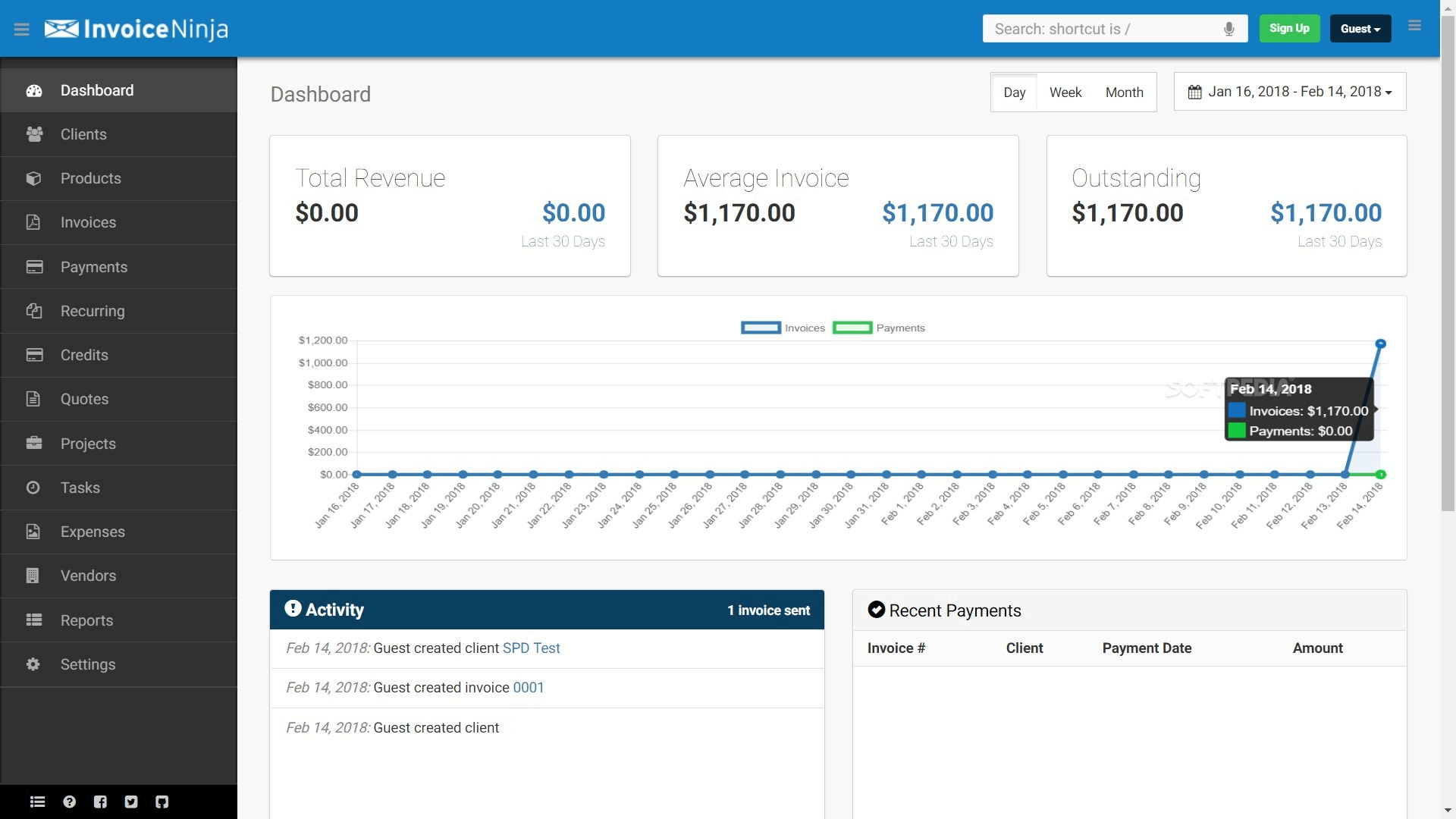
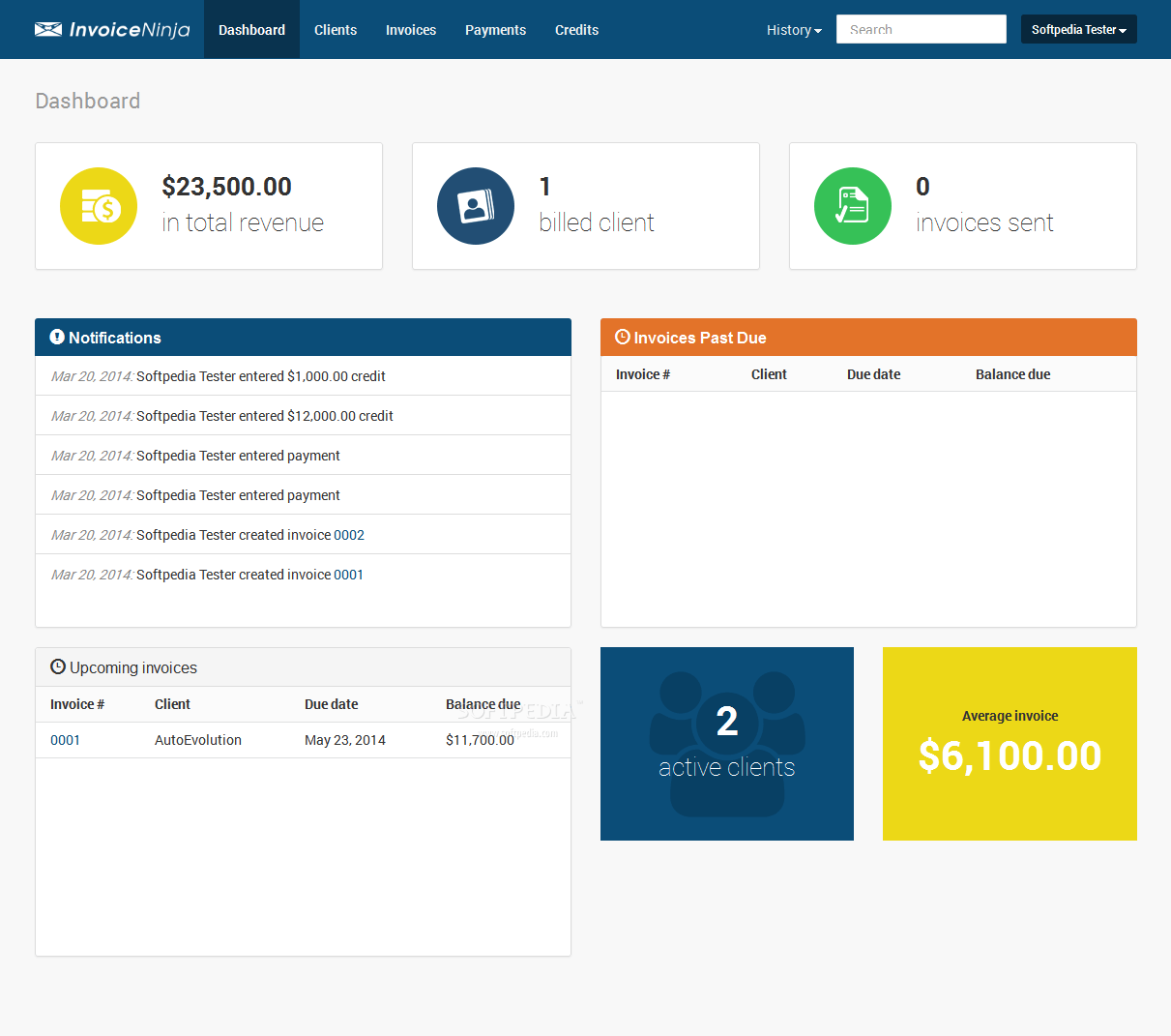
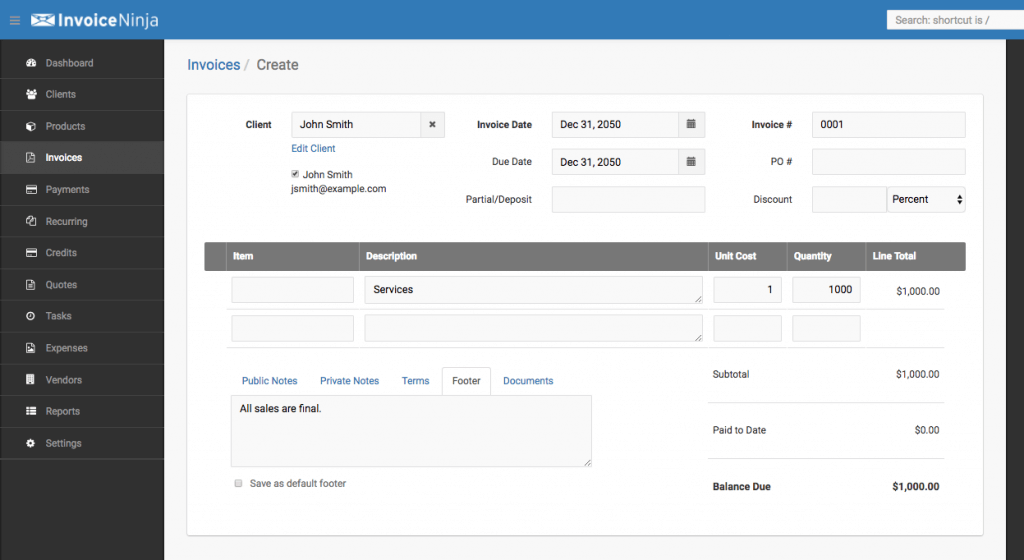
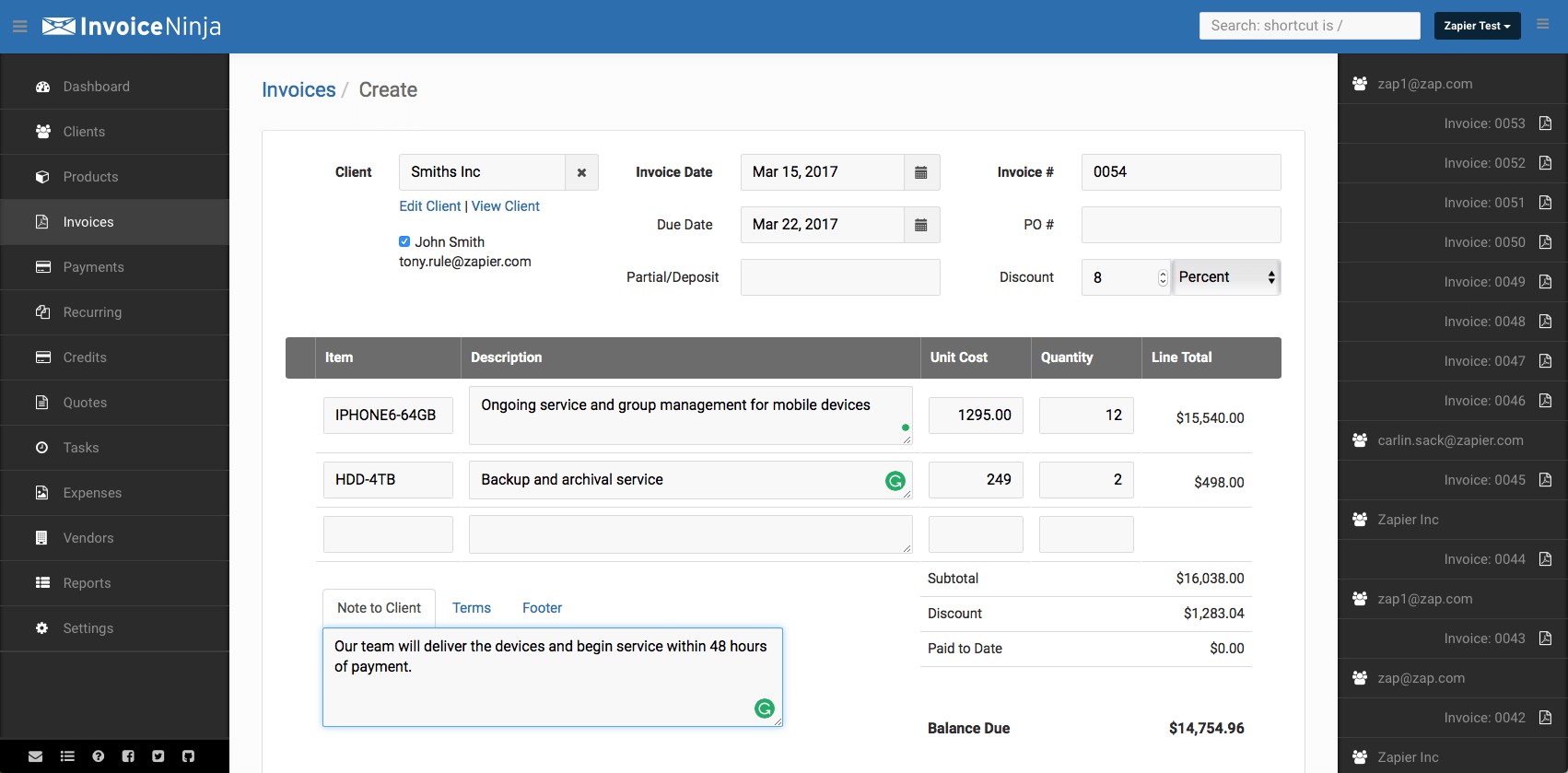
Description
Invoice Ninja launched in 2014 in Tel Aviv with a focused proposition: build the open-source invoicing platform that technical freelancers and small businesses actually want, with self-hosting freedom alongside cloud-hosted Pro and Enterprise tiers for non-technical users. By 2026 Invoice Ninja serves thousands of freelancers and small businesses globally with the January 2026 pricing update introducing explicit Enterprise user tiers from 2 to 100 users.
Who Invoice Ninja is right for
This is a vertical product for freelancers, small businesses, and technical teams. The clearest fit in 2026 is solo freelancers with under 5 clients (Free plan), small businesses scaling past 5 clients on Pro tier ($10/month), growing teams on Enterprise tier (2 to 100 users at $18 to $300/month), and technical teams wanting open-source self-hosting for full data control. Invoice Ninja is the wrong choice for non-technical businesses preferring closed-source cloud-only platforms (Wave or Zoho Invoice fit better) or enterprises needing the largest invoicing ecosystem (QuickBooks Online fits).
Invoice Ninja pricing in 2026
| Plan | Monthly | Annual | Users |
|---|---|---|---|
| Free | $0 | $0 | 5 clients |
| Ninja Pro | $10/month | - | Unlimited clients |
| Enterprise 2 users | $18 | $180/year | 2 |
| Enterprise 5 users | $32 | $320/year | 5 |
| Enterprise 10 users | $54 | $540/year | 10 |
| Enterprise 20 users | $84 | $840/year | 20 |
| Enterprise 30 users | $96 | $960/year | 30 |
| Enterprise 50 users | $160 | $1,600/year | 50 |
| Enterprise 100 users | $300 | $3,000/year | 100 |
Verified on 2026-06-19 against the official Invoice Ninja January 2026 pricing update. Self-hosted open-source deployment available at no Invoice Ninja cost.
Hidden costs to know about
Two watch-outs. First, self-hosting eliminates Invoice Ninja subscription cost but adds infrastructure costs (server hosting on AWS or DigitalOcean, backups, SSL certificates, security updates) and operational overhead that most non-technical businesses cannot manage cost-effectively. Second, payment processing fees through Stripe, PayPal, or other gateways apply at standard rates and are separate from Invoice Ninja subscription. Free plan users hit the 5-client cap quickly for growing businesses.
Invoice Ninja vs alternatives at a glance
| Tool | Best for | Free / starting | Why pick it |
|---|---|---|---|
| Invoice Ninja | Technical teams + self-hosting | Free 5 clients / $10 Pro | Open source with self-hosting option |
| Zoho Invoice | Free invoicing with Zoho integration | Free forever | Permanently free, Zoho ecosystem |
| Wave | US/Canada freelancers | Free / $19 Pro | Free with integrated bookkeeping |
| FreshBooks | Freelancers needing more features | $17+/month | Broader feature set with time tracking |
| QuickBooks Online | SMBs needing full accounting | $30+/month | Dominant US small business accounting |
Integrations
Payment gateway integration including Stripe, PayPal, Authorize.net, Square, Mollie, GoCardless, and regional gateways. Bank feeds for transaction import. Zapier and webhooks for custom integration. REST API on all paid tiers. Open-source integration ecosystem on GitHub for self-hosted deployments. The integration approach is broader than closed-source competitors due to open-source community contributions.
Pros and cons
What works: Open-source codebase with self-hosting option is unique among major invoicing platforms. Permanent free plan with 5 clients. Native mobile apps work with both cloud and self-hosted installations. REST API on all paid tiers, not gated to enterprise. January 2026 pricing update made Enterprise tiers explicit and predictable. Distributed open-source team philosophy reflects in active GitHub contributions.
Where it strains: Free plan caps at 5 clients (versus Zoho Invoice unlimited). Self-hosting requires technical capacity most small businesses lack. Documentation can be less polished than commercial competitors. Less suitable for non-technical freelancers preferring fully-managed cloud platforms. Limited compared to full accounting platforms like QuickBooks.
What real buyers say
Operator reviews on SoftwareAdvice, SelectHub, and the r/selfhosted subreddit cluster around three wins: open-source self-hosting option provides data control no closed-source competitor matches, REST API on all paid tiers enables custom integrations, and native mobile apps work reliably with both cloud and self-hosted deployments. Common pushback is on the 5-client cap on free tier, self-hosting operational overhead, and documentation polish versus commercial competitors.
Field guide
| Field | Detail |
|---|---|
| Headquarters | Tel Aviv, Israel (distributed open-source team) |
| Founded | 2014 |
| Open source | Yes, GitHub repository |
| Deployment | Cloud SaaS or self-hosted |
| Mobile | Native iOS and Android |
| Free plan | Yes, 5 clients permanent |
| API | All paid tiers |
| 2026 update | Explicit Enterprise user tiers 2 to 100 |
Buyer action plan
Start with the permanently free 5-client plan. Add real customers. Create one professional invoice. Test recurring billing. Test mobile app sync. For technical teams, evaluate self-hosting via Docker installation. If you grow past 5 clients, upgrade to Pro ($10/month). For team-based usage, choose Enterprise tier matching your user count (2 to 100 users). Compare against Wave (US/Canada free invoicing) and Zoho Invoice (Zoho ecosystem free invoicing) on feature fit.
2026 updates
The headline 2026 update is the January 1 explicit Enterprise tier pricing structure with predictable user-count thresholds from 2 to 100 users. Annual billing discounts standardized across tiers. Mobile apps received continued investment. Open-source GitHub repository continues active community contributions. The free 5-client tier remains the customer acquisition path.
Security and compliance
Cloud platform with TLS in transit, encryption at rest, GDPR support, role-based access controls on team plans, two-factor authentication. Self-hosted deployments inherit the customer's own infrastructure security posture. Open-source code transparency provides additional security review opportunity. PCI-compliant payment processing through integrated gateways.
Customer support
Email, knowledge base, community support via GitHub and forum, priority support on Enterprise tier. Self-hosted users primarily rely on community support and GitHub issues. r/selfhosted, r/freelance, and Invoice Ninja Community forum provide active peer support discussions.
Who can use Invoice Ninja
Best fit: freelancers, small businesses, and technical teams wanting open-source invoicing with self-hosting option. Reasonable fit: any solo operator or growing team that values open-source freedom and unique self-hosting capability. Not a fit: non-technical businesses preferring closed-source cloud platforms (Wave or Zoho Invoice fit better), enterprises needing largest invoicing ecosystem (QuickBooks fits), or businesses without technical capacity for self-hosting evaluation.
Mobile app
Native iOS and Android apps support invoice creation, payment tracking, time tracking, expense recording, and client management from mobile. Mobile apps work smoothly with both cloud-hosted Invoice Ninja subscriptions and self-hosted deployments. The cross-deployment mobile support is unusual among invoicing platforms.
How to get started with Invoice Ninja
Sign up for the permanently free 5-client plan at the official Invoice Ninja website. Add real customers. Create one professional invoice. Test recurring billing. For technical teams, evaluate self-hosting via Docker installation from GitHub. If you grow past 5 clients, upgrade to Pro ($10/month). For team-based usage, select Enterprise tier matching your user count (2 to 100 users).
Top alternatives to Invoice Ninja
Zoho Invoice is the permanently free alternative with Zoho ecosystem integration. Wave is the free alternative with integrated bookkeeping for US and Canada. FreshBooks is the paid alternative with broader features. QuickBooks Online is the dominant US small business accounting platform. Akaunting is the closest open-source self-hosted alternative. Crater is another open-source invoicing alternative. Manager is the open-source desktop accounting alternative.
How to cancel Invoice Ninja
Cloud subscription cancellation is self-serve from account settings. Monthly subscriptions cancel at end of billing period. Annual subscriptions cancel at renewal. Self-hosted users can stop using the open-source software at any time without subscription cancellation. Data export available via CSV and REST API. No cancellation fee.
Bottom line
Invoice Ninja is the right pick for a freelancer, small business, or technical team that wants an open-source invoicing platform with self-hosting option, free 5-client tier, and predictable Enterprise pricing scaling from 2 to 100 users. The January 2026 pricing update made Enterprise tiers explicit and predictable. For non-technical businesses preferring closed-source cloud platforms, Wave or Zoho Invoice fit better. For technical teams wanting data control through self-hosting, Invoice Ninja is competitive in the open-source invoicing category.
Verified on 2026-06-19. Pricing verified from the official Invoice Ninja January 2026 pricing update.
Frequently Asked Questions
What is Invoice Ninja used for?
How much does Invoice Ninja cost in 2026?
Is Invoice Ninja open source?
Who is Invoice Ninja best for?
Can I self-host Invoice Ninja?
How does Invoice Ninja compare to Wave or Zoho Invoice?
What changed in the January 2026 pricing update?
Does Invoice Ninja have a mobile app?
Does Invoice Ninja have an API?
What are the hidden costs?
Find Your Perfect Software
See how it can transform your workflow
- Personalized for your needs Tailored recommendations based on your unique requirements.
- Save time & resources Streamline your workflow and boost team productivity.
- Trusted by thousands Join 10,000+ businesses already growing with SaaSrat.
You're all set! 🎉
A specialist for will reach out within 1 business day with tailored recommendations for your needs.