

MailStyler
by Delivery Tech
What is MailStyler?
Get Best Quote for MailStyler
Connect with SaaSrat experts to get the best quote for your business.
You're all set!
A specialist for MailStyler will reach out within 1 business day.
MailStyler Features
Drag-and-drop visual email editor
Responsive email templates that render across Outlook Gmail Apple Mail
Hundreds of pre-designed templates
Cloud storage for templates and assets
Library of stock images on Pro tier
MailChimp Mailjet Brevo SendBlaster export
View All 15 Features
MailStyler Pricing Plans
Free Demo
- Lifetime license with scrambled HTML exports (all exported emails are mangled for trial purposes). Basic image library with limited access. No license required. Windows 10 and 11.
Basic
- Lifetime license with unlimited exports. Limited template gallery and basic image library. Single workstation install. 12 months of updates and email support included.
Pro
- Lifetime license with unlimited exports. Full template gallery, advanced image library (3.5+ million images), unlimited cloud storage for templates and assets. Single workstation. 12 months of updates and support.
Server
- Lifetime license with all Pro features. Supports 1 Windows Server and up to 25 client workstations. Ideal for small agencies with multiple designers sharing a single license. 12 months of updates and support.
MailStyler Screenshots
Description
What is MailStyler Newsletter Creator?
MailStyler is a Windows desktop email template builder developed by Newsletter Creator (an Italian software company also known for SendBlaster bulk email software). The product lets marketers design HTML email newsletters with a drag-and-drop editor, then export the responsive HTML to any email service provider (Mailchimp, Mailjet, Brevo, SendBlaster, ActiveCampaign, Constant Contact, and others).
The most distinctive aspect is the licensing model: MailStyler is sold as a one-time lifetime license rather than a monthly subscription. For a single payment of $99 (Basic) or $199 (Pro), customers own the software permanently with 12 months of updates and support included.
Who MailStyler is built for
MailStyler fits small marketing teams, freelancers, design studios, and agencies that produce email newsletters regularly but do not want to pay subscription fees to a tool like Stripo, BEE Pro, or Litmus Builder. The one-time pricing makes the math favorable for buyers who would use a subscription tool for more than 12-18 months.
It is also a fit for Windows-only shops where the team standardizes on desktop tools and does not need cloud collaboration features. Server edition fits small agencies running multiple workstations from a shared license server.
It is less of a fit for Mac-only teams (no macOS version), for teams that need real-time collaboration on templates (no cloud co-editing), or for buyers who want an end-to-end email service (MailStyler builds templates but does not send mail; pair it with an ESP for that).
MailStyler pricing plans
| License | Price | Best for |
|---|---|---|
| Free Demo | $0 lifetime | Trial with scrambled export |
| Basic | $99 one-time | Solo marketers, freelancers |
| Pro | $199 one-time | Marketing teams, agencies, cloud storage |
| Server | $1,499 one-time | 1 Windows Server, up to 25 clients |
All paid licenses are one-time lifetime purchases with 12 months of updates and support included. After the first year, customers can keep using the software at the version they own; renewing updates and support for an additional year is offered at a fee.
The Free Demo is fully functional but exports scrambled HTML, so it works for product evaluation but not for production. Basic unlocks unlimited HTML exports and a limited template gallery. Pro adds the full template gallery, advanced image library with 3.5+ million stock images, and unlimited cloud storage for templates and assets.
MailStyler core capabilities
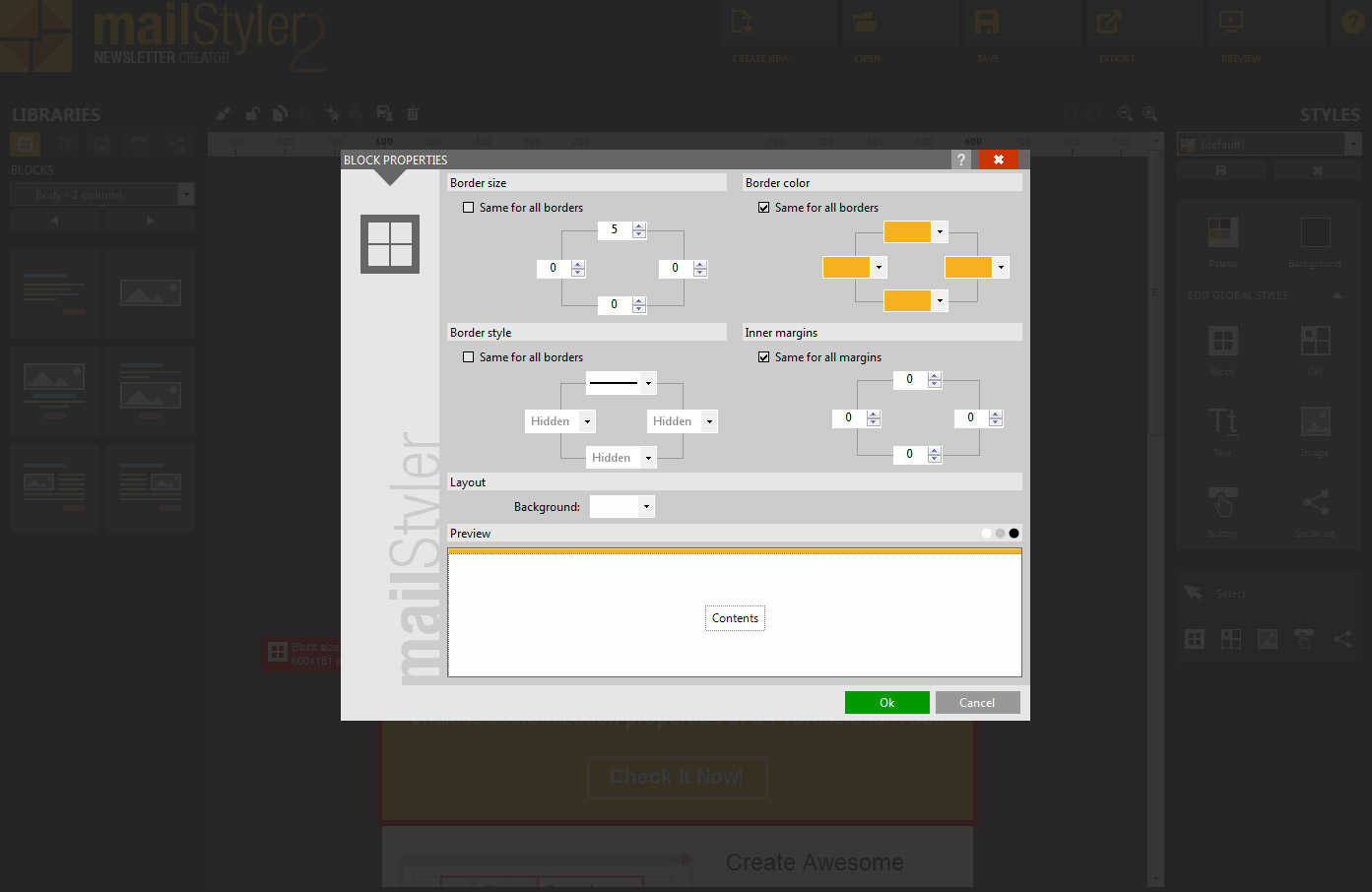
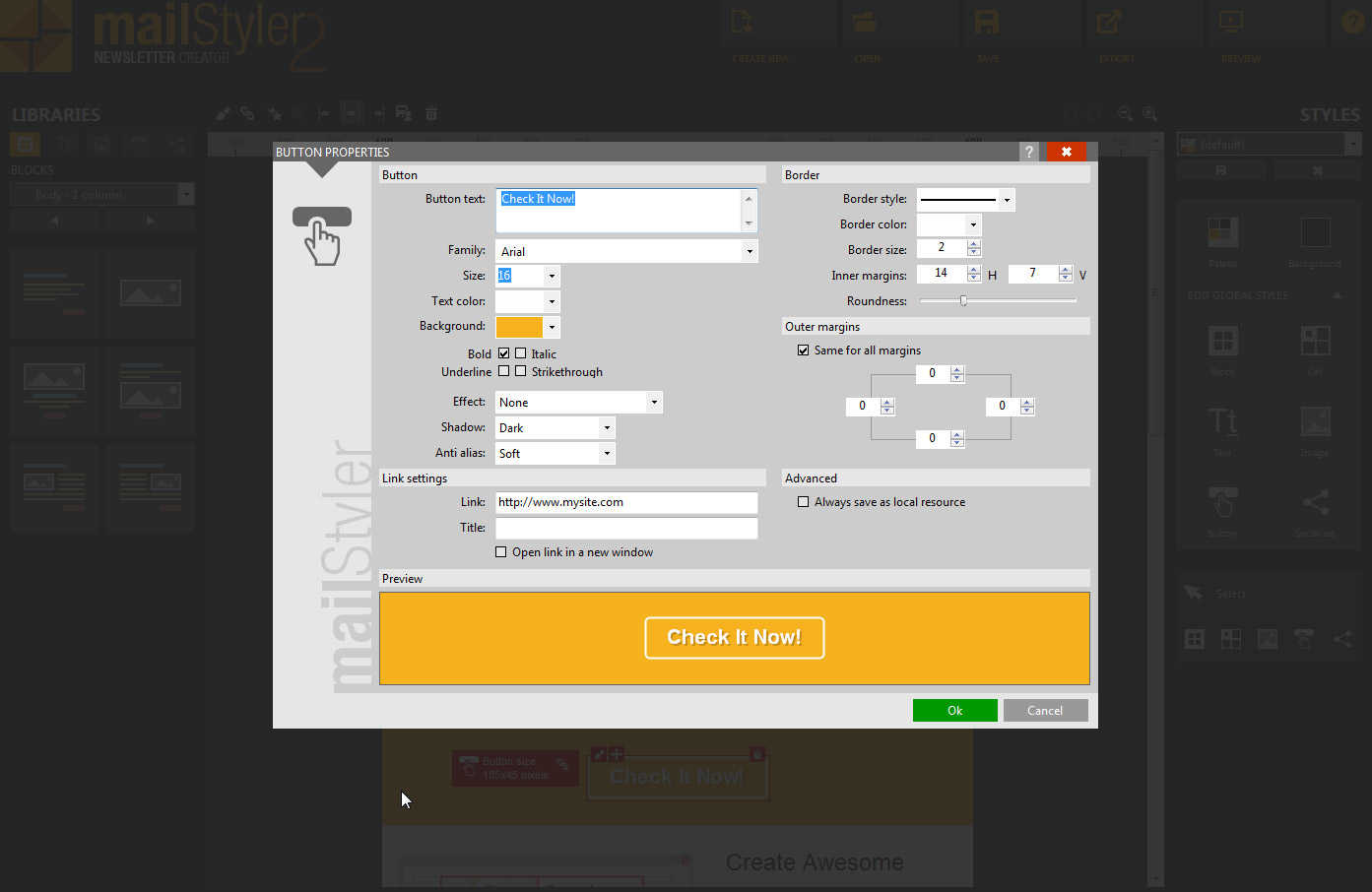
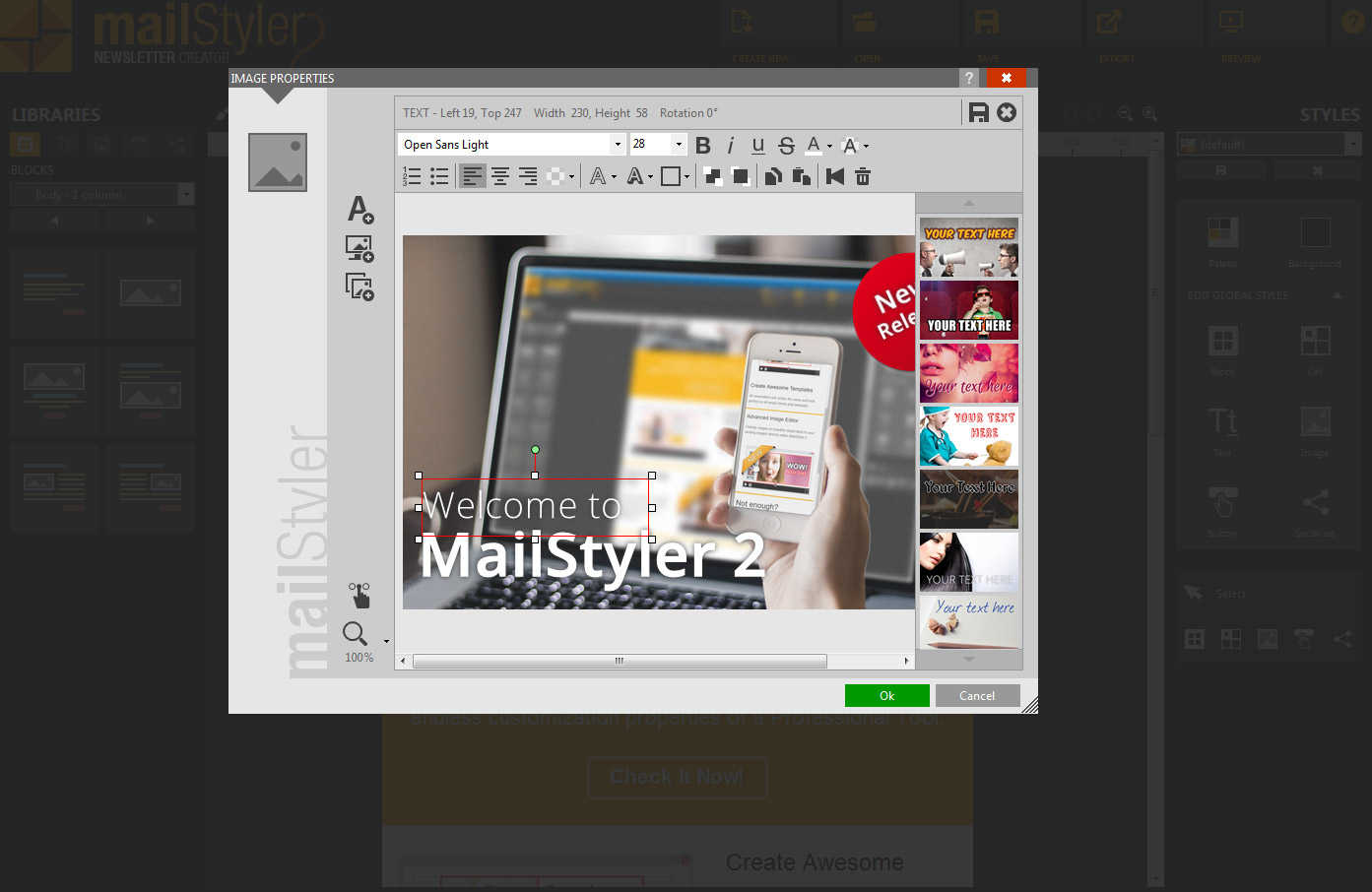
The drag-and-drop editor is the spine. Designers drop blocks (text, image, button, divider, social icons, columns) onto a template canvas. Each block is styled with the property panel: fonts, colors, spacing, alignment. The editor renders the email as recipients will see it across Outlook, Gmail, Apple Mail, and other common clients.
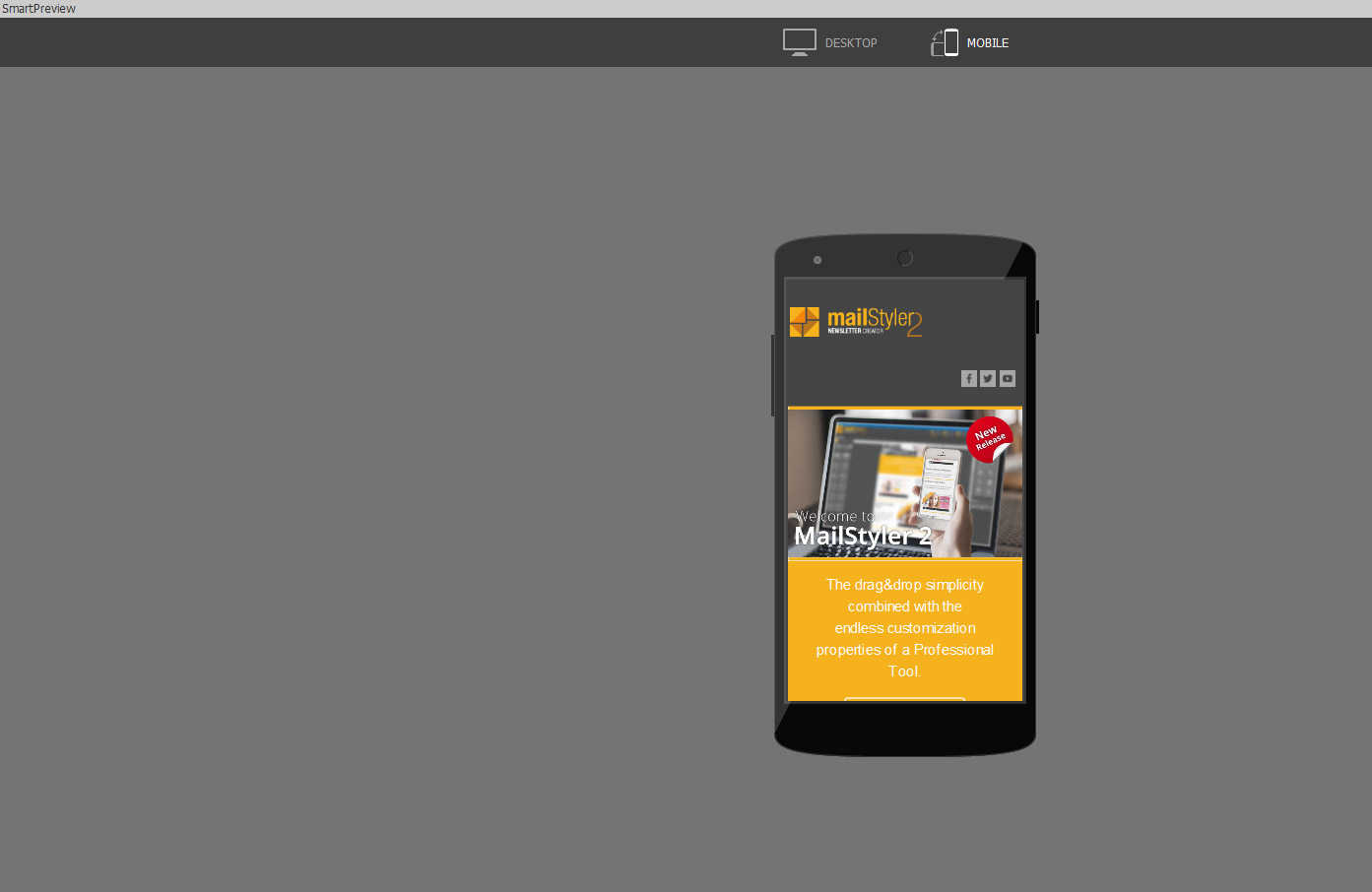
Responsive templates adapt to phone, tablet, and desktop viewports. The editor shows a live preview for each viewport, so designers catch layout issues before sending. Mobile-first design is built in given that more than half of email opens now happen on mobile.
Template gallery and stock images
The template gallery on Basic includes 50-plus pre-designed templates across newsletters, e-commerce, promotional emails, and event invites. The Pro full gallery adds hundreds more designs plus a curated industry-specific set (real estate, automotive, fitness, restaurants, hospitality).
The advanced image library on Pro includes more than 3.5 million stock images sourced from partner libraries. Designers search by keyword and drop images directly into templates without leaving the editor.
Cloud storage and templates sync
Pro includes unlimited cloud storage where templates and assets sync to the Newsletter Creator cloud. A designer can save a template on one workstation and open it on another. The cloud also serves as backup for the template library, important since the editor is desktop-installed.
ESP export and integrations
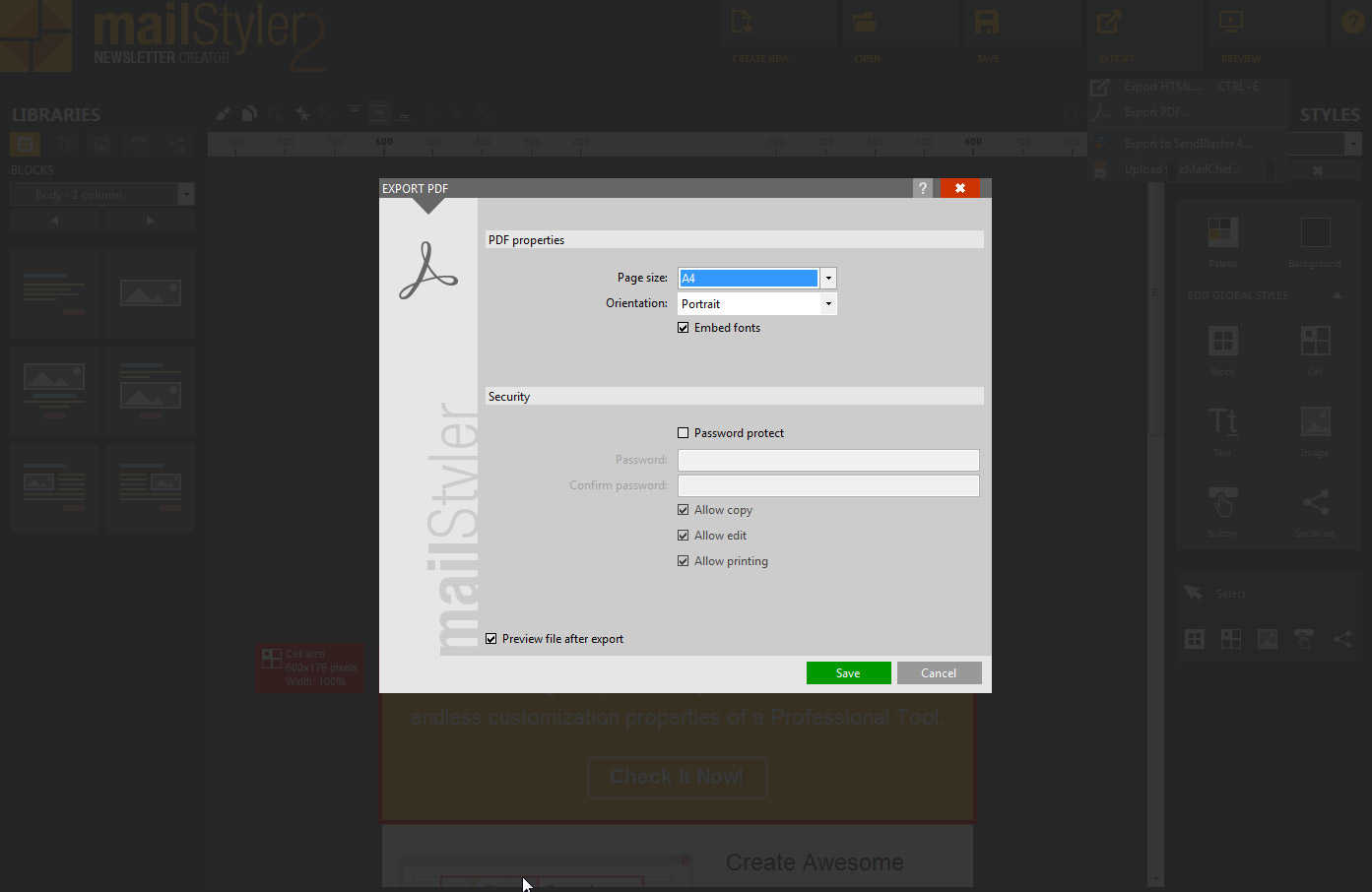
MailStyler exports to any HTML-compatible email service: Mailchimp, Mailjet, Brevo (formerly Sendinblue), SendBlaster (Newsletter Creator's own bulk email tool), ActiveCampaign, Constant Contact, Campaign Monitor, GetResponse, Klaviyo, MailerLite, AWeber, HubSpot, and Marketo, plus direct HTML export for any other platform.
The integration is one-way: MailStyler builds and exports; the ESP sends and tracks. There is no two-way sync of campaign performance back into MailStyler.
Spam tester and link checker
Before exporting, MailStyler can scan the template against common spam triggers (subject line, body language, image-to-text ratio) and report a spam likelihood score. The link checker verifies all URLs in the template return a 200 status to catch broken links before send.
Server edition for multi-workstation
Server edition is a single-payment $1,499 license that supports 1 Windows Server and up to 25 client workstations. Agencies with multiple designers can install MailStyler on each workstation while a central server manages the shared license. This avoids buying 25 individual Pro licenses ($199 x 25 = $4,975) when the use case is one shared team.
Mobile and offline
MailStyler is desktop-only on Windows. There is no native macOS, iOS, or Android app. The editor works fully offline; cloud storage and updates require a connection. For designers who travel or work in environments with unreliable internet, the offline-first approach is an advantage over cloud-only competitors.
Security and data ownership
MailStyler runs locally on the customer's Windows PC, so template data stays on the local file system or in the customer's Newsletter Creator cloud account on Pro. The compliance posture is lighter than enterprise SaaS tools; public SOC 2 or ISO certifications are not attested. For most marketing email use cases this is not a concern, but regulated industries may need a different tool.
MailStyler vs Stripo
Stripo is the leading cloud-based email template editor with a free tier and subscription pricing. MailStyler is the Windows desktop alternative with one-time pricing. Stripo wins on real-time collaboration, broader integrations, and macOS support. MailStyler wins on one-time pricing economics and offline desktop workflow.
MailStyler vs BEE Pro
BEE Pro is another cloud-based email template editor with team collaboration and brand management features. MailStyler is desktop-first with simpler pricing. BEE Pro is the better fit for marketing teams that need brand controls and approval workflows. MailStyler is the better fit for solo designers and small agencies wanting predictable one-time cost.
MailStyler vs Litmus Builder
Litmus Builder includes template building plus deep email rendering tests across 100-plus email clients. MailStyler builds templates but offers lighter rendering tests (built-in preview rather than real-client rendering). Pick Litmus for enterprise email programs needing full rendering verification. Pick MailStyler for cost-efficient template building.
MailStyler vs Mailchimp template editor
Mailchimp includes a basic template editor inside its ESP product. MailStyler is the standalone editor with deeper design control. Pick Mailchimp's editor if you only need basic templates and already pay for Mailchimp. Pick MailStyler if design control and export to multiple ESPs matter.
Buyer pitfalls to avoid
Three patterns hurt MailStyler rollouts. First, buying Basic then needing the full template gallery: the upgrade to Pro is paid separately. Estimate the template need before picking the tier. Second, treating it as an ESP: MailStyler does not send email; pair it with Mailchimp, Brevo, or another sender. Third, expecting Mac support: there is no macOS version. Windows-only is a real constraint.
Implementation and time to value
A solo designer is productive on MailStyler the same day. Installation is a standard Windows installer (Windows 10 or 11). The learning curve is short because the drag-and-drop interface follows the same conventions as other email editors. Migration from cloud editors (Stripo, BEE Pro) typically uses HTML exports as a starting point that gets cleaned up in MailStyler.
Customer support
Free Demo gets community support and documentation. Basic, Pro, and Server include 12 months of email support during European business hours plus all software updates during that period. After the first year, customers can renew updates and support separately. Documentation is published in English, Italian, French, German, Spanish, and Portuguese.
The Bottom Line on MailStyler
MailStyler Newsletter Creator is the right call for solo marketers, freelancers, and small agencies on Windows that build email newsletters regularly and want a one-time lifetime license rather than a monthly subscription.
Standout strengths: one-time lifetime pricing ($99 Basic, $199 Pro, $1,499 Server for 25 clients), offline desktop editor that works without internet, 3.5+ million stock image library on Pro, export to every major ESP, spam tester and link checker built in, multi-language template gallery.
Pricing fits cost-conscious buyers: Free Demo evaluates the full editor (with scrambled exports). Basic at $99 one-time covers solo work. Pro at $199 one-time unlocks the full template and image library. Server at $1,499 covers small agencies with up to 25 client workstations. 12 months of updates and support included; renewal optional.
Trade-offs to weigh: Windows-only with no macOS, iOS, or Android version. No real-time collaboration on templates. The editor builds templates but does not send email; pair with an ESP. Compliance posture is lighter than enterprise SaaS tools. Brand presence is smaller than Stripo or BEE Pro in North America.
Alternatives worth comparing: Stripo for cloud collaboration and macOS support, BEE Pro for team brand controls, Litmus Builder for enterprise email with full rendering tests, Mailchimp's built-in editor for tight integration with an existing ESP, Unlayer for embedded email editor in SaaS products, Tabular for modern email template versioning. Pricing and capabilities verified on newslettercreator.com/software-pricing on 2026-06-27.
Frequently Asked Questions
Is there a free plan or free trial for MailStyler?
How much does MailStyler cost?
What does MailStyler integrate with?
Who is MailStyler best for?
What are the best alternatives to MailStyler?
Is MailStyler GDPR / SOC 2 compliant?
Does MailStyler have a mobile app?
What do real users say about MailStyler?
How does MailStyler compare to its top competitor?
Does MailStyler offer customer support?
Find Your Perfect Software
See how it can transform your workflow
- Personalized for your needs Tailored recommendations based on your unique requirements.
- Save time & resources Streamline your workflow and boost team productivity.
- Trusted by thousands Join 10,000+ businesses already growing with SaaSrat.
You're all set! 🎉
A specialist for will reach out within 1 business day with tailored recommendations for your needs.