

DocuXplorer
by DocuXplorer Software
What is DocuXplorer?
Get Best Quote for DocuXplorer
Connect with SaaSrat experts to get the best quote for your business.
You're all set!
A specialist for DocuXplorer will reach out within 1 business day.
DocuXplorer Features
Document repository with custom metadata
Intelligent document processing (OCR + AI)
Approval workflows and routing rules
Per-document and per-class retention policies
Legal hold and audit logging
Full-text and metadata search
View All 14 Features
DocuXplorer Pricing Plans
Cloud SaaS
- Cloud-hosted DMS with core features
- Repository, search, basic workflows
- HIPAA-compliant hosting
- Mobile apps for iOS and Android
- Industry-typical $15-30 per user/month
- Verified at docuxplorer.com on 2026-06-30
On-Premise License
- Self-hosted deployment in your infrastructure
- Perpetual license plus annual maintenance
- Full data control for compliance
- Custom retention and audit policies
- Infrastructure and IT capacity required
- Verified at docuxplorer.com on 2026-06-30
Hybrid Enterprise
- Mixed cloud and on-prem deployment
- Intelligent document processing modules
- Custom workflows and integrations
- Dedicated CSM and implementation partner
- Multi-year contracts unlock discount
- Verified at docuxplorer.com on 2026-06-30
DocuXplorer Resources
DocuXplorer Screenshots
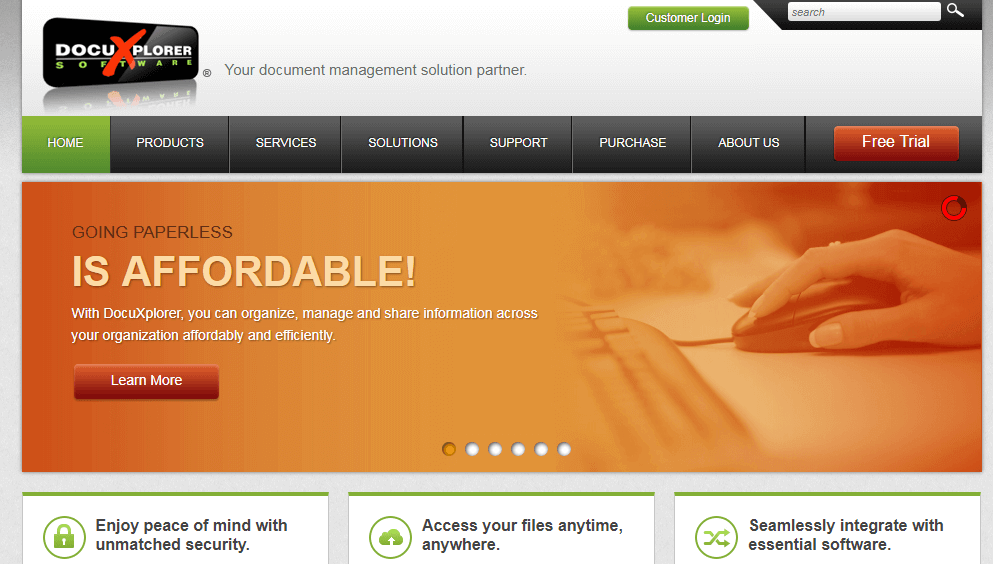
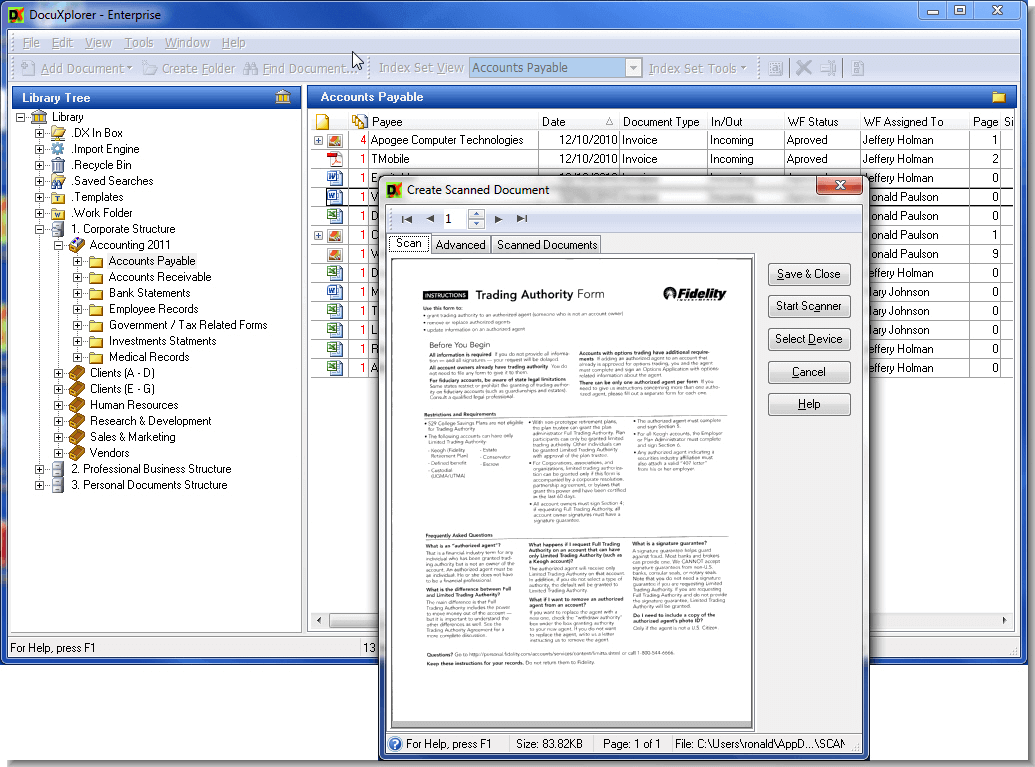
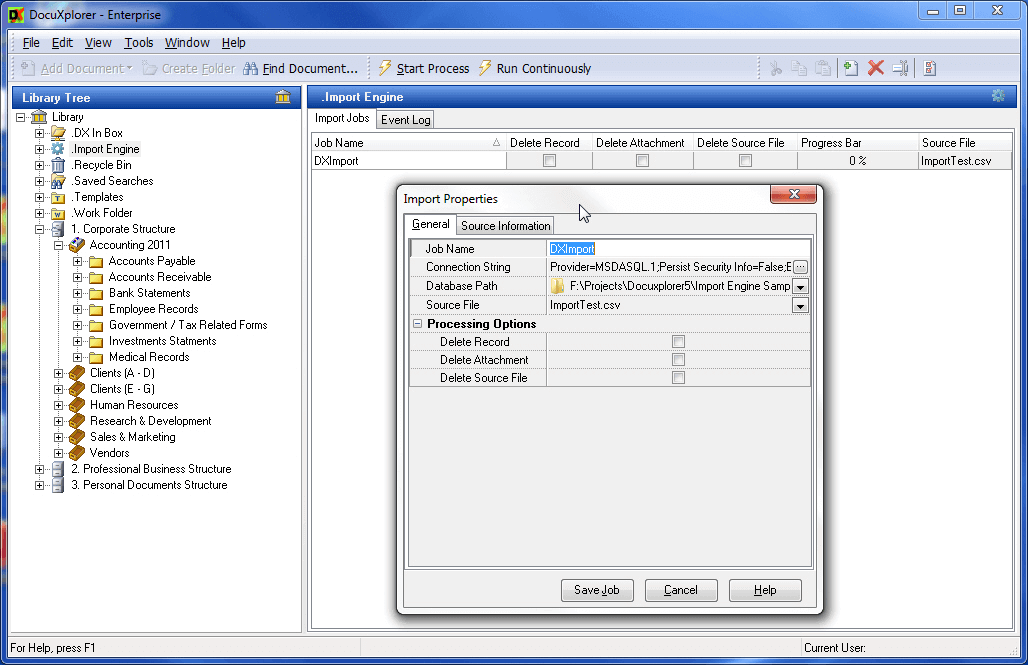
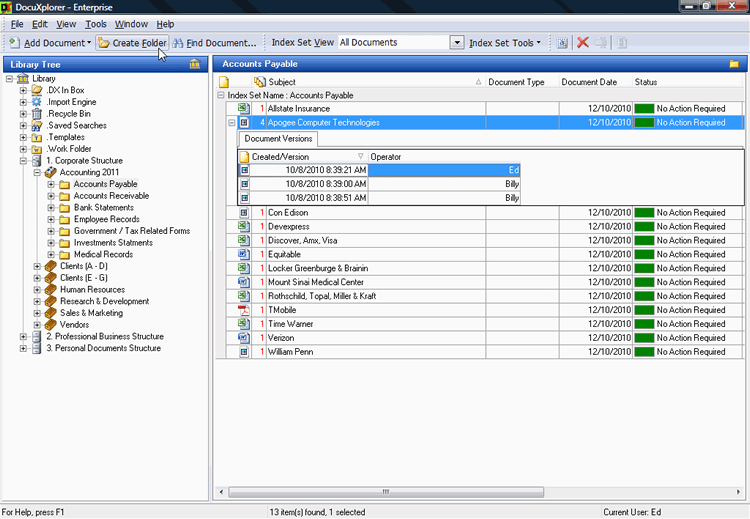
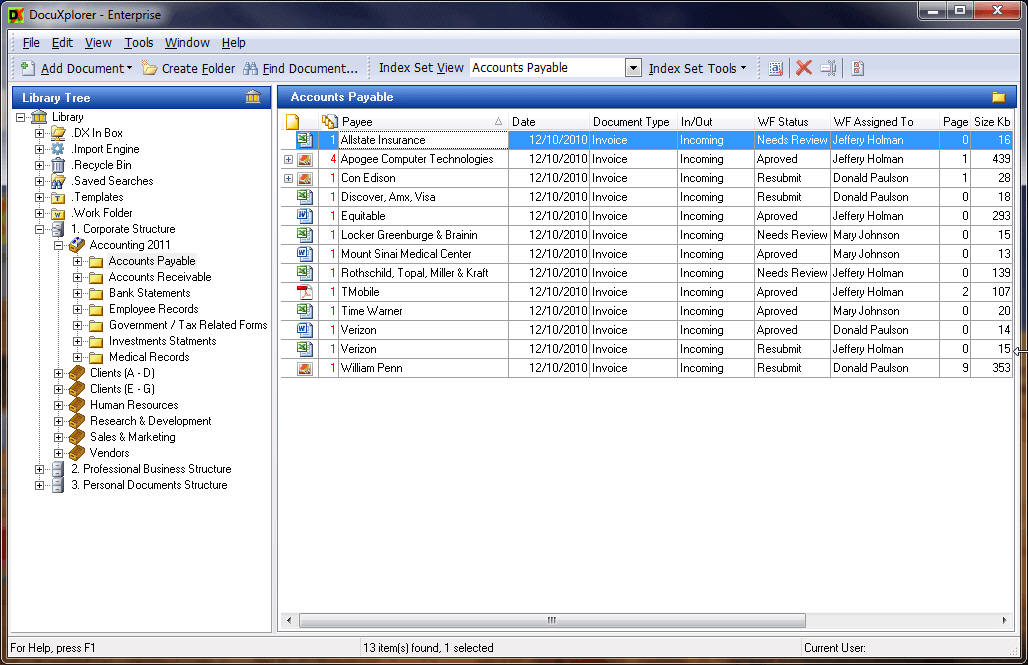
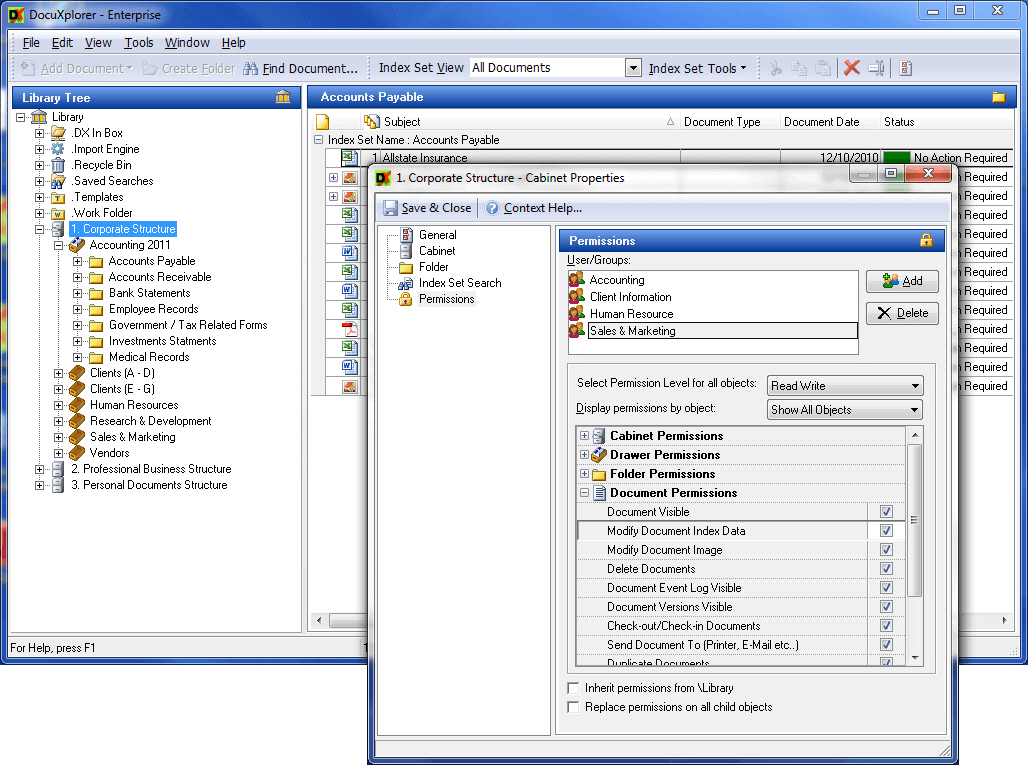
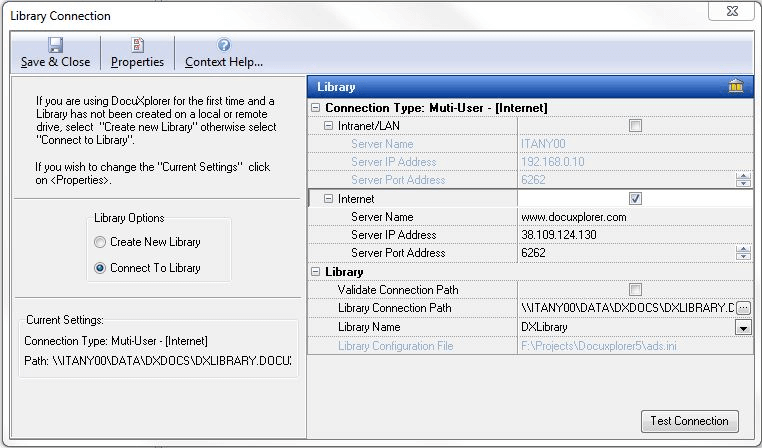
Description
DocuXplorer at a Glance
| Best fit for | Legal firms, accounting practices, healthcare admin, government agencies, regulated industries needing on-premise or hybrid DMS |
|---|---|
| Industries | Legal, accounting, healthcare, government, financial services, insurance, education, manufacturing |
| Core platform | Document repository, Intelligent document processing, Workflows, Retention policies, Audit trails, Search, OCR |
| Pricing model | Quote-based per user, scaled by deployment (cloud, on-prem, hybrid), user count, modules, and term |
| Mobile apps | Web-responsive; mobile apps for iOS and Android |
| Compliance | SOC 2 Type II, HIPAA, GDPR, FINRA, CFR Part 11, audit logging |
| Named customers | Legal, accounting, healthcare, and government deployments (shown on docuxplorer.com) |
| Parent company | Archive Power Systems, Inc. (independently held) |
| Headquarters | New York City, New York |
DocuXplorer Pros and Cons in 2026
Where DocuXplorer Stands Out
On-premise and hybrid deployment options. Cloud SaaS, on-premise, and hybrid all supported, which suits regulated industries that resist multi-tenant SaaS for compliance reasons.
Intelligent document processing. OCR plus AI extraction pulls structured data from contracts, invoices, and forms automatically, reducing manual indexing time.
30+ years of regulated-industry deployments. The long install base in legal, accounting, and healthcare means policy templates and workflows ship pre-configured.
Granular retention and audit controls. Per-document, per-folder, and per-class retention policies support FINRA, HIPAA, and CFR Part 11 compliance needs out of the box.
Where DocuXplorer Falls Short
Pricing opacity until quote. No public pricing; buyers engage sales for every quote.
UI lighter than modern cloud-first DMS. Functional and capable but feels older than Box, Dropbox Business, or M-Files.
Implementation effort for on-premise deployments. On-prem rollouts require infrastructure setup and IT capacity that cloud-first alternatives avoid.
Brand recognition lighter than Box, Dropbox, or M-Files. Smaller community and integration ecosystem than horizontal DMS leaders.
Who Should Use DocuXplorer?
DocuXplorer is the right pick for legal firms needing matter-based document organization, accounting practices with retention requirements, healthcare admin handling HIPAA-bound records, government agencies needing on-premise deployment, and regulated financial services with FINRA/CFR Part 11 needs. In the document management category, DocuXplorer lands as the best fit for regulated industries with hybrid deployment needs.
It is the wrong fit for cloud-first SMB collaboration (Box or Dropbox fit), creative agencies needing visual asset libraries (DAM tools fit), and very small teams under 10 users. Those buyers should compare DocMagic, M-Files, or Docufree.
DocuXplorer Product Suite in 2026
Repository and Indexing
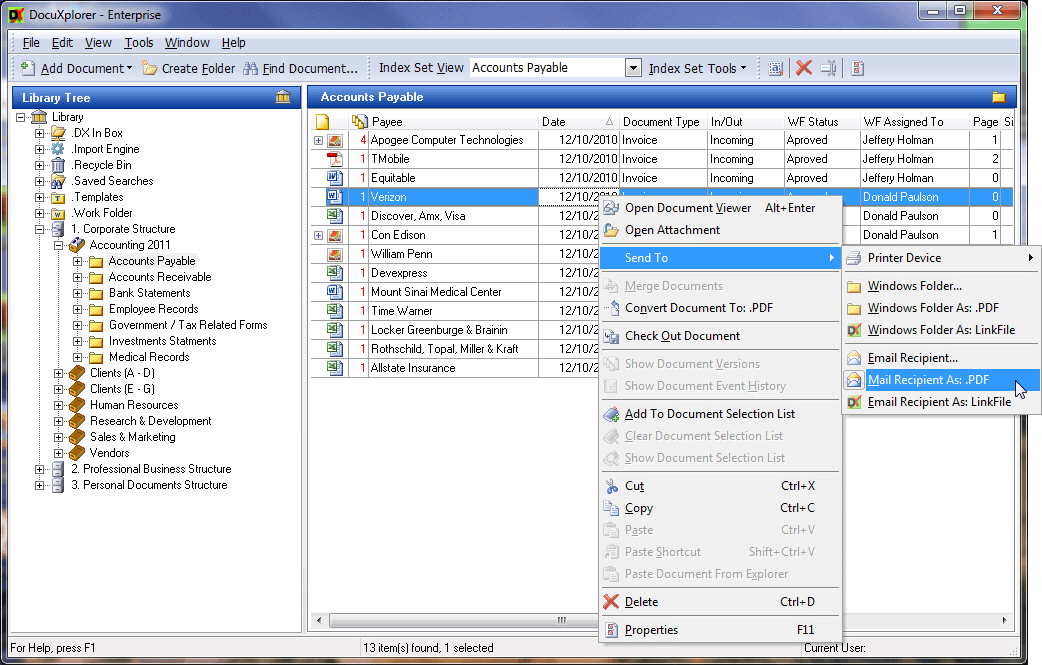
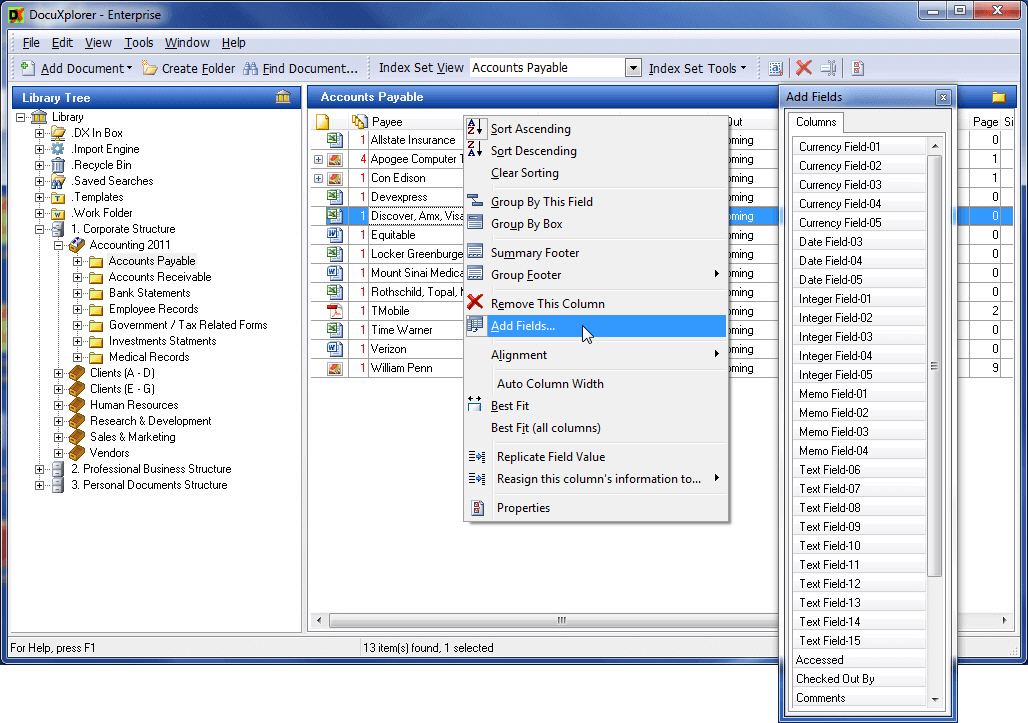
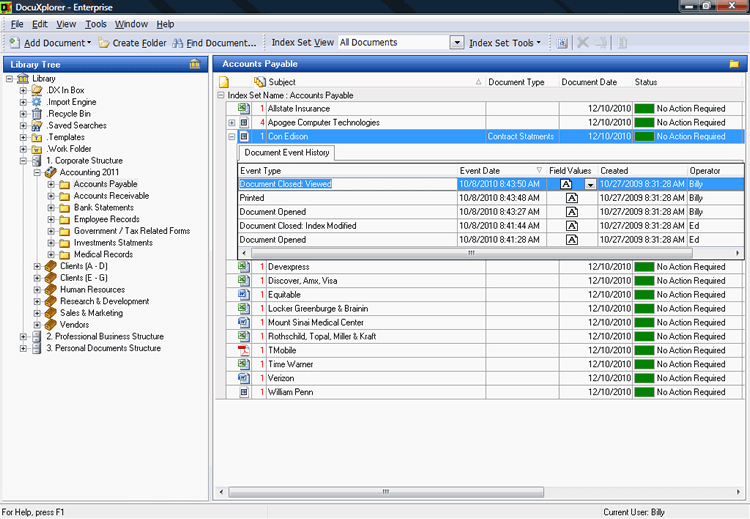
Hierarchical folder structure with custom metadata fields. Bulk import and migration tools. Document classification by type, matter, client, project.
Intelligent Processing
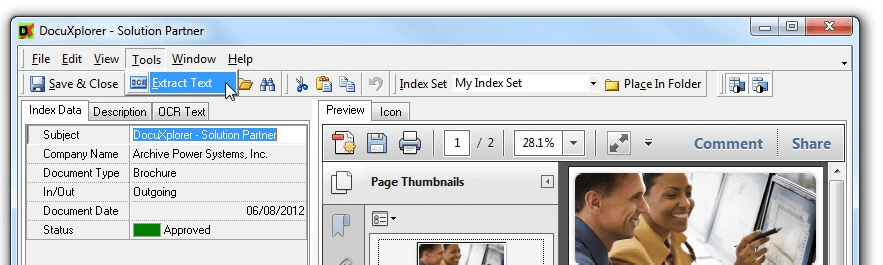
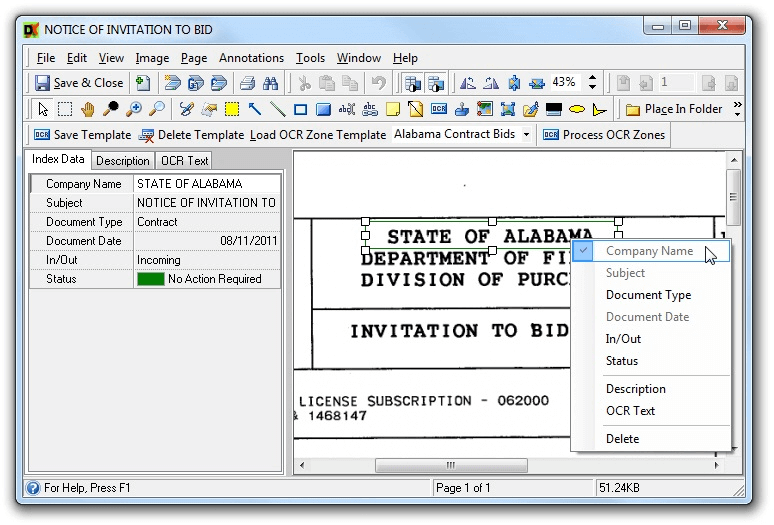
OCR for scanned documents. AI extraction of structured data from contracts, invoices, and forms. Auto-classification and indexing.
Workflows
Approval workflows, routing rules, and SLA tracking. Custom workflow builder for compliance-heavy processes (matter intake, client onboarding, audit preparation).
Retention and Compliance
Per-document, per-folder, per-class retention policies. Legal hold, audit logging, and chain-of-custody tracking. FINRA, HIPAA, CFR Part 11, GDPR support.
Search and Discovery
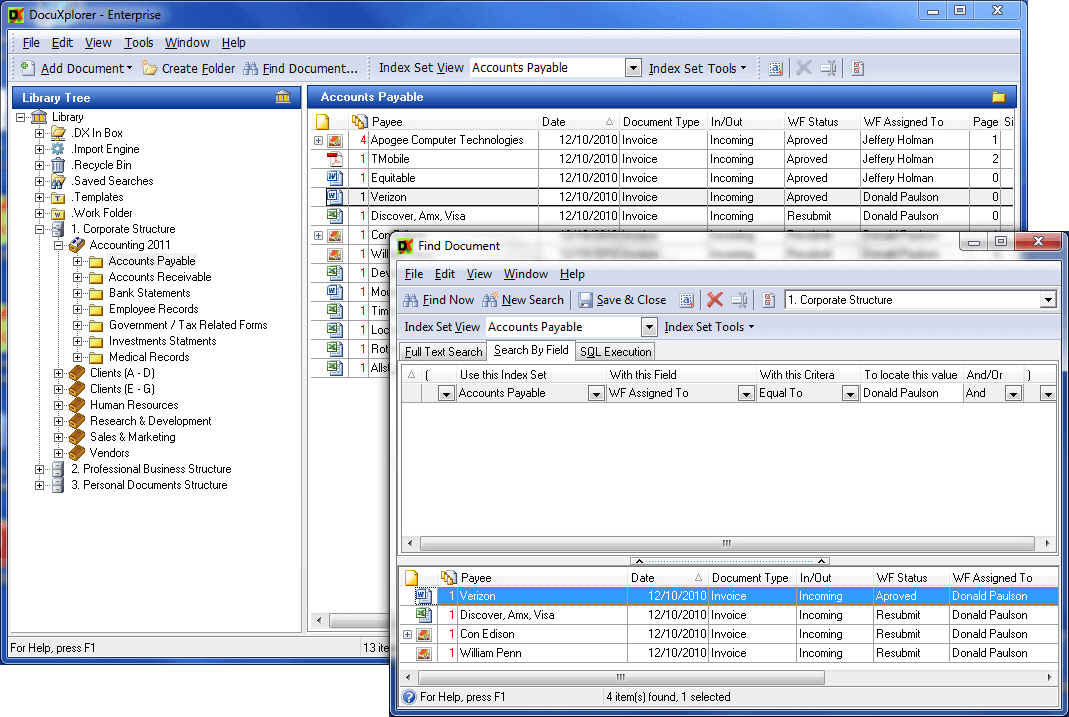
Full-text search across all documents. Metadata-driven queries. eDiscovery support for legal matter management.
Integrations
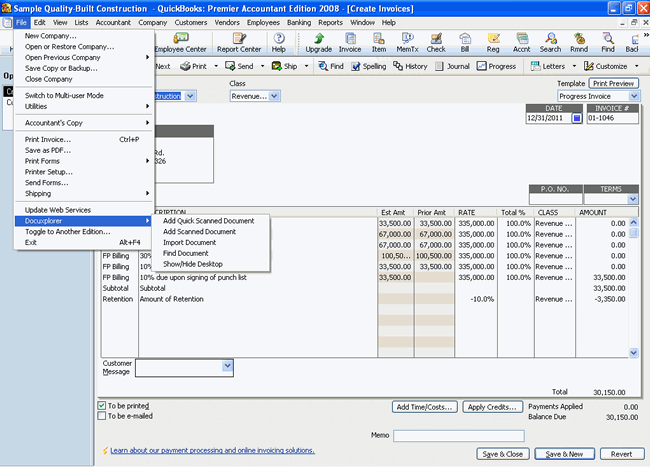
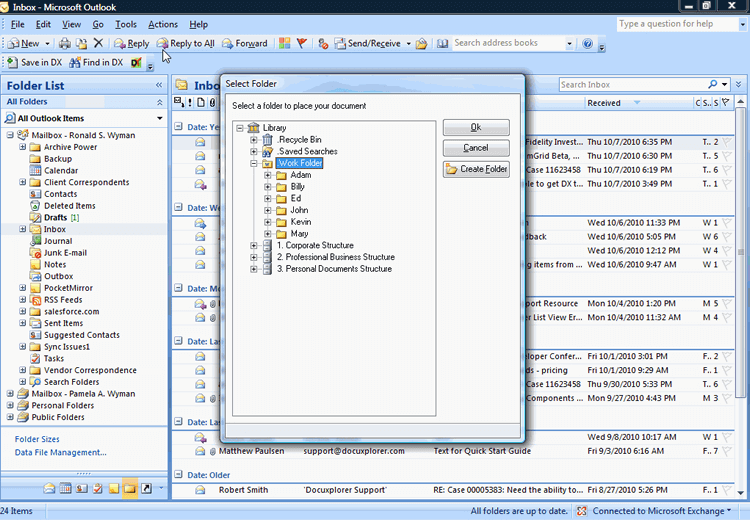
Native Microsoft 365 and Outlook integration. Connectors for Salesforce, NetSuite, QuickBooks, and major accounting platforms. REST API for custom integrations.
How Much Does DocuXplorer Cost in 2026?
Quote-based pricing tied to deployment model (cloud, on-prem, hybrid), user count, module selection, storage requirements, and term length. Industry-typical mid-market DMS pricing runs $15 to $50 per user per month with on-prem licensing models adding upfront infrastructure cost. DocuXplorer does not publish per-user rates publicly.
What Drives the Cost
- Deployment model: Cloud SaaS vs on-premise vs hybrid. On-prem shifts costs to infrastructure.
- User count: Per-user pricing scales linearly.
- Module selection: Intelligent processing, workflows, retention each have separate licensing.
- Storage volume: Document and OCR storage scale with usage.
How to Get a Useful Quote
Inventory user count, deployment preference, current DMS vendor, and compliance requirements (HIPAA, FINRA, CFR Part 11). Benchmark DocuXplorer against M-Files, NetDocuments, DocMagic, and Worldox before signing. Annual contracts unlock 15-20% discount.
Hidden Costs and Contract Gotchas to Watch For
- On-premise infrastructure cost. Self-hosted deployment requires server hardware, OS licensing, and DevOps capacity.
- Module licensing stacks. Intelligent processing, workflows, retention can each add to base.
- Storage growth triggers tier upgrades. Document and OCR storage scale with usage; high-volume scanning increases storage cost.
- Implementation services for compliance configuration. Compliance-heavy industries benefit from paid implementation services.
- Annual contract minimum. Most paid tiers commit 1 year minimum.
DocuXplorer Alternatives Worth Comparing
M-Files wins on metadata-driven DMS with AI classification. Smaller install base in legal/accounting than DocuXplorer.
NetDocuments wins for legal-specific DMS with matter-based organization. Pricier than DocuXplorer for non-legal use cases.
iManage wins for AmLaw 200 legal firms. Heavier than DocuXplorer for smaller practices.
DocMagic wins for mortgage and lending document automation. Different scope than general DMS.
Docufree wins on cloud-first AI document workflows. Lighter on-prem deployment than DocuXplorer.
SharePoint wins for Microsoft 365 shops with bundled licensing. Lighter retention and audit features than DocuXplorer.
What Real Buyers Report About DocuXplorer
Reviewers on independent platforms (SoftwareAdvice, SelectHub) and industry communities (legal-ops forums, accounting communities, healthcare IT groups) consistently call out three patterns. On-premise and hybrid deployment flexibility is the lock-in factor for regulated industries that resist multi-tenant SaaS. Intelligent processing reduces manual indexing time materially. 30+ years of regulated-industry deployments give pre-configured policy templates that competitors do not match.
The common critiques cluster around three points. UI lighter than cloud-first modern DMS. Pricing opacity until quote slows comparison shopping. On-premise infrastructure cost adds total cost of ownership versus cloud-first alternatives. For regulated industries needing hybrid deployment, DocuXplorer consistently rates as a reliable DMS choice.
Bottom Line: Is DocuXplorer Right for You?
DocuXplorer is the right call for legal, accounting, healthcare, and government teams that need a DMS supporting on-premise or hybrid deployment with deep retention and audit controls. The regulated-industry policy templates and intelligent processing are durable moats versus cloud-first horizontal DMS alternatives.
For cloud-first collaboration without compliance, Box or Dropbox Business fit better. For metadata-driven DMS with modern AI, M-Files is the lighter alternative. For Microsoft 365 shops with bundled licensing, SharePoint is the lower-friction option.
Verified on 2026-06-30 by the SaaSRat Editorial Team. Vendor facts cross-checked against docuxplorer.com (features, compliance, deployment pages), independent review aggregators, regulated-industry community threads, and current 2025-2026 press cycles. About our methodology.
Frequently Asked Questions
What is DocuXplorer used for?
How much does DocuXplorer cost?
Can DocuXplorer be deployed on-premise?
Is DocuXplorer HIPAA compliant?
Does DocuXplorer have OCR?
Is DocuXplorer better than SharePoint?
Does DocuXplorer integrate with Outlook?
What industries does DocuXplorer serve?
How long does DocuXplorer implementation take?
What support does DocuXplorer offer?
Find Your Perfect Software
See how it can transform your workflow
- Personalized for your needs Tailored recommendations based on your unique requirements.
- Save time & resources Streamline your workflow and boost team productivity.
- Trusted by thousands Join 10,000+ businesses already growing with SaaSrat.
You're all set! 🎉
A specialist for will reach out within 1 business day with tailored recommendations for your needs.