
Clean Email
by Clean Email, LLC
What is Clean Email?
Get Best Quote for Clean Email
Connect with SaaSrat experts to get the best quote for your business.
You're all set!
A specialist for Clean Email will reach out within 1 business day.
Clean Email Features
Email filtering
Unsubscribe management
Email categorization
Auto clean
Smart views
Quick clean
View All 45 Features
Clean Email Pricing Plans
Free Tier
- Up to 1 account
- All features are included
Clean Email Resources
Clean Email Screenshots
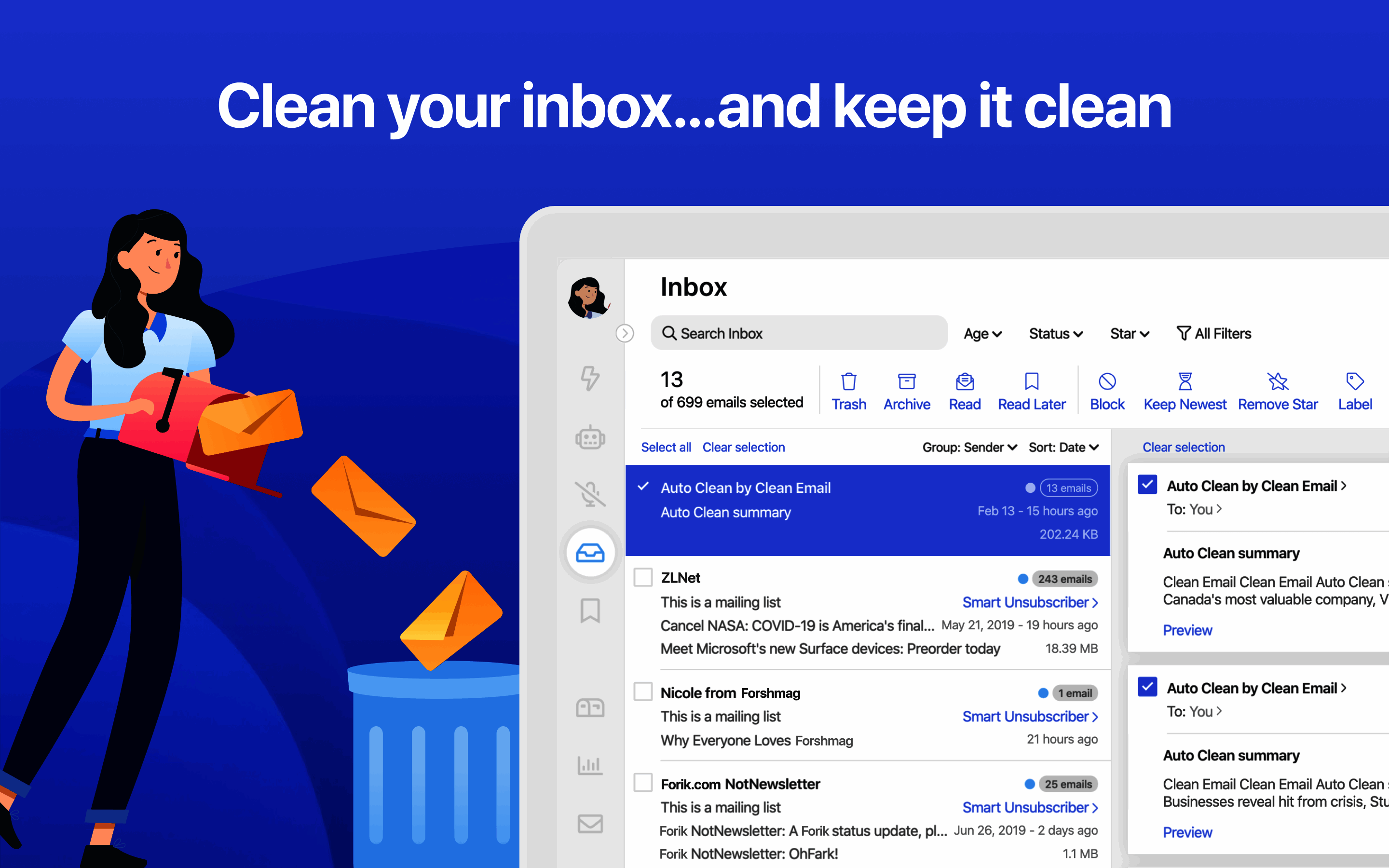
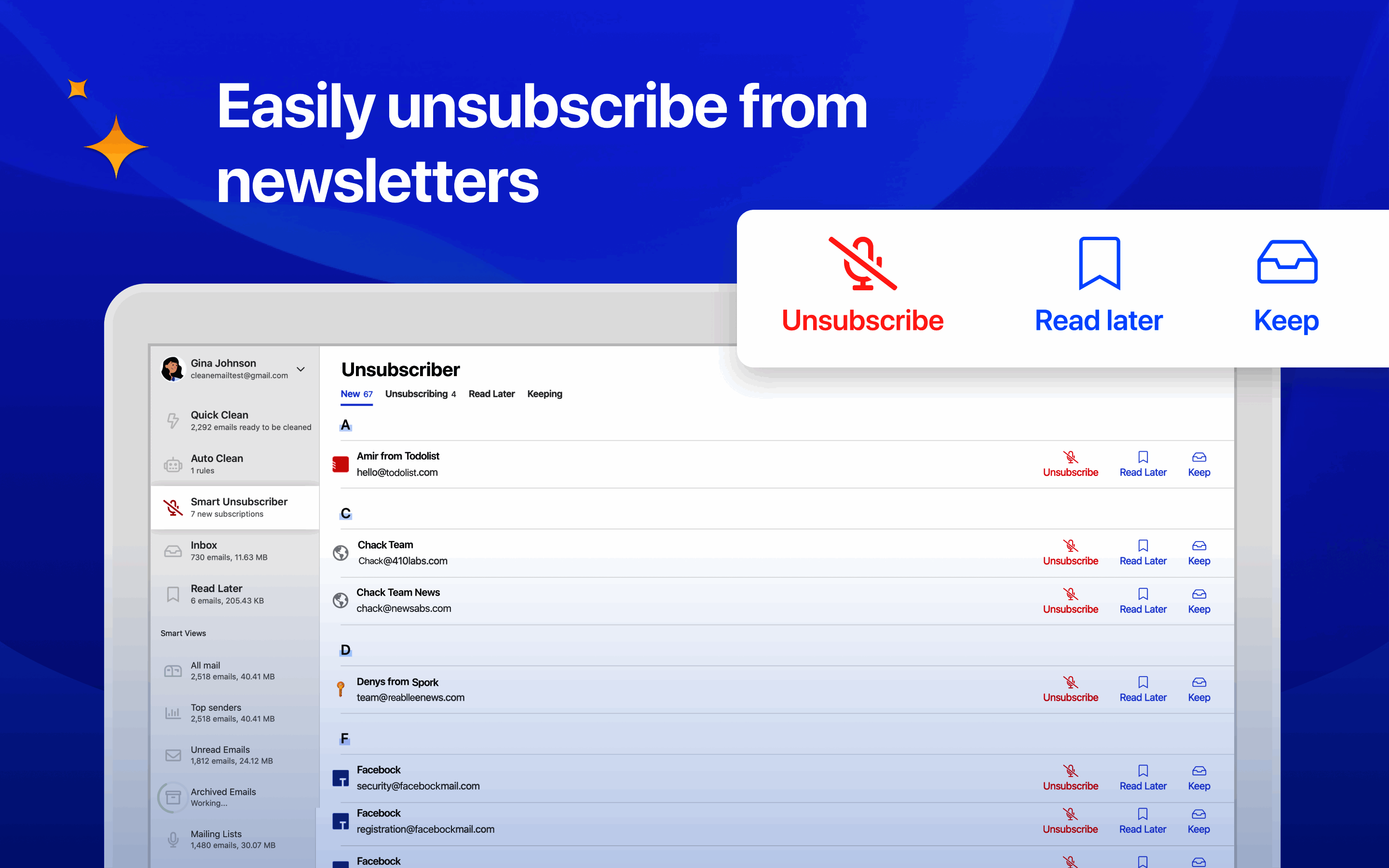
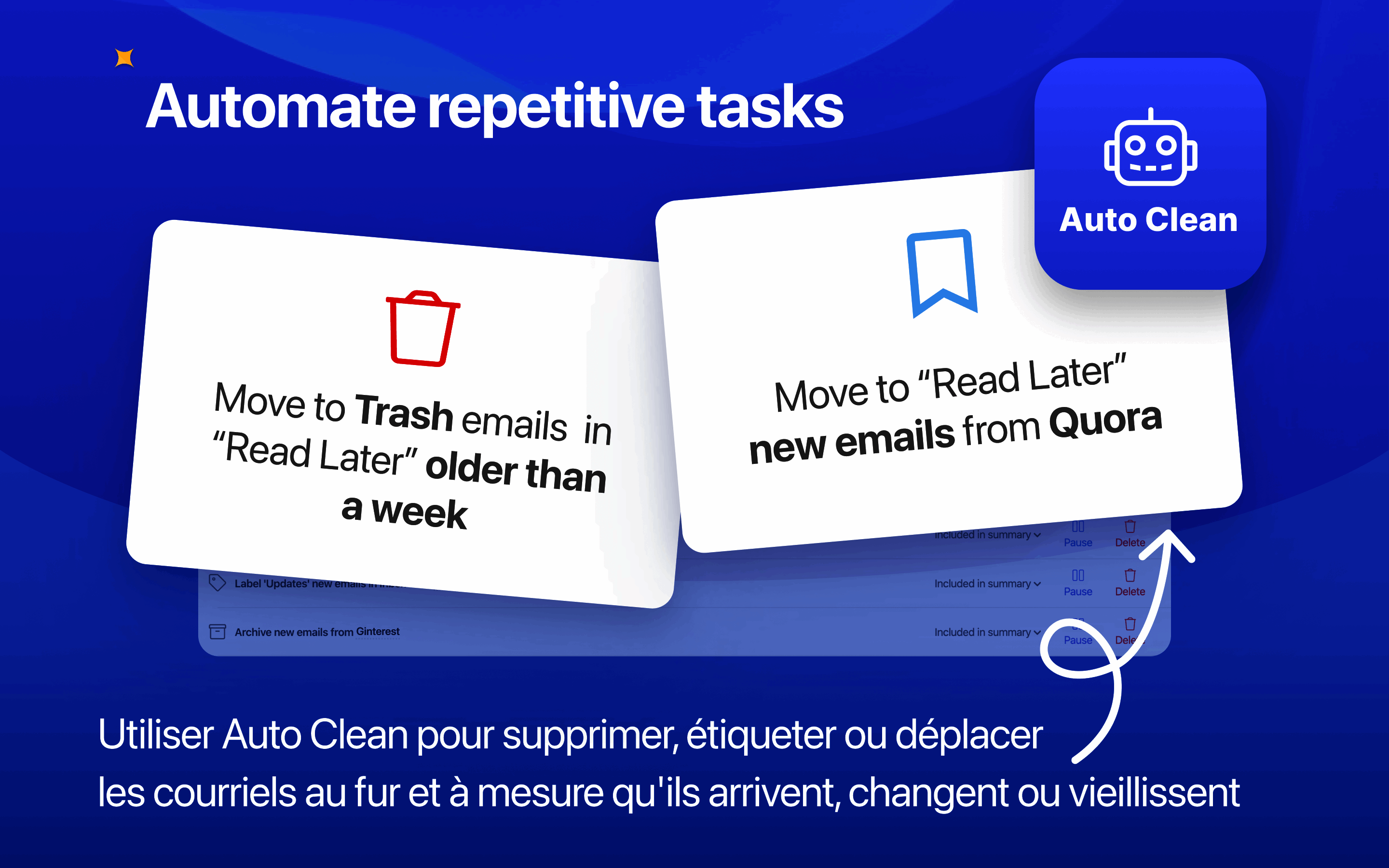
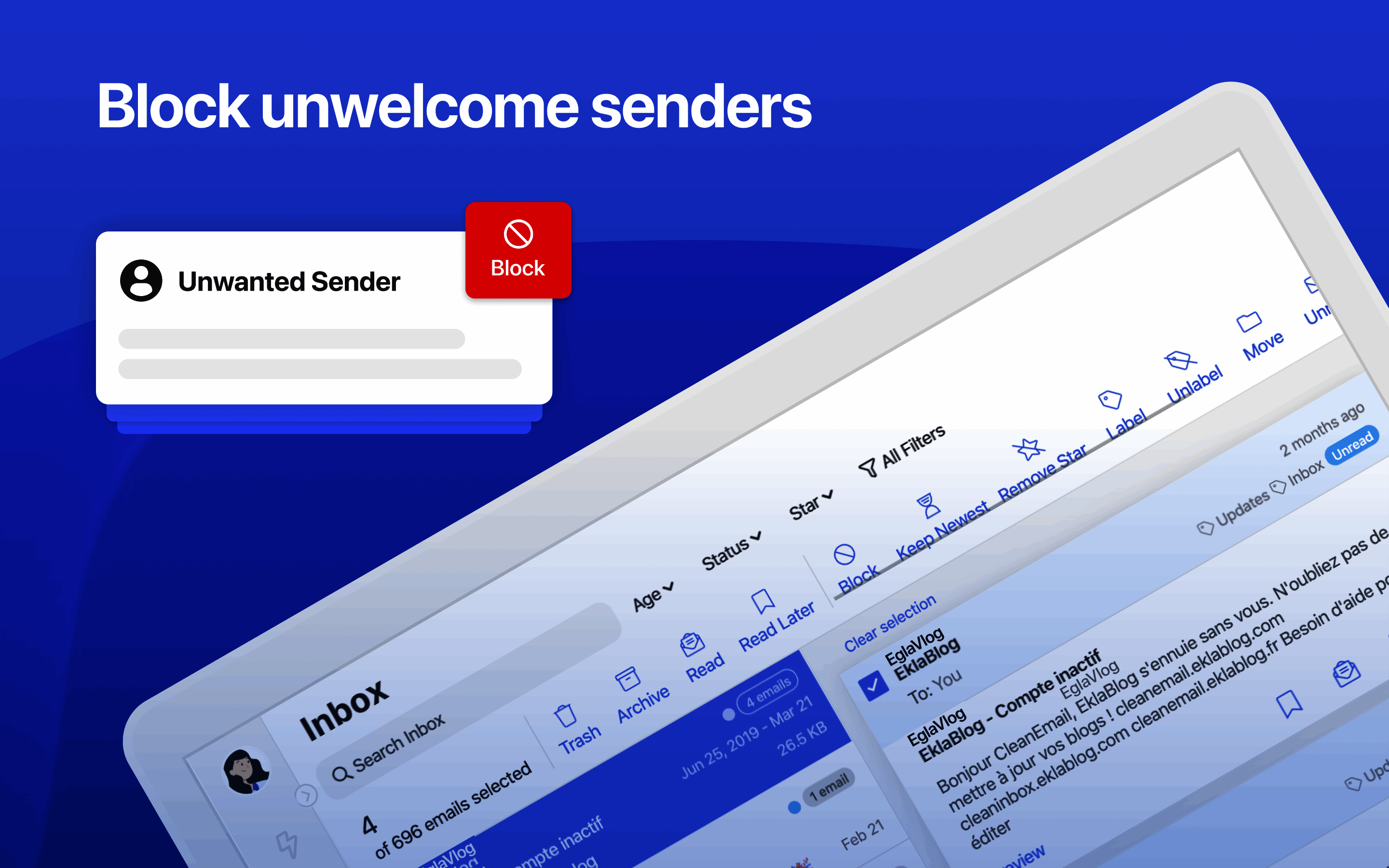
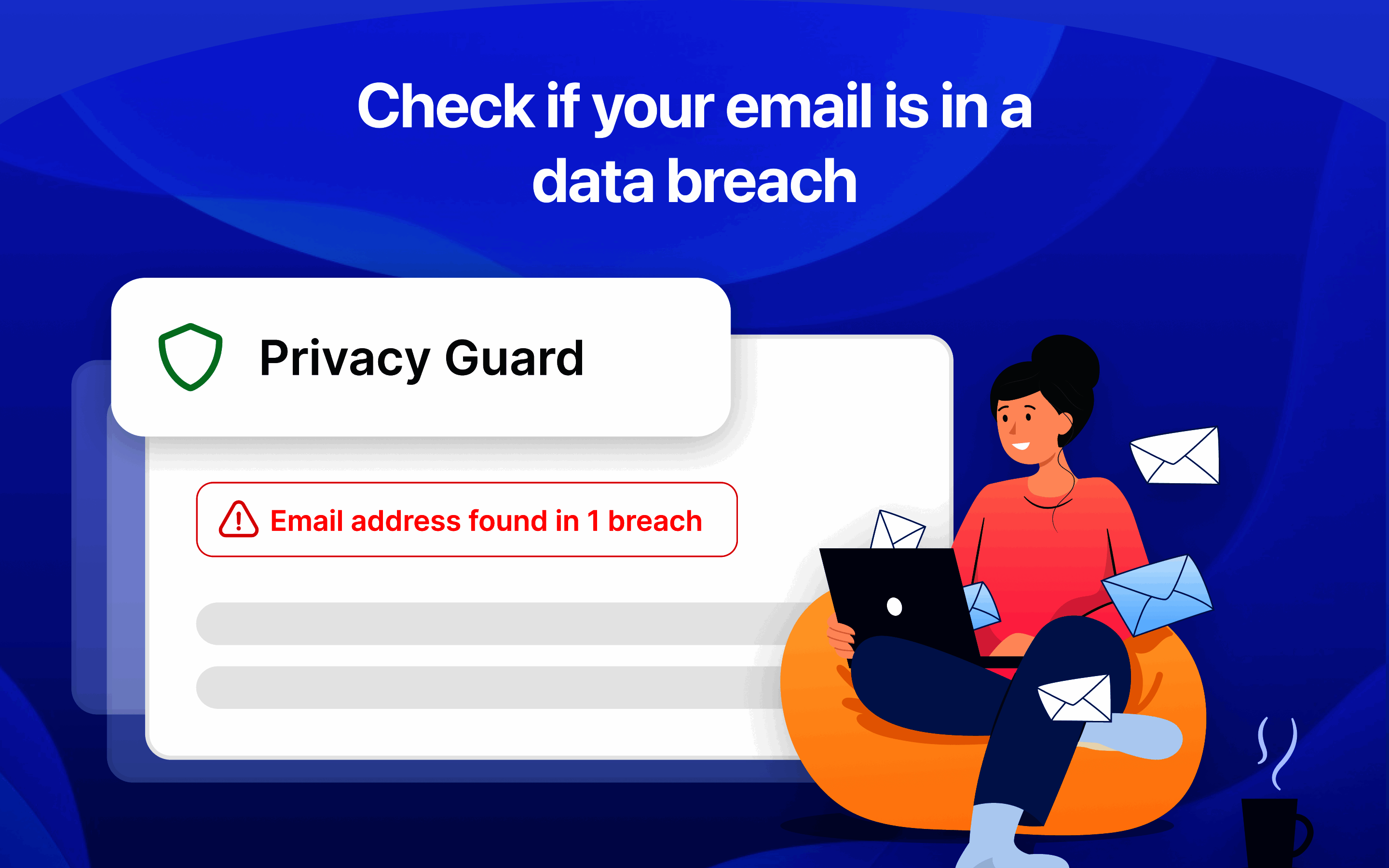
Description
Clean Email at a Glance
| Category | Inbox cleaner + Unsubscriber + Smart folder organizer + Privacy Monitor |
|---|---|
| Best for | Professionals and personal users drowning in newsletters, marketing email, and low-value automated messages |
| Deployment | Cloud service; web application; iOS and Android apps; no browser extension required |
| Providers | Gmail, Outlook.com, Microsoft 365, Yahoo Mail, AOL, iCloud (App-specific Passwords), IMAP, company email |
| Privacy model | Reads headers only, not message bodies; 45-day data retention max; no ads; no data selling |
| Core features | Auto Clean, Unsubscriber, Screener, Cleaning Suggestions, Privacy Monitor, Smart Folders |
| Coverage | Wall Street Journal, Mashable, Daring Fireball press mentions |
| Adoption | Used by 500+ universities and thousands of companies |
| Pricing model | Tiered by number of email accounts (1, 5, or 10 accounts) |
| HQ | Los Angeles, California, USA |
Clean Email Overview
Clean Email is a Los Angeles-headquartered inbox management application that helps users organize, unsubscribe from, and delete unwanted email to achieve inbox zero and maintain clean mailboxes across multiple email accounts. The service targets professionals and personal users drowning in newsletters, marketing email, notifications, and low-value automated messages that pile up in the inbox and hide the truly important correspondence beneath.
The privacy model is a core differentiator: Clean Email does not download full message bodies, only analyzes header metadata (sender, subject, date, size, category), retains user data for a maximum of 45 days, does not sell or analyze user data beyond the public feature set, and runs no advertising in the application. This posture matters for professionals handling sensitive or confidential correspondence where a header-only cleaner is acceptable but a full-body scanner is not.
Clean Email supports Gmail, Outlook.com, Microsoft 365, Yahoo Mail, AOL, iCloud (using App-specific Passwords for authentication), any IMAP-compatible service, and company email accounts. The service has coverage in Wall Street Journal, Mashable, and Daring Fireball, and is used by 500+ universities and thousands of companies. Core features include Auto Clean rules, Unsubscriber, Screener, Cleaning Suggestions, Privacy Monitor, and Smart Folders.
Capabilities and Named Features
Clean Email is built around bulk inbox cleanup with a privacy-preserving architecture: the service reads message headers (sender, subject, date, size, category) but not message bodies, retains user data for 45 days maximum, and runs no advertising. The Auto Clean rules automate recurring cleanup patterns (archive social notifications, delete daily summaries older than a week), the Unsubscriber sends unsubscribe requests on behalf of the user and blocks mailing lists that ignore them, the Screener filters incoming email based on user-defined criteria before it reaches the inbox, and Smart Folders group similar messages for batch actions like Old Emails or Emails from Social Networks. The privacy-first posture matches the user base of professionals handling confidential correspondence.
Named feature list
- Auto Clean rules for automatic recurring cleanup patterns applied to incoming and existing email
- Unsubscriber that sends unsubscribe requests on behalf of users and blocks mailing lists that ignore requests
- Screener for pre-inbox filtering based on user-defined criteria
- Cleaning Suggestions organizing email into smart folders like Old Emails, Emails from Social Networks, Emails from Mailing Lists
- Privacy Monitor for tracking privacy-related email activity and identifying suspicious sender patterns
- Smart Folders grouping similar messages for batch management actions
- Support for Gmail, Google Workspace, Outlook.com, Microsoft 365, Yahoo Mail, AOL, iCloud, IMAP, company email
- iCloud support using App-specific Passwords for authentication
- iOS and Android mobile applications alongside web application
- Header-only reading (no message body access) for privacy-first inbox management
- 45-day maximum data retention with automatic purge after retention window
- No advertising in the application; no user data selling or third-party analytics beyond public features
- Bulk actions (delete, archive, block sender, move to folder) across thousands of messages at once
- Undo actions for accidental bulk operations
- Custom rules engine for user-defined automation beyond the default Auto Clean templates
- Sender profile aggregation showing all messages from a specific sender for one-click bulk action
- Multi-account support on Multi tier subscriptions (5 or 10 accounts)
- Coverage in Wall Street Journal, Mashable, and Daring Fireball validating credibility
Pricing and Plans
Clean Email publishes tiered pricing based on the number of email accounts the user connects: 1 Account subscription for single-mailbox users, 5 Accounts subscription for professionals with work-plus-personal-plus-side-projects setups, and 10 Accounts subscription for power users or small teams managing multiple email addresses. Each tier has monthly and annual billing options with the annual price offering a discount versus monthly.
The account-based pricing model is unusual for the inbox cleaning category because it scales cost with how many mailboxes the user actually needs to clean rather than with a proxy metric like message volume. Solo professionals with a single Gmail account pay the entry price; multi-account professionals (Gmail personal plus Outlook work plus iCloud family plus IMAP freelance address) pay the multi-account tier without a per-mailbox surcharge.
Buyers should confirm the exact per-tier monthly and annual pricing at signup because Clean Email currency-localizes pricing based on the buyer country. The service offers a free trial period that lets users test the Auto Clean, Unsubscriber, and Screener features on their actual inbox before committing. Team and enterprise pricing for the 500+ universities and thousands of companies user base runs through direct sales conversations.
| Tier | Price | What is included |
|---|---|---|
| 1 Account | Tier pricing (monthly or annual) | Single mailbox with all core features including Auto Clean, Unsubscriber, Screener |
| 5 Accounts | Mid-tier pricing | Up to 5 mailboxes for work-plus-personal-plus-side-project setups |
| 10 Accounts | Full-tier pricing | Up to 10 mailboxes for power users or small teams managing multiple addresses |
| Free trial | Available at signup | Test Auto Clean, Unsubscriber, Screener on actual inbox before committing |
| Team and Enterprise | Custom quote | Volume pricing for 500+ university and enterprise deployments |
| Annual discount | Included in annual billing | Reduced per-month cost when billed annually versus monthly |
Pros
- Privacy-first architecture reads headers only, not message bodies, matching the expectations of professionals handling confidential correspondence
- No advertising, no user data selling, and 45-day maximum data retention give a stronger privacy posture than ad-supported free alternatives
- Auto Clean rules automate recurring cleanup patterns without requiring per-message user action
- Unsubscriber sends unsubscribe requests on behalf of users and blocks mailing lists that ignore them, which eliminates most recurring newsletter noise
- Screener filters incoming email pre-inbox based on user-defined criteria before it reaches the primary view
- Multi-provider support (Gmail, Outlook, Microsoft 365, Yahoo, AOL, iCloud, IMAP, company email) covers most professional and personal email setups
- Account-based pricing tiers (1, 5, or 10 accounts) scale cost with actual mailbox count rather than message volume proxy
- Coverage in Wall Street Journal, Mashable, and Daring Fireball plus use by 500+ universities and thousands of companies validate credibility
Cons and Trade-offs
- iCloud support requires App-specific Passwords rather than OAuth, which adds an authentication step for Apple ID users
- Not a mail client; users still open Gmail, Outlook, Apple Mail, or their preferred client for reading and replying
- Reddit r/gmail and r/apple_mail threads note that the initial cleanup pass on very old, very cluttered inboxes (100,000+ messages) can take several hours to catch up
- Unsubscriber cannot force senders to honor unsubscribe requests; it can only block mailing lists that ignore the request, which is not the same as removing the sender permanently at the source
- Screener works only on new incoming messages; existing inbox history requires separate Auto Clean or manual bulk action
- Advanced Auto Clean rules require configuration effort beyond the default templates; power users need to invest in rule setup for maximum value
- Corporate IT departments may require SOC 2 Type II or equivalent compliance documentation before permitting Clean Email mailbox integration; ask for the security package
- Team and Enterprise pricing is custom-quote rather than published for the 500+ university and enterprise customer base
Clean Email vs Alternatives
| Vendor | Best for | Providers supported | Privacy model | Notable strength |
|---|---|---|---|---|
| Clean Email | Professionals and personal users wanting inbox cleanup across multiple providers | Gmail, Outlook, Yahoo, AOL, iCloud, IMAP, company email | Reads headers only, 45-day retention, no ads, no data selling | Multi-provider inbox cleanup with strong privacy posture |
| SaneBox | Professionals wanting machine-learning inbox filtering | Gmail, Outlook, iCloud, Yahoo, IMAP | Reads headers only, enterprise-grade security | Machine-learning sender scoring with SaneLater plus SaneBlackHole |
| Unroll.Me | Personal users wanting bulk unsubscribe on Gmail and Yahoo | Gmail, Yahoo, Outlook | Historical data-sharing controversy resolved but privacy trade-off remains | Free bulk unsubscribe tool with rolled-up daily digest |
| Leave Me Alone | Personal users wanting privacy-first bulk unsubscribe | Gmail, Outlook, Yahoo, iCloud, IMAP | Privacy-first with no data selling and clear posture | Privacy-first unsubscribe tool at flat one-time pricing |
| Boomerang for Gmail | Gmail users wanting inbox pause and follow-up | Gmail primarily | Standard OAuth | Long-established Gmail productivity with inbox pause |
| Gmail native filtering | Gmail-only users wanting no-cost provider-native tools | Gmail only | Google privacy terms | Free provider-native filtering built into Gmail |
Who Should Choose Clean Email
Professionals with high email volume across Gmail, Outlook, iCloud, Yahoo, and IMAP mailboxes wanting inbox cleanup, bulk unsubscribe, and Auto Clean automation without changing mail client.
Privacy-focused users wanting a header-only inbox cleaner with no advertising, no data selling, and 45-day maximum data retention rather than a free ad-supported alternative.
Multi-account professionals (Gmail personal plus Outlook work plus iCloud family plus IMAP freelance) wanting multi-mailbox coverage at 5-account or 10-account tier pricing.
iCloud, Yahoo, AOL, and IMAP users who cannot get equivalent bulk cleanup and unsubscribe tools from Gmail Priority Inbox or Outlook Focused Inbox on their preferred provider.
University staff and student users at 500+ universities using Clean Email across departmental and personal Gmail and Outlook accounts.
Small business teams wanting inbox cleanup coverage across the team without a full enterprise deployment through the Team and Enterprise custom-quote tier.
Named Alternatives to Clean Email
- SaneBox. Machine-learning inbox filtering across Gmail, Outlook, iCloud, Yahoo, IMAP
- Unroll.Me. Free bulk unsubscribe tool with rolled-up daily digest
- Leave Me Alone. Privacy-first bulk unsubscribe at flat one-time pricing
- Boomerang for Gmail. Long-established Gmail productivity with inbox pause and follow-up
- Gmail native filtering. Free provider-native filtering built into Gmail
- Outlook Focused Inbox. Free provider-native filtering built into Outlook
- Superhuman. Executive Gmail and Outlook client with keyboard workflow
- Mailstrom. Web-based inbox cleaner across Gmail, Outlook, IMAP
Implementation and Deployment
Individual signup takes 5 to 10 minutes: create an account, connect the first mailbox via OAuth (Gmail, Microsoft 365) or App-specific Password (iCloud) or IMAP settings, and start using.
Initial cleanup pass on a typical inbox (10,000 to 50,000 messages) takes 15 to 60 minutes as Clean Email indexes the mailbox and applies the initial Cleaning Suggestions.
Very old, very cluttered inbox cleanup (100,000+ messages) can take several hours to catch up during the initial indexing pass; users should let the process run overnight for the largest mailboxes.
Auto Clean rule configuration takes 15 to 45 minutes to set up recurring cleanup patterns beyond the default templates; power users invest more time here for maximum long-term value.
Multi-account setup on 5 Accounts or 10 Accounts tier takes 5 to 10 additional minutes per mailbox; each mailbox gets its own Auto Clean rules and Screener configuration.
Enterprise deployment (500+ university and enterprise custom-quote tier) runs 2 to 6 weeks depending on user provisioning approach, SSO configuration, and admin console setup.
What Real Buyers Say About Clean Email
A Reddit r/gmail thread from mid-2025 titled 'Clean Email vs SaneBox vs Unroll.Me for inbox zero' captured the recurring cleaner buyer trade-off: Clean Email wins on multi-provider coverage (Gmail plus Outlook plus iCloud plus Yahoo plus IMAP) with strong privacy posture; SaneBox wins on machine-learning sender scoring with SaneLater plus SaneBlackHole; Unroll.Me wins on free tier but has historical data-sharing controversy. Additional context: r/gmail threads on inbox cleanup, Clean Email on LinkedIn, r/apple_mail threads on iCloud mailbox tools.
LinkedIn posts by privacy-focused consultants highlight the header-only reading architecture plus 45-day maximum data retention plus no advertising as the reason to choose Clean Email over free ad-supported inbox cleaners that trade user data for the free service.
SoftwareAdvice and Product Hunt reviews consistently rank Clean Email in the top three inbox cleaning tools alongside SaneBox and Unroll.Me, with the strongest positioning for professionals wanting multi-provider coverage with privacy-first architecture.
Reddit r/apple_mail and r/gmail threads warn buyers that iCloud support requires App-specific Passwords rather than OAuth, which adds an authentication step for Apple ID users; users should generate the App-specific Password from appleid.apple.com before starting the Clean Email onboarding flow.
Vendor references: Clean Email product overview and privacy model, Clean Email core feature explanations, Clean Email security posture and 45-day retention.
The Bottom Line on Clean Email
Clean Email is the default short-list candidate for professionals and personal users wanting inbox cleanup, bulk unsubscribe, and Auto Clean automation across Gmail, Outlook.com, Microsoft 365, Yahoo, AOL, iCloud, and IMAP mailboxes with a strong privacy posture. The header-only reading architecture, 45-day maximum data retention, no advertising, and no data selling differentiate versus ad-supported free alternatives.
Multi-account professionals (Gmail personal plus Outlook work plus iCloud family plus IMAP freelance) benefit from the 5 Accounts and 10 Accounts tier pricing. 500+ universities and thousands of companies use Clean Email plus coverage in Wall Street Journal, Mashable, and Daring Fireball validate credibility.
Watch the iCloud authentication path: iCloud support requires App-specific Passwords rather than OAuth, so users must generate the password from appleid.apple.com before starting the Clean Email onboarding flow. Corporate buyers should request the SOC 2 Type II or equivalent compliance documentation before deploying across an organization.
Alternatives to shortlist alongside Clean Email: SaneBox for machine-learning sender scoring across Gmail plus Outlook plus iCloud, Unroll.Me for free bulk unsubscribe on Gmail and Yahoo, Leave Me Alone for privacy-first flat one-time pricing, Boomerang for Gmail productivity with inbox pause and follow-up, Gmail Priority Inbox for Gmail-native filtering at no cost, and Outlook Focused Inbox for Outlook-native filtering at no cost.
Verified on 2026-08-04 against vendor website.
Frequently Asked Questions
How much does Clean Email cost in 2026?
Which email providers does Clean Email support?
How does Clean Email protect privacy?
How does Clean Email compare to SaneBox, Unroll.Me, and Leave Me Alone?
What is the Unsubscriber feature?
Which features help with inbox zero?
How long does Clean Email setup take?
What are the biggest complaints about Clean Email?
Can Clean Email work for corporate mailboxes?
Does Clean Email have mobile apps?
Find Your Perfect Software
See how it can transform your workflow
- Personalized for your needs Tailored recommendations based on your unique requirements.
- Save time & resources Streamline your workflow and boost team productivity.
- Trusted by thousands Join 10,000+ businesses already growing with SaaSrat.
You're all set! 🎉
A specialist for will reach out within 1 business day with tailored recommendations for your needs.