
PayWindow
by ZPAY Payroll Systems Inc
What is PayWindow?
Get Best Quote for PayWindow
Connect with SaaSrat experts to get the best quote for your business.
You're all set!
A specialist for PayWindow will reach out within 1 business day.
PayWindow Features
Windows desktop payroll native application fast local operation
Federal and state tax calculations across all 50 US states annual tax updates
Direct deposit employee bank ACH files reduces paper checks
W-2 and 1099 reporting year-end IRS e-filing support
Multiple pay schedules weekly bi-weekly semi-monthly monthly multiple pay groups
Employee history and reports payroll history tax reports audit record-keeping
View All 8 Features
PayWindow Pricing Plans
PayWindow Annual License
- Windows desktop payroll software
- Federal and state tax calculations 50 states
- W-2 and 1099 reporting
- Annual tax updates included
- Industry-typical $70-200 per year
- Verified at zpay.com on 2026-07-04
Direct Deposit Add-On
- Employee direct deposit ACH files
- Bank ACH fees separate
- Priced by transaction volume
- Verified at zpay.com on 2026-07-04
W-2 Printing Services
- Year-end W-2 printing and mailing
- Optional add-on service
- Priced by employee count
- Verified at zpay.com on 2026-07-04
Multi-Company License
- Multiple company files for accountants and bookkeepers
- Volume pricing
- Priority support
- Verified at zpay.com on 2026-07-04
PayWindow Resources
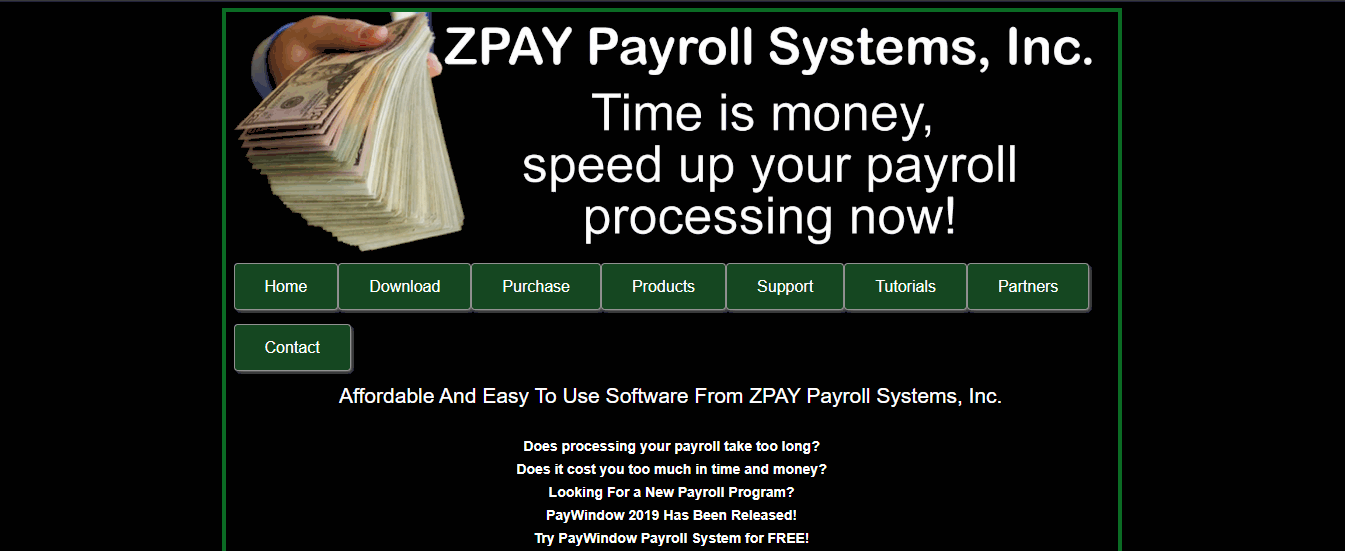
PayWindow Screenshots
Description
PayWindow at a Glance
| Best fit for | US small business employers, churches and nonprofits, small manufacturers, professional practices, family-owned businesses, employers wanting one-time software purchase rather than recurring subscription |
|---|---|
| Industries | Small business services, churches and religious organizations, nonprofits, small manufacturing, professional practices (dental, medical, legal), retail, hospitality |
| Core platform | Windows desktop payroll, Federal and state tax calculations, Direct deposit, W-2 and 1099 reporting, Multiple pay schedules, Employee history and reports, Annual license updates |
| Pricing model | Annual license fee; one-time software purchase with annual tax updates; no recurring subscription |
| Mobile apps | Windows desktop only; no mobile apps |
| Compliance | US federal and state payroll tax rules, IRS e-filing support, PCI DSS via payment processors |
| Named customers | US small businesses, churches, nonprofits, and small manufacturers across US markets |
| Parent company | ZPAY Payroll Systems |
| Headquarters | United States |
PayWindow Pros and Cons in 2026
Where PayWindow Stands Out
One-time license instead of recurring subscription. US small businesses avoiding SaaS payroll subscription pay annual license fees for tax updates only. Fits how buyer-side small business teams evaluate payroll during procurement.
QuickBooks payroll alternative. Positioned as affordable QuickBooks payroll alternative for US employers wanting to avoid Intuit subscription pricing.
Federal and state tax calculations built in. Handles US payroll tax across all 50 states with annual tax update service.
Church and nonprofit friendly. Established base of churches and small nonprofits appreciating one-time software model over ongoing subscription.
Where PayWindow Falls Short
Windows desktop only. Not for cloud-first or Mac users. Requires Windows PC.
Feature depth below cloud payroll platforms. Gusto, ADP RUN, and OnPay have modern cloud UX, mobile apps, and integrated benefits.
No mobile app. Not for teams wanting mobile payroll approvals or employee mobile access.
Brand recognition below tier-1 US payroll. Procurement teams often need vendor education on ZPAY heritage.
Who Should Use PayWindow?
PayWindow is the right pick for US small business employers, churches and nonprofits, small manufacturers, professional practices, family-owned businesses, and employers wanting one-time software purchase rather than recurring subscription. In the payroll software category, PayWindow is the affordable Windows desktop US payroll option.
It is the wrong fit for cloud-first businesses (Gusto, ADP RUN, OnPay fit better), teams needing mobile app access (all cloud alternatives), Mac users (cloud alternatives), and full HRIS with recruiting/performance (Gusto, Rippling, BambooHR). Buyers should also compare Gusto, ADP RUN, OnPay, Patriot Software, and QuickBooks Desktop Payroll.
PayWindow Product Suite in 2026
Windows Desktop Payroll
Native Windows application for payroll processing. Fast local operation without dependency on cloud connectivity. Fits how buyer-side small US employers evaluate desktop payroll during procurement.
Federal and State Tax Calculations
Federal income tax, Social Security, Medicare, and state income tax calculations across all 50 US states. Annual tax updates included with license renewal.
Direct Deposit
Employee direct deposit through supported bank ACH files. Reduces paper check handling for small employers.
W-2 and 1099 Reporting
Year-end W-2 for employees and 1099 for contractors. IRS e-filing support where applicable.
Multiple Pay Schedules
Weekly, bi-weekly, semi-monthly, and monthly pay schedules. Multiple pay groups in one company file.
Employee History and Reports
Employee payroll history, tax reports, and general payroll reports for audit and record-keeping.
Types of Businesses Served
Small business (1-10 employees): Family-owned businesses, professional practices, church treasurers, and small nonprofits get the strongest value. Annual license plus tax updates fits budgets that push back on monthly SaaS pricing.
Mid-size business (11-50 employees): Small manufacturers, retail, and multi-department services with hourly workforce. Multi-company files support bookkeepers and accountants running payroll for several small entities.
Nonprofits and churches: Church treasurers and small nonprofit finance staff appreciate the one-time software model that avoids recurring SaaS renewal debates each budget cycle.
Not for: Enterprise employers over 100 headcount, mobile-first workforces, Mac-only shops, or teams needing integrated benefits and HRIS. Those buyers should look at cloud alternatives.
How Much Does PayWindow Cost in 2026?
PayWindow uses annual license fee. Industry-typical desktop US payroll software runs $70 to $200 per year for annual license including tax updates. One-time purchase model appeals to small businesses avoiding SaaS subscription pricing. Contact ZPAY for pricing based on employee count and features.
What Drives the Cost
- Employee count: License tiers by employee count.
- Annual license renewal: Required for tax updates each year.
- Direct deposit fees: Bank ACH fees priced separately.
- Additional add-ons: W-2 printing services, e-filing fees separate.
How to Get a Useful Quote
Self-serve purchase at zpay.com. Larger deployments contact ZPAY sales. Benchmark against Gusto, ADP RUN, OnPay, Patriot Software, and QuickBooks Desktop Payroll before committing.
Hidden Costs and Contract Gotchas to Watch For
- Annual tax update required. License renewal each year for current tax rates.
- Windows-only limits device choice. Not for Mac or Chromebook users.
- No mobile access. Payroll runs on Windows desktop only.
- Direct deposit ACH fees. Bank fees for ACH direct deposit priced separately.
- W-2 printing services. Year-end W-2 mailing services may be add-on.
PayWindow Alternatives Worth Comparing
Gusto wins on category-leading US small business cloud payroll with modern UX, mobile apps, and integrated benefits. Direct competitor. Buyer-side teams should shortlist this alternative during evaluation and compare on real customer references, not marketing copy.
ADP RUN wins on US small business payroll with strong compliance and support.
OnPay wins on simple flat-rate US small business payroll.
Patriot Software wins on affordable US small business payroll with strong customer service.
QuickBooks Desktop Payroll wins on QuickBooks Desktop integration for existing users. Direct competitor.
Hourly wins on bundled payroll plus workers comp for hourly workforces.
Additional buyer-relevant reference points on SaaSRat include Gusto, Hourly, Rippling, HivePayroll, payroll software category. Comparing these gives a clearer read on where each option lands on price, feature depth, and vendor maturity in 2026.
What Real Buyers Report About PayWindow
US small business owners, church administrators, and nonprofit treasurers on Reddit r/smallbusiness and nonprofit tech LinkedIn showcase consistently call out three patterns. One-time annual license appeals to small businesses avoiding recurring SaaS subscription pricing. Federal and state tax calculations across 50 states meet US small employer compliance needs. Church and nonprofit budget-conscious buyers value affordable Windows desktop model. Buyer threads on Reddit and product-focused LinkedIn showcase pages repeat these signals through 2025-2026.
The common critiques cluster around three points. Windows-only limits device choice for Mac and Chromebook users. No mobile access limits modern payroll workflows. Feature depth below cloud payroll platforms for teams wanting integrated benefits and HRIS. For US small business employers wanting affordable Windows desktop payroll, PayWindow consistently ranks as a functional QuickBooks payroll alternative.
Bottom Line: Is PayWindow Right for You?
PayWindow is the right call for US small business employers, churches and nonprofits, small manufacturers, professional practices, family-owned businesses, and employers wanting one-time software purchase rather than recurring subscription. Windows desktop payroll plus annual license plus 50-state tax calculations is a durable moat for subscription-averse small US employers.
For category-leading US small business cloud payroll, Gusto fits. For US small business payroll with strong compliance and support, ADP RUN is the alternative. For simple flat-rate US small business payroll, OnPay is competitive.
Verified on 2026-07-04 by the SaaSRat Editorial Team. Vendor facts cross-checked against zpay.com (product pages, features, headquarters), US small business and nonprofit community threads on Reddit and LinkedIn, and current 2025-2026 press cycles. About our methodology.
Frequently Asked Questions
What is PayWindow used for?
How much does PayWindow cost?
Is PayWindow free?
Is PayWindow better than QuickBooks Payroll?
Does PayWindow work on Mac?
Does PayWindow support direct deposit?
Does PayWindow generate W-2 forms?
Where is ZPAY headquartered?
Does PayWindow have a mobile app?
What support does ZPAY offer?
Find Your Perfect Software
See how it can transform your workflow
- Personalized for your needs Tailored recommendations based on your unique requirements.
- Save time & resources Streamline your workflow and boost team productivity.
- Trusted by thousands Join 10,000+ businesses already growing with SaaSrat.
You're all set! 🎉
A specialist for will reach out within 1 business day with tailored recommendations for your needs.