

Payroll4Free
by Payroll4Free.com
What is Payroll4Free?
Get Best Quote for Payroll4Free
Connect with SaaSrat experts to get the best quote for your business.
You're all set!
A specialist for Payroll4Free will reach out within 1 business day.
Payroll4Free Features
Free for businesses with 9 employees or fewer
Payroll calculation and tax withholding
W-2 1099 form generation
Basic payroll reports
Print check support
Tax payment and filing service ($25/month add-on)
View All 12 Features
Payroll4Free Pricing Plans
Core Payroll (Free, 9 employees or fewer)
- Free permanent for businesses with 9 employees or fewer
- Payroll calculation and tax withholding
- W-2 and 1099 form generation
- Basic payroll reports
- Print check support
- No long-term contract no hidden fees
Tax Payment and Filing Service
- $25/month add-on
- Automated federal and state tax payment
- Automated tax filing for federal and state
- Required compliance maintained
- Bundle with direct deposit for $30/month total
Direct Deposit (Payroll4Free Bank)
- $25/month add-on
- Direct deposit using Payroll4Free's bank account
- Employee bank transfers automated
- Bundle with tax service for $30/month total
- No setup fee
Both Tax Service and Direct Deposit (Bundle)
- $30/month combined
- Tax Payment and Filing Service plus Direct Deposit together
- Bundle discount vs $50/month if billed separately
- Most broad automated payroll for micro-businesses
Per-Payroll-Run Fees (11-75 employees)
- $10 per payroll batch for 11-24 employees
- $35 per payroll run for 26-50 employees
- $70 per payroll run for 51-75 employees
- Pay only for runs you process
- Free for 9-or-fewer employees still applies
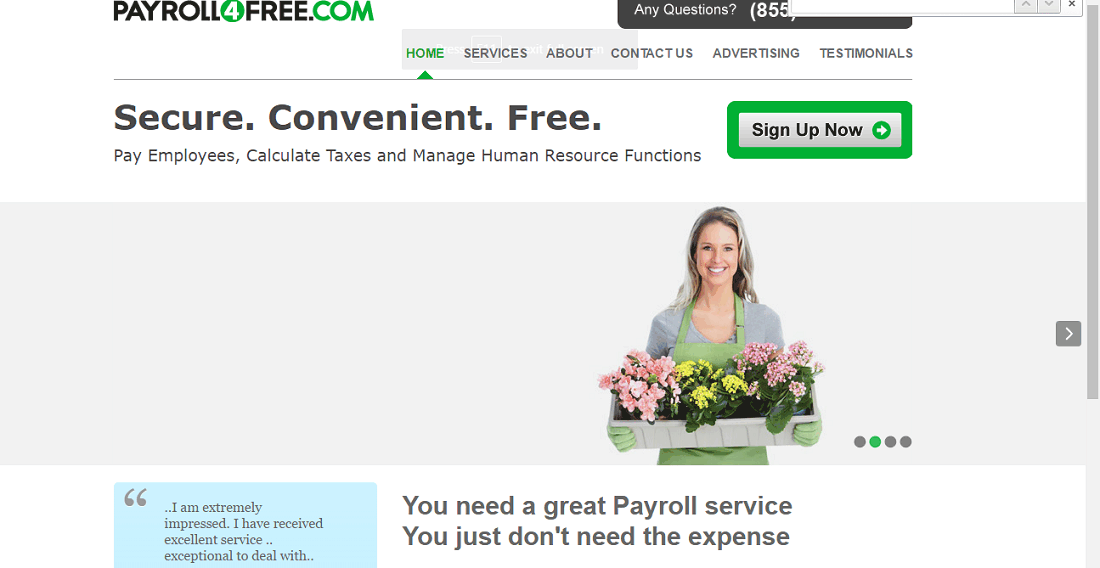
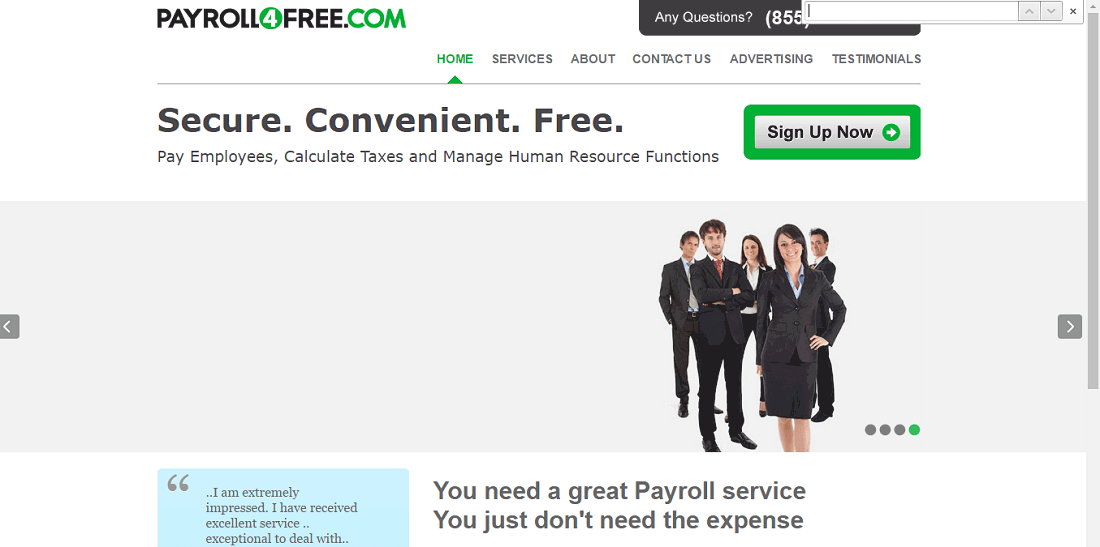
Payroll4Free Screenshots
Description
Who Payroll4Free Is Right For
Payroll4Free suits ultra-small US businesses, sole proprietors, micro-employers, family businesses, side-business operators, churches, non-profits, and household employers that want a permanently free payroll calculator with W-2, 1099, and basic tax reports for 9 or fewer employees.
The ideal buyer runs simple monthly or bi-weekly payroll without complex benefits administration, time tracking, or HR features. Core flow covers gross-to-net calculation, federal and state tax withholding, check printing, and year-end W-2 and 1099 generation.
It is overkill for solo founders with no employees (skip payroll software entirely) and underbuilt-by-comparison for SMB needs with benefits administration, PTO management, time tracking, or HRIS at Gusto, OnPay, or Wave Payroll scale.
Payroll4Free vs Wave Payroll, Gusto, and Patriot Software
Wave Payroll wins on integration with Wave free accounting plus broader 50-state automated tax filing. Gusto wins on broader HR features (benefits, PTO, performance, hiring tools). Patriot Software wins on ultra-low-cost simple payroll with US 50-state support.
Payroll4Free wins on permanently free pricing for 9-employee-or-fewer businesses, no monthly subscription on core payroll calculation, and add-on flexibility (tax service $25/month, direct deposit $25/month, both $30/month) for businesses wanting automated filing without commitment.
Payroll4Free 2026 Pricing
| Item | Pricing | What's Included |
|---|---|---|
| Core Payroll (Free, 9 employees or fewer) | $0/month | Payroll calculation, tax withholding, W-2/1099 generation, basic reports, print check support |
| Tax Payment and Filing Service | $25/month add-on | Automated federal and state tax payment and filing service |
| Direct Deposit (Payroll4Free bank) | $25/month add-on | Direct deposit using Payroll4Free's bank account |
| Both Tax Service and Direct Deposit Together | $30/month combined | Bundle discount when paying for both add-ons together |
| Per-Payroll-Run Fees (11-75 employees) | $10 to $70 per payroll batch | $10 for 11-24 employees, $35 for 26-50 employees, $70 for 51-75 employees |
Free for businesses with 9 or fewer employees. Per-payroll-run fees apply for businesses with 11-75 employees: $10 per payroll batch (11-24 employees), $35 per payroll run (26-50 employees), $70 per payroll run (51-75 employees). US-only (federal and state taxes); not available for international payroll.
Fees and Limits to Watch For
- 9-employee free threshold: free permanent for businesses with 9 or fewer employees.
- Per-payroll-run fees above 10 employees: $10 (11-24 employees), $35 (26-50 employees), $70 (51-75 employees) per payroll batch.
- Add-on bundle: tax service $25/month + direct deposit $25/month = $50/month, or both together for $30/month bundle.
- US-only: federal and state taxes supported; international payroll not available.
- No HR features: payroll only (no benefits, PTO, time tracking, or hiring tools).
Integrations
- Accounting: QuickBooks Online, QuickBooks Desktop, Sage 50 via CSV export and manual journal entry.
- Direct deposit: native via Payroll4Free's bank account ($25/month add-on) or your own bank.
- Tax filing: automated federal and state via Tax Payment and Filing Service ($25/month add-on).
- HRIS: limited; data export to standalone HR systems via CSV.
- API: limited public REST API; mostly file-based exports.
- Time tracking: not native; integrate with external time tracking via CSV import.
Security and Compliance Posture
Payroll4Free ships SSL/TLS encryption in transit, AES-256 at rest, role-based access control, US tax-compliance (federal and state), CAN-SPAM auto-compliance, opt-out auto-handling, two-factor authentication, audit logs, and US data hosting.
GDPR not applicable as Payroll4Free is US-only. SOC 2 attestation status not always publicly listed; small-business positioning rather than enterprise SaaS.
Customer Support and SLA
Email support for free and paid tiers. Knowledge base, video tutorials, and FAQ documentation.
Coral Springs-headquartered Payroll4Free with US support coverage during business hours. No phone support or formal SLA on the free tier.
Eligibility and Sign-up
Payroll4Free is available to US businesses only. Free for businesses with 9 employees or fewer.
Sign-up via email with no card required for free tier. Add-ons via credit card or invoice billing.
Mobile App and Customer Portal
Web admin fully responsive on desktop and tablets. No native mobile app from vendor. Employee self-service portal for pay stubs and tax documents.
Pros and Cons
- Pros: permanently free for businesses with 9 employees or fewer, no monthly subscription on core payroll, add-on flexibility (tax service $25/month, direct deposit $25/month, both $30/month), W-2 and 1099 generation included, US-based Coral Springs Florida vendor, no long-term contract, no hidden fees on core calculator, basic payroll reports and check printing included.
- Cons: US-only (federal and state taxes; no international payroll), no HR features (no benefits, PTO, time tracking, or hiring tools), per-payroll-run fees for 11-75 employees, no native mobile app, no native QuickBooks integration (CSV export only), SOC 2 attestation status not publicly listed, no phone support or formal SLA on free tier.
2026 Updates
The 2026 roadmap continued permanently free pricing for 9-employee-or-fewer businesses, refreshed tax payment and filing service add-on ($25/month), maintained direct deposit add-on ($25/month) using Payroll4Free's bank account, and offered both add-ons bundled at $30/month.
What Real Buyers Say
Micro-business owners and family operators on the r/smallbusiness subreddit describe Payroll4Free as the credible free payroll choice when the buyer has 9 or fewer employees and wants W-2 plus 1099 plus basic tax reports without monthly subscription.
Praised: zero monthly cost and W-2/1099 generation. Friction: 9-employee free threshold and add-on costs for tax filing and direct deposit.
Payroll4Free Alternatives
| Product | Best Fit | Starting Price |
|---|---|---|
| Wave Payroll | Wave free accounting users | US $40 base + $6/employee/month |
| Gusto | SMB payroll plus benefits and HR | Simple $40 base + $6/employee/month |
| Patriot Software | Ultra-low-cost simple payroll | Basic $17 base + $4/employee/month |
| OnPay | SMB payroll plus light HR | $40 base + $6/employee/month |
| QuickBooks Payroll | QuickBooks Online integrated payroll | Core $50 base + $6/employee/month |
Field Guide
| Vendor | Payroll4Free.com |
| Headquarters | Coral Springs, Florida, United States |
| Geography | United States only |
| Free threshold | 9 employees or fewer |
| Add-ons | Tax service $25/month, Direct deposit $25/month, Both $30/month bundle |
| Per-payroll-run fees | $10 (11-24 emp), $35 (26-50 emp), $70 (51-75 emp) |
How to Get Started With Payroll4Free
- Open the official Payroll4Free website and sign up for the free plan via email.
- Enter your business federal tax ID (EIN), state tax ID, and employee details.
- Run your first payroll calculating gross-to-net, federal and state tax withholding.
- Print checks or add direct deposit ($25/month) if you want automated bank transfer.
- Optionally add Tax Payment and Filing Service ($25/month) or bundle both add-ons together ($30/month) for automated tax filing.
How to Cancel or Pause
Free plan has no commitment to cancel. Add-ons cancel at next billing cycle. Per-payroll-run fees billed as used. Data export covers employee, payroll, and tax records.
Eligibility Checklist
- You are a US business, sole proprietor, micro-employer, family business, church, non-profit, or household employer.
- You have 9 or fewer employees (or 11-75 with per-payroll-run fees).
- You run simple monthly or bi-weekly payroll without complex HR needs.
- You want a permanently free payroll calculator with W-2 and 1099 generation.
- You do not need international payroll or HR features (benefits, PTO, time tracking, hiring tools).
Pricing FAQ
- What does Payroll4Free cost? Free permanent for US businesses with 9 employees or fewer. Add-ons: Tax Payment and Filing Service at $25/month, Direct Deposit using Payroll4Free's bank at $25/month, both together at $30/month bundle. Per-payroll-run fees apply for 11-75 employees: $10 (11-24), $35 (26-50), $70 (51-75).
- Is there a free trial? No trial needed; the free plan is permanent for businesses with 9 or fewer employees.
- Does Payroll4Free support direct deposit? Yes, via $25/month add-on using Payroll4Free's bank account.
- Does it file taxes automatically? Via the Tax Payment and Filing Service add-on at $25/month, federal and state taxes are paid and filed automatically.
Bottom Line
Payroll4Free is a credible 2026 shortlist option for ultra-small US businesses, sole proprietors, micro-employers, family businesses, side-business operators, churches, non-profits, and household employers that want a permanently free payroll calculator with W-2, 1099, and basic tax reports for 9 or fewer employees.
Highlights: Coral Springs-built Payroll4Free with US-only support. Permanently free pricing for businesses with 9 employees or fewer. Add-on flexibility for automation (Tax Service $25/month, Direct Deposit $25/month, both together $30/month). W-2 and 1099 generation included.
Pricing: Core payroll free permanent for 9-or-fewer employees. Per-payroll-run fees for 11-75 employees: $10 (11-24), $35 (26-50), $70 (51-75) per payroll batch. Add-ons: $25/month tax service, $25/month direct deposit, $30/month bundle. No long-term contract.
Trade-offs: US-only (federal and state taxes; no international payroll). No HR features (no benefits, PTO, time tracking, or hiring tools). Per-payroll-run fees for 11-75 employees. No native mobile app. No native QuickBooks integration (CSV export only). SOC 2 attestation status not publicly listed. No phone support or formal SLA on free tier.
Shortlist alternatives: Wave Payroll for Wave free accounting users, Gusto for SMB payroll plus benefits and HR, Patriot Software for ultra-low-cost simple payroll, OnPay for SMB payroll plus light HR, and QuickBooks Payroll for QuickBooks Online integrated payroll. For broader market context, see the related SaaSRat blog guide.
Verified on 2026-06-27. Vendor information verified from the official Payroll4Free website.
Frequently Asked Questions
Is there a free plan or free trial for Payroll4free?
How much does Payroll4free cost?
What does Payroll4free integrate with?
Who is Payroll4free best for?
What are the best alternatives to Payroll4free?
Is Payroll4free GDPR / SOC 2 compliant?
Does Payroll4free have a mobile app?
What do real users say about Payroll4free?
How does Payroll4free compare to its top competitor?
Does Payroll4free offer customer support?
Find Your Perfect Software
See how it can transform your workflow
- Personalized for your needs Tailored recommendations based on your unique requirements.
- Save time & resources Streamline your workflow and boost team productivity.
- Trusted by thousands Join 10,000+ businesses already growing with SaaSrat.
You're all set! 🎉
A specialist for will reach out within 1 business day with tailored recommendations for your needs.