

Organyze 3.1
by Organyze Systems Pvt. Ltd
What is Organyze 3.1?
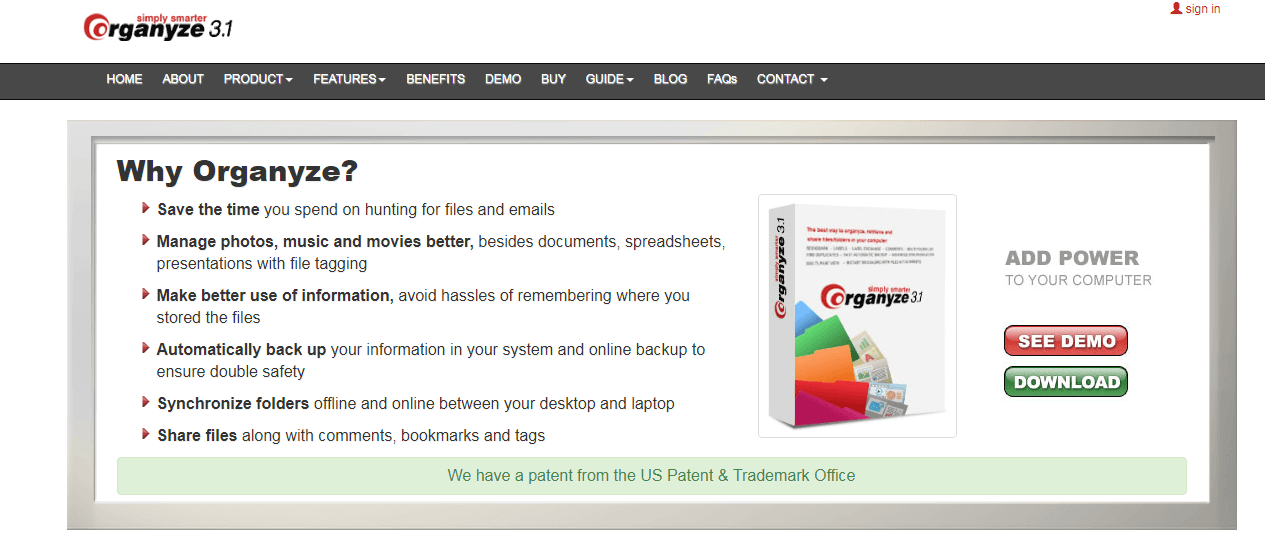
Organyze 3.1 is a desktop document and file organization tool for individuals and businesses. It helps users categorize, tag, and retrieve files and emails from their local storage with a structured organization system.
Get Best Quote for Organyze 3.1
Connect with SaaSrat experts to get the best quote for your business.
What's driving this search?
Help us understand your situation
Purchasing New
No current solution
Replacing Existing
Looking to switch
Step 1 of 5
Organization Size?
Select the range that applies
Step 2 of 5
Implementation Timeframe
When do you expect to implement?
Step 3 of 5
What's your role?
Select your title
Step 4 of 5
You're all set!
A specialist for Organyze 3.1 will reach out within 1 business day.
Organyze 3.1 Features
Document indexing
Full text search
Version control
Access control
Document tagging
Metadata management
View All 31 Features
Document scanning
Ocr (optical character recognition)
Email management
Workflow automation
Audit trail
Document sharing
Collaboration tools
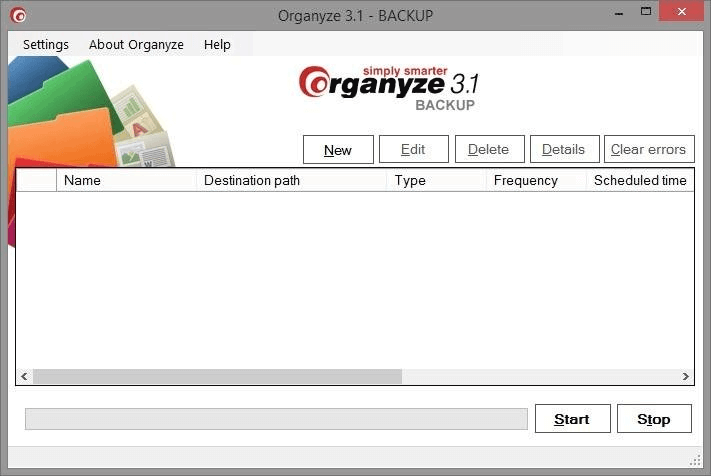
Backup and restore
Mobile access
Integration with other systems
Customizable templates
Alerts and notifications
User activity monitoring
Role based permissions
Search option
Messaging system
Application sharing
Applications management
Application security
Document storage
Workflow management
Document delivery
Dashboard
Knowledge base
Capture management
Organyze 3.1 Resources
Organyze 3.1 Screenshots
Frequently Asked Questions
Is there a free plan or free trial for Organyze 3.1?
Organyze 3.1 does not offer a free plan or free trial based on available information. Please visit http://www. organyze. com for the latest details.
How much does Organyze 3.1 cost?
Pricing details for Organyze 3.1 are not publicly available in our database. Check the official website at http://www. organyze. com for current pricing information.
What does Organyze 3.1 integrate with?
Organyze 3.1 integrates with tools like Microsoft Outlook, Google Workspace, Dropbox, OneDrive, Box, Slack, and Microsoft 365 for enhanced file and email management.
Who is Organyze 3.1 best for?
Organyze 3.1 is ideal for individuals, freelancers, small businesses, and teams in industries like legal, healthcare, and finance. It suits roles such as office managers, researchers, and knowledge workers who need efficient local file organization.
What are the best alternatives to Organyze 3.1?
Top alternatives include Evernote for cloud-based note-taking and cross-device sync, Dropbox for file sharing and collaboration, Box for enterprise security, OneNote for integrated Microsoft workflows, and TagSpaces for open-source local tagging.
Is Organyze 3.1 GDPR / SOC 2 compliant?
Compliance information not publicly confirmed.
Does Organyze 3.1 have a mobile app?
The availability of a mobile app for Organyze 3.1 is unknown. No app store ratings are available.
What do real users say about Organyze 3.1?
Users appreciate Organyze 3.1 for its robust tagging, quick search, and local file organization, calling it a lifesaver for cluttered desktops. Some mention it feels dated and lacks modern cloud features, but overall sentiment is positive for power users.
How does Organyze 3.1 compare to its top competitor?
Compared to Evernote, Organyze 3.1 excels in local desktop organization with advanced tagging and no subscription needed, while Evernote offers better cloud sync, mobile access, and collaboration but requires ongoing payments.
Does Organyze 3.1 offer customer support?
Organyze 3.1 provides customer support via email and an online knowledge base. Phone and live chat options are not available.
Software
Find Your Perfect Software
Answer a few quick questions to get matched
What's driving this search?
Help us understand your current situation
Purchasing New Software
No current solution in place
Replacing Existing Software
Looking to switch providers
Step 1 of 5
What is the size of your organization?
Select the range that best applies
Step 2 of 5
Implementation Timeframe
When do you expect to implement?
Step 3 of 5
What's your role?
Select the title that best describes you
Step 4 of 5
Almost there — let's connect you
Your details are kept private and never shared without consent
By signing up, you agree to our Terms & Privacy Policy
You're all set!
A specialist for will reach out within 1 business day with tailored recommendations for your needs.